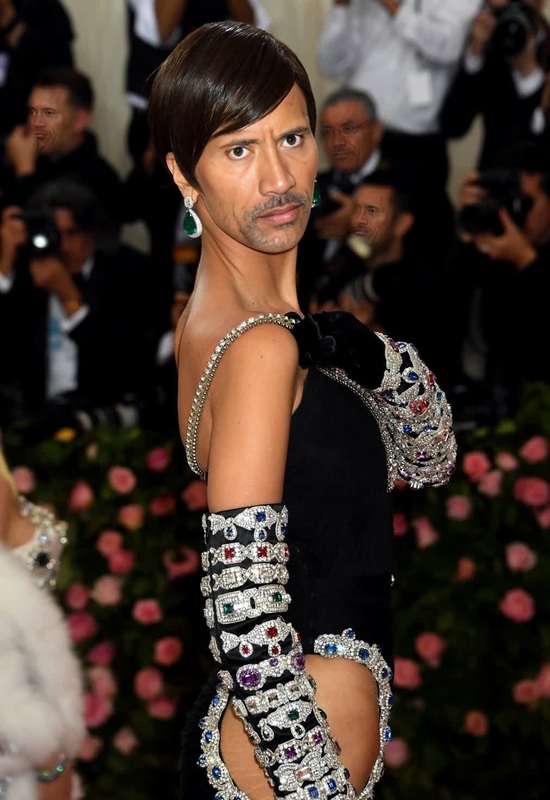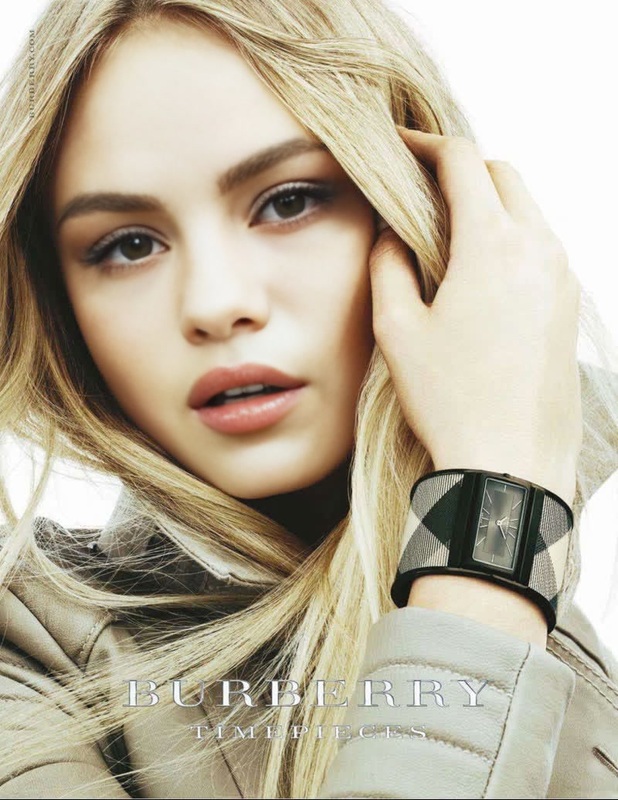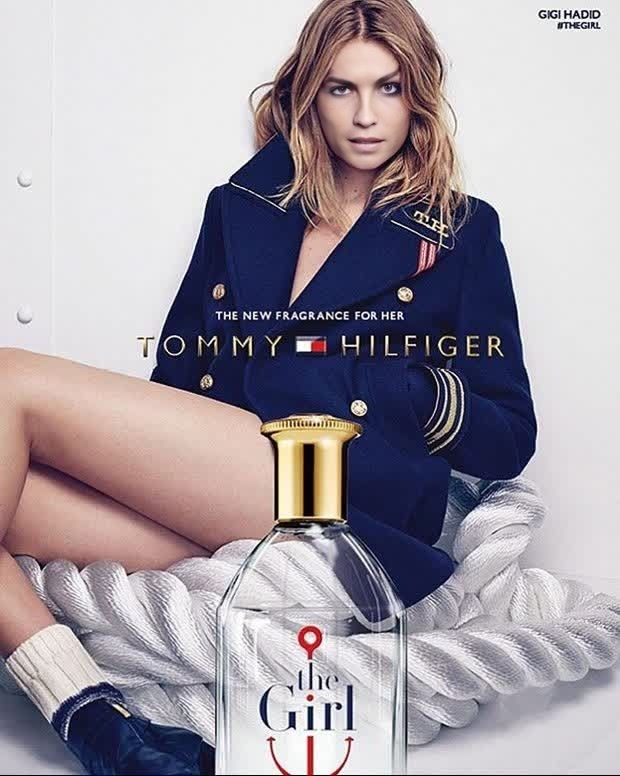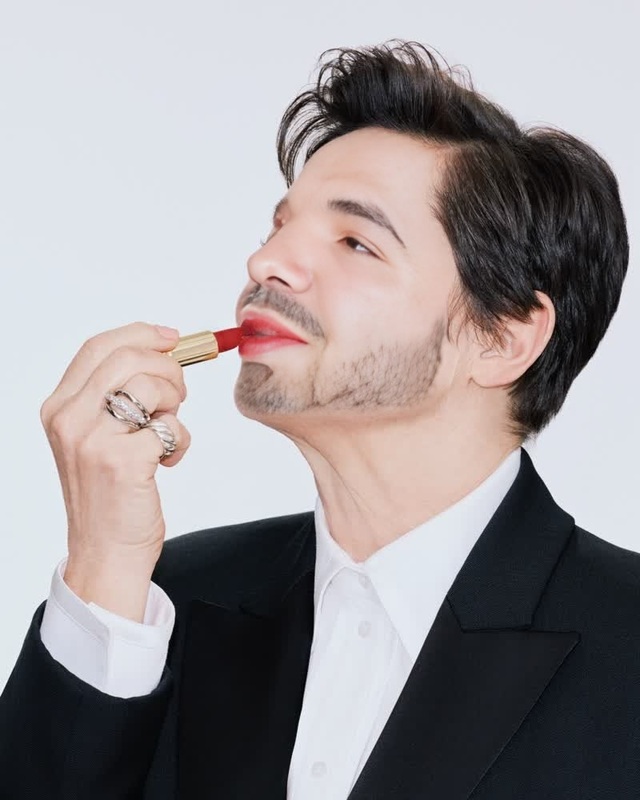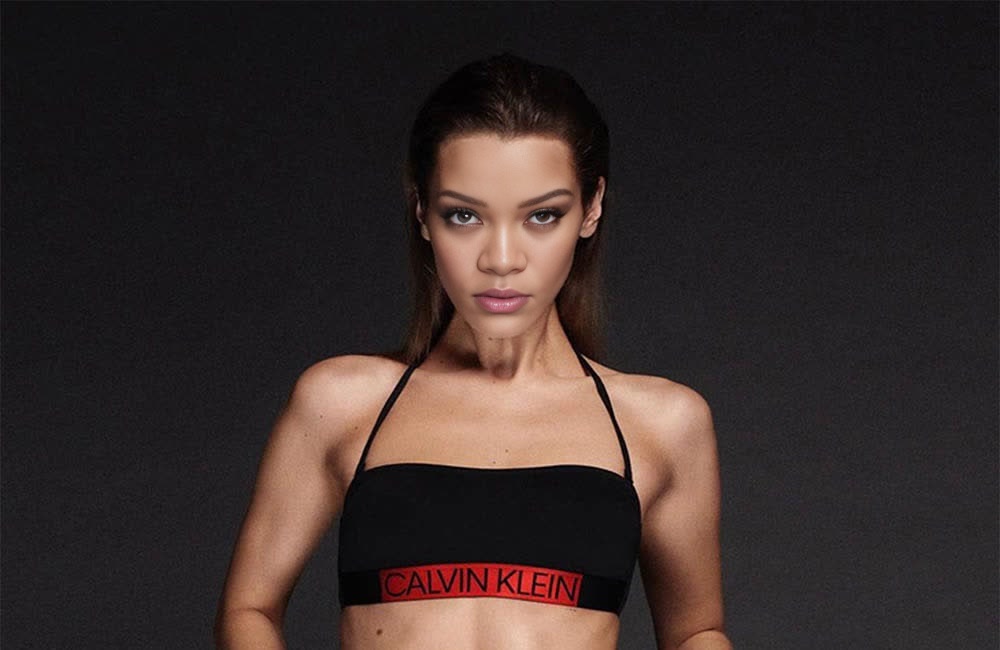
Bella Hadid Calvin Klein Campaign Portrait
- Image
- 1000 × 650 px
Any aspect ratio
Overview
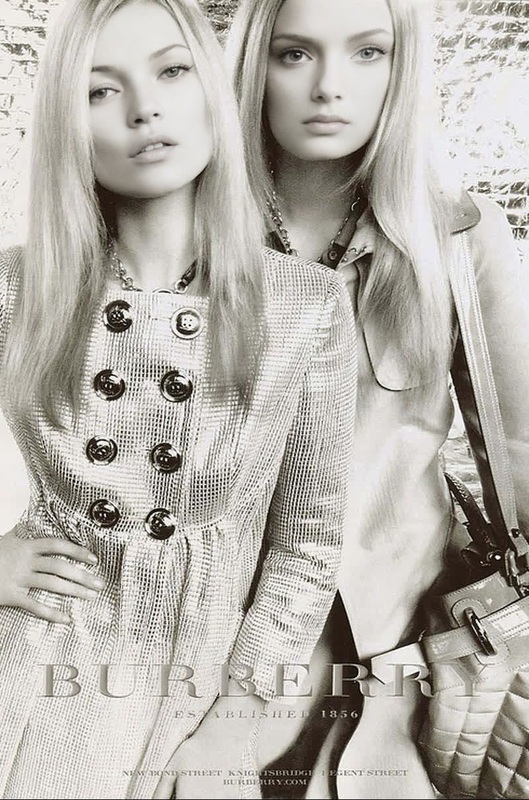
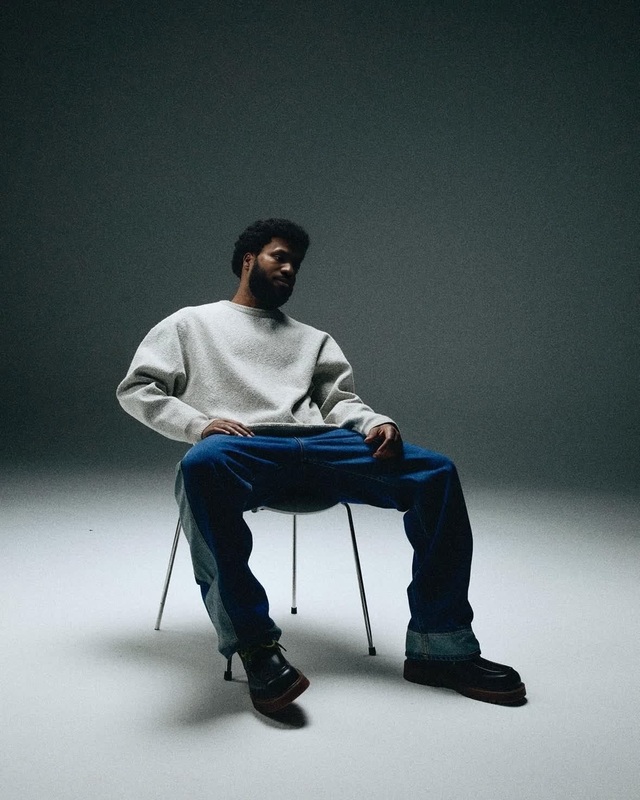
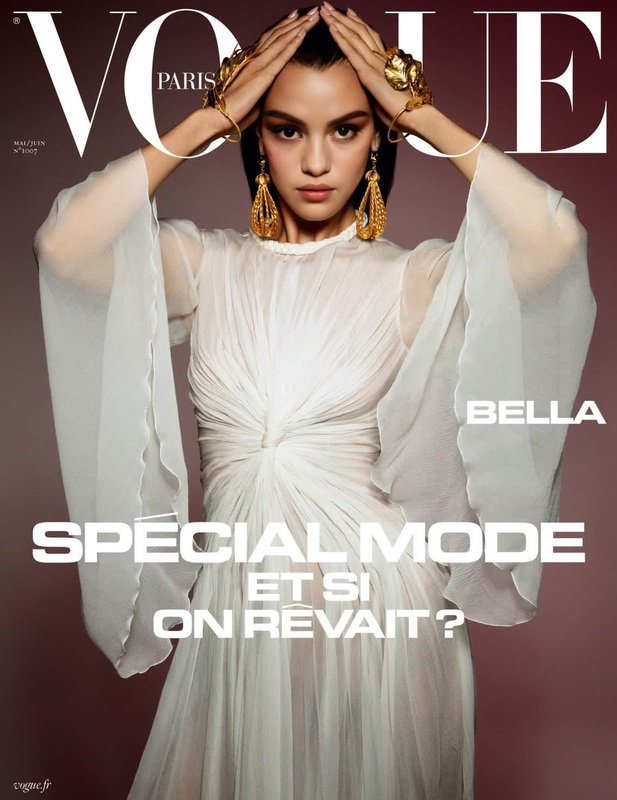
Our 'Bella Hadid Calvin Klein Campaign Portrait' Video Face Swap template offers an exciting opportunity to create captivating videos. With this tool, you can integrate Bella Hadid's imagery into your videos, giving them a high-fashion flair. Perfect for fashion enthusiasts or creators looking to experiment with celebrity likenesses in their projects.
What It Does
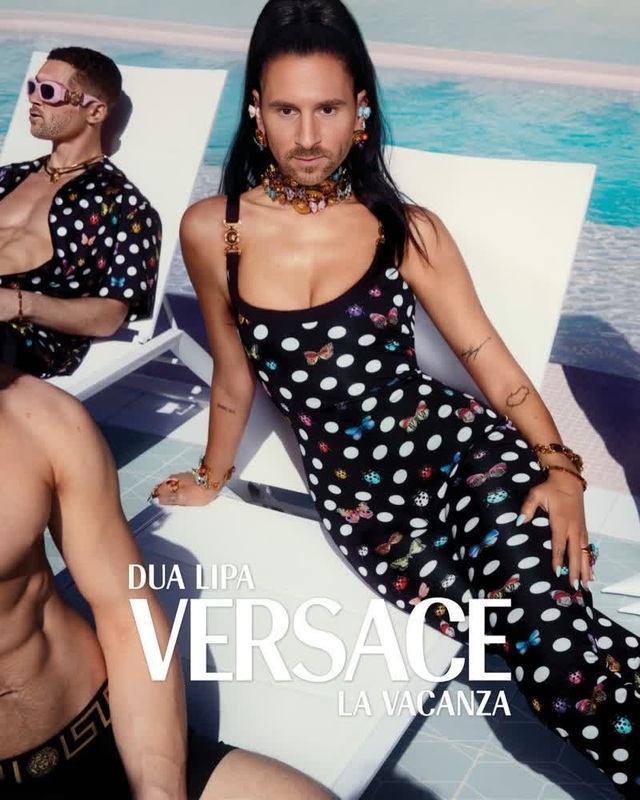
This template allows you to swap the face of a person in a video with that of Bella Hadid in a Calvin Klein campaign. It uses advanced AI models to ensure a natural and seamless integration. The integration adjusts lighting and expressions, preserving the authenticity of the video. For a comprehensive experience, explore our Video Face Swap product range.
Who It's For
This template is ideal for fashion content creators, branding experts, and digital marketers who want to add a celebrity touch to their campaigns. It's also a good fit for video enthusiasts looking to explore the possibilities of AI-driven transformations. Check out our Image to Video tools to further enhance your projects with dynamic imagery.
Summary
By utilizing this template, you can inject a touch of glamour into your videos with Bella Hadid's striking presence. Whether you're in fashion marketing or just a creator with a love for transformations, this face swap technique can add a creative edge to your content. To explore more editing options, visit our AI Image Editor suite.
How To
Choose the Template

Customize Your Inputs

Generate and Download

Use Cases
Fashion Campaigns
- Promote new clothing lines
- Expand brand visibility with celebrity imprints
- Create buzz around product launches
Social Media Content
- Create trending visuals for Instagram Reels
- Engage audiences with unique TikTok videos
- Boost social media ad performance
Digital Marketing
- Influence consumer behavior through celebrity association
- Innovate ad strategies with AI-driven creativity
Best Practices
Select High-Quality Videos
Ensure the base video is high-resolution for the best face swap result. This helps the AI model maintain detail and clarity.Align Lighting Conditions
Use videos where lighting matches the campaign's original photos to achieve natural-looking integration.Maintain Context Relevance
Choose video contexts relevant to fashion or the theme of the Calvin Klein campaign for coherent output.
Frequently asked questions
More Like This