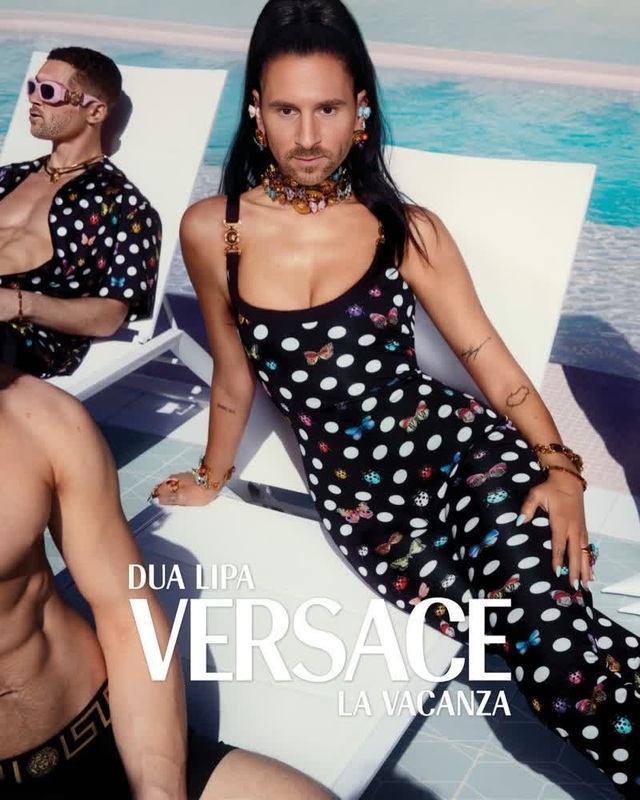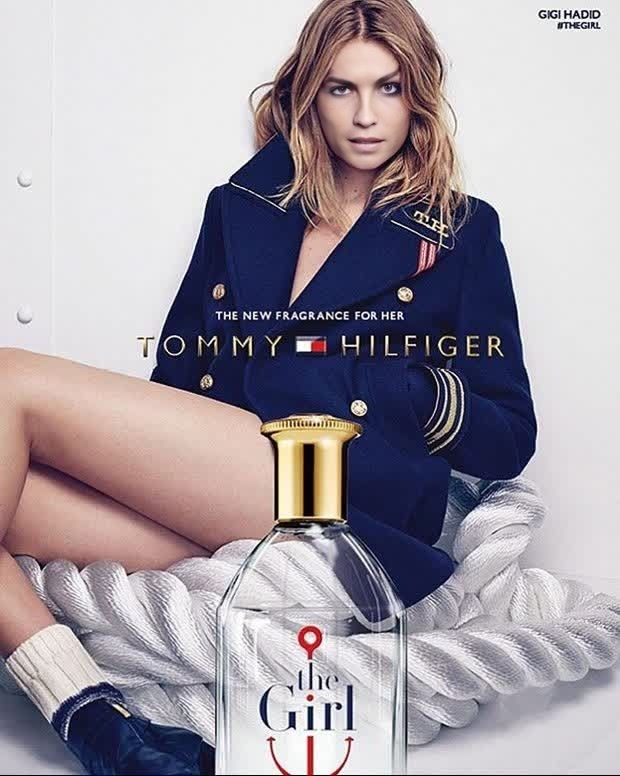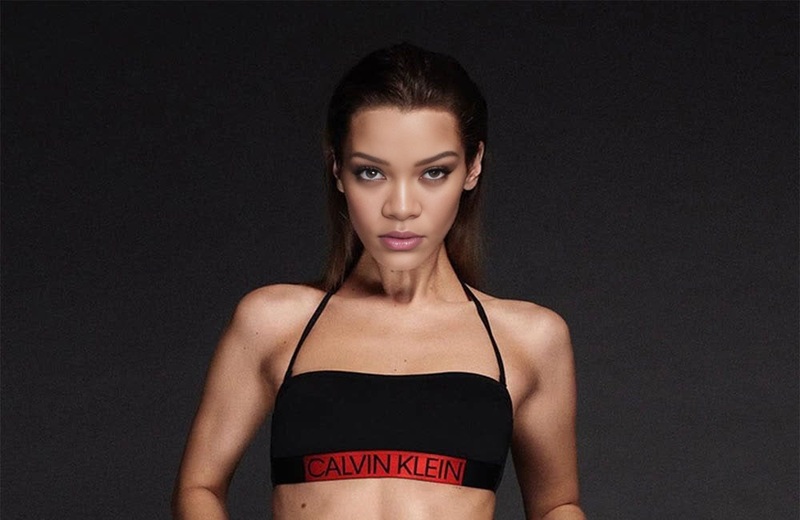
Alexa Chung Tommy Hilfiger Campaign Portrait
- Image
- 980 × 654 px
Any aspect ratio
Overview
The Alexa Chung Tommy Hilfiger Campaign Portrait template offers a sophisticated video face swap experience. This template integrates fashion flair with cutting-edge editing technology, allowing you to insert your likeness into iconic fashion campaigns. Perfect for both personal use and professional projects, it caters to a diverse set of creative needs.
What It Does
This template allows you to swap faces in video formats, bringing your creativity to life in the fashion realm. By combining your image with an Alexa Chung and Tommy Hilfiger video, you can create personalized content that captures the essence of high-fashion campaigns. The tool uses advanced algorithms to ensure seamless integration.
Explore related functionalities such as the Face Swap and AI Talking Photo for broader creative applications.
Who It's For
This template is ideal for fashion enthusiasts, marketers, and content creators who want to make a statement with custom video projects. Whether you're working on a digital lookbook, a marketing campaign, or simply exploring new aesthetic realms, this tool provides a robust foundation for your visual storytelling.
Summary
Use the Alexa Chung Tommy Hilfiger Campaign Portrait template to innovate and personalize video content, merging fashion with technology. Perfect for anyone aiming to make an impact in the digital fashion space, it leverages state-of-the-art video editing technology.
Additionally, discover how to leverage the AI Video Generator and the AI Image Editor to enhance your projects further.
How To
Choose the Template

Customize Your Inputs

Generate Your Video

Use Cases
Fashion Marketing Videos
- Digital YouTube ads
- Instagram campaigns
- Influencer partnerships
Personal Visual Storytelling
- Instagram Reels
- Facebook posts
- TikTok
Creative Projects and Portfolios
- Fashion portfolio projects
- Art installations
- Media studies assignments
Best Practices
Select High-Quality Images
Use clear, high-resolution images to ensure the face swap process yields the best results.Maintain Lighting Consistency
Select source images with similar lighting conditions to your video for a seamless swap.Experiment with Different Formats
Don't limit yourself to one type. Try swapping faces in GIFs or shorter clips for shareable content.