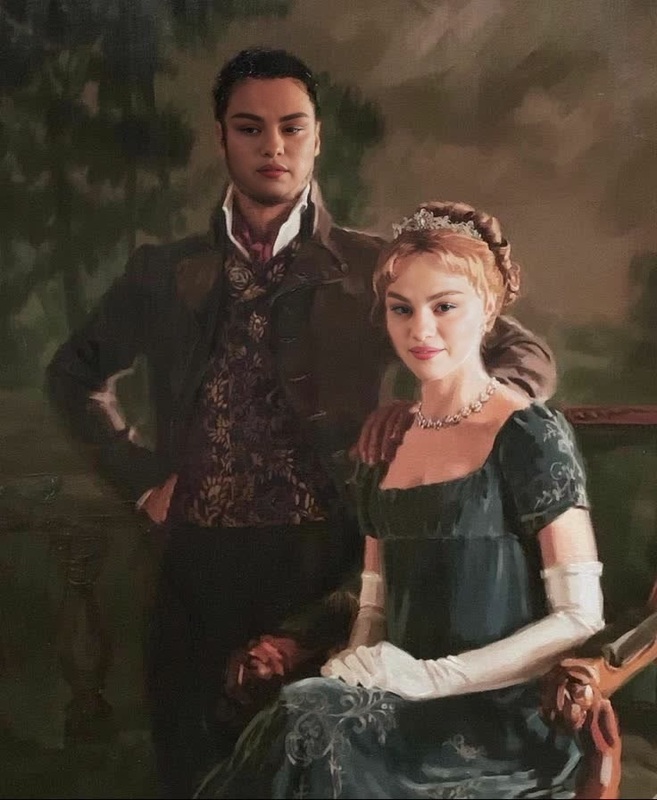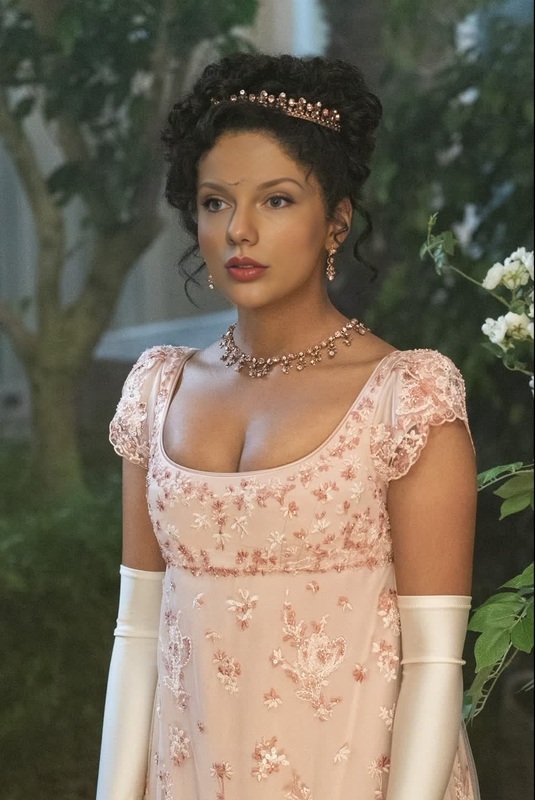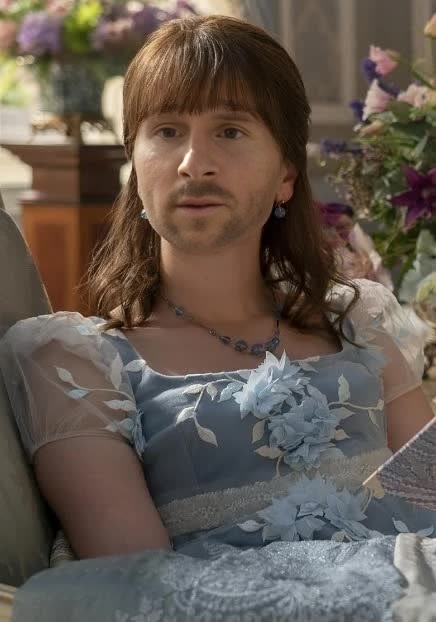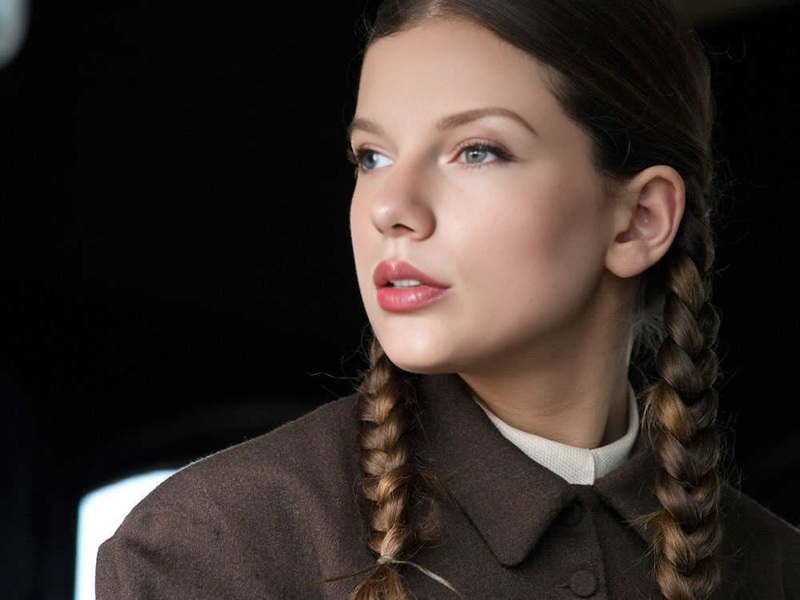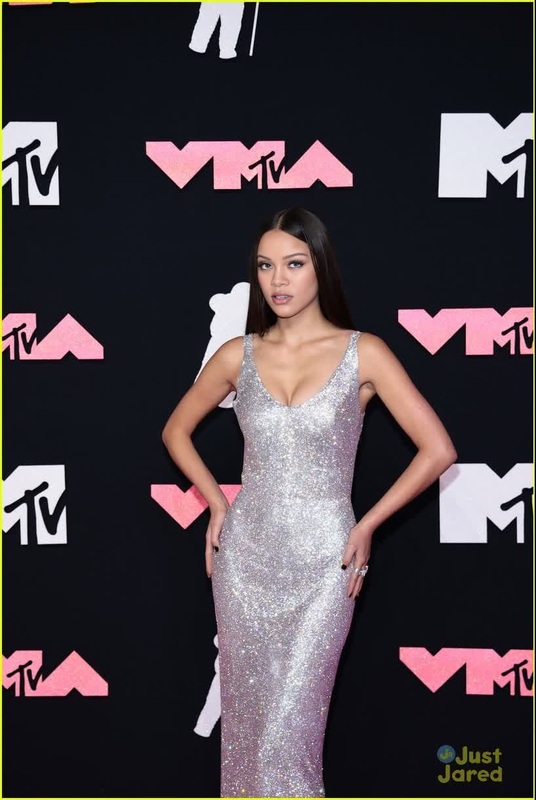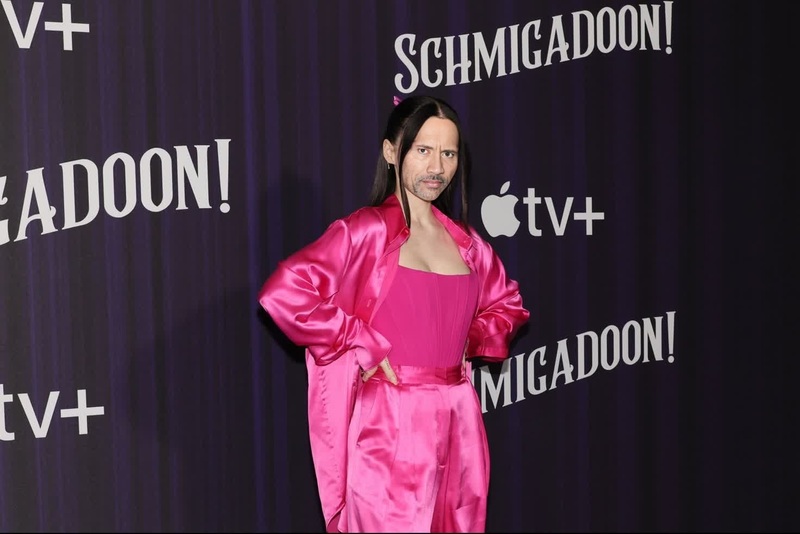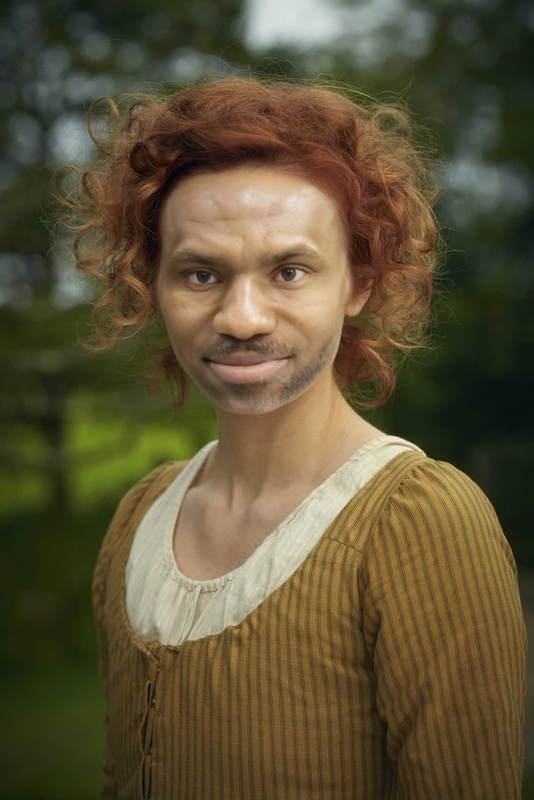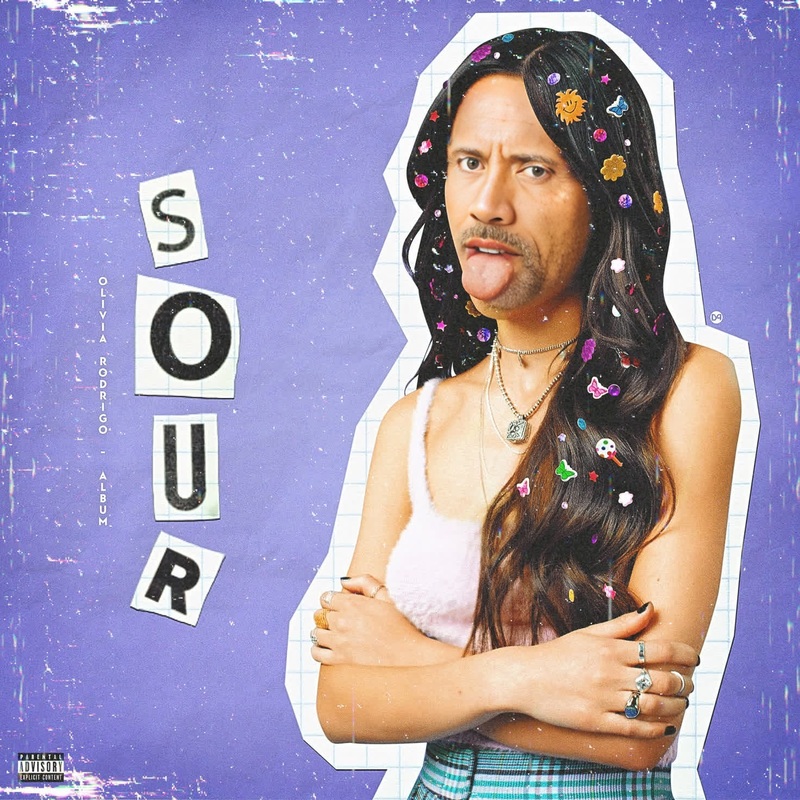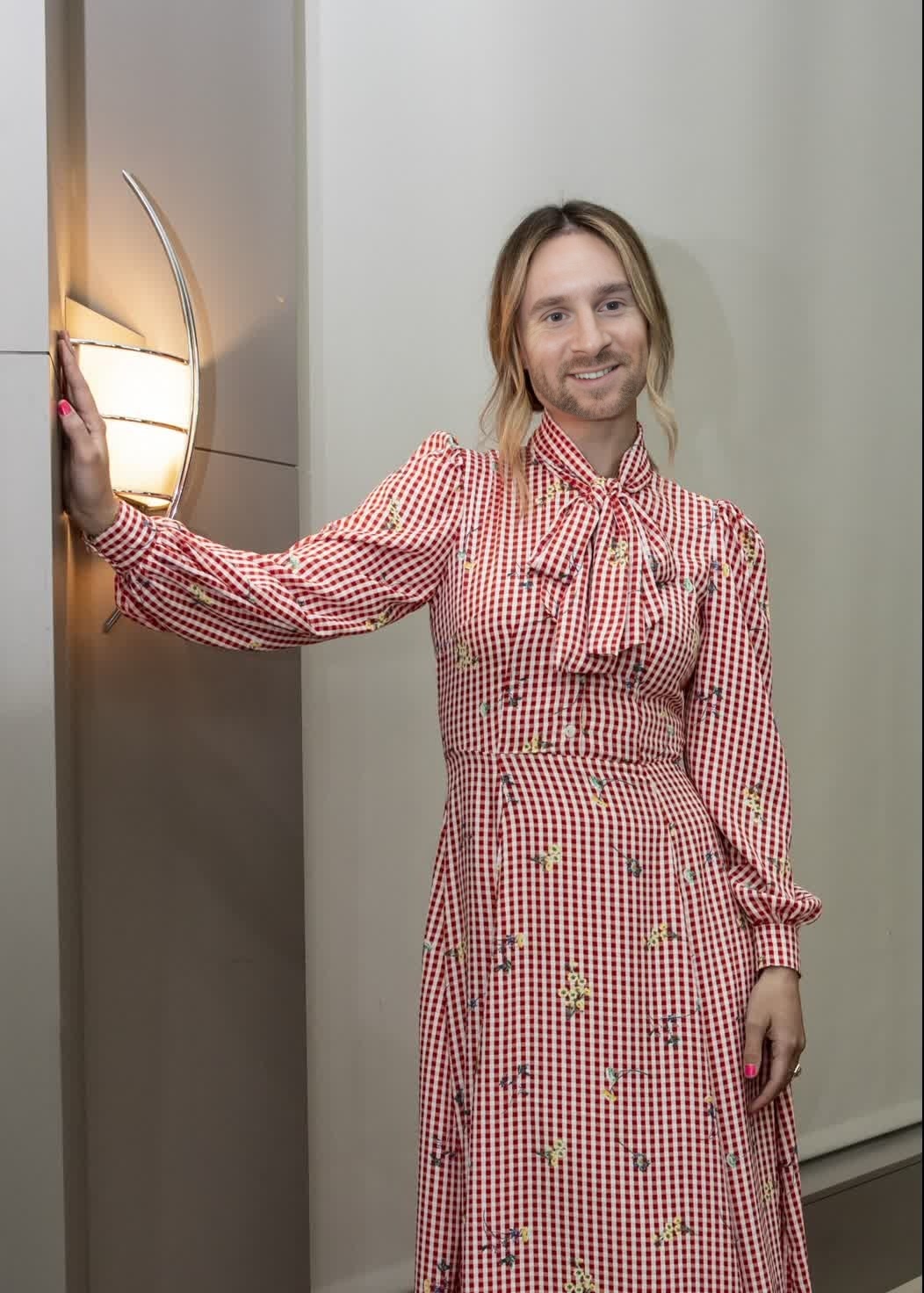
Olivia Wilde Booksmart Press Portrait
- Image
- 1052 × 1472 px
Any aspect ratio
Overview
Delve into the world of seamless video transformations with the Olivia Wilde Booksmart Press Portrait template. Utilizing the advanced Video Face Swap technology, this template allows you to replace faces in video content with striking realism. It's ideal for creators aiming to make captivating and entertaining edits.
What It Does
This template lets users swap faces in video footage, using Olivia Wilde's likeness from her press tour for the movie Booksmart. It analyzes the video frame-by-frame to maintain facial expressions, lighting, and orientation coherence throughout the swapped image, resulting in professional-quality edits.
Whether you're working on social media content, parody videos, or film projects, this tool provides a robust solution for integrating face swapping smoothly into your workflow.
Who It's For
The Olivia Wilde Booksmart Press Portrait template is perfect for content creators, filmmakers, and social media influencers who want to experiment with creative transformations. Educational institutions and agencies focusing on digital storytelling can also leverage this tool for engaging demonstrations.
Summary
Integrate realistic face swap edits into your videos using this dedicated Video Face Swap template featuring Olivia Wilde's press portrait from Booksmart. Ideal for filmmakers, social media influencers, and educators, it's designed to handle intricate details and produce awe-inspiring results.
To explore similar AI-driven transformations, visit the AI Image Editor or the AI Video Generator for more creative options.
How To Use
Choose the Template

Customize Your Video

Generate Final Output

Use Cases
Social Media Content
- Fans can create parodies or tribute videos.
- Influencers can use it to add humor and engage audiences.
Educational Projects
- Students can learn about video editing techniques.
- Enhance digital storytelling skills.
Creative Filmmaking
- Create unique short films.
- Experiment with storytelling techniques.
Best Practices
High-Quality Source Video
Use high-resolution video to ensure the face swap appears seamless and natural.Lighting Consistency
Maintain consistent lighting between the source and target videos for better blending.Preview Adjustments
Always review the preview and make necessary adjustments before finalizing the transformation.
Frequently asked questions
More Like This