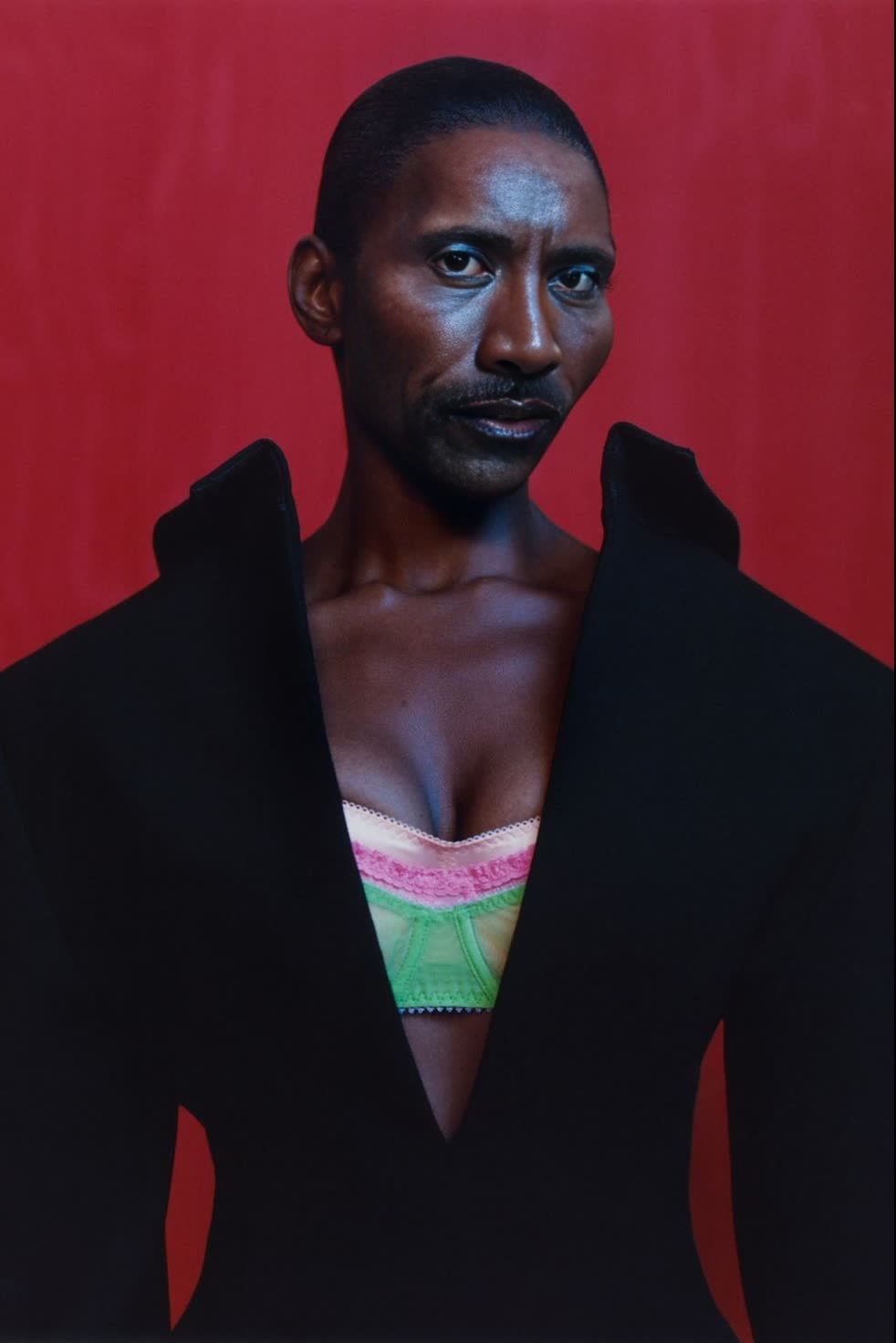
Michaela Coel I May Destroy You Press Portrait
- Image
- 982 × 1472 px
Any aspect ratio
Overview
The Michaela Coel I May Destroy You Press Portrait template allows for engaging Video Face Swap transformations using Michaela Coel's striking features for your projects. Craft compelling press portraits that capture attention and showcase your creativity.
What It Does
This template swaps faces in press portraits with Michaela Coel's from "I May Destroy You". It supports popular video file formats, ensuring broad usability. Perfect your vision within minutes with Image to Video workflows.
Who It's For
Designed for filmmakers, content creators, and media professionals who wish to inject uniqueness into their visual storytelling. Whether you're producing social media ads or cinematic productions, this tool enhances your project's appeal.
Summary
This template provides a streamlined solution for applying Michaela Coel's likeness to characters in your videos. Ideal for those who want to experiment with face swaps in storytelling or marketing materials. By using the AI Image Editor, achieve flawless integration into your creative endeavors.
How To
Choose Your Template

Customize Your Inputs

Generate Your Video

Use Cases
Press Portrait Enhancements
Social Media Content
Creative Film Projects
Best Practices
High-Quality Inputs
Use high-resolution video for better face swap results. This reduces artifacts and enhances realism.Adjust Lighting
Ensure consistent lighting in your original video to match the new face, improving overall integration.Preview and Refine
Always preview the swapped video before finalizing, making necessary adjustments to alignment or expression.