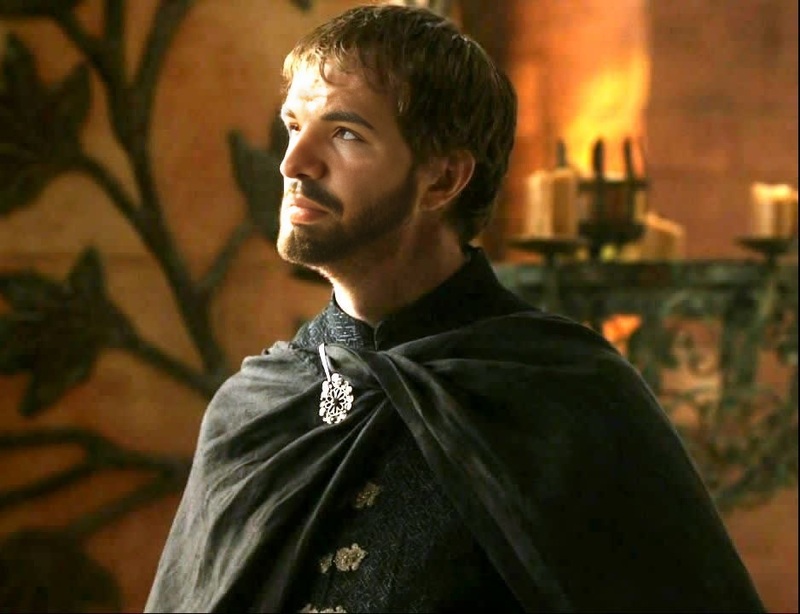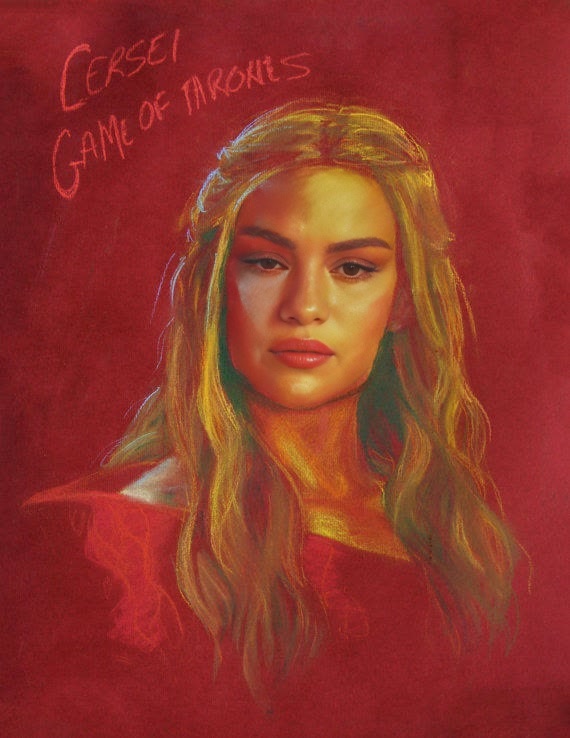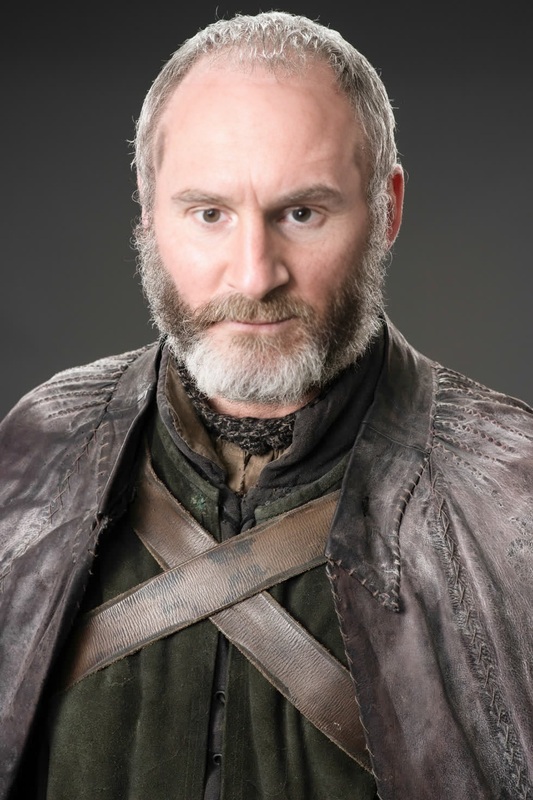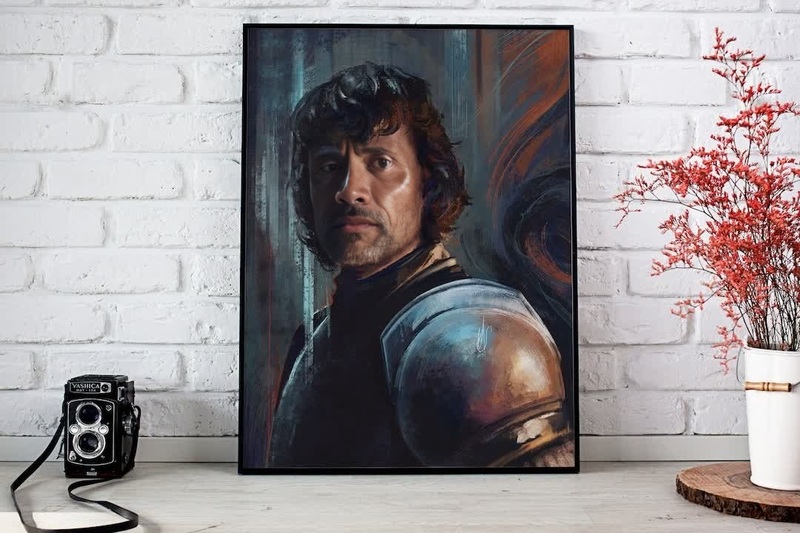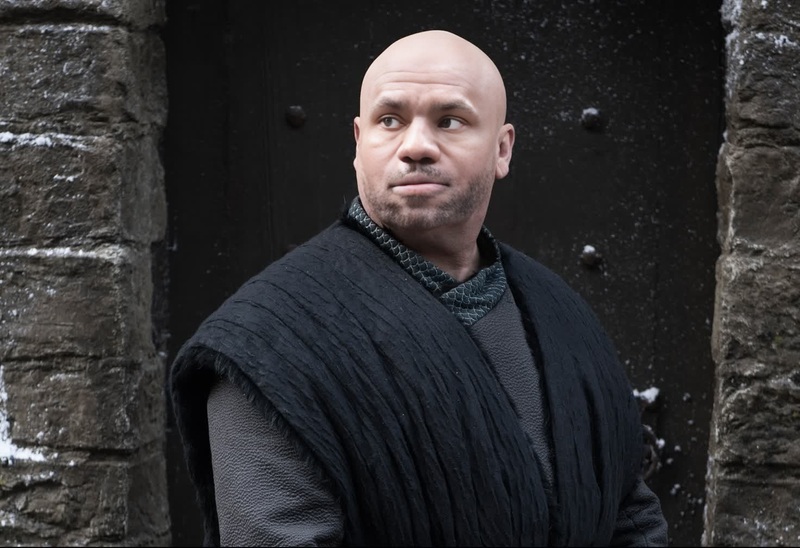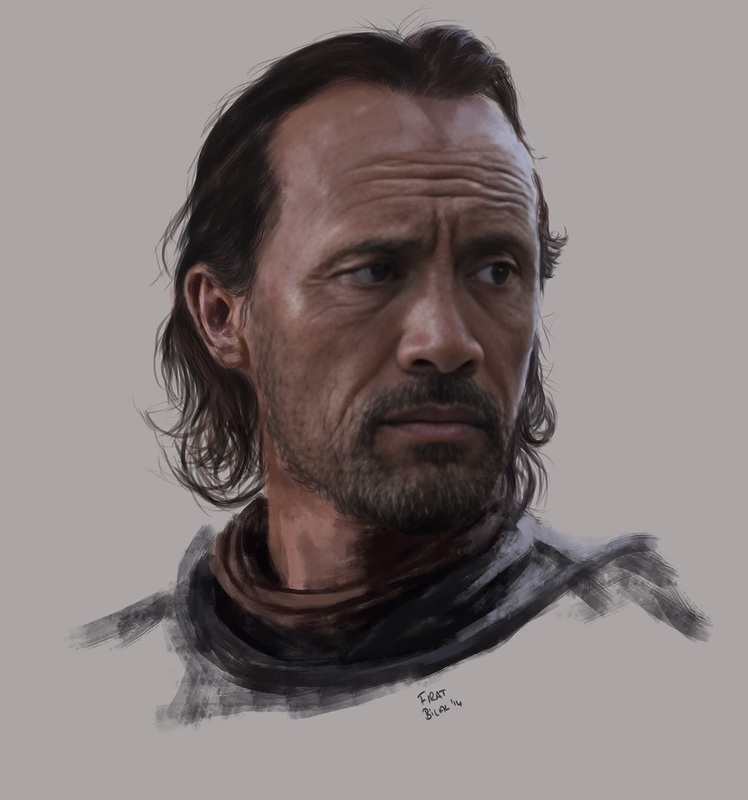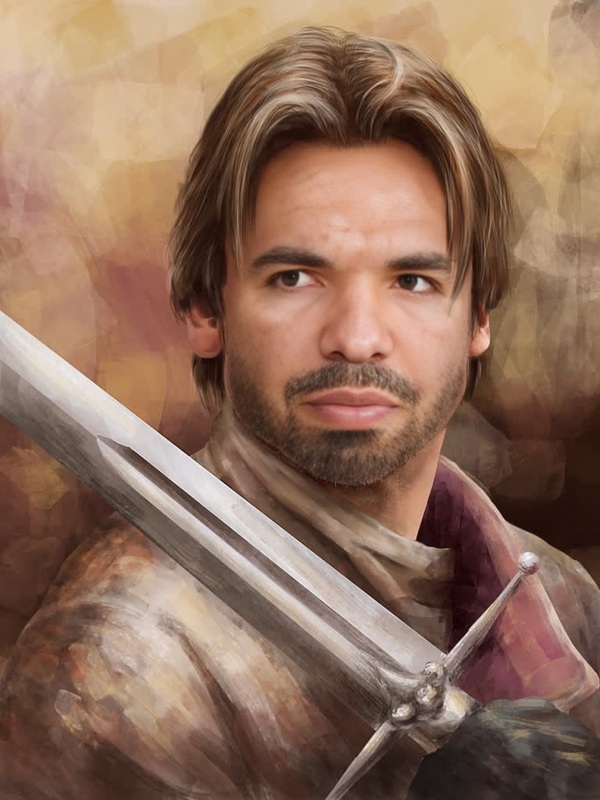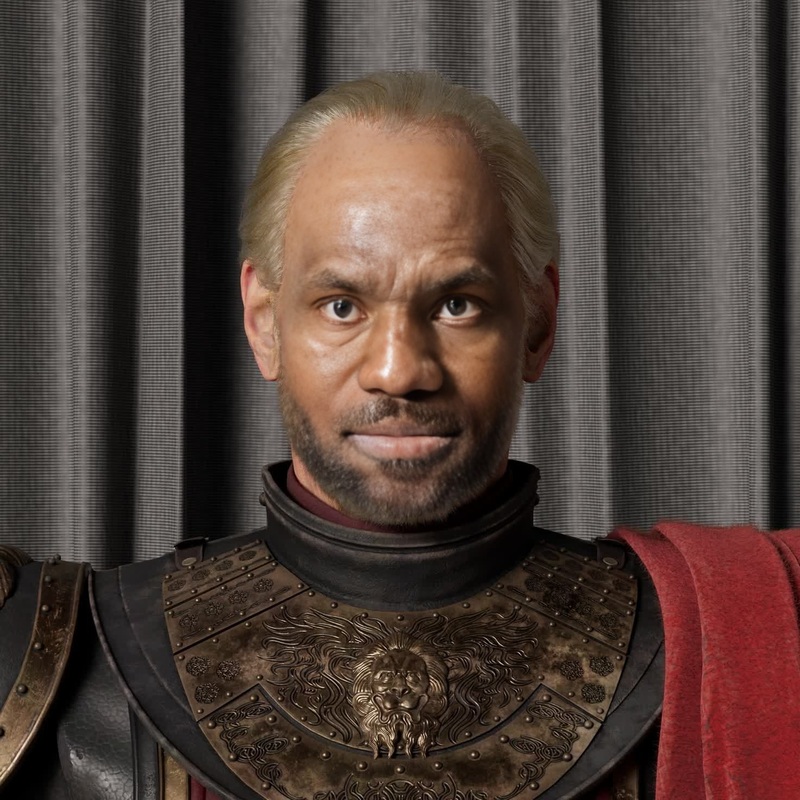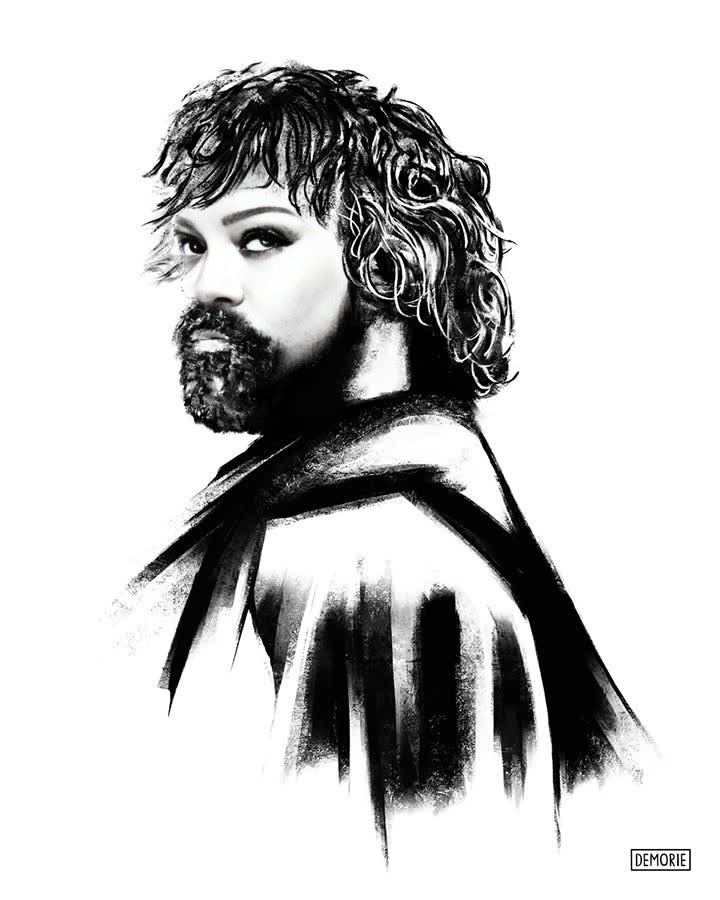
Tyrion Lannister Game Of Thrones
face-swap
Any aspect ratio
Tags
transformationsTurn any clip into a polished face swap video you can actually ship — for campaigns, content, or experiments. This Magic Hour template is built on the same Face Swap engine you can use across the platform, so you can easily remix it, extend it, or plug it into your existing workflows.
What this template does
This template lets you:
- Take an existing video and convincingly swap one face for another
- Keep the original motion, lighting, and expressions as much as possible
- Export ready-to-use videos for social, ads, prototypes, or internal demos
- Remix the template to fit different identities, scripts, and channels
It’s powered by Magic Hour’s Face Swap Video tool, which is designed for realistic, frame-consistent results rather than novelty filters.
How to remix this template in Magic Hour
You can create your own version in a few minutes:
Open the base tool
Go to Face Swap Video. This is the underlying product this template uses.Upload your source video
- Use any clip where the subject’s face is reasonably visible
- Aim for stable, well-lit footage for the best swap quality
- Typical use cases: talking-head content, product explainers, short skits, B2B video intros
Add the face you want to swap in
- Upload a clear, front-facing photo of the target person (or a rendered face from tools like the AI Face Generator or Avatar Generator)
- For brand-safe work, use your own team members, actors, or licensed images
Generate the new video
- Let Magic Hour handle facial alignment, blending, and motion tracking
- Preview, then export for your platform of choice (shorts, reels, internal docs, sales decks, etc.)
Save as your own template
- Once you find a combination (video style + persona) that works, duplicate and reuse it with new footage or new faces
- Build a small internal library of “personas” and “formats” your team can reuse
You can extend this pipeline with other Magic Hour tools:
- Add lip-sync with the Lip Sync tool
- Transform the entire clip visually with Video-to-Video
- Turn still images into animated characters before swapping faces using Animation
Practical use cases for creators and teams
This template is optimized for people who ship content, not just experiment. Common patterns:
1. Content at scale with a consistent on-screen persona
- Run dozens of short explainer videos featuring the same “host” without new shoots
- Use AI Headshot Generator or AI Selfie Generator to create a polished host identity
- Generate variations for A/B testing thumbnails using Thumbnail Maker
2. Localization and internal training
- Produce internal training videos where the same trainer appears in multiple languages
- Combine face swap with:
- AI Voice Generator or AI Voice Cloner for localized voiceovers
- Auto Subtitle Generator for captions
- Lip Sync for more natural speech alignment
3. Campaign experiments and rapid creative testing
- Test different on-screen personas for the same script and landing page
- Swap in different “customer archetypes” to see which resonates best with a target audience
- Quickly produce social variants (memes, reaction content, character-based ads) using:
- AI Meme Generator for concepts
- AI GIF Generator or Face Swap GIF for looping reactions
4. Character and IP-driven content
- Create recurring fictional hosts using:
- Turn those characters into video personas, then swap them into different scenes with Face Swap Video and Video-to-Video
How this template fits into a full Magic Hour workflow
For more advanced teams, this template can be a node in a multi-step pipeline:
Image and persona creation
- Generate the persona’s look with AI Image Generator or AI Photo Generator
- Refine with AI Face Editor or AI Image Editor
- Upscale for clean inputs using AI Image Upscaler
Video generation or capture
- Start from real footage, or synthesize movement with Image-to-Video or Text-to-Video
Face swap stage (this template)
- Apply the persona to your base footage via Face Swap Video
- Optionally create GIF variants using Face Swap GIF
Voice, timing, and speech
- Add voice with AI Voice Generator or AI Voice Cloner
- Sync mouth movements with Lip Sync
- Turn static portraits into talking clips with AI Talking Photo
Polish and delivery
- Clean backgrounds with Image Background Remover or AI Background Generator for stills
- Enhance final video with Video Upscaler
- Add automatic subtitles via Auto Subtitle Generator
Tips for realistic, brand-safe face swaps
Use high-quality reference faces
- Good lighting, neutral expression, minimal occlusion (no large sunglasses, masks, etc.)
- If you don’t have ideal photos, generate clean ones with AI Face Generator or AI Selfie Generator
Match angle and lighting as much as possible
- Source video and face images that are roughly aligned in angle and lighting usually produce better results
- You can adjust or augment backgrounds and scenes using AI Background Generator
Respect consent, privacy, and IP
- Only swap faces you’re legally allowed to use: your own, collaborators, licensed actors, or synthetic personas
- Avoid misleading uses in sensitive contexts like politics, news, or medical content
- Many jurisdictions are introducing deepfake disclosure requirements — if you’re using this commercially, consider labeling synthetic content and reviewing local regulations
Stay on-brand
- Generate brand-consistent outfits with AI Clothes Changer or AI Fashion Generator
- Create hybrid visual systems for your persona (e.g., semi-illustrated, anime, or stylized) with tools like Disney AI Generator, Comic Book Generator, or AI Art Generator
Example remix ideas
If you want to go beyond the base template:
Talking founder avatar
- Create a portrait using AI Headshot Generator
- Animate it with AI Talking Photo and Lip Sync
- Swap that face into product demo clips using Face Swap Video
Multi-persona ad test
- Record one base ad script
- Generate 3–5 distinct personas with AI Character Generator or Avatar Generator
- Swap each persona into the same ad footage and test which converts best
Branded meme + reaction library
- Create a set of expressive faces with AI Selfie Generator
- Apply them to short clips via Face Swap Video and Face Swap GIF
- Use AI Meme Generator to script captions and hooks
Why use Magic Hour for face swap templates?
- Creator- and team-friendly: No complex tooling; quick iteration loops for marketers, PMs, and founders
- Ecosystem-based: Face swap is deeply integrated with video, image, and audio tools, so you can build end-to-end systems, not isolated tricks
- Template-first: Once you configure a flow that works, you can repeat and scale it instead of starting from scratch each time
To start, open Face Swap Video, plug in your video and target face, and save your first customized template. From there, you can connect it with Lip Sync, Video-to-Video, or any of the tools above to build a repeatable, production-grade pipeline.