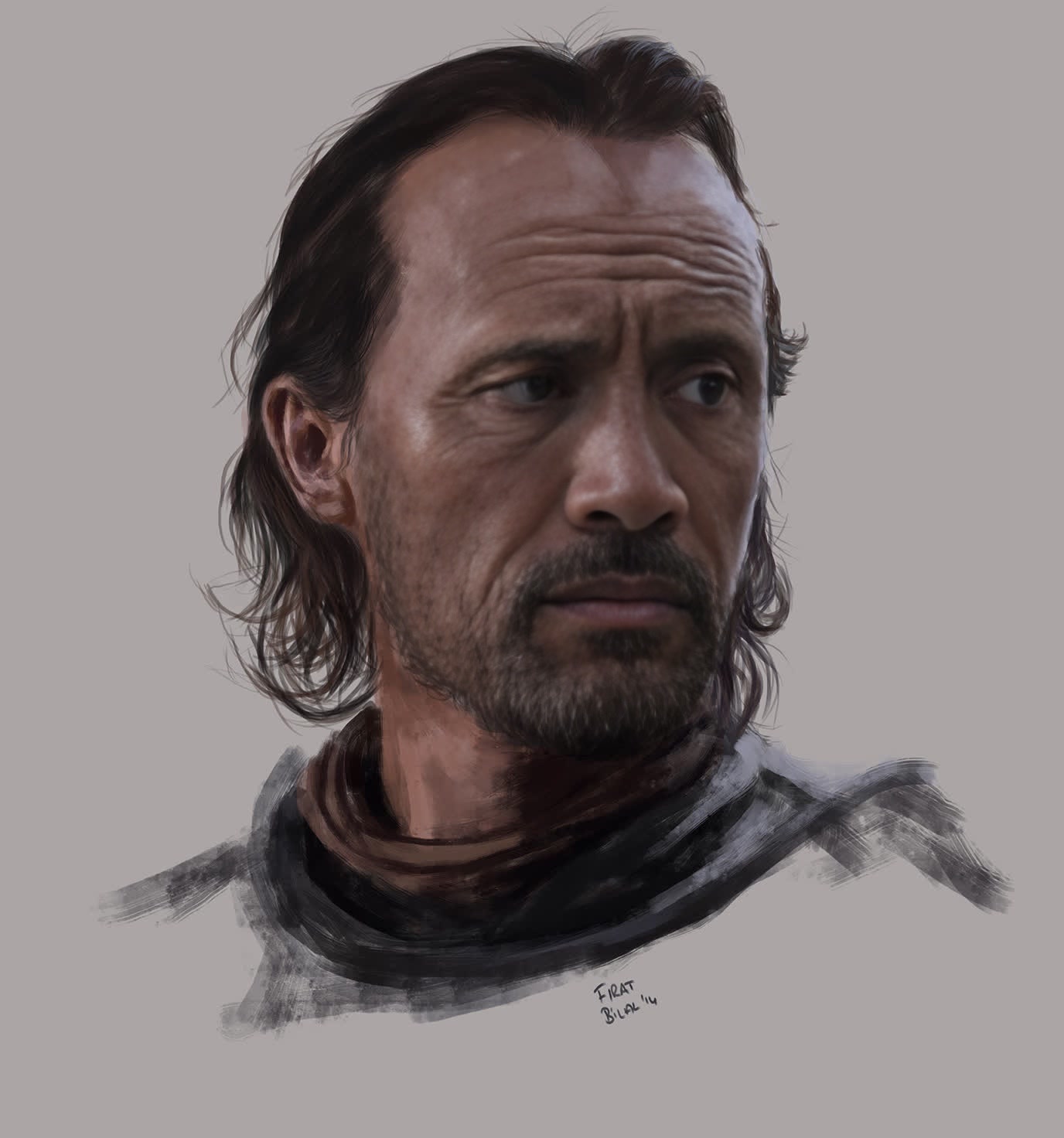
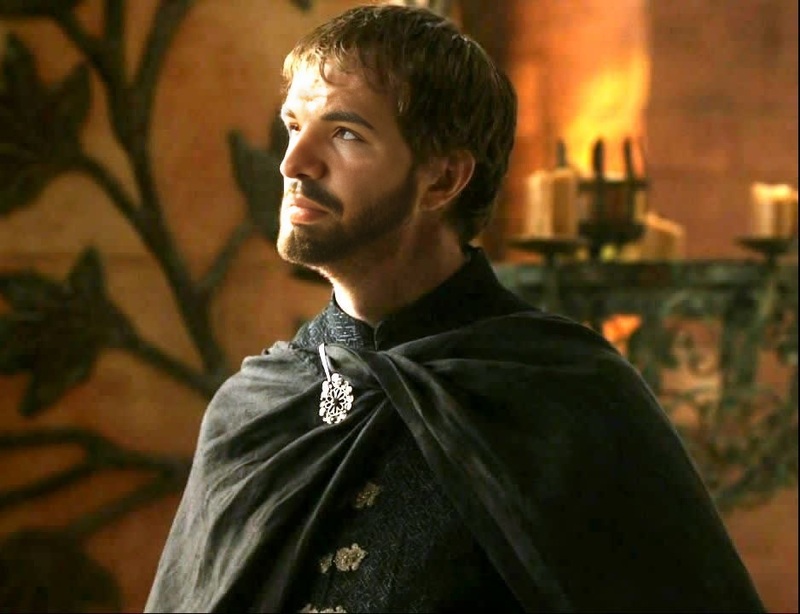
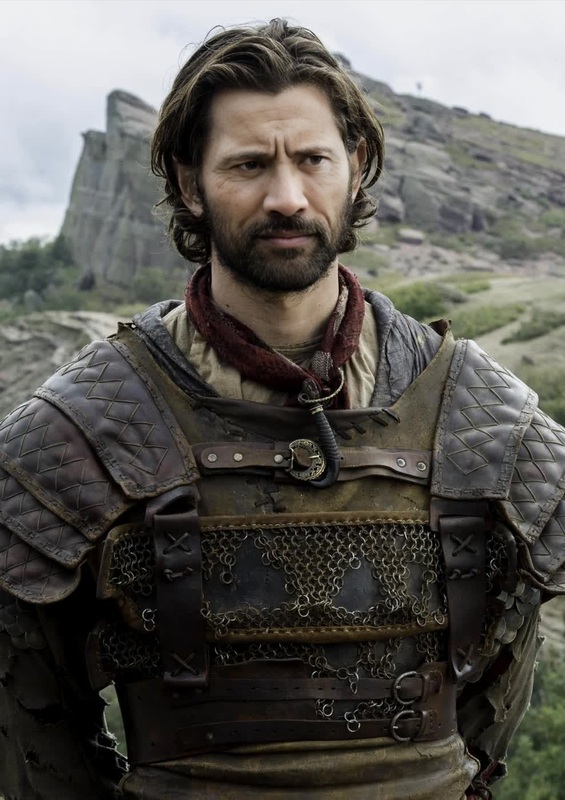
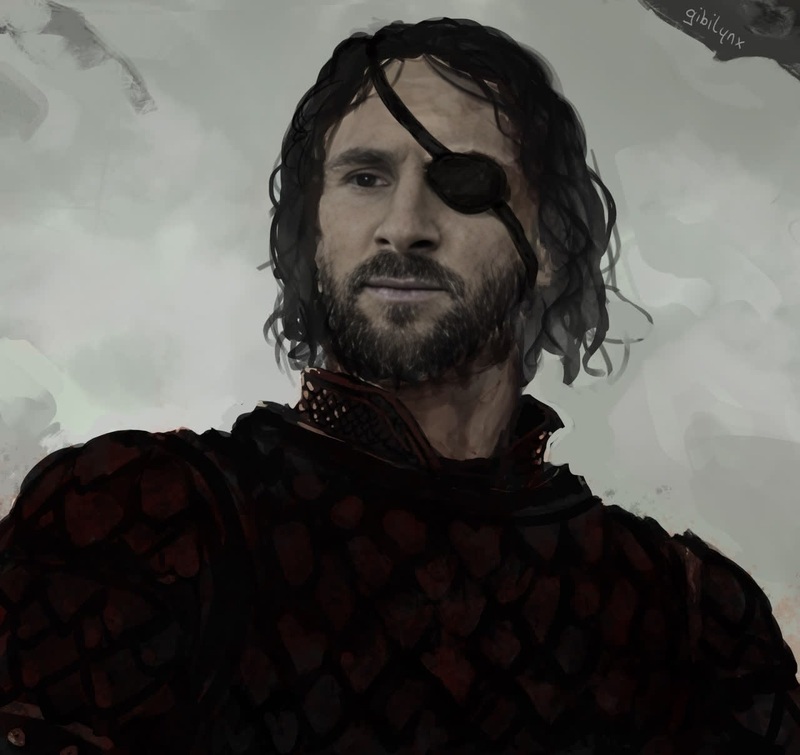
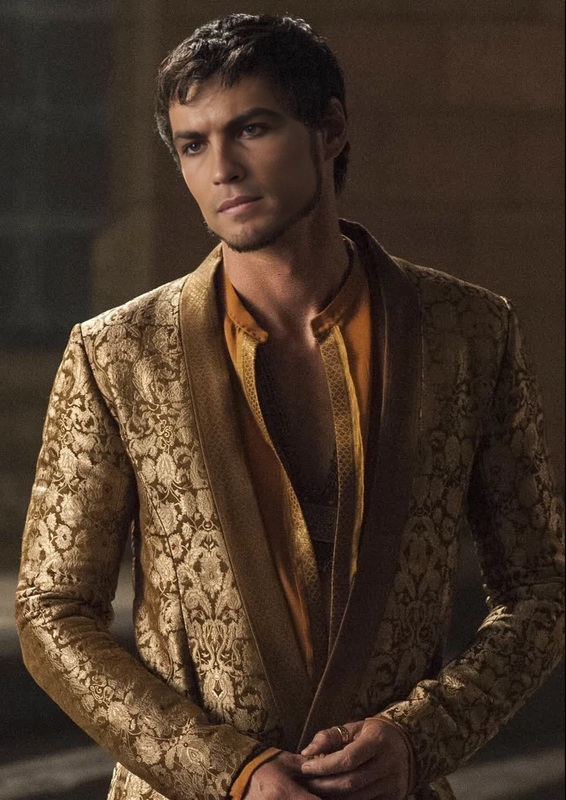
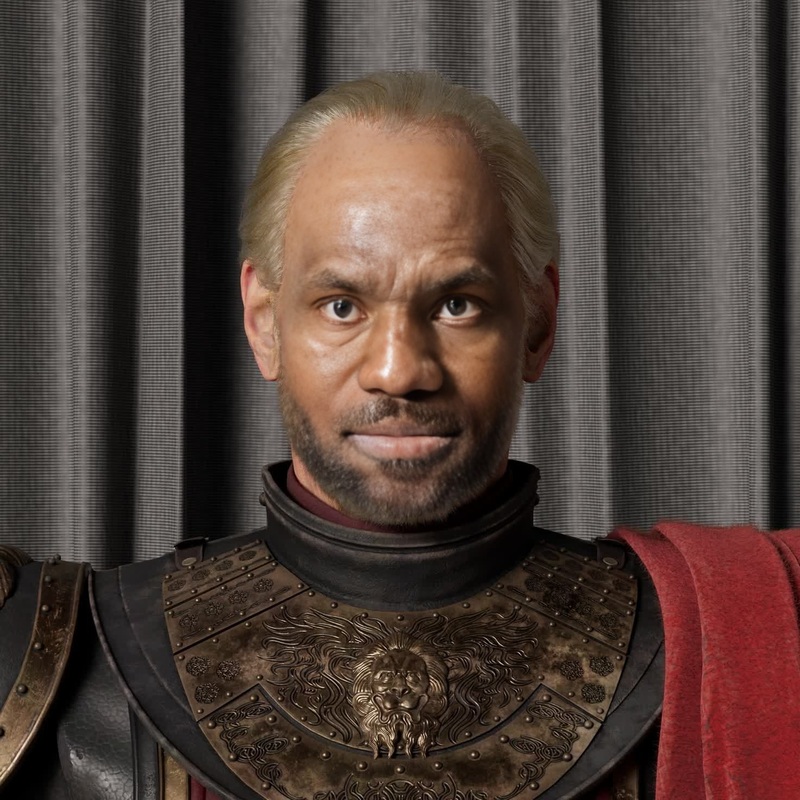
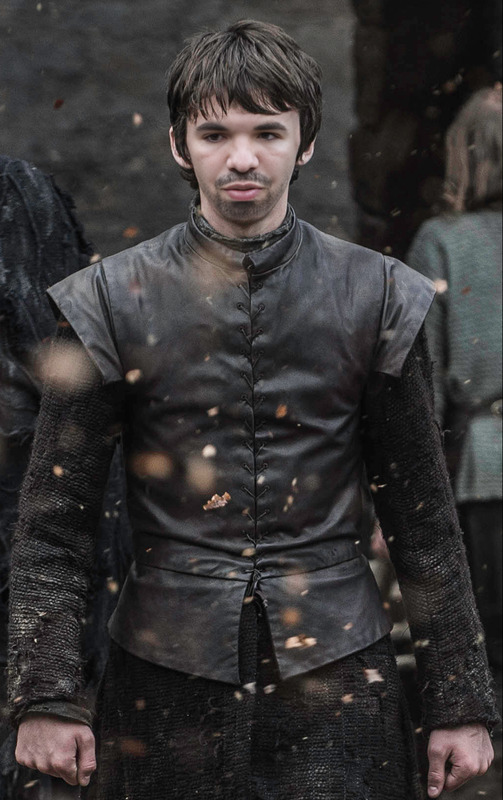
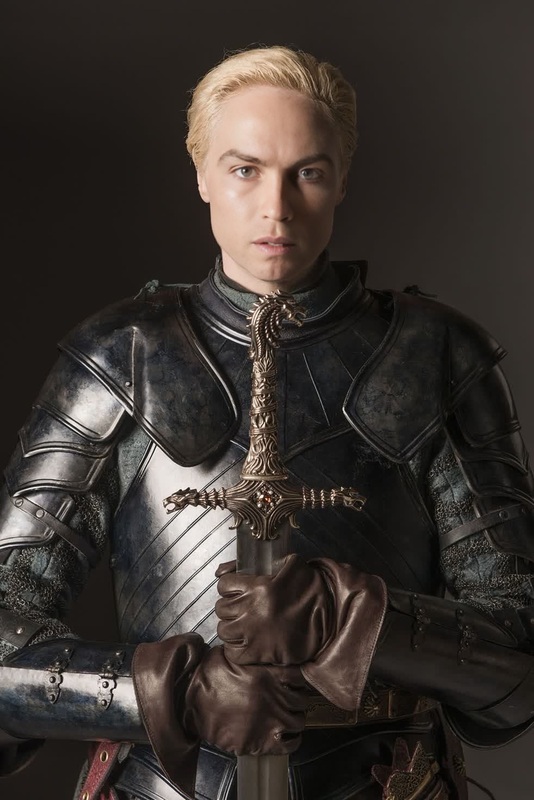
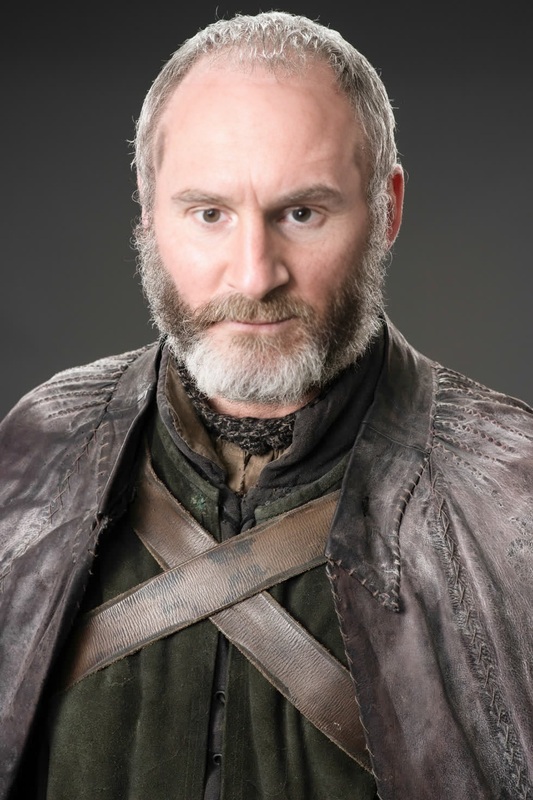
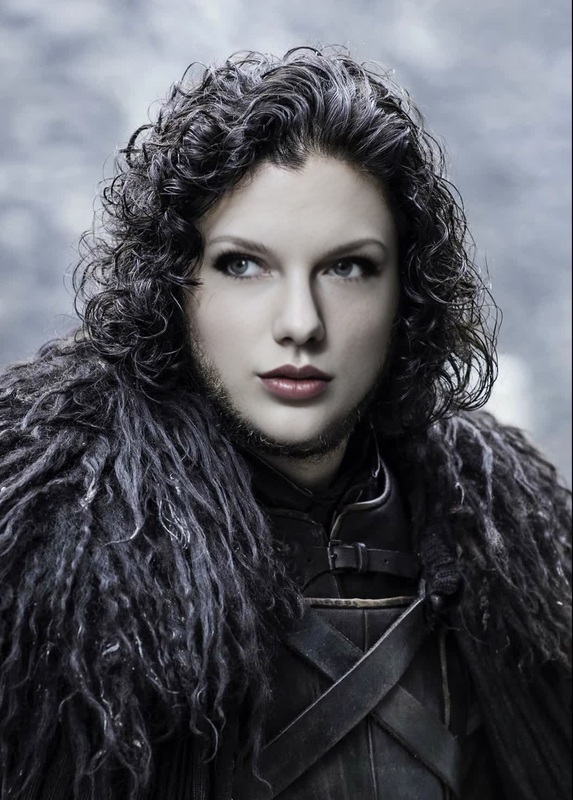
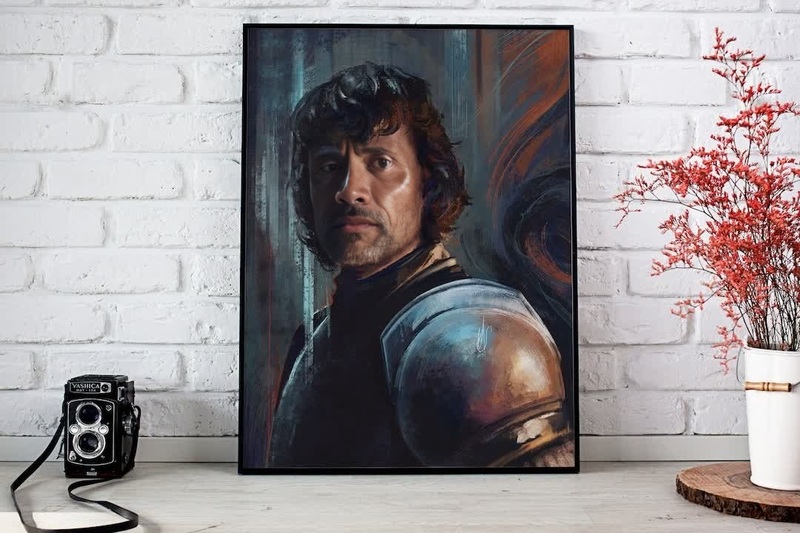
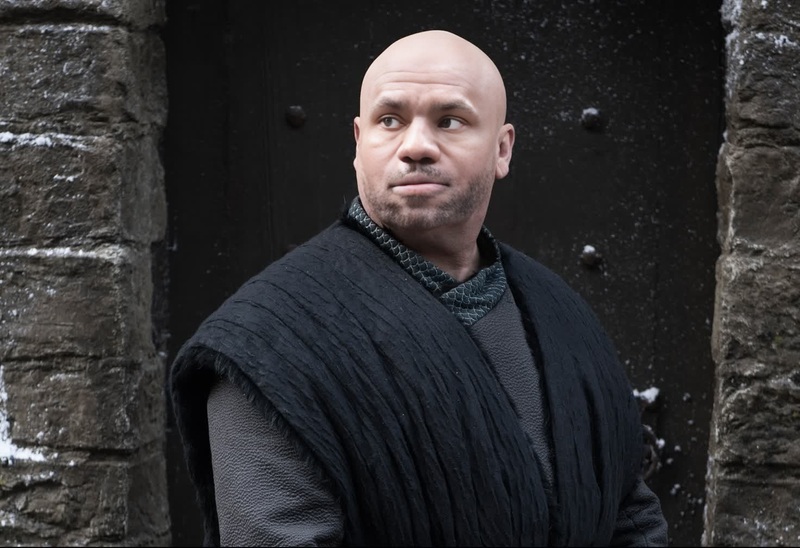
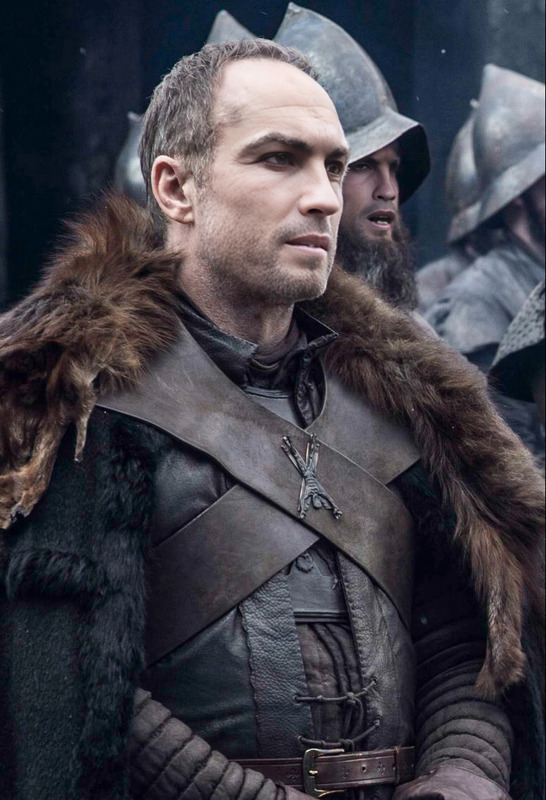
Transform yourself into Bronn from Game of Thrones with our dynamic Video Face Swap template. This tool allows you to seamlessly integrate your own face into scenes featuring Bronn, all rendered with remarkable precision. Capture the essence of this iconic character and bring your video projects to life.
What It Does
This Video Face Swap template offers you the capability to replace existing faces in footage with your own likeness, tailored precisely to fit dynamic scenes. Utilizing powerful algorithms, your face is mapped onto Bronn's character for smooth, believable visual effects. For those new to face swapping, our Video Face Swap product page offers a comprehensive introduction.
Who It's For
Ideal for video content creators, Game of Thrones enthusiasts, and anyone interested in digital transformations, this template provides a unique way to engage audiences. Whether you are making content for social media, fan-inspired videos, or digital storytelling, this tool serves creatives looking to push the boundaries of face-mapping technology. Explore more creative opportunities with our AI Image Editor or Character Replace tools.
Summary
Step into the world of Westeros with the Bronn Face Swap template, where your creativity can fully take charge. This tool is designed for both amateur video editors and professional creators seeking new ways to amaze their audience with high-quality video effects. Elevate your projects with our robust Image to Video feature, integrating rich visuals seamlessly.
How To
Quick guide to using the Video Face Swap template effectively.
01
Choose the Template
Navigate to the Video Face Swap category and select the Bronn template from the available options.
02
Customize Your Inputs
Upload a clear image of your face. Adjust alignment to match Bronn's facial contours for optimal results.
03
Generate Your Video
Click on 'Generate' to process the swap. After completion, download your re-imagined scene featuring you as Bronn.
Use Cases
Expand your video repertoire with these innovative applications of the Bronn Face Swap template.
🎭
Fan Tribute Videos
Celebrate your favorite Game of Thrones moments by inserting your face into iconic scenes.
Create personalized video tributes
Share with fellow fans on social media
📱
Content Creation for Social Media
Utilize engaging character swaps to boost your social media presence.
Increase engagement with creative content
Participate in viral challenges
🎥
Interactive Presentations
Integrate face-swapped video clips into presentations for a lively twist.
Captivate audiences during events
Present engaging content
Best Practices
Tips to make the most out of your Video Face Swap experience.
Choose High-Resolution Images
For best results, use high-resolution images to ensure seamless integration.
Align Faces Accurately
Take the time to properly align your face with Bronn's to maintain realistic expressions.
Edit in Post-Production
Consider using the AI Image Editor for post-production touch-ups to enhance video quality.
Related Tools
Discover more tools to complement your Video Face Swap projects.