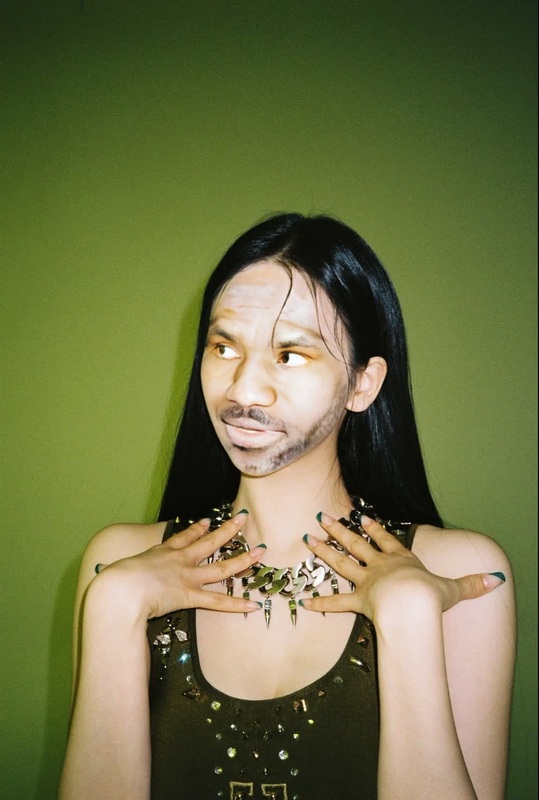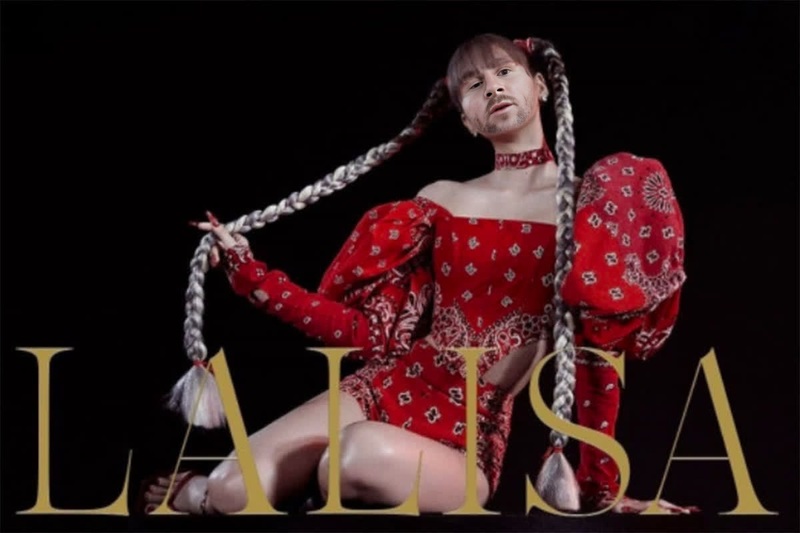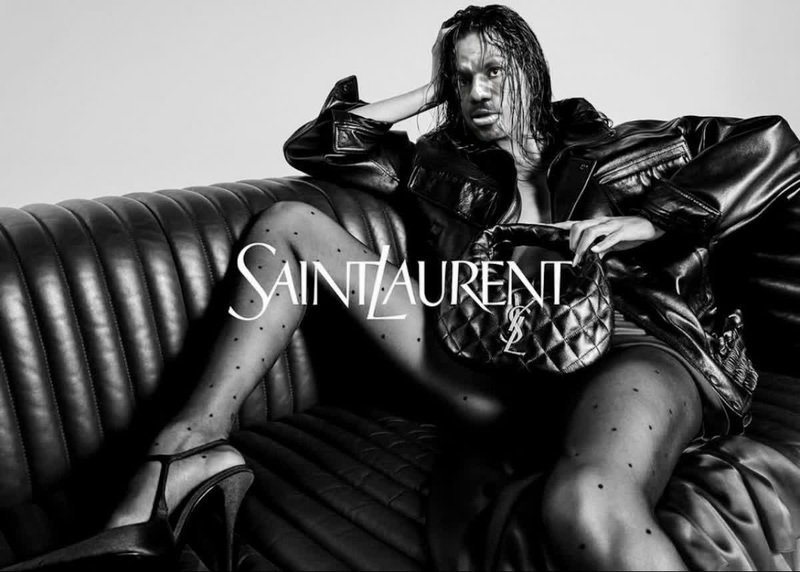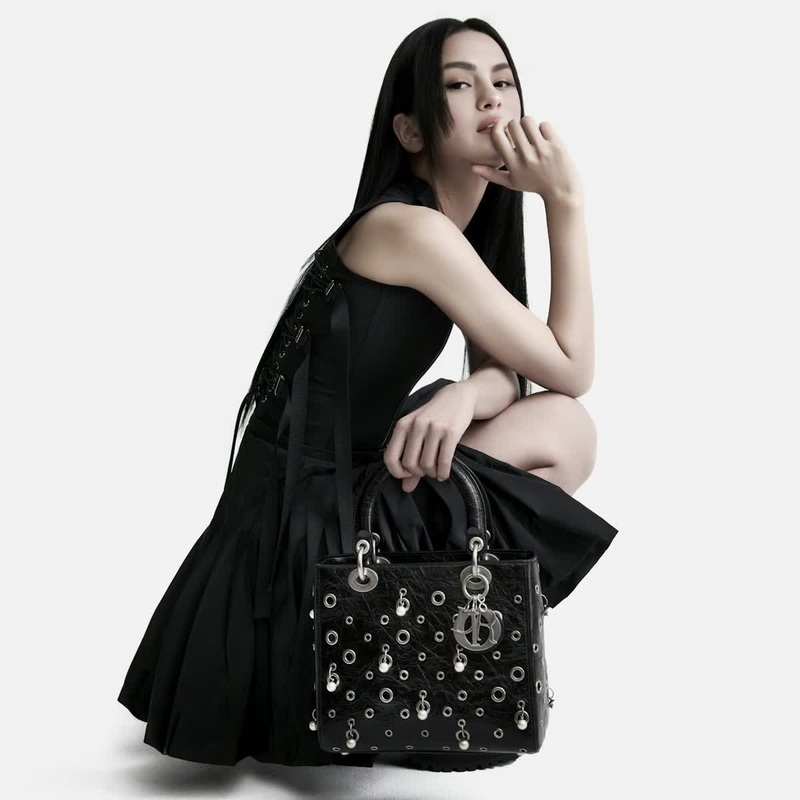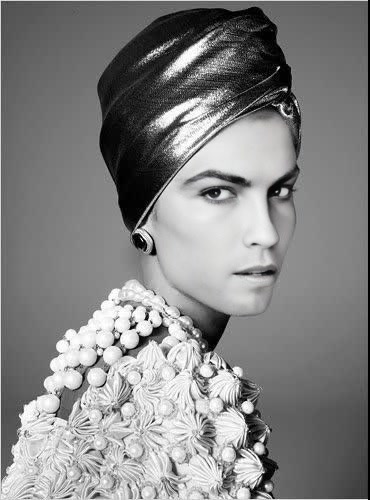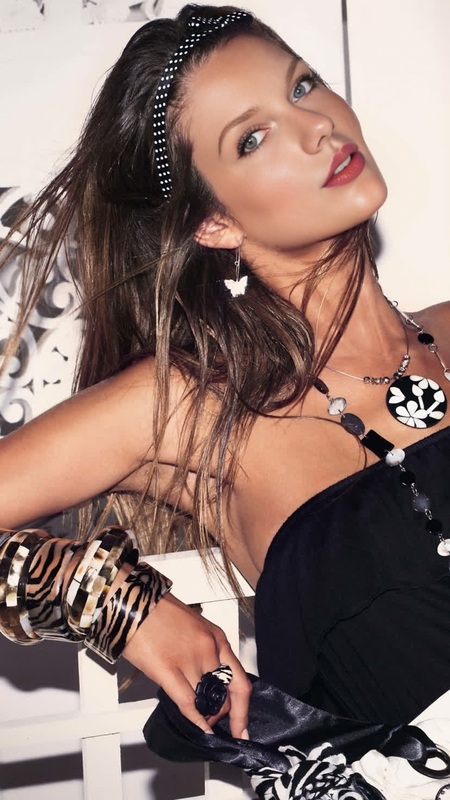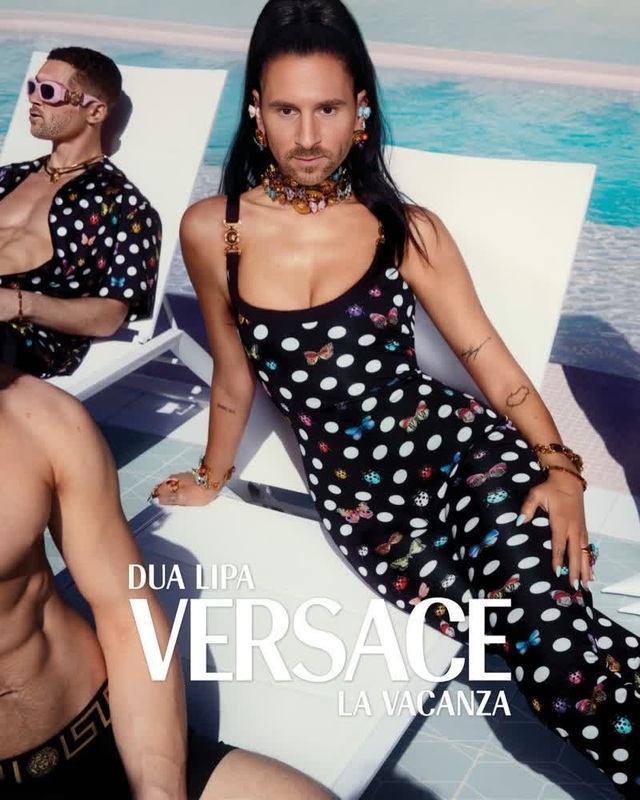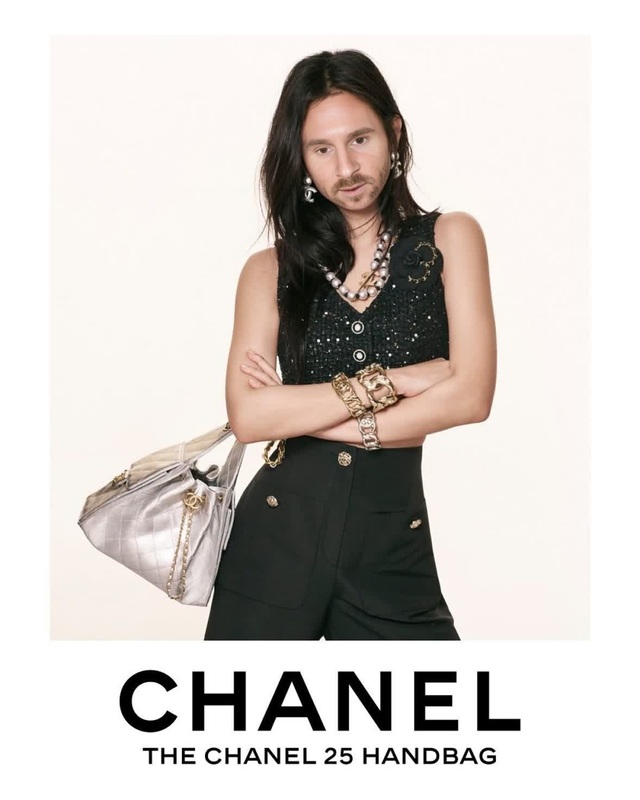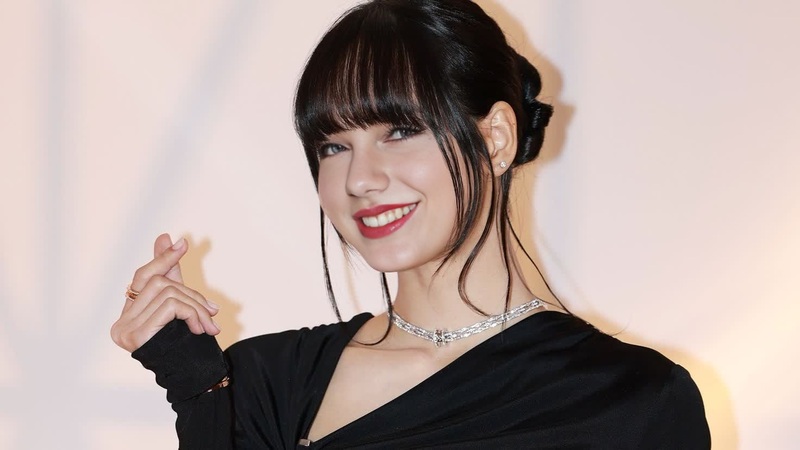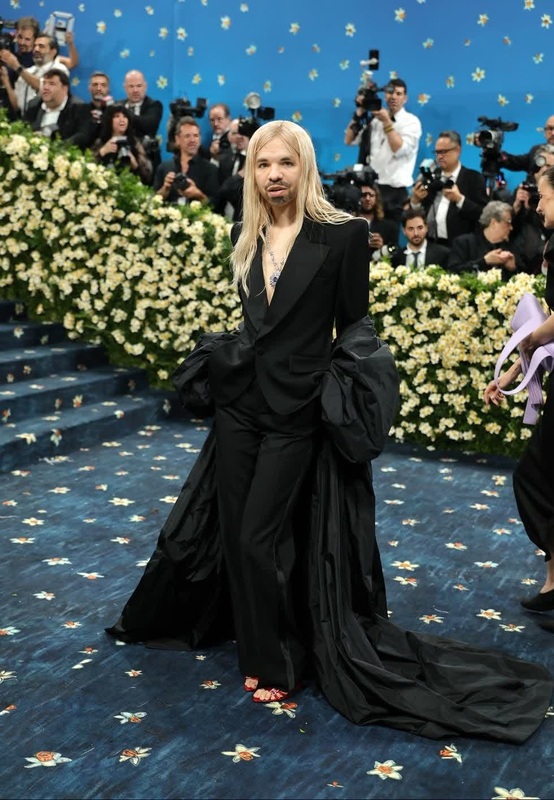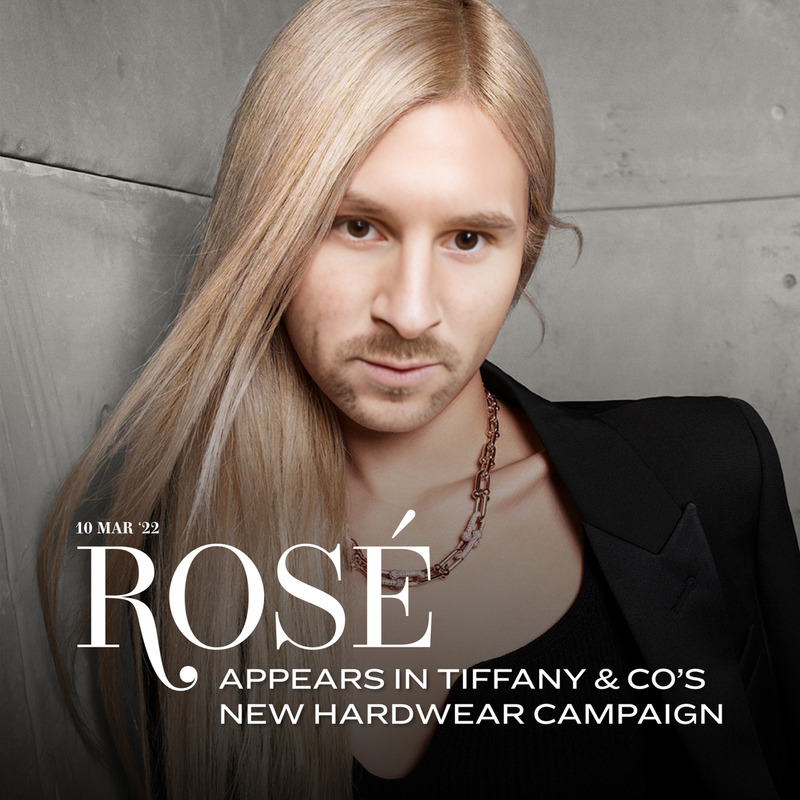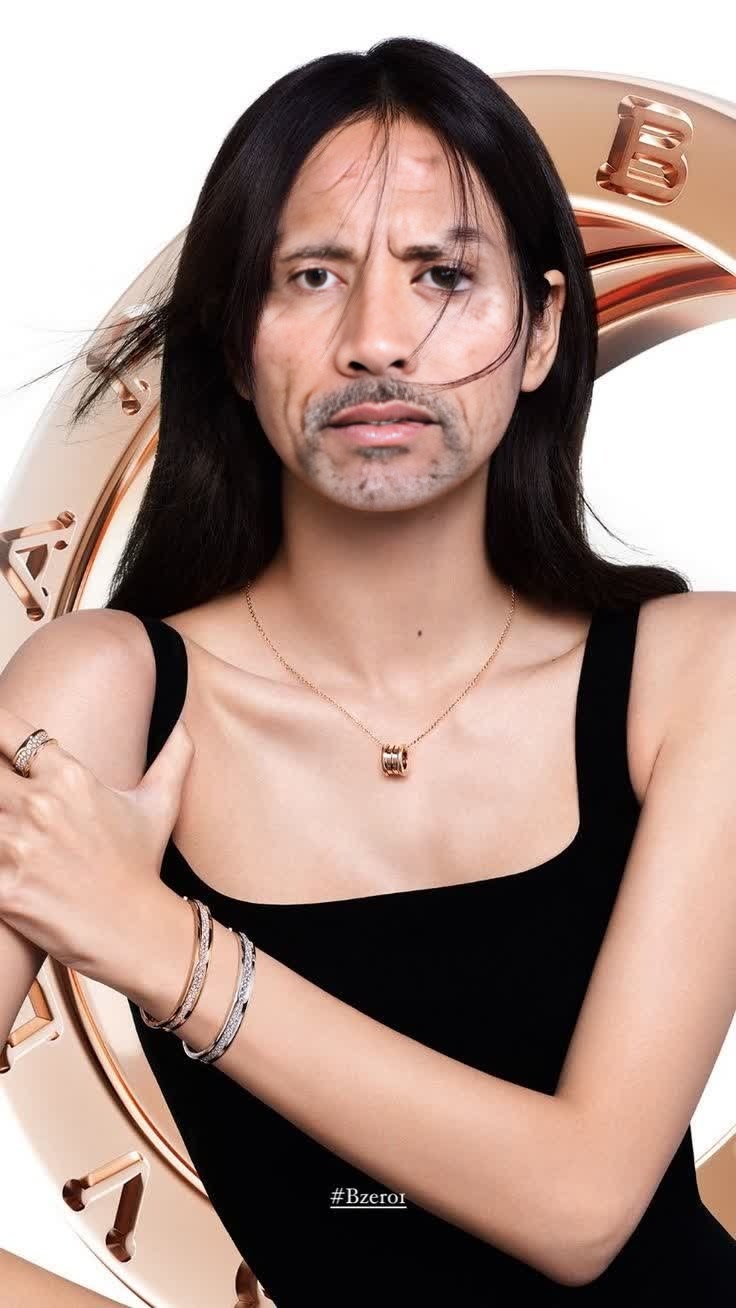
Lisa Blackpink Bvlgari Campaign Portrait
- Image
- 736 × 1308 px
Any aspect ratio
Overview
Step into the limelight with our Lisa Blackpink Bvlgari Campaign Portrait video template. This Video Face Swap tool allows creators to transform their facial features into that of the iconic Lisa from Blackpink, using high-quality Bvlgari campaign visuals. This cutting-edge template provides an intuitive and sophisticated way to achieve celebrity-level productions.
What It Does
The template utilizes advanced Face Swap technology to merge your facial features seamlessly with Lisa's, set against the backdrop of a luxurious Bvlgari campaign. Perfect for creating professional-grade promotional content, it supports standard video formats. The dynamic capability allows users to maintain natural expressions and emotions while swapping faces in real-time.
Who It's For
This tool is designed for marketers, content creators, and influencers aiming to make a splash with their social media campaigns. Fashion enthusiasts and fans of Blackpink wanting to recreate iconic looks will find the template indispensable. It also suits designers and developers looking to incorporate AI-driven facial transformations into their image-to-video projects.
Summary
Our Lisa Blackpink Bvlgari Campaign Portrait template offers an accessible yet powerful means to achieve high-fashion transformations. Whether you're enhancing your social media presence or developing marketing materials, this AI video generator brings unparalleled video face swap capabilities to your fingertips.
How To
Choose the Template

Customize Your Inputs

Generate Your Video

Use Cases
Social Media Campaigns
Fashion Shows and Promos
Celebrity Fan Edits
Best Practices
Use High-Resolution Images
Ensure your input image is high-resolution to achieve the clearest face swap results.Check Lighting Conditions
Make sure the lighting in your source image matches the campaign visual for the best consistency.Experiment with Angles
Try different facial angles to find the most natural fit for the face swap.