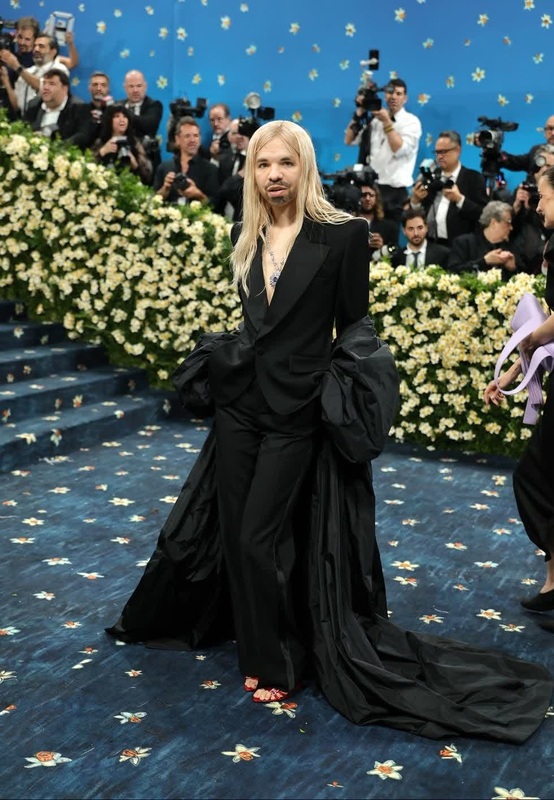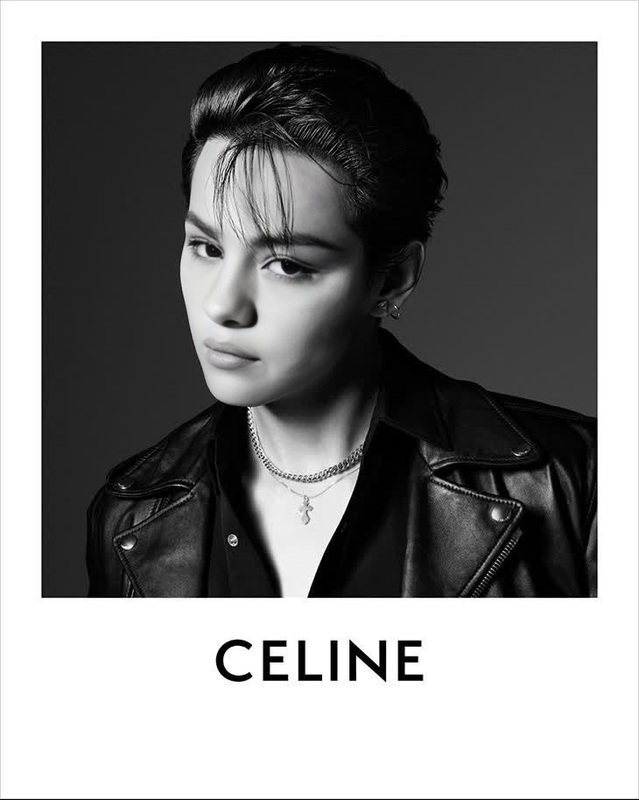
Rosé Blackpink Tiffany Campaign Portrait
- Image
- 1472 × 1472 px
Any aspect ratio
Overview
The Rosé Blackpink Tiffany Campaign Portrait template brings a unique twist to your video projects. By implementing a Video Face Swap, you can transform any face in a video into Rosé's, set against the elegant backdrop of a Tiffany Campaign. This template is ideal for fans and creators looking to inject their projects with a touch of high fashion and K-pop glamour.
What It Does
This Video Face Swap template allows you to overlay Rosé's face onto subjects in your chosen video. The template integrates seamlessly with Magic Hour’s advanced face-swapping technology, providing you with high-quality outputs. It maintains facial expressions and lip-syncs accurately, ensuring that the swapped face appears natural and realistic.
Who It's For
This template is crafted for K-pop fans, creative editors, social media influencers, and digital artists. If you're engaged in creating fan content, promotional material, or simply experimenting with Image to Video transformations, this tool offers an excellent way to enhance your multimedia projects with star power.
Summary
Enhance your creative projects with the Rosé Blackpink Tiffany Campaign Portrait template. Perfect for adding a touch of glamour and excitement to fan edits, video edits, and digital art, this tool leverages state-of-the-art face-swapping capabilities to deliver professional-grade results.
How to Use
Choose Your Template

Customize Your Inputs

Generate Your Video

Use Cases
Fan Edits
Creative Video Projects
Influencer Content
Best Practices
Choose High-Resolution Videos
For the best results, use videos with good lighting and quality to ensure that the swapped face aligns correctly and looks realistic.Adjust Parameters
Use available customization options to tweak face alignment settings for more natural expressions and synchronization.Preview Before Finalizing
Always preview the video swap to check for any awkward transitions or misalignments before downloading the final product.