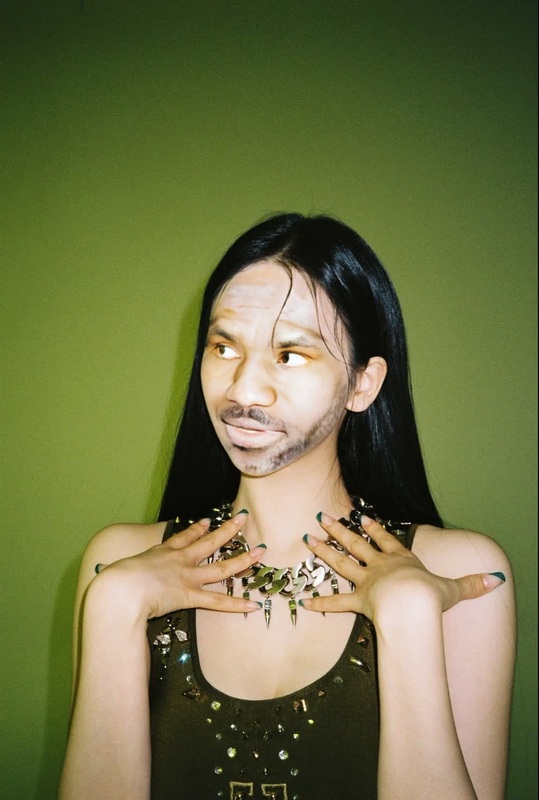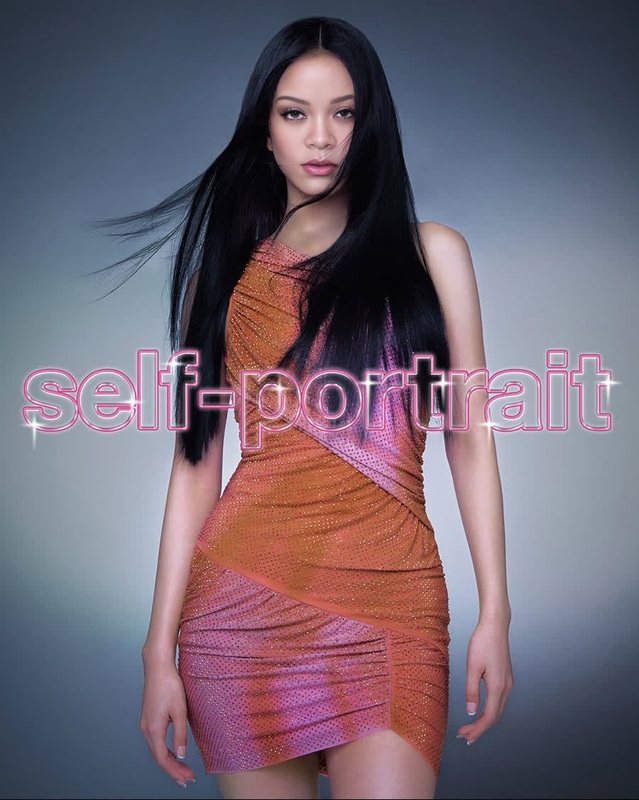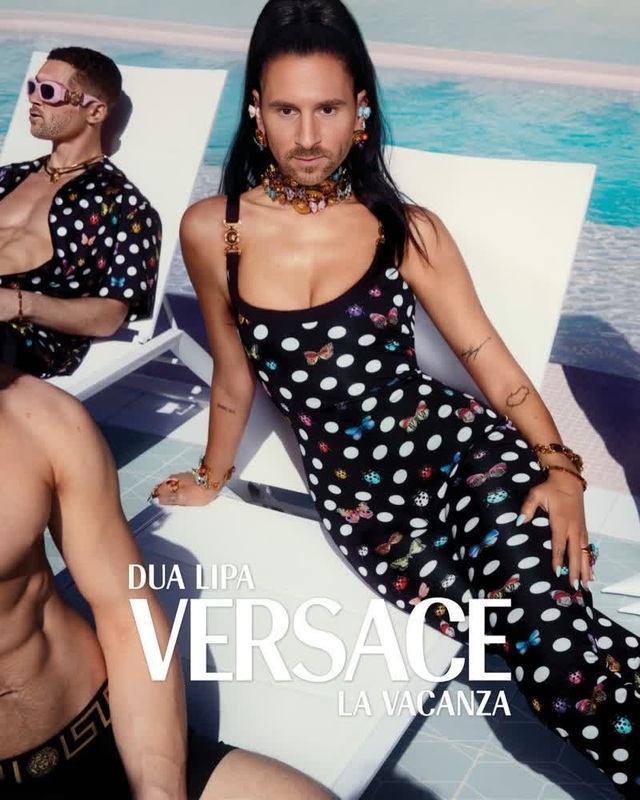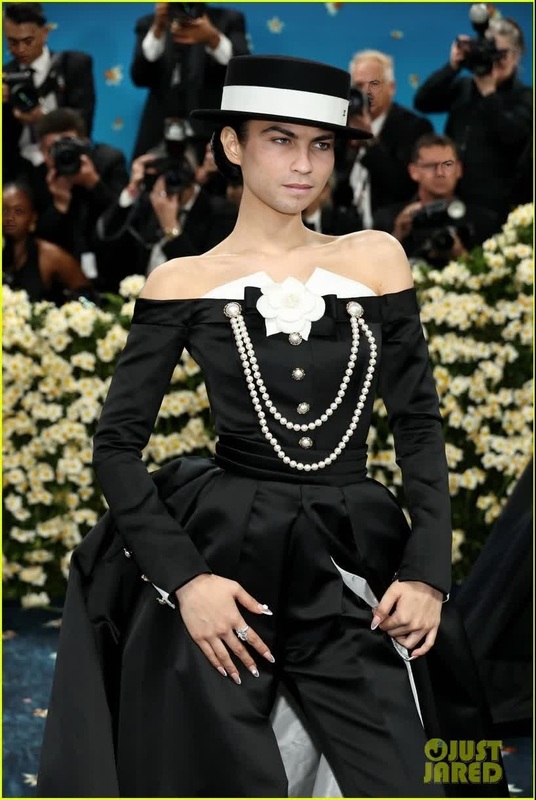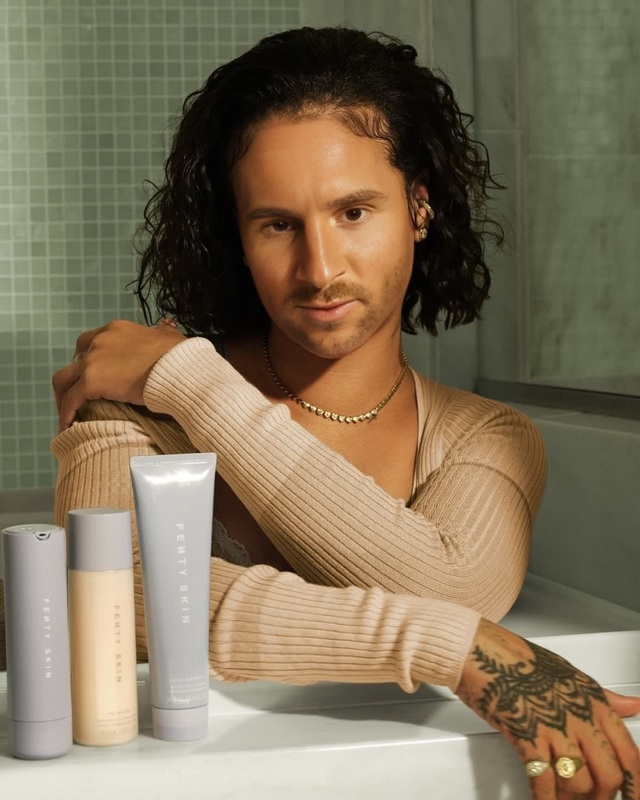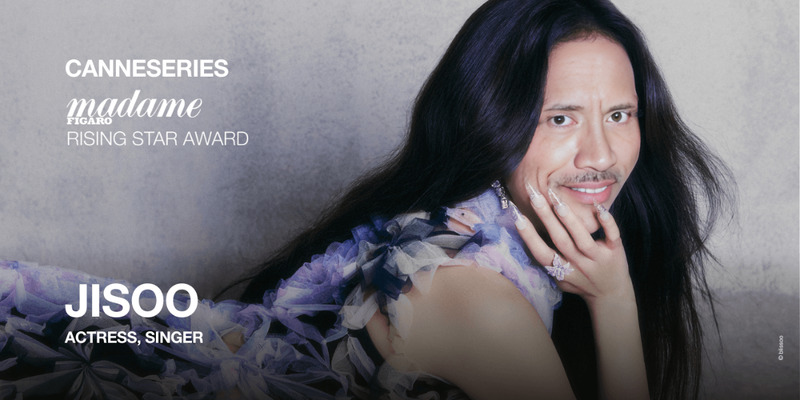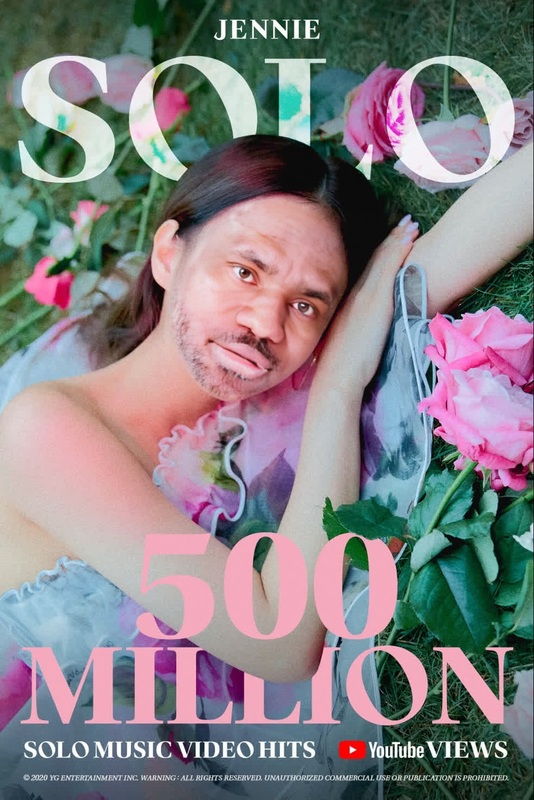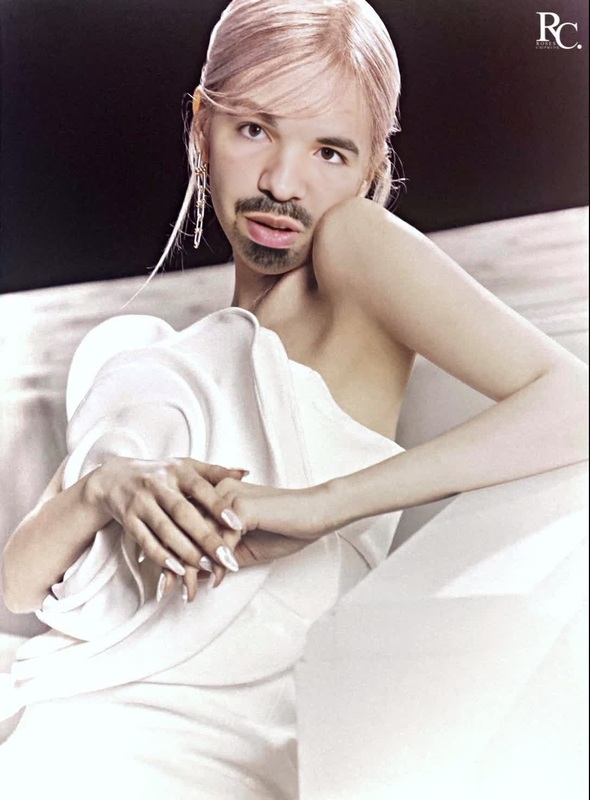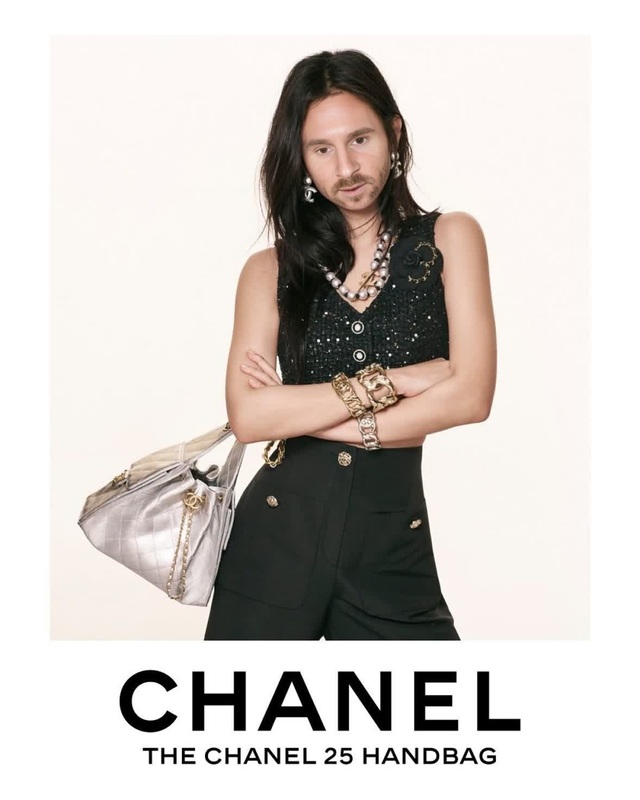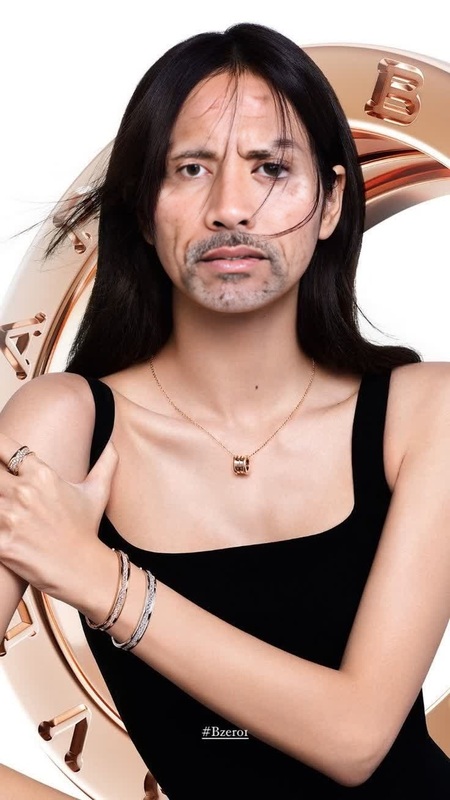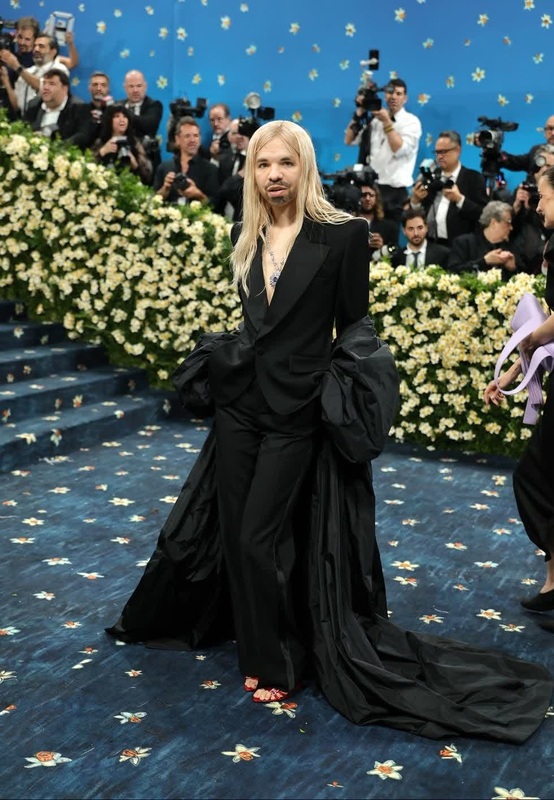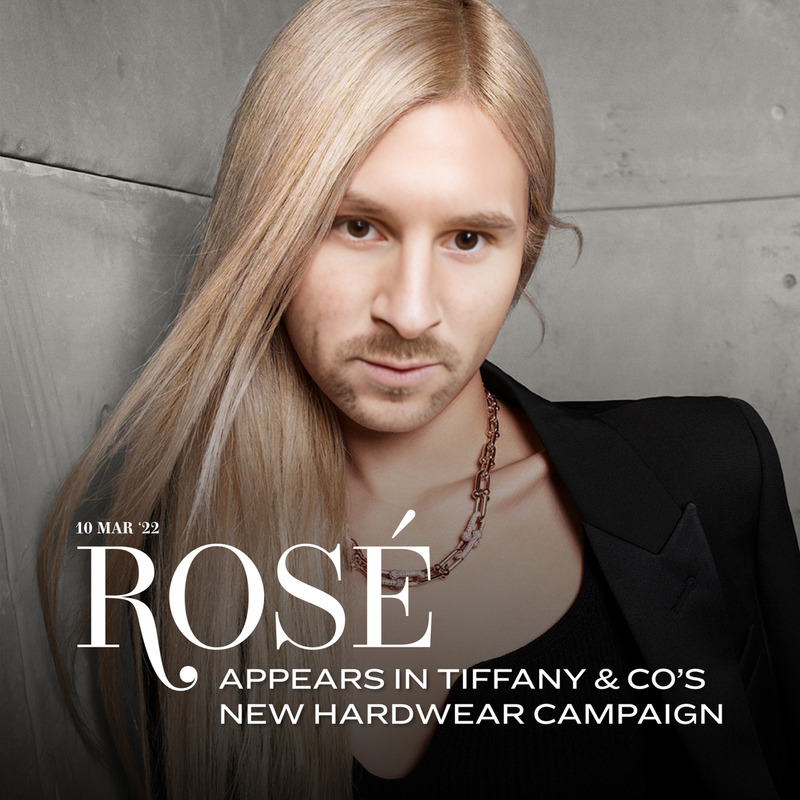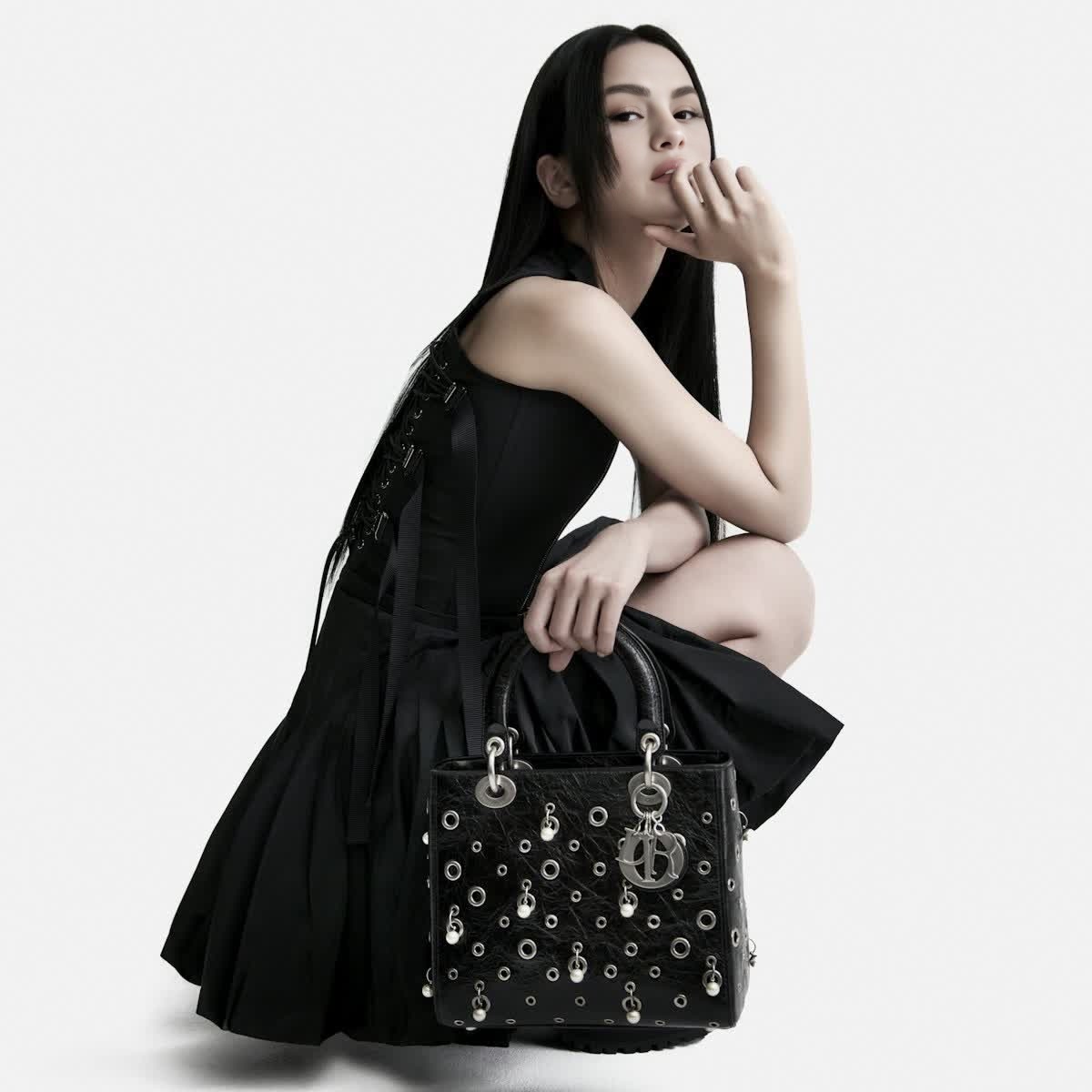
Jisoo Blackpink Dior Campaign Portrait
- Image
- 1200 × 1200 px
Any aspect ratio
Overview
The Jisoo Blackpink Dior Campaign Portrait template offers a unique take on Video Face Swap technology. Fans of Jisoo and Blackpink can now immerse themselves in the world of Dior by transforming their own videos with this special template.
What It Does
This template allows users to create a captivating portrait by swapping the face in their video with Jisoo from Blackpink's Dior campaign. Utilizing advanced technology from AI Video Generator, the template ensures high-quality and seamless integration into your chosen video.
Who It's For
This template is perfect for Blackpink fans, video creators, and fashion enthusiasts who want to make their content stand out. Whether you're creating fan videos, fashion edits, or promotional material, the template offers a simple yet powerful way to personalize content using Image to Video technology.
Summary
Experience the fusion of music and fashion with the Jisoo Blackpink Dior Campaign Portrait template. By leveraging Video Face Swap capabilities, this tool enables users to craft engaging and personalized videos that capture the essence of style and creativity.
How-To
Choose Your Template

Customize Your Input

Generate the Video

Use Cases
Fan Content Creation
- Blackpink music video edits
- Tribute videos for fans
Fashion Video Projects
- Dior-inspired video edits
- Fashion mood boards
Social Media Enhancement
- Instagram stories and posts
- TikTok transformations
Best Practices
Choose High-Resolution Videos
For optimal results, use high-resolution videos to ensure the face swap effect is crisp and clear.Align Facial Features
Make sure the angles and lighting of your video closely match the Jisoo image for natural integration.Utilize in Fashion Projects
Explore using the template for creative fashion video projects to maximize its visual impact.