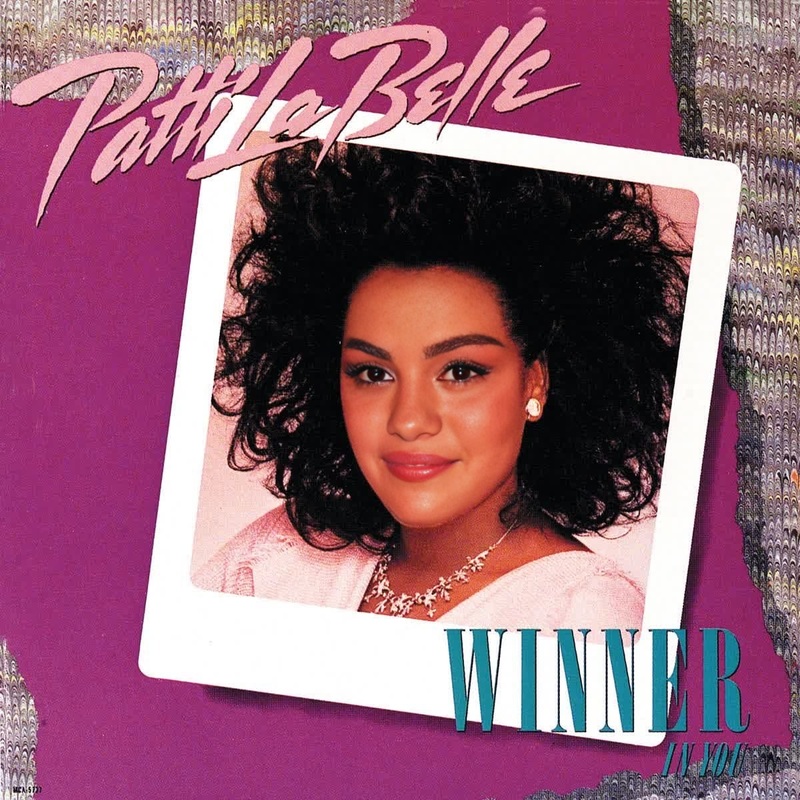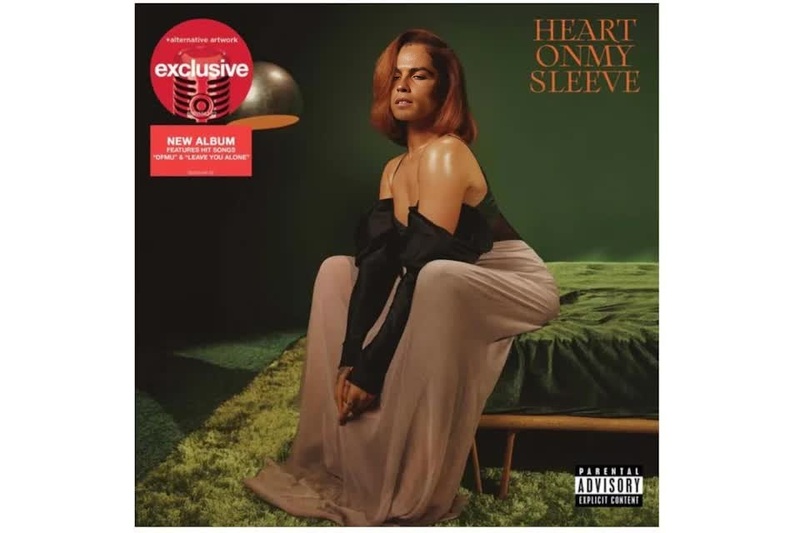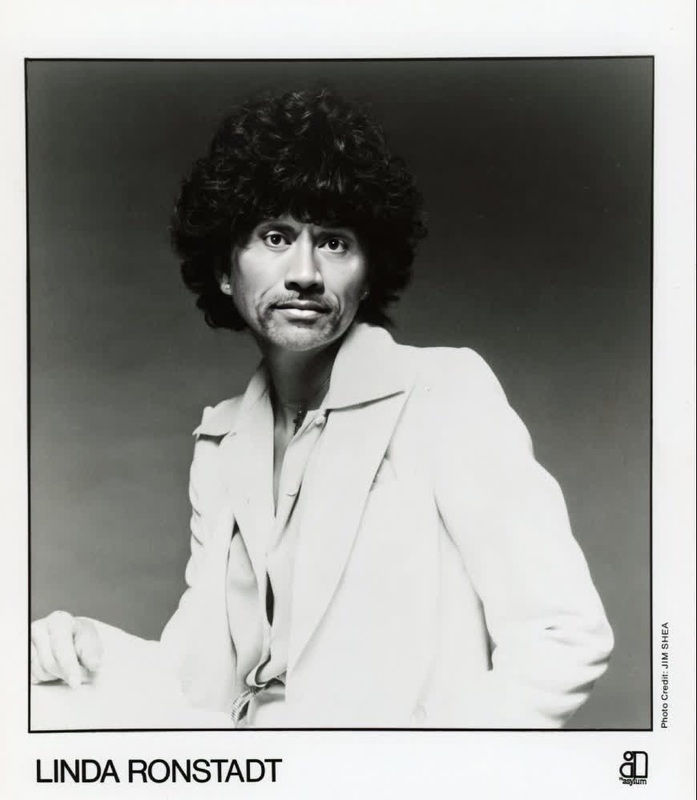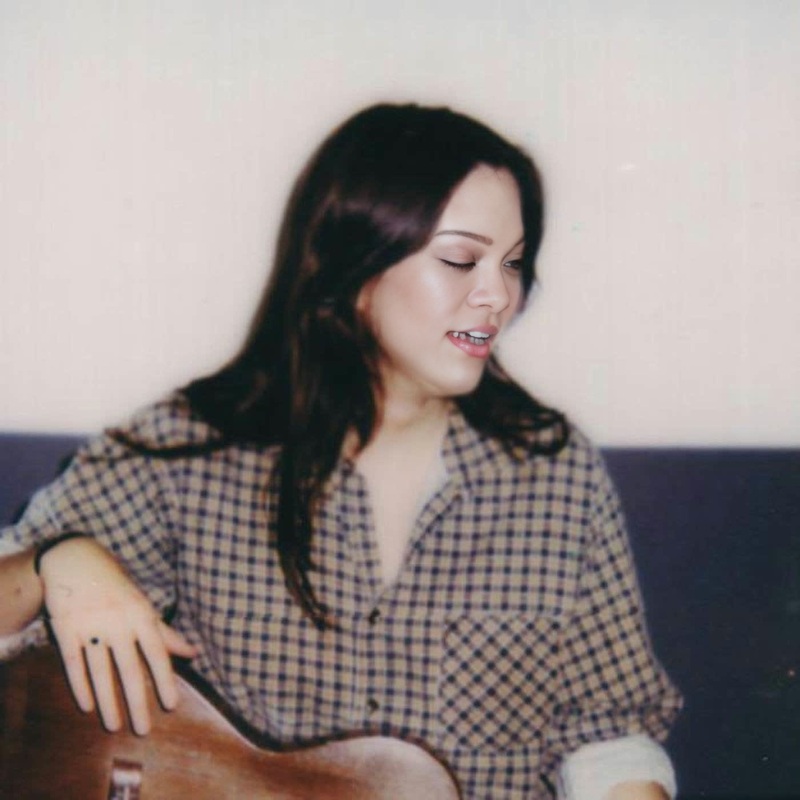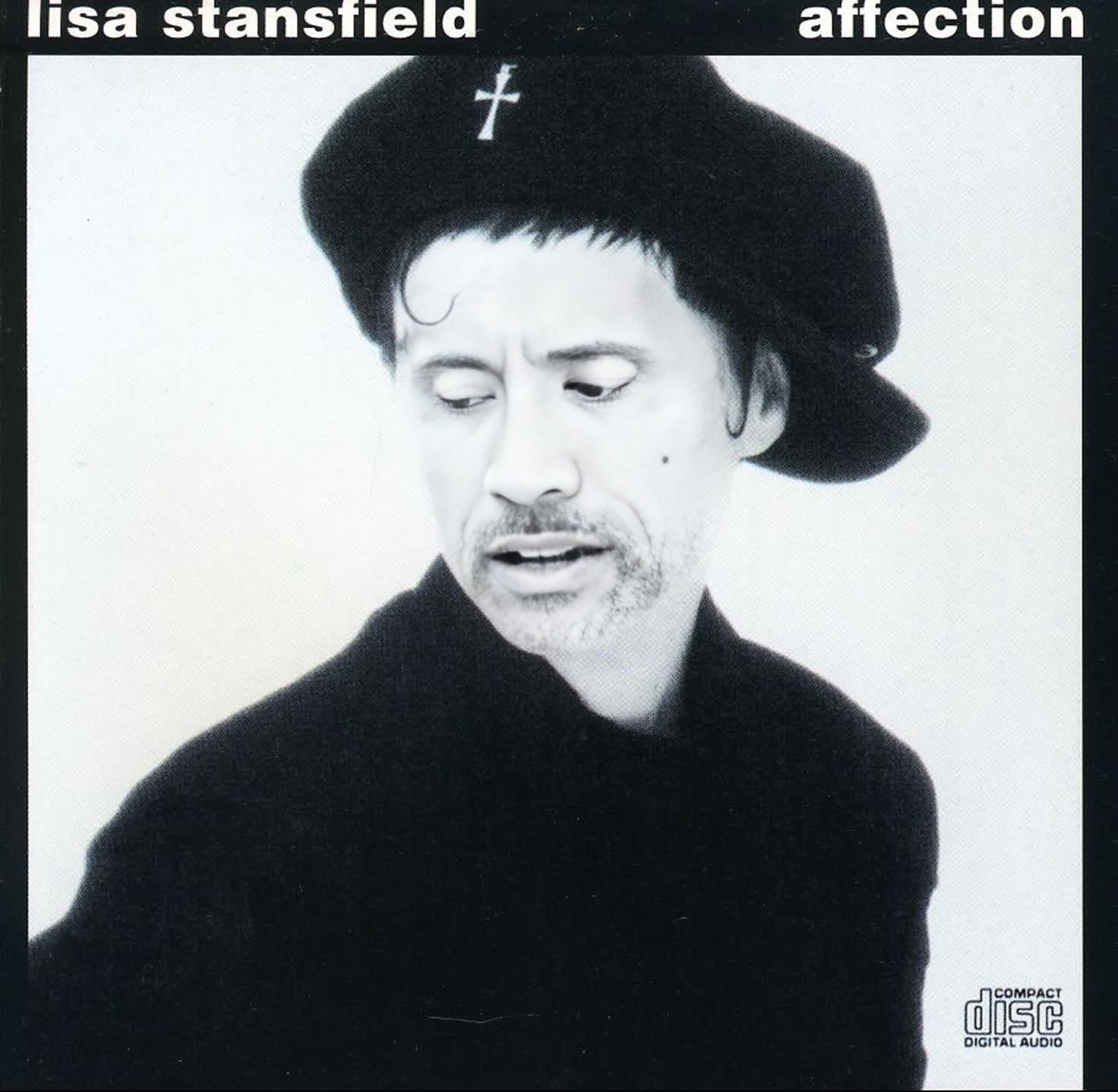
Lisa Stansfield Affection Press Portrait
- Image
- 1472 × 1438 px
Any aspect ratio
Overview
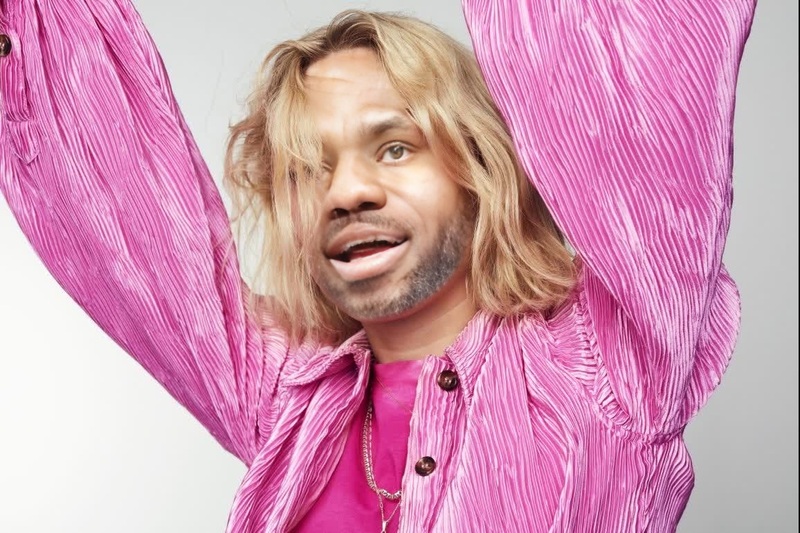
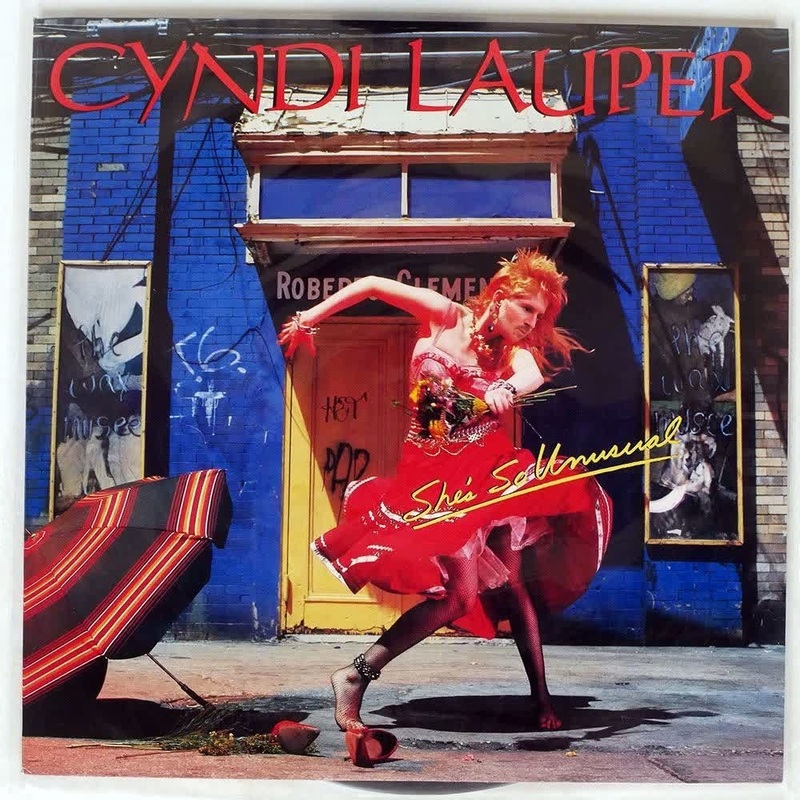
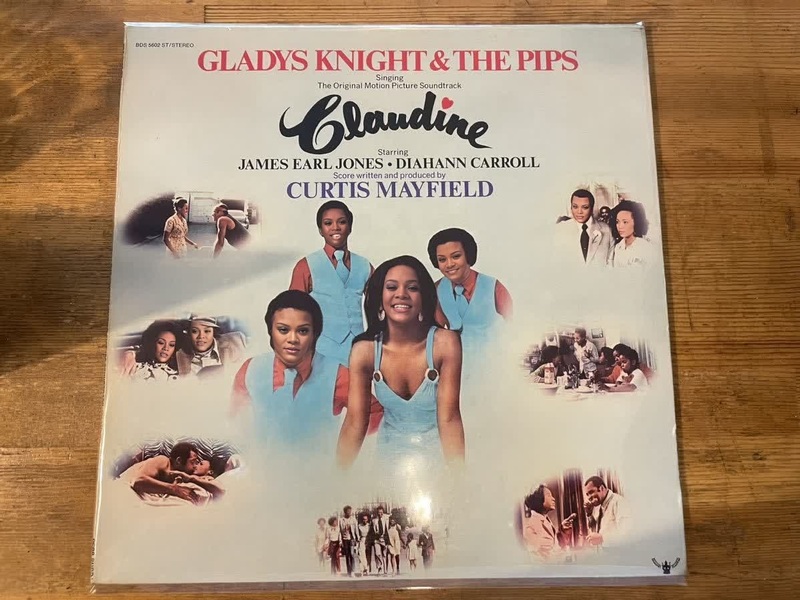
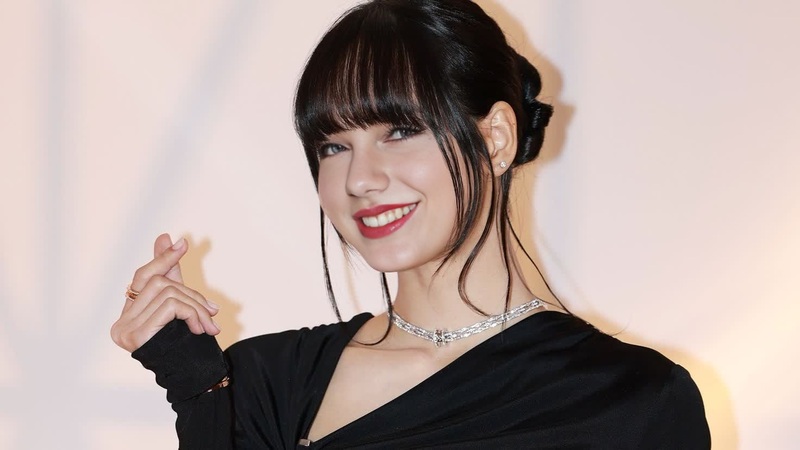
Transform your videos with the Lisa Stansfield Affection Press Portrait template. Designed for those looking to create engaging content, this Video Face Swap template allows you to swap faces into the iconic press portrait style, evoking the essence of Lisa Stansfield's celebrated work. Ideal for both personal and professional projects, this template makes your video editing process not only efficient but also enjoyable.
What It Does
The Lisa Stansfield Affection Press Portrait template utilizes advanced face swap technology to effortlessly integrate your subject's face into a visually stunning press portrait reminiscent of musical rich media. Whether you're aiming to create parody videos or immersive storytelling content, this template maintains the original artistic flair while allowing for customizable transformations.
Who It's For
This template is perfect for video creators, artists, and social media influencers looking to add a unique touch to their content. It's also a great tool for marketers and advertisers who want to engage their audience with creative visuals. Moreover, fans of Lisa Stansfield or retro-inspired projects will find this template particularly appealing.
Summary
With the Lisa Stansfield Affection Press Portrait template, you get a tool that's both accessible and powerful. Its AI Video Generator capabilities offer seamless integrations into your creative workflow, ensuring that your face swap projects reflect professional quality. Dive into a world of creative possibilities and delight your audience by merging personal narratives with iconic visual styles.
How to Use
Choose the Template

Customize Your Video

Generate and Download

Use Cases
Social Media Campaigns
- Create memorable ads
- Attract and retain audience attention
- Enhance brand storytelling
Content Creation
- Parody and satire
- Character storytelling
- Add flair to music videos
Event Promotions
- Concert promotions
- Virtual events
- Party invitations
Best Practices
High-Quality Source Material
Use videos with clear and well-lit faces to ensure the best face swap results. This minimizes errors and enhances the final output quality.Align Faces Properly
Take advantage of the template's alignment tools to ensure that the face fits naturally and complements the original aesthetic of the portrait.Preview Before Finalizing
Always preview your project before finalizing the output to catch any misalignments or artifacts that may need adjustment.