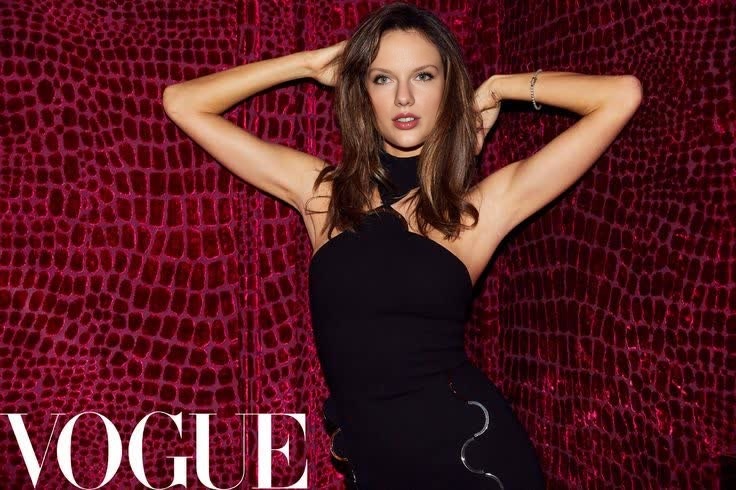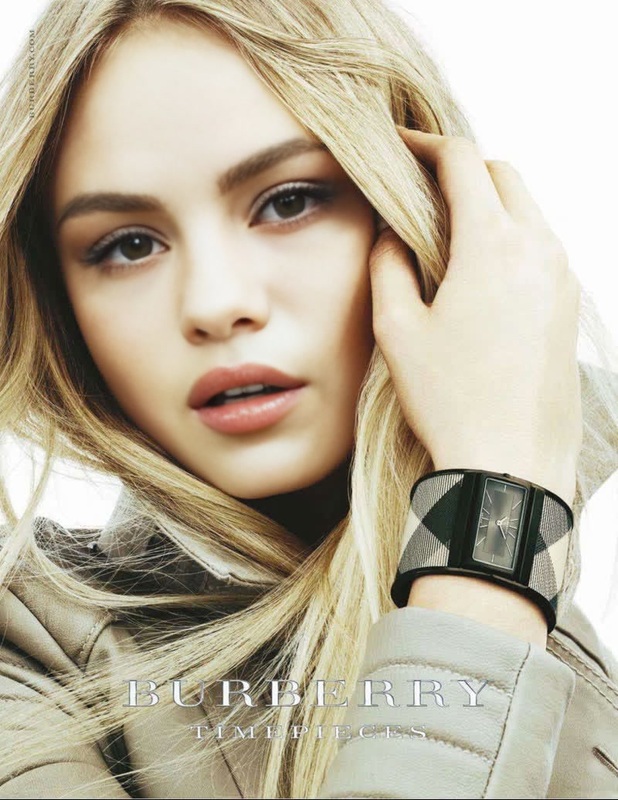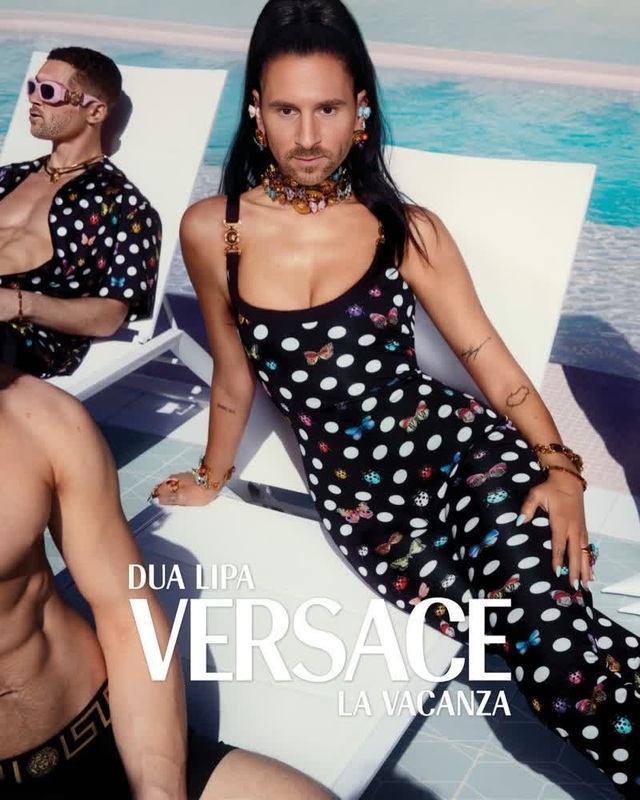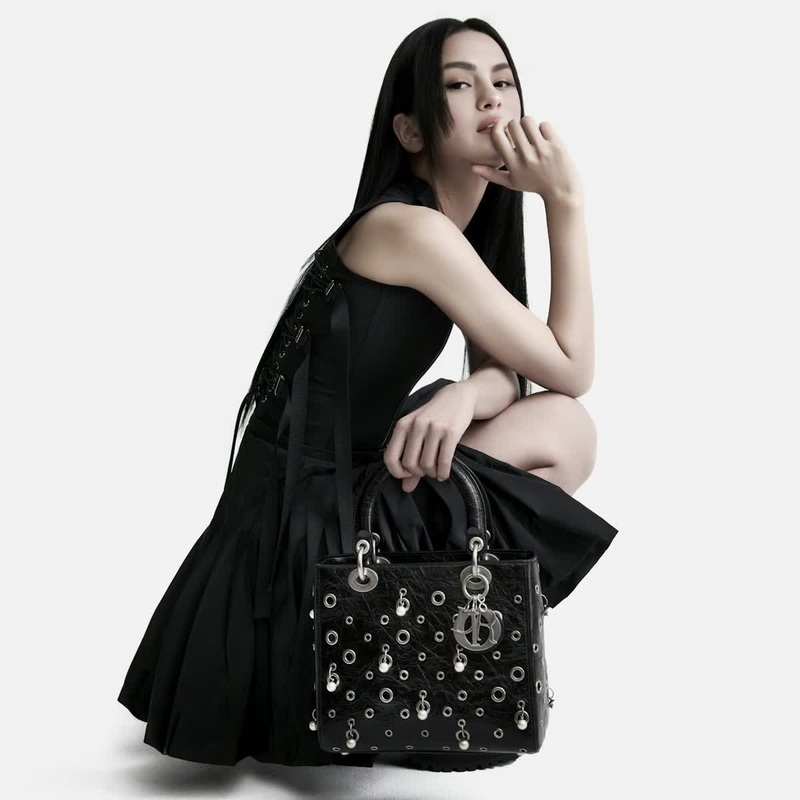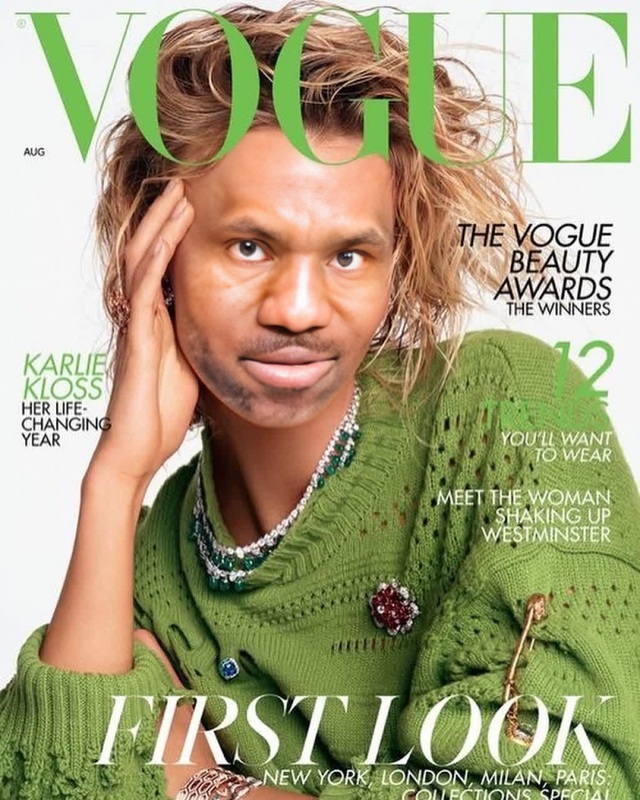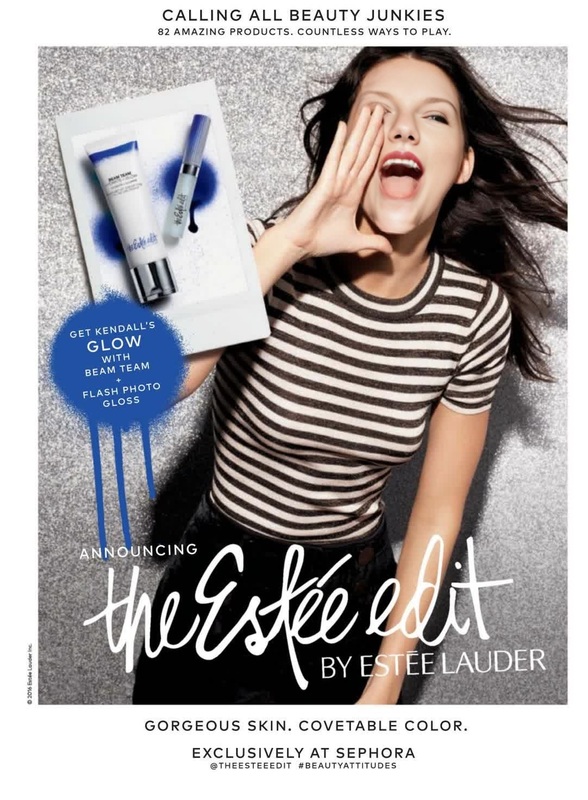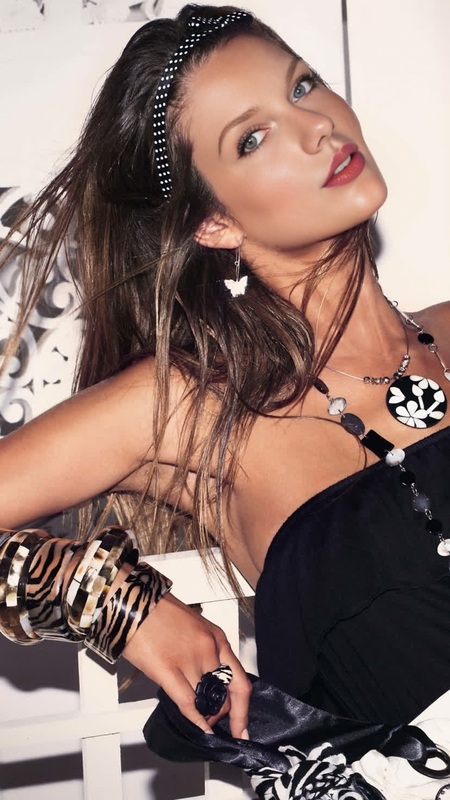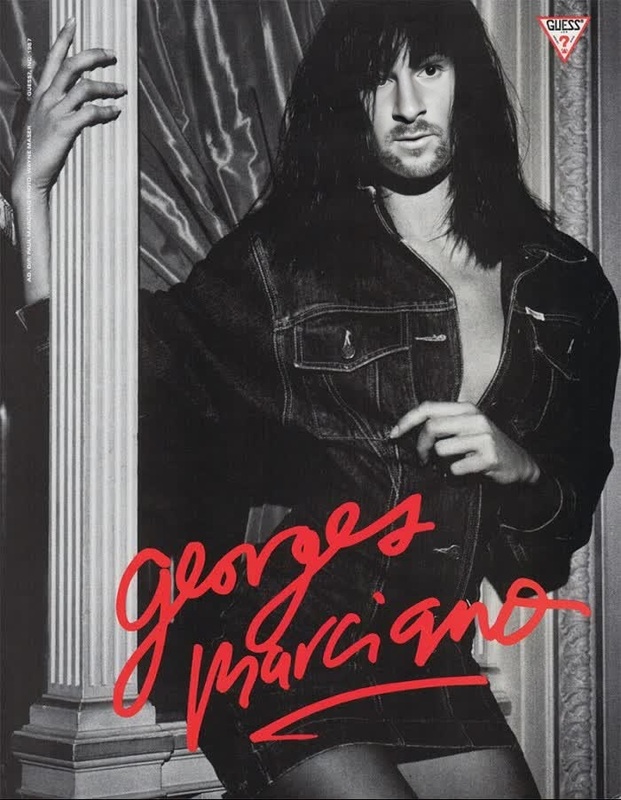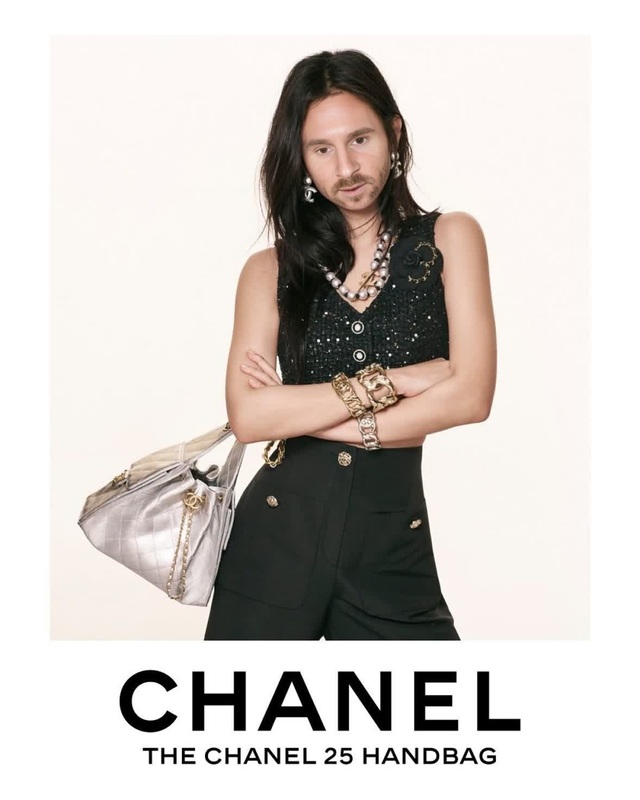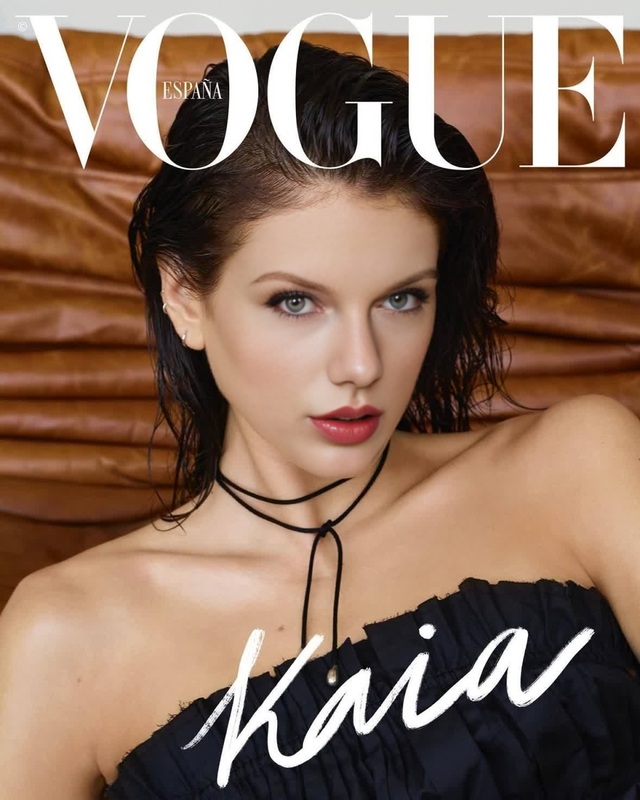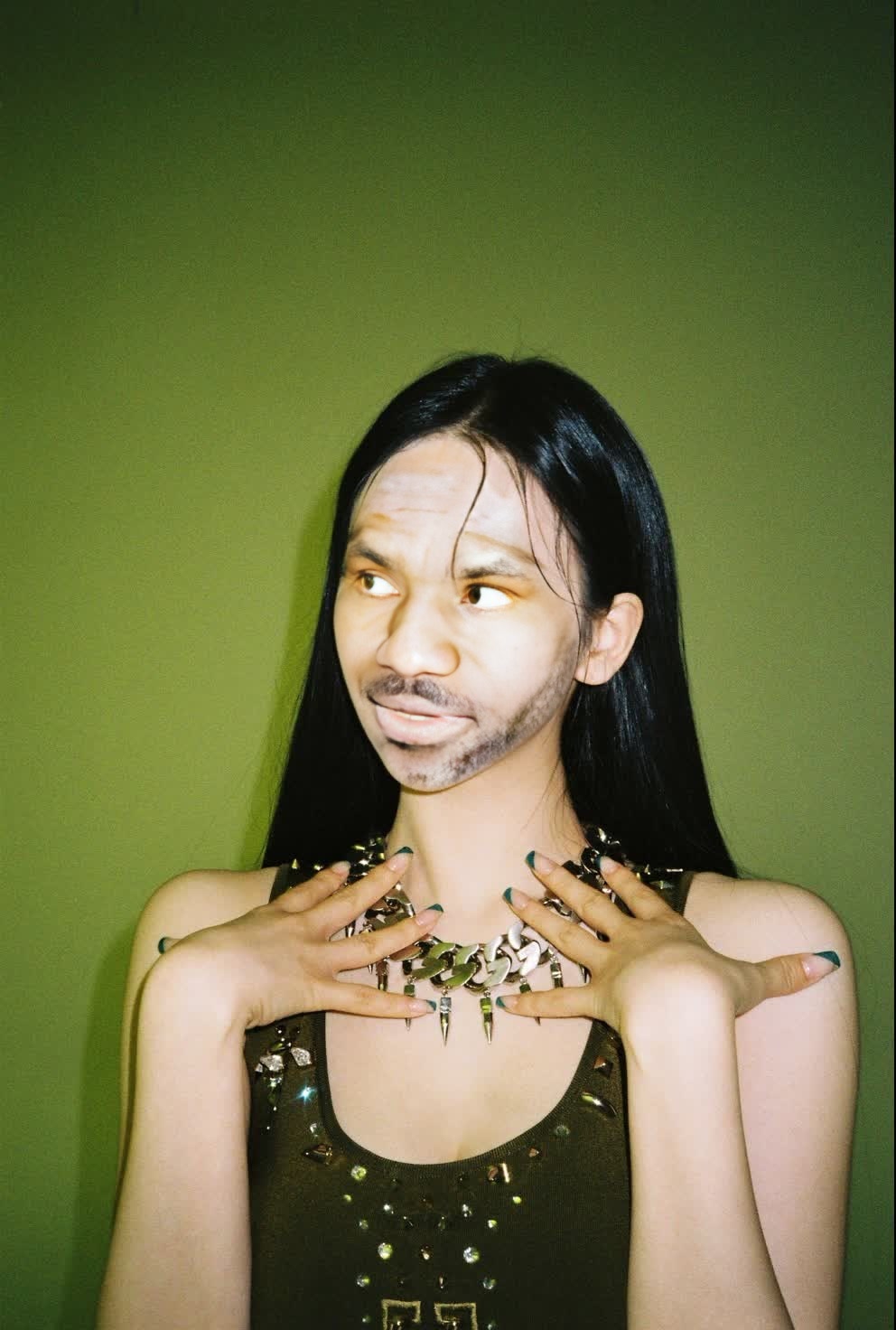
Aespa Karina Givenchy Campaign Portrait
- Image
- 992 × 1472 px
Any aspect ratio
Overview
The Aespa Karina Givenchy Campaign Portrait template is a powerful tool for creating fashion-forward videos using Video Face Swap technology. It allows for seamless integration of Aespa’s Karina into your projects, giving them a professional, high-fashion edge.
What It Does
This template specializes in transforming videos by swapping out faces with Aespa's Karina from a Givenchy campaign portrait. Utilize the advanced capabilities of Video Face Swap for high-impact, trendsetting video content.
Who It's For
Designers, video marketers, and social media influencers will find this template particularly useful. It’s also ideal for agencies looking to create compelling content for fashion brands. Paired with tools like the AI Image Editor, it offers versatile editing options.
Summary
Elevate your fashion videos by incorporating this template, which leverages the Image-to-Video capabilities, allowing for dynamic and transformative edits. It’s a must-have for those aiming for a polished, modern aesthetic.
How-To
Choose the Template

Customize Your Inputs

Generate Your Video

Use Cases
Fashion Promotions
- Emphasize current trends
- Create viral marketing campaigns
Social Media Content
- Boost engagement
- Enhance brand aesthetics
Event Highlights
- Capture audience attention
- Strengthen brand identity
Best Practices
Select High-Quality Footage
Ensure videos are of high resolution for the best results during face swapping.Maintain Lighting Consistency
Match lighting conditions between the original video and the template for a more seamless integration.Utilize Related Tools
Combine with the AI Voice Changer to add customized audio elements.
FAQs
More Like This