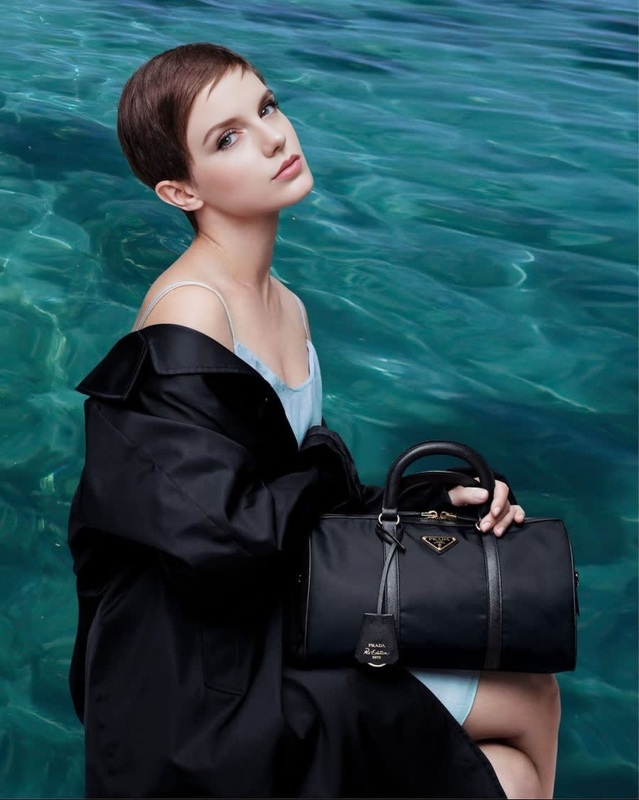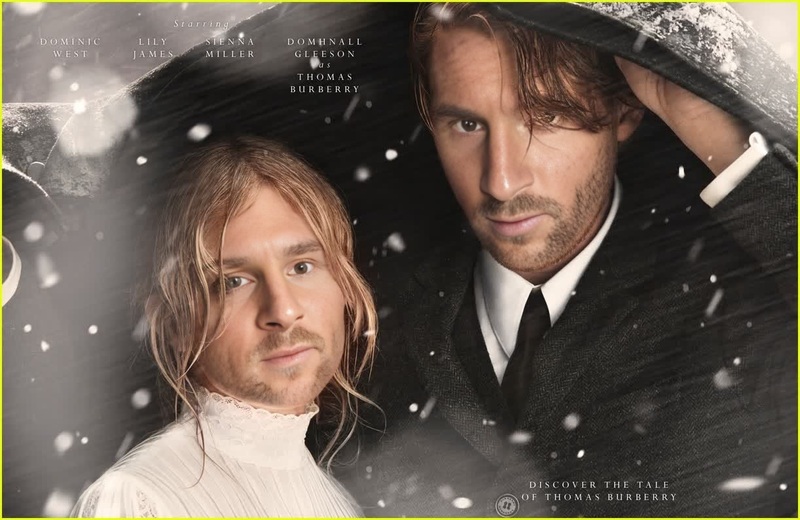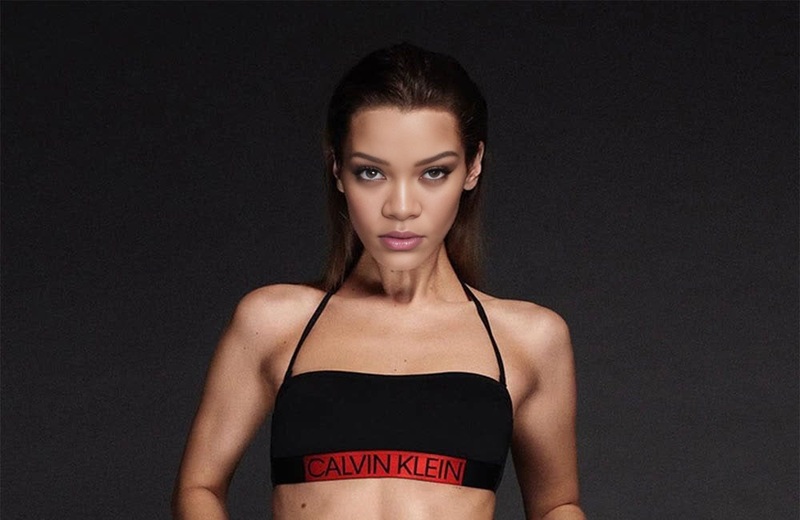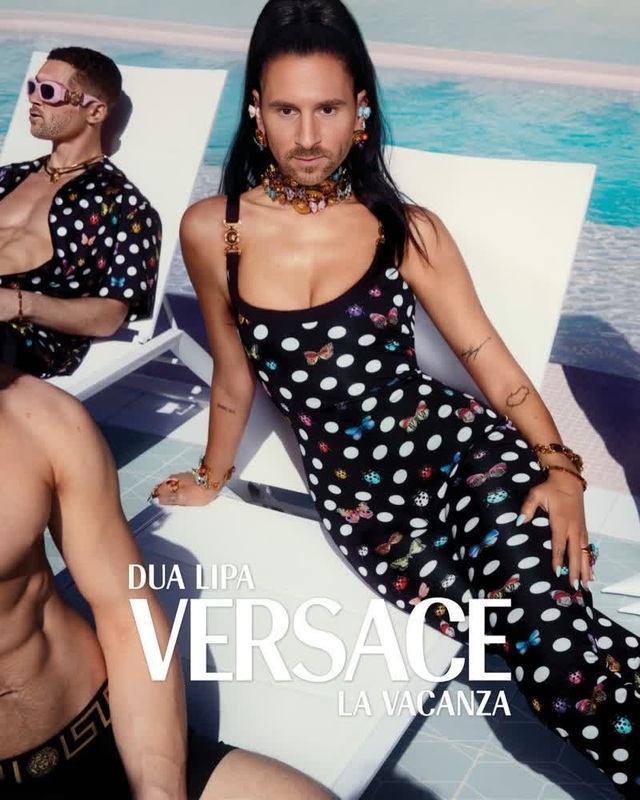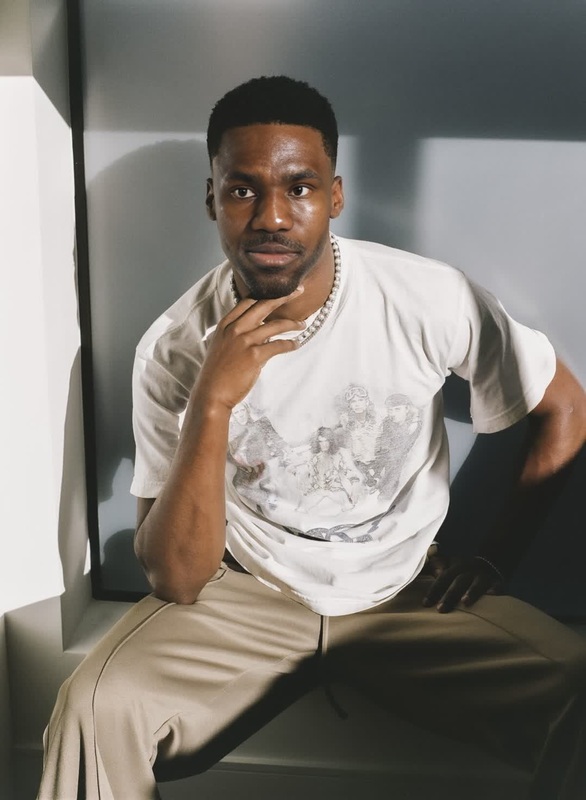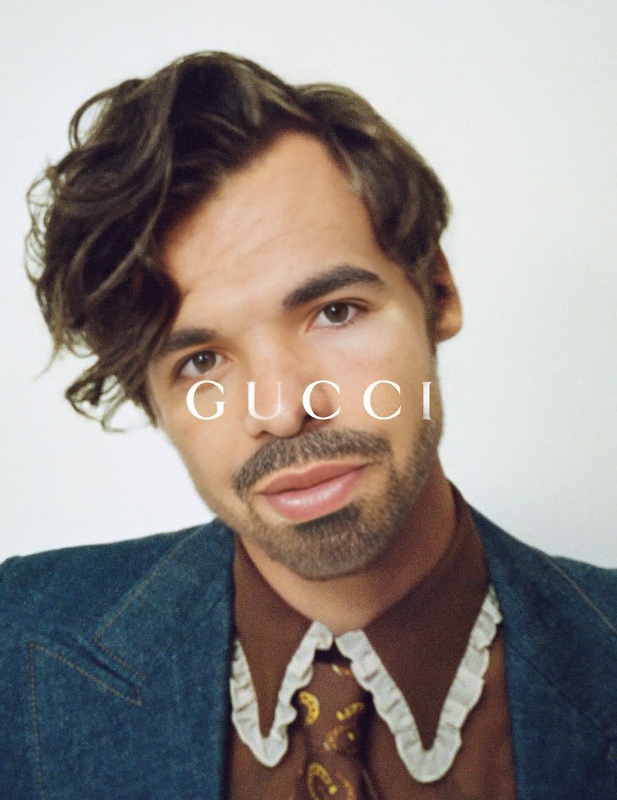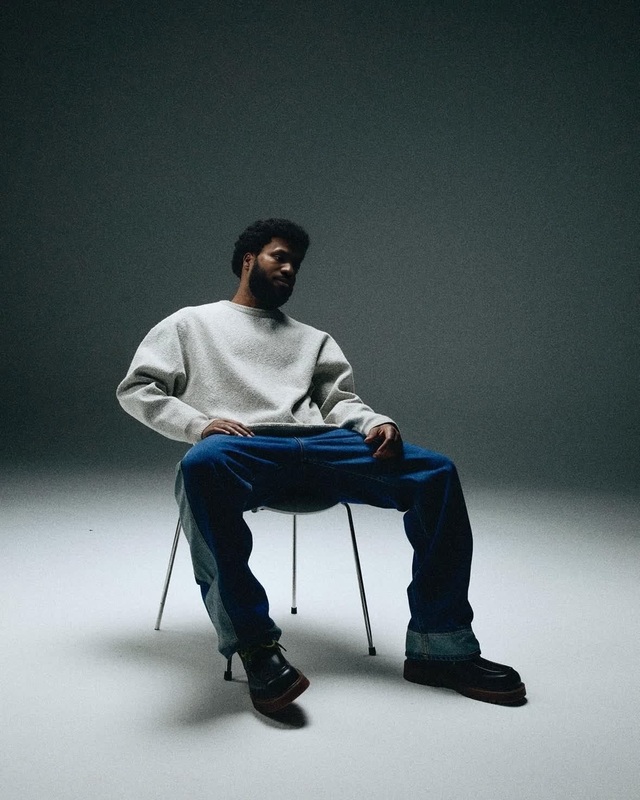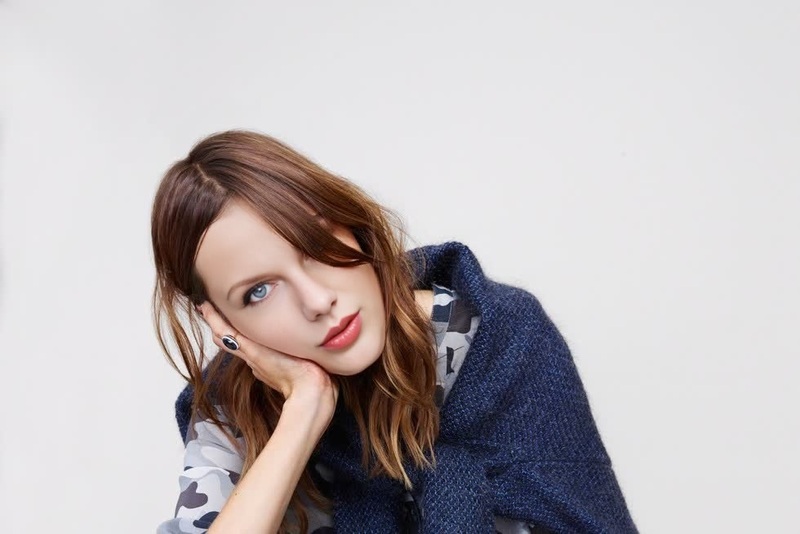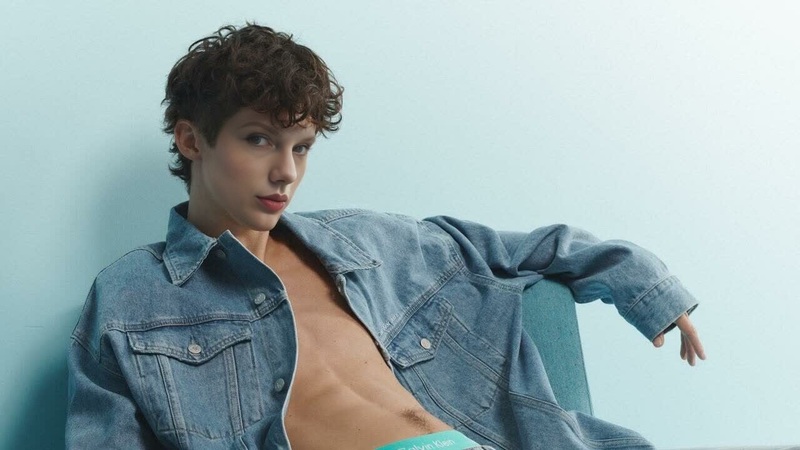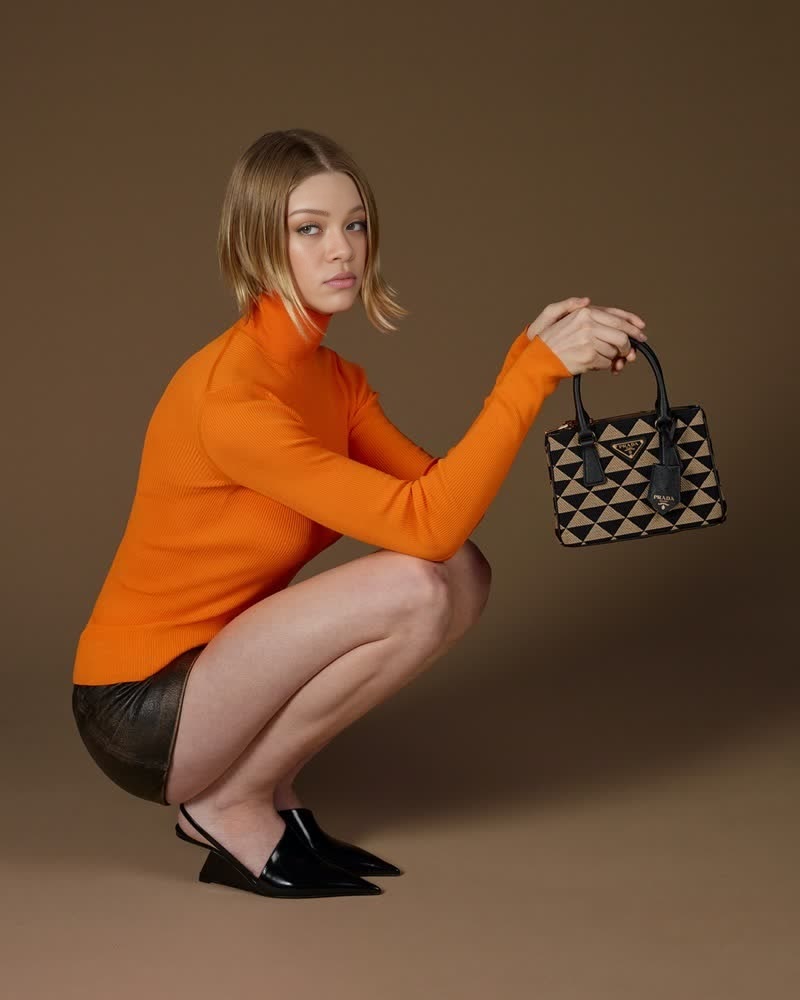
Hunter Schafer Prada Campaign Portrait
- Image
- 800 × 1000 px
Any aspect ratio
Overview
Dive into the world of high-fashion creativity with the Hunter Schafer Prada Campaign Portrait template. This Video Face Swap tool allows you to infuse the elegance of a Prada campaign into your own video projects by swapping faces seamlessly. Whether you're crafting a unique video for social media or personal projects, this template helps bring your visions to life.
What It Does
This template utilizes advanced Video Face Swap technology to replace faces in videos with precision, maintaining the original video's lighting and expressions. It empowers creators to transform ordinary footage into extraordinary content, replicating the professional touch seen in global advertising campaigns.
With compatibility across various platforms, including social media and personal portfolios, it's an essential tool for modern creators looking to make a statement.
Who It's For
Ideal for influencers, content creators, and marketing professionals, the Hunter Schafer Prada Campaign Portrait template provides the tools needed to stand out. Social media marketers can leverage its capabilities to craft innovative content, while video editors and filmmakers can use it to enhance creative visual storytelling.
Additionally, brands looking to experiment with unique promotions will find this template integrates effectively into campaigns, offering fresh visual content.
Summary
By providing a sophisticated tool for video transformation, the Hunter Schafer Prada Campaign Portrait template opens up new possibilities for visual content creation. It shares its innovative approach with Image to Video and AI Image Editor, allowing users to blend different facets of AI technology for enhanced results. Whether you're updating a portfolio or launching a campaign, this template ensures your projects are both impactful and stylish.
How To
Choose the Template

Customize Your Video

Generate and Download

Use Cases
Social Media Campaigns
Personal Projects
Marketing Promotions
Best Practices
Optimize Lighting Conditions
Ensure that the lighting in your source video matches the template for a seamless face swap.Select High-Resolution Uploads
Upload high-resolution videos to maximize the output quality and ensure all details are preserved.Use Consistent Angles
Try to use videos where the subject's face angle corresponds well with the template for a natural look.