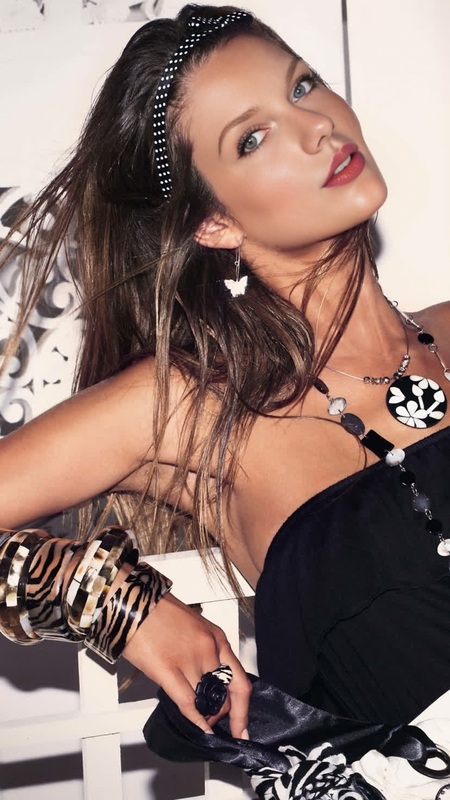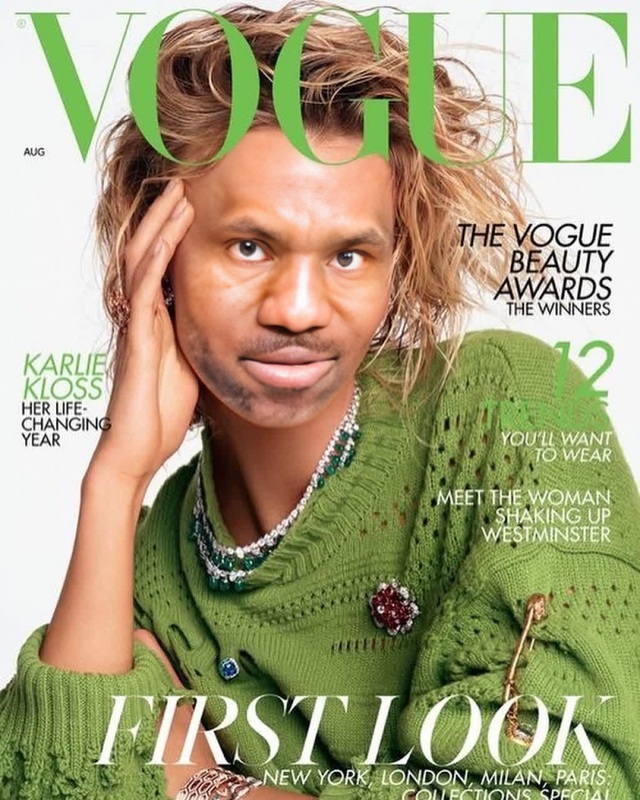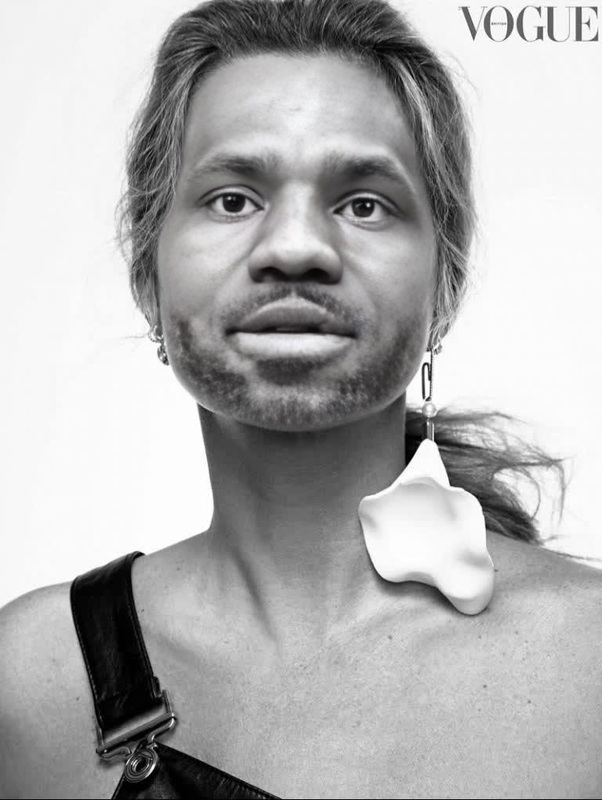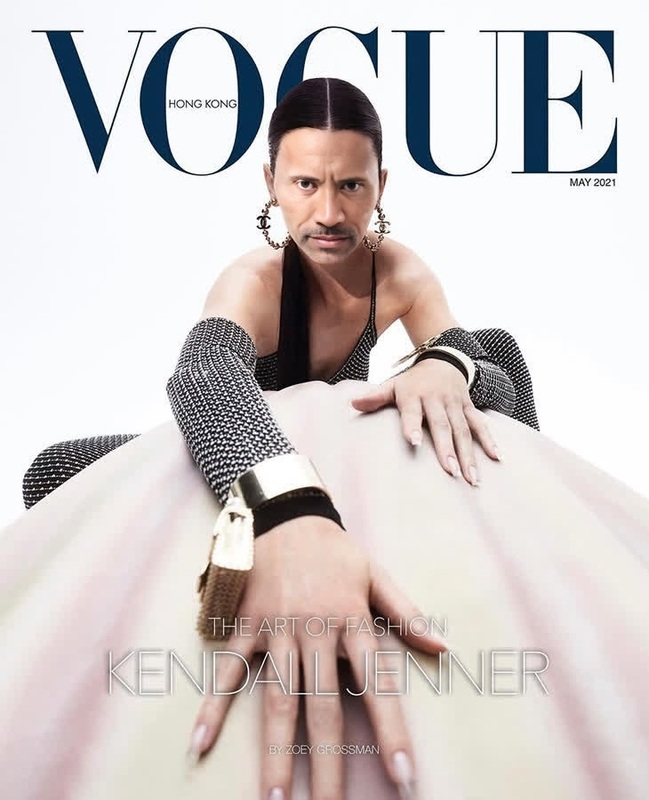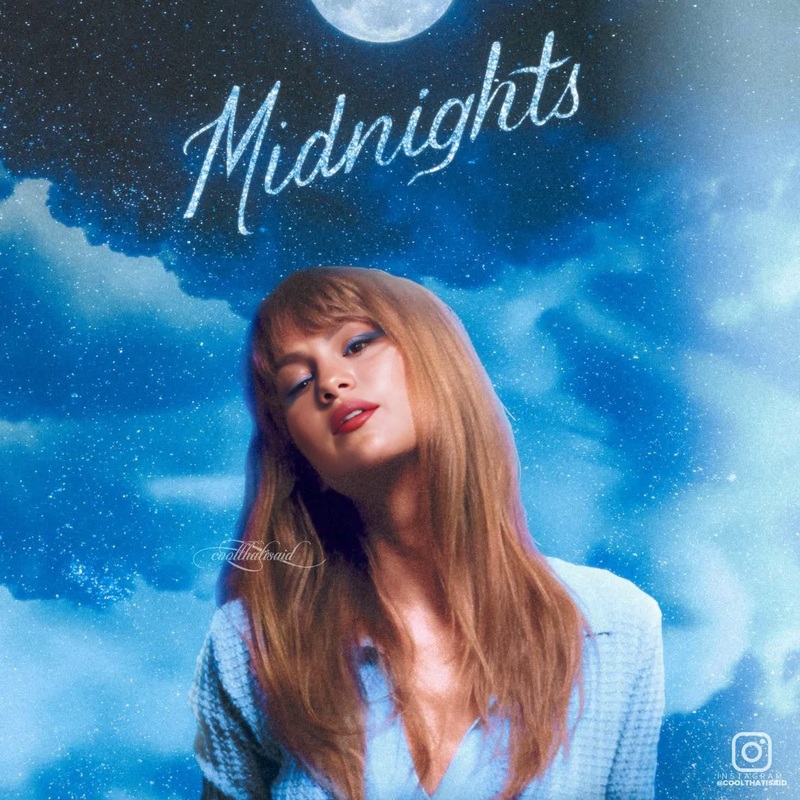
Taylor Swift Keds Campaign Portrait
- Image
- 1280 × 1280 px
Any aspect ratio
Overview
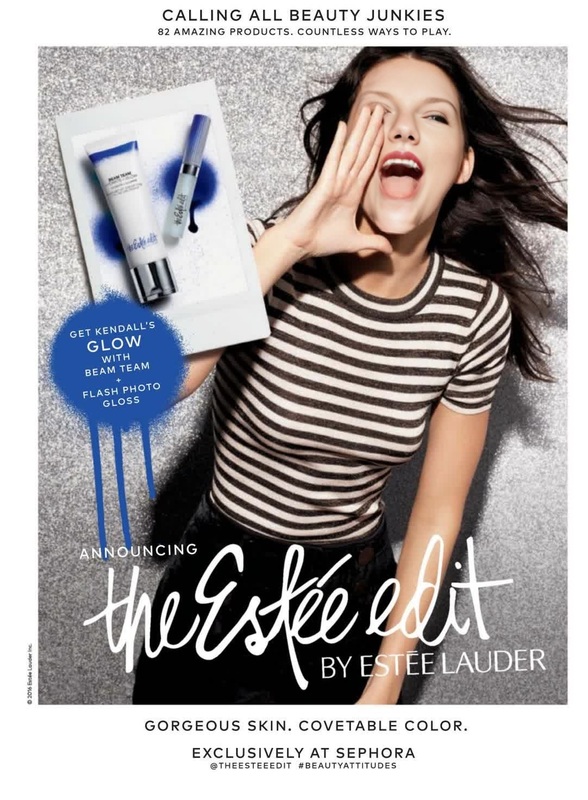
Enter the spotlight with the Video Face Swap template, tailored to infuse your video with the iconic style of Taylor Swift's Keds campaign. This template is designed for users looking to breathe new life into their portraits by swapping faces in a professionally styled video setup.
What It Does
This template allows you to swap your face into Taylor Swift's acclaimed Keds campaign video. Utilizing advanced face-swap technology, it maintains realistic expressions and skin tones, ensuring a seamless transition into your new cinematic image. Ideal for creating memorable video portraits or social media content.
Who It's For
This template is perfect for content creators, social media influencers, and fans of Taylor Swift looking to create immersive video content. Whether you're an influencer seeking to enhance your engagement or a casual user looking to explore creative transformations, this tool provides the necessary capabilities to stand out.
Summary
Transform your videos by stepping into the Keds world of Taylor Swift with this Video Face Swap template. It's an innovative way to personalize your content with a professional touch. Explore related tools like the Head Swap for similar creative possibilities, or check out the AI Video Generator to expand your video creation potential.
How-To
Choose Your Template

Customize Your Inputs

Generate Your Video

Use Cases
Social Media Content
Celebrity Role Play
Fan Projects
Best Practices
Use High-Quality Images
Ensure the image you upload is of high resolution to achieve the best face swap results.Check Video Orientation
Align your photo's orientation with the video's style to avoid mismatches in the final output.Experiment with Facial Expressions
Upload images with different expressions for varied outputs; this helps find the most convincing swap.