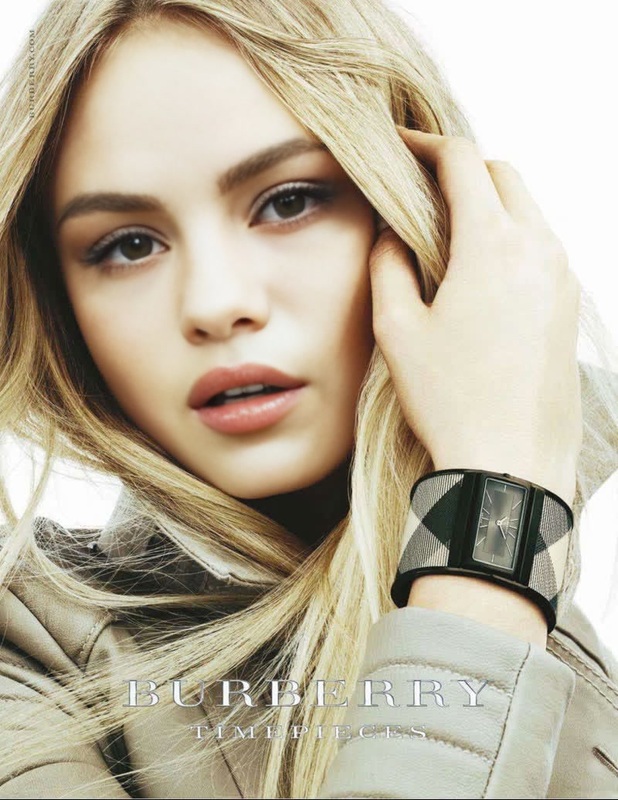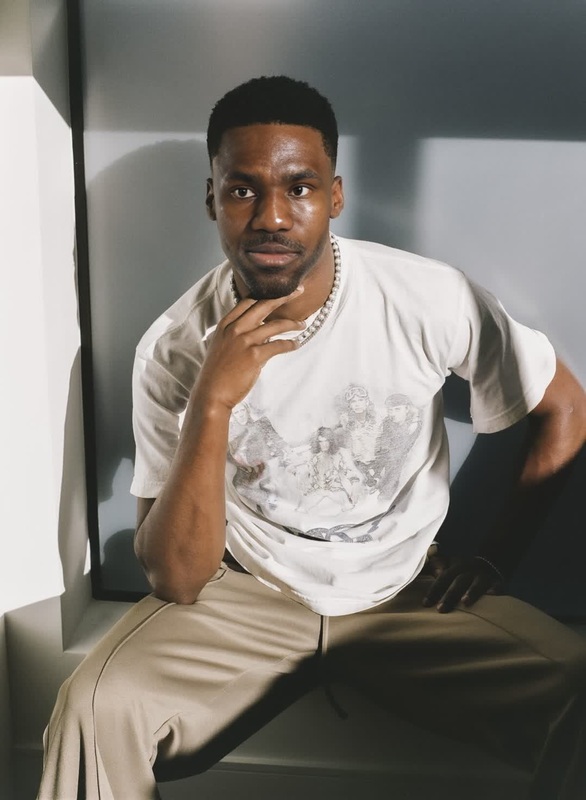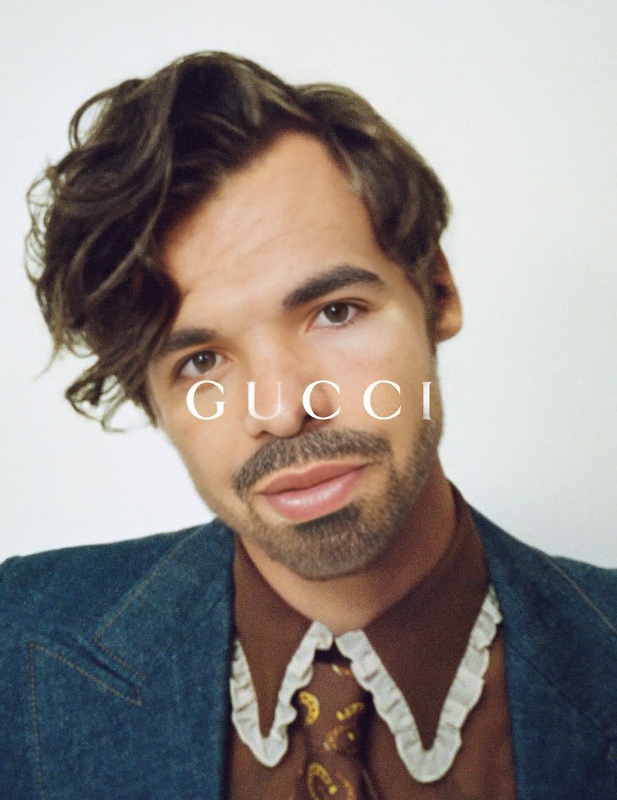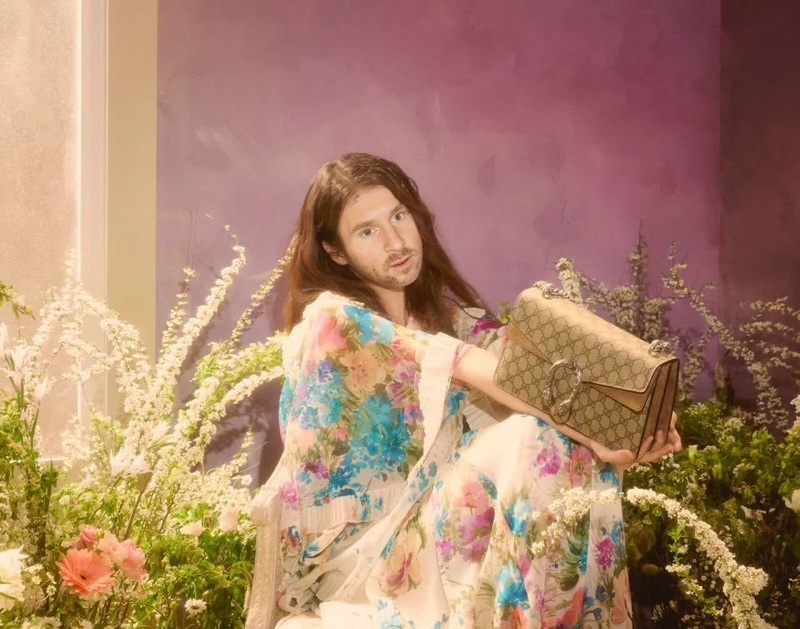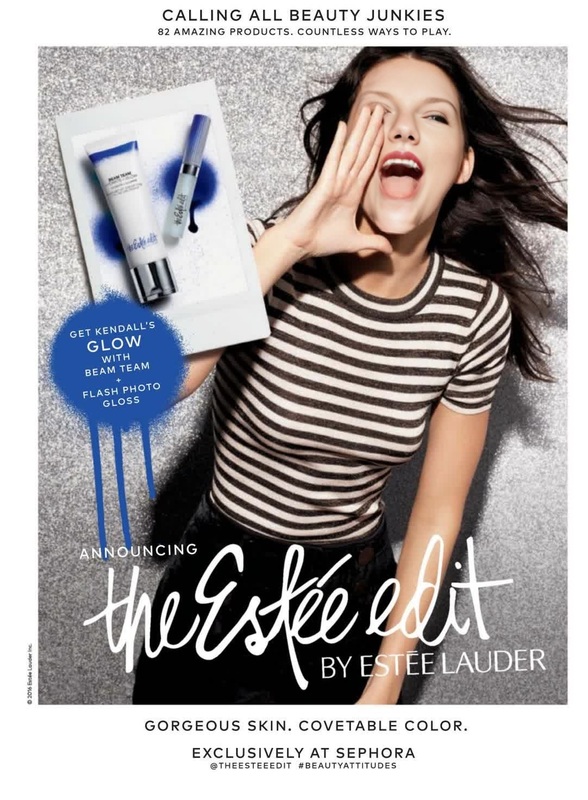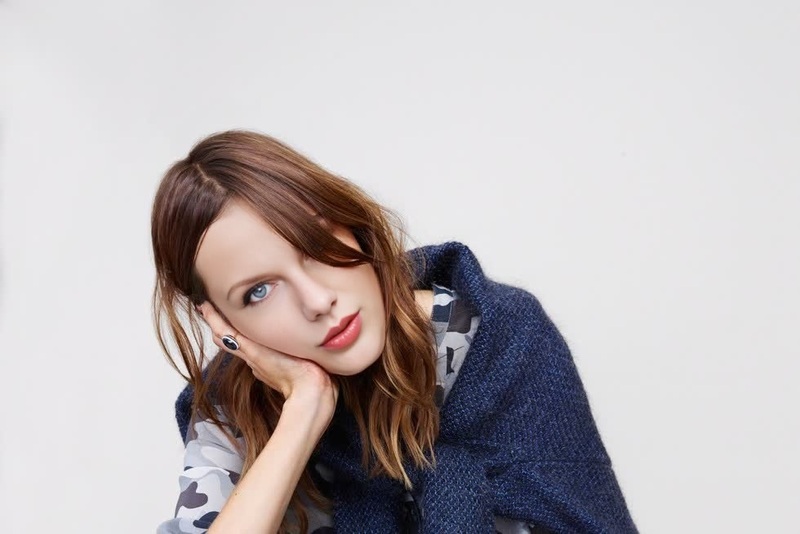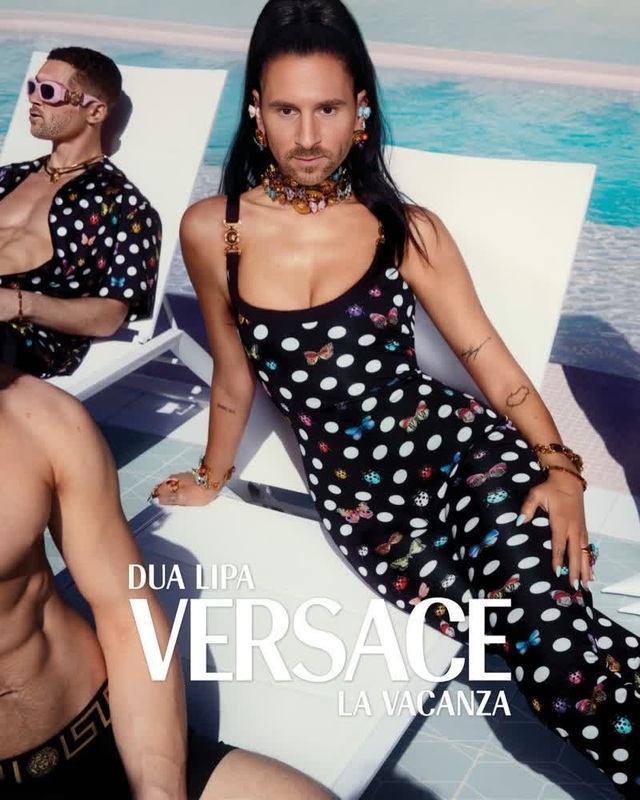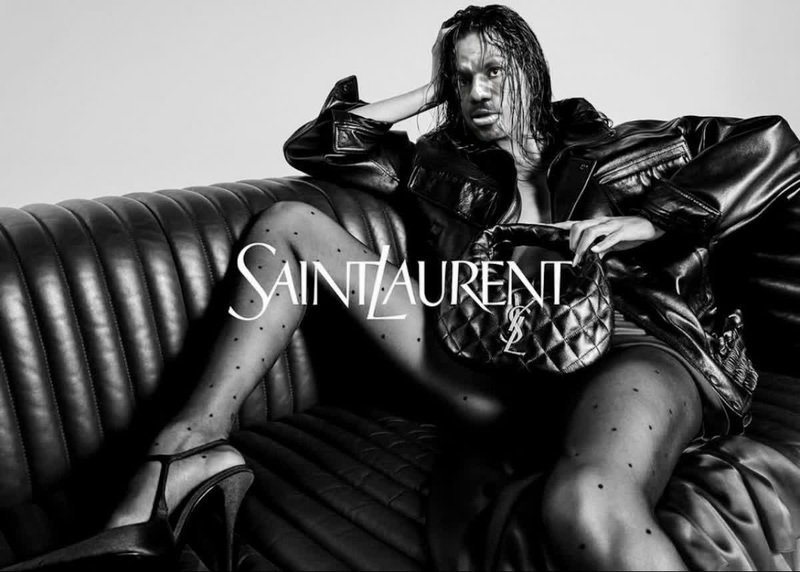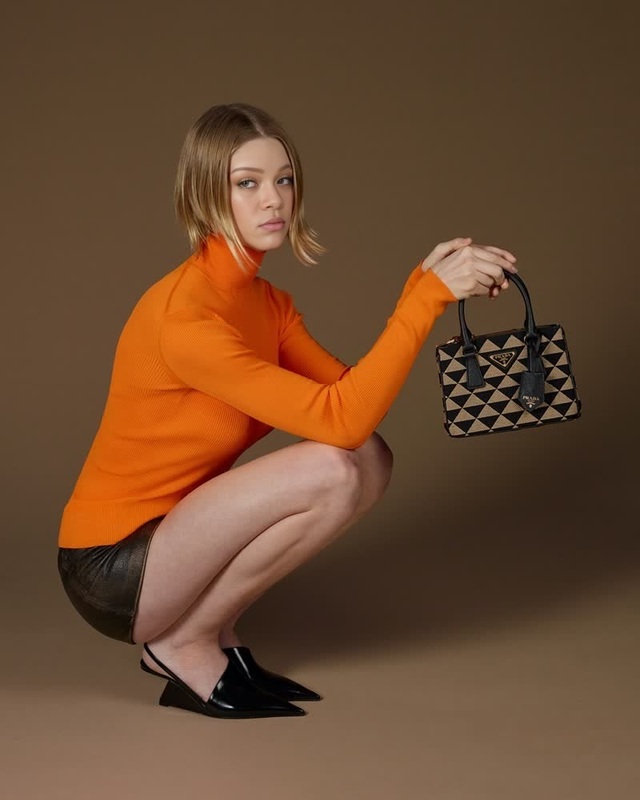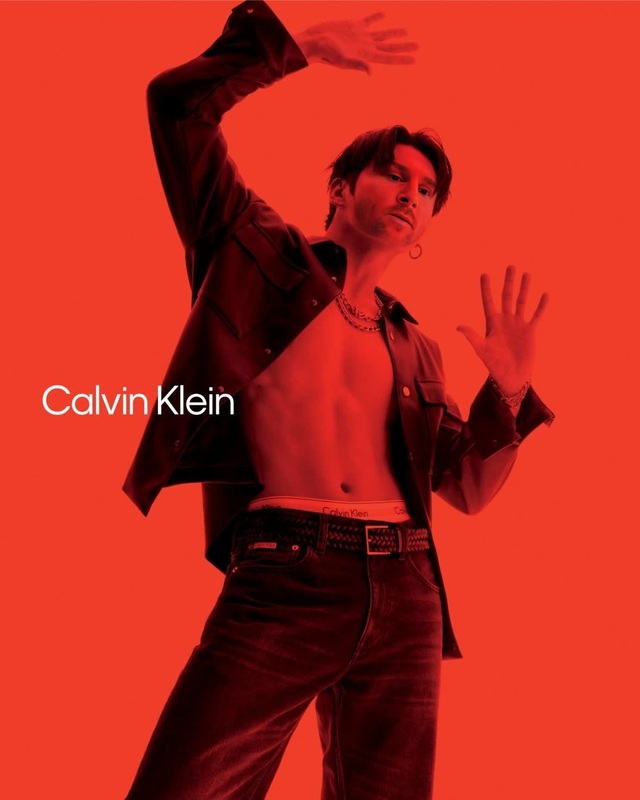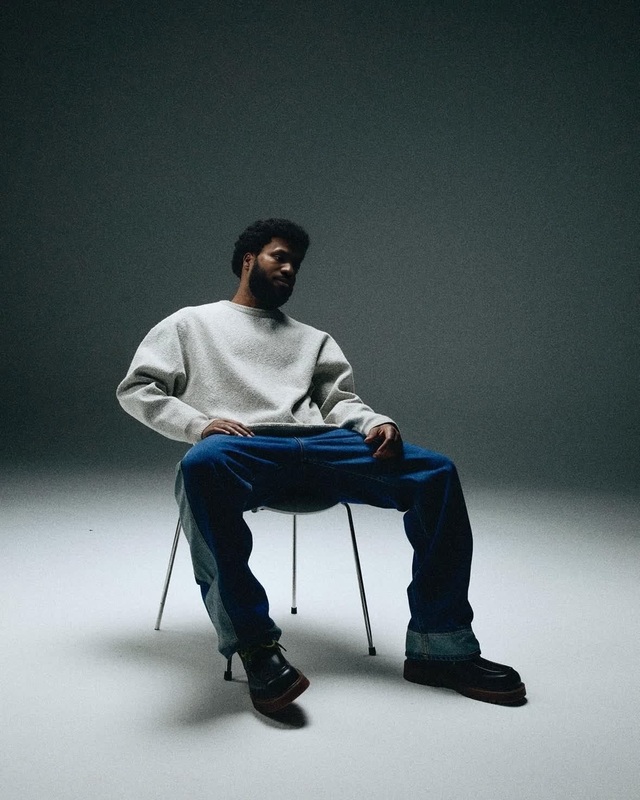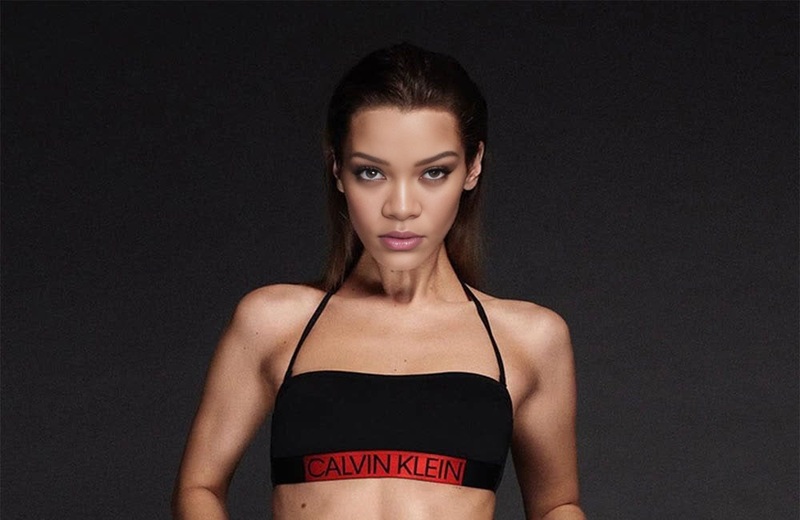
Troye Sivan Calvin Klein Campaign Portrait
- Image
- 1280 × 720 px
Any aspect ratio
Overview
Step into the world of high fashion and celebrity with the Troye Sivan Calvin Klein Campaign Portrait template. Designed as a Video Face Swap tool, this template enables you to seamlessly create personalized videos, bringing to life iconic campaigns with your face or a client's face. Ideal for visual creatives looking to make a statement or influencers aiming to engage their audience with unique content.
What It Does
This template expertly facilitates the swap of faces in video footage, making it perfect for creating personalized versions of Troye Sivan's Calvin Klein portraits. You can transform your videos with the ease of our face swapping technology, ensuring that the output maintains high-quality visuals. Check out how this integrates with our Video Face Swap offerings.
Who It's For
Perfect for marketers, content creators, and video editors who want to push creative boundaries. Whether you’re looking to create personalized content for brand promotion or individual expression, this template enables professionals in fashion, advertising, and social media to deliver standout visuals. Pair it with our AI Image Editor for further enhancements.
Summary
With the Troye Sivan Calvin Klein Campaign Portrait template, your creative possibilities are vast. Use this tool as part of Face Swap projects or to experiment with cutting-edge video transformations. This is a must-have for those striving to deliver dynamic and engaging video content.
How to Use
Choose Your Template

Customize Your Inputs

Generate Your Video

Use Cases
Fashion Campaign Spoofs
- Overlay faces onto iconic Calvin Klein imagery.
- Craft unique portfolio pieces.
Social Media Content
- Boost engagement with personalized celebrity looks.
- Create content that goes viral.
Influencer Advertising
- Promote high-profile brands with a personal twist.
- Reach a broader audience with innovative tools.
Best Practices
Select High-Quality Videos
For optimal results, use well-lit, high-resolution video files to ensure the swapped face aligns seamlessly.Choose Photos Carefully
Select high-resolution images of the face to be swapped, ensuring clear facial features.Combine with Enhancement Tools
Utilize the AI Image Upscaler to enhance video quality after face swapping.