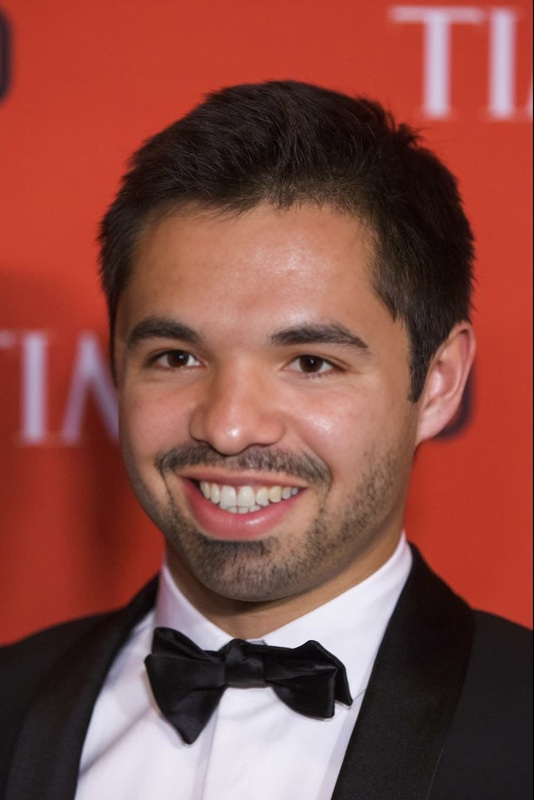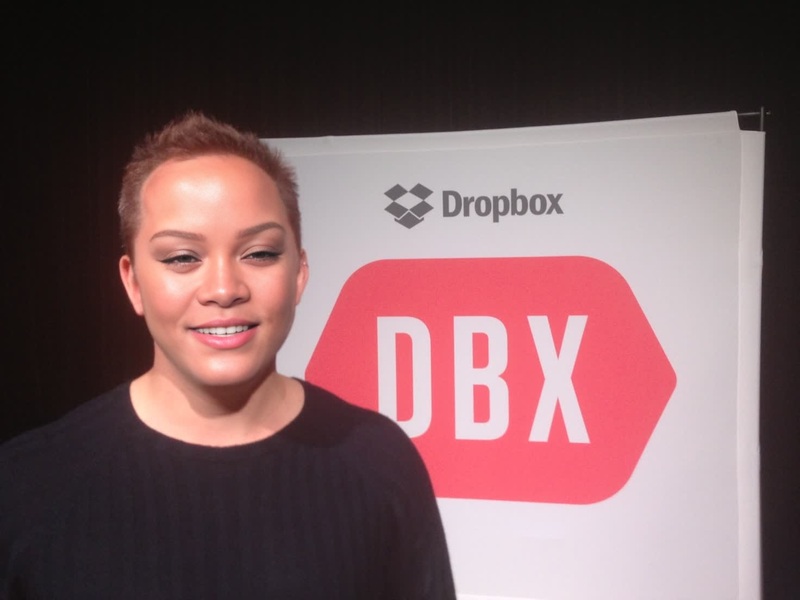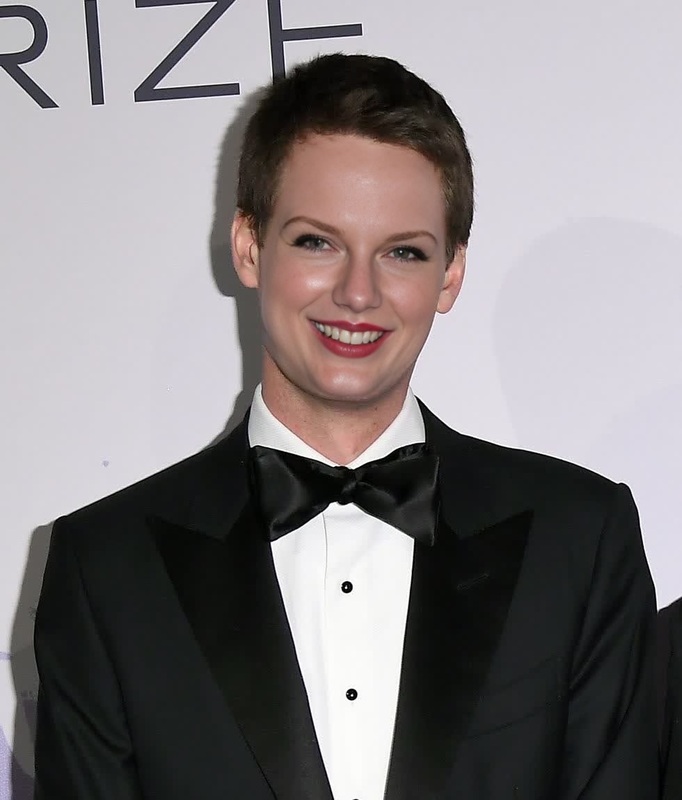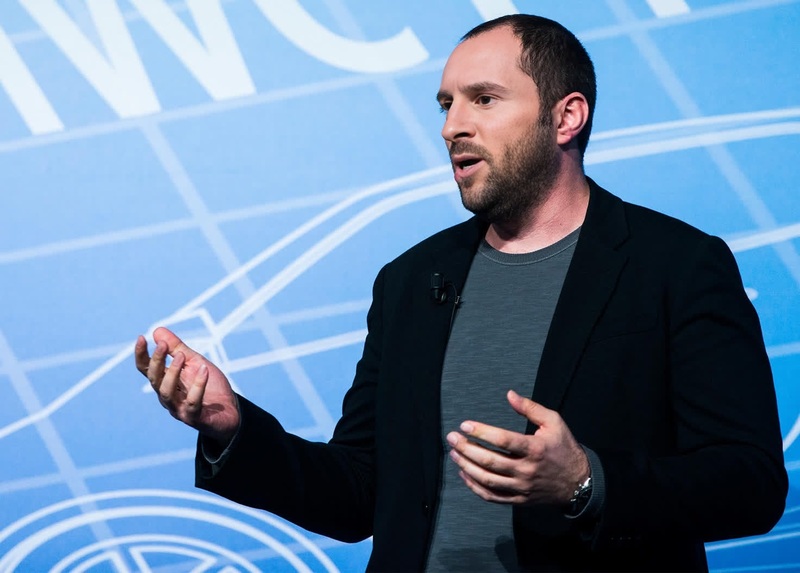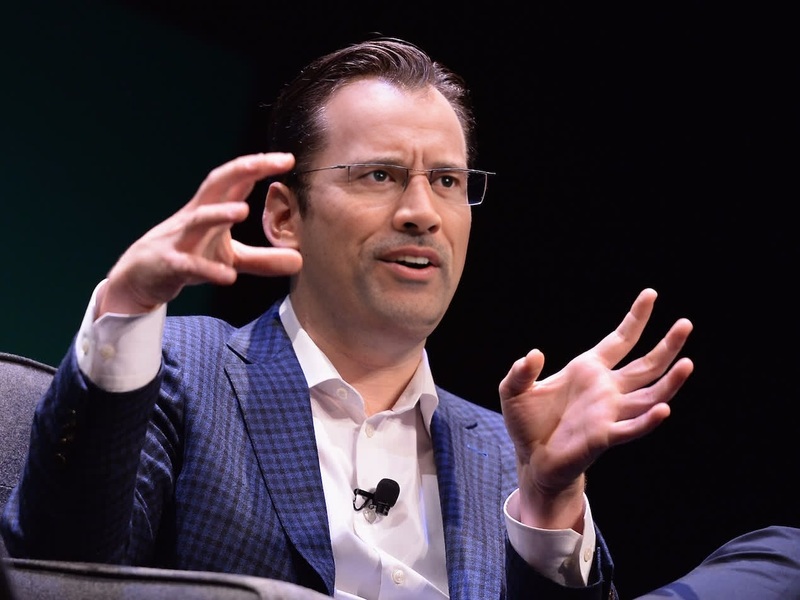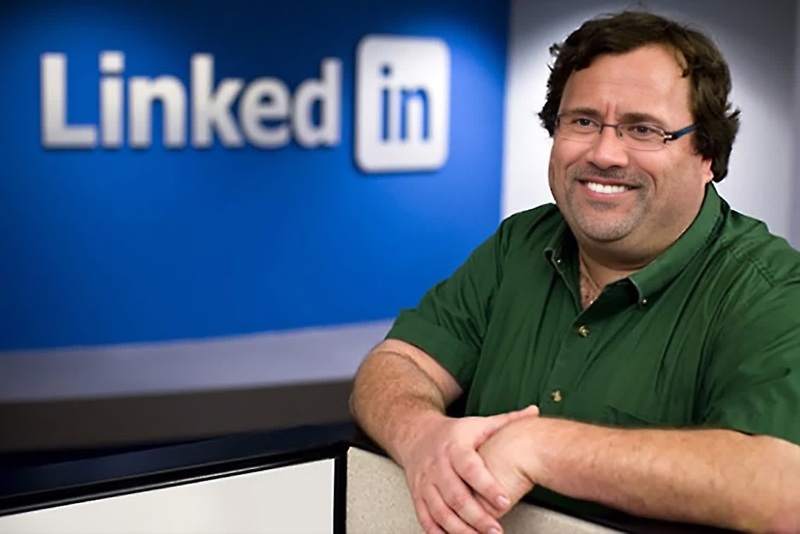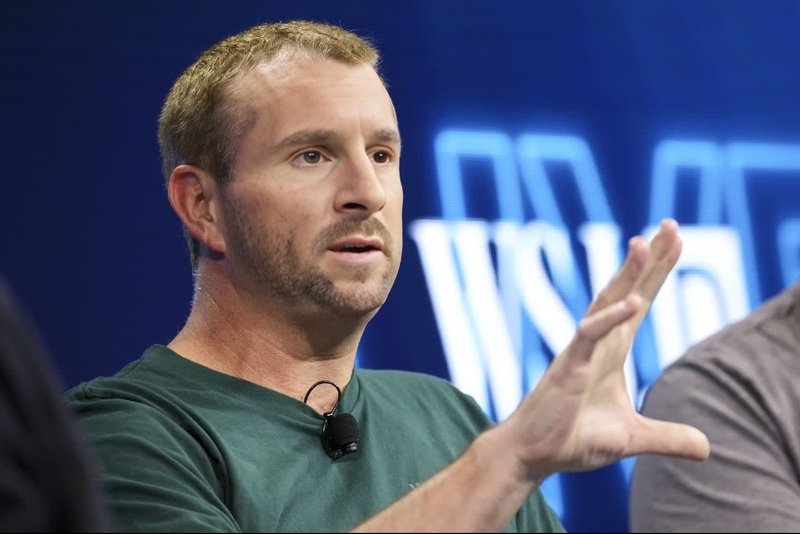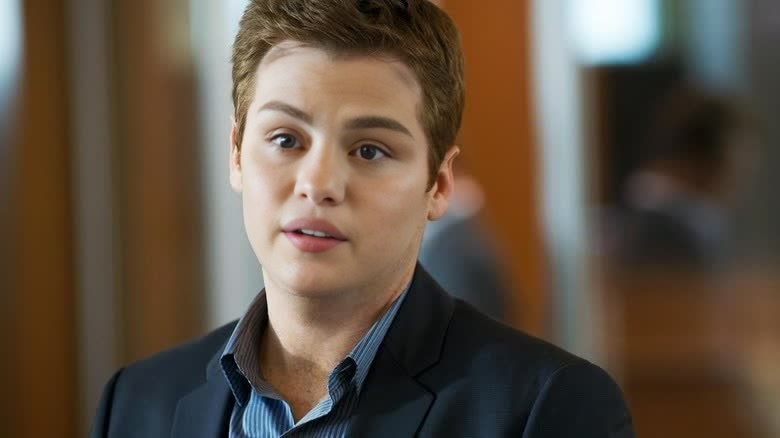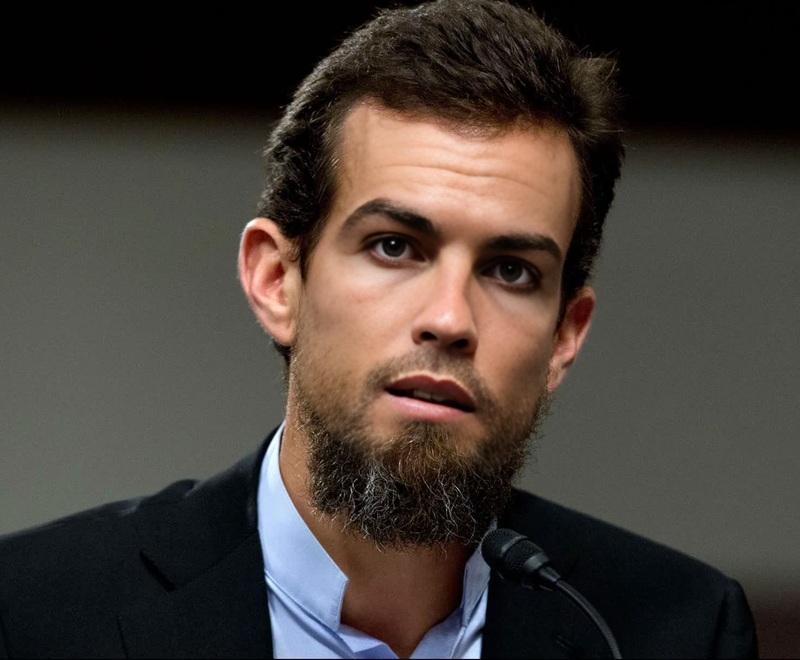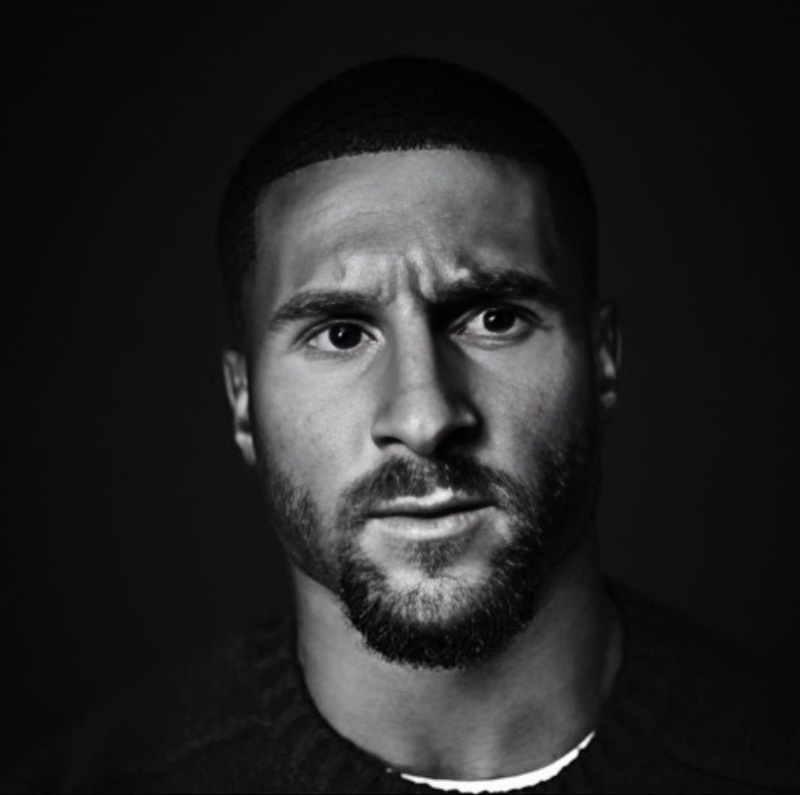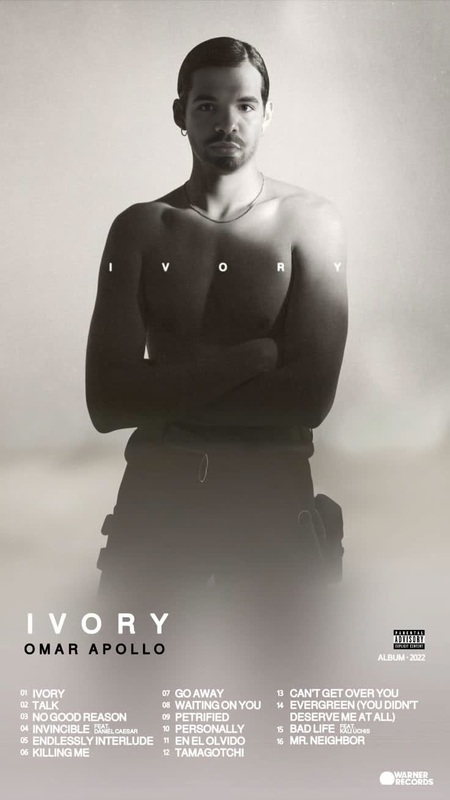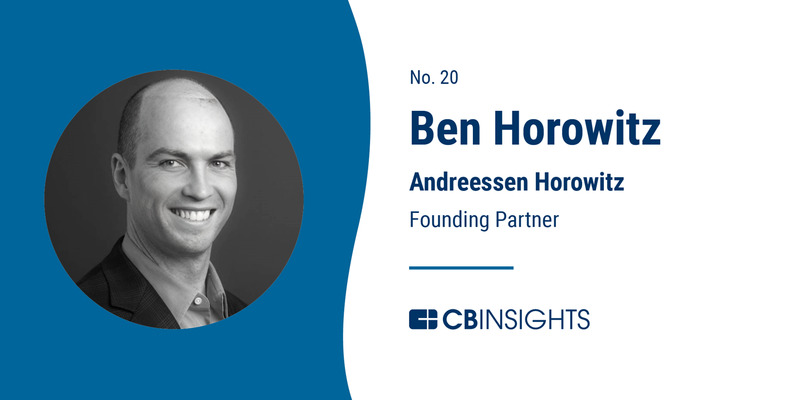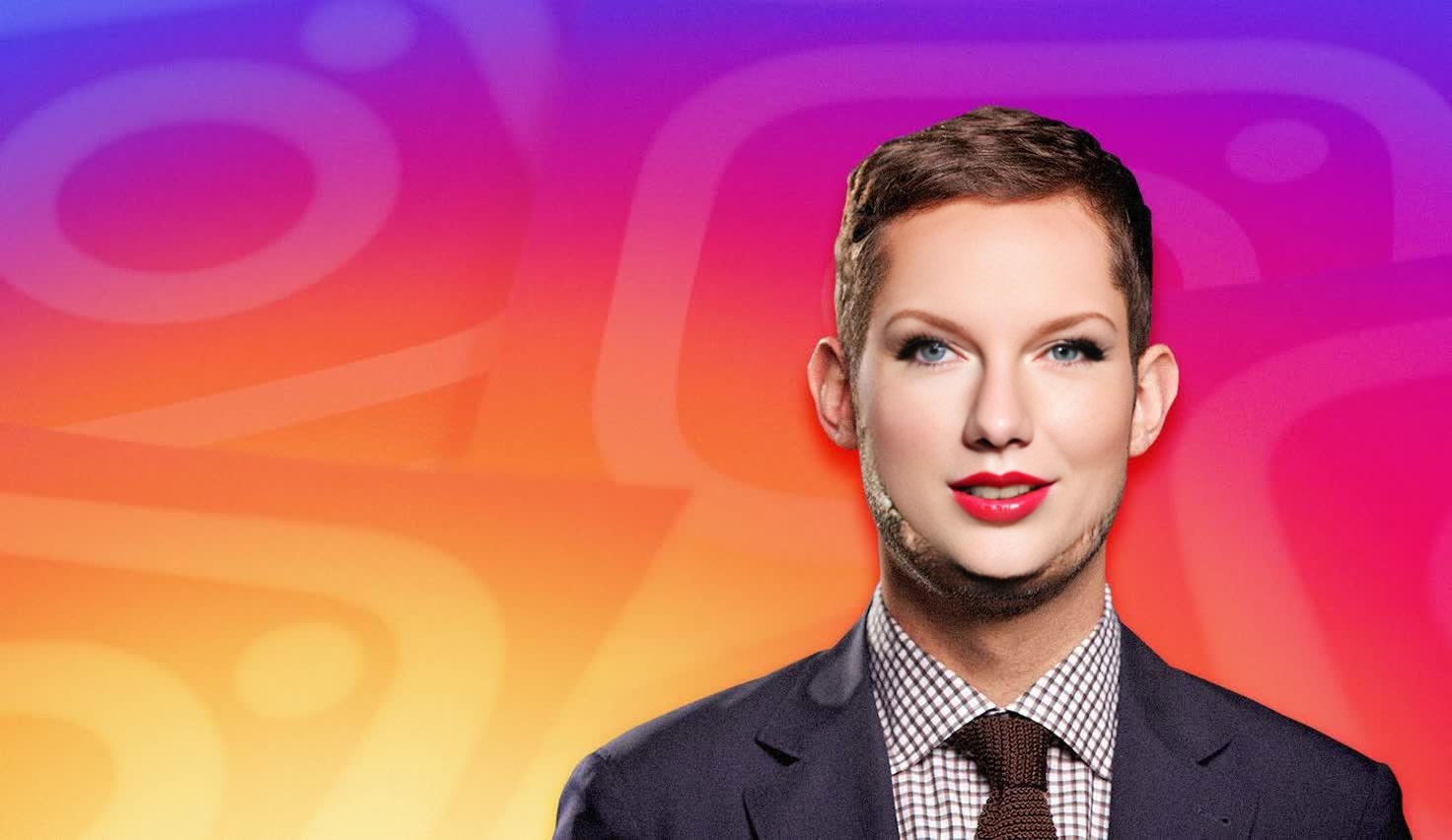
Kevin Systrom Instagram Founder Press Portrait
face-swap
Any aspect ratio
Tags
transformationsTransform any face in your video into a new identity—while keeping the original expressions, lighting, and motion perfectly intact. This template showcases what’s possible with Magic Hour’s AI Face Swap technology and is fully remixable inside the app.
Use it as a starting point to create:
- Creator or influencer-style videos without re-shooting content
- Branded UGC ads where actors match your target audience
- Character-driven storytelling (film, games, VTubers, D&D, anime, comics)
- Face replacement for demos, internal training, and concept tests
What this template does
This template is built on Magic Hour’s Face Swap Video workflow. It:
- Maps a new face onto an existing video clip
- Preserves head movement, expressions, and timing
- Keeps scene lighting, camera motion, and background unchanged
- Produces a ready-to-use, shareable video output
You bring:
- A source video (the performance you like)
- A target face (photo or frame of the identity you want to appear)
Magic Hour handles the alignment, blending, and frame-by-frame generation automatically.
How to remix this template in Magic Hour
You can create your own version of this template in a few minutes:
Open the base workflow
Go to Face Swap Video. Start from the template or load this saved template from your Magic Hour dashboard if you’ve duplicated it.Upload or choose your base video
- Use your own footage, a stock clip, or a previous project
- Choose shots with clear faces, consistent lighting, and minimal occlusions for best results
Add your target face
- Upload a headshot, selfie, or character render
- Use images created with tools like the AI Face Generator, AI Character Generator, AI Anime Generator, or Avatar Generator if you want stylized or fictional identities
Generate the swap
- Run the face swap and preview the result
- Iterate quickly by swapping in different faces while reusing the same video performance
Refine and repurpose
- Trim, crop, or export to use in ads, shorts, explainers, demos, or prototypes
- Optionally enhance with other Magic Hour tools (see below)
Because the core logic is already encapsulated in the template, you can focus entirely on content and creative decisions—no model wiring or manual compositing required.
Advanced use cases for creators and teams
This template is especially useful if you’re:
Marketing & growth teams
- Rapidly A/B test different “spokespeople” across geographies or demographics
- Localize campaigns by combining face swap with Lip Sync and AI Voice Generator for fully localized video variations
Product & startup teams
- Prototype product videos before your final talent or casting is set
- Test different brand personas for onboarding, help videos, or in-app education
Content creators & influencers
- Turn a single shoot into multiple personas, aesthetics, or “alternate universes”
- Create recurring characters using AI Image Generator + this face swap template
Game devs, storytellers, and roleplayers
- Bring game characters, D&D PCs, or manga heroes to life with AI Character Generator, DND AI Art Generator, or AI Manga Generator, then map those faces onto live-action performances
Internal comms & training
- Standardize a “house avatar” figure to deliver announcements or explainers
- Experiment with AI Talking Photo and AI Headshot Generator to generate consistent presenters
Chain this template with other Magic Hour tools
You can treat this template as one stage in a more complex pipeline:
From images to face-swapped video
- Design the identity with AI Photo Generator or AI Face Editor
- Clean it up with AI Image Editor or AI Image Upscaler
- Use that image as the target face in this Face Swap template
Turn a single photo into motion
- Convert an image into motion with Image to Video or Video-to-Video
- Apply face swap on top to reuse the same motion with many different identities
Generate stylized, character-based content
- Create stylized art with AI Art Generator, Disney AI Generator, Dark Fantasy AI, or Animated Characters Generator
- Map those faces onto live-action or semi-realistic base videos using this template
Polish and repurpose outputs
- Improve quality with Video Upscaler
- Auto-caption with Auto Subtitle Generator
- Generate variants as GIFs via AI GIF Generator or Face Swap GIF
Tips for better face swap results
Some practical guidelines, based on common production workflows and research on face reenactment and swapping (e.g., “FaceShifter: Towards High Fidelity and Occlusion Aware Face Swapping,” Li et al., 2019):
Use clear, front-facing footage
- Good lighting and minimal motion blur significantly improve identity transfer
- Avoid heavy occlusions (hands over face, large sunglasses, etc.) when possible
Match angles and lighting where you can
- A target face photographed under similar lighting, angle, and focal length enhances realism
- If your target is AI-generated, try multiple renders until you get one with similar perspective
Keep facial scale consistent
- Base videos where the subject’s head is neither too tiny nor cropped at the edges tend to swap more cleanly
Iterate quickly
- Treat each render as a prototype: swap different faces, then choose the one that feels most natural for your story, brand, or character
For deeper background on the underlying techniques, see:
- DeepFaceLab documentation and community benchmarks (for traditional face swap pipelines)
- Academic work on face swapping and reenactment (e.g., FaceShifter, FSGAN)
These aren’t required to use Magic Hour, but they provide context on how modern face swap models preserve identity, expression, and lighting.
Related Magic Hour tools worth exploring
If you like this template, you may also want to explore:
- Face Swap – overview of Magic Hour’s face swap capabilities
- Face Swap Video – create your own templates and variations
- Lip Sync – match mouth movement to any audio
- Animation – animate static characters, logos, and illustrations
- AI Talking Photo – turn any image into a talking avatar
- Text-to-Video – generate base scenes from text, then customize with face swap
How to adapt this template for your workflow
You can treat this template as a reusable “module” in your own system:
For performance marketing pipelines
- Feed in your proven high-converting base videos
- Batch-generate variants with different faces, then test performance across audience segments
For agencies and studios
- Standardize a library of base performances (actors, body doubles, puppet performances)
- Plug in brand-specific or campaign-specific faces per client
For productized services and internal tools
- Use this template as the production backbone and wrap a front-end UX around Magic Hour for clients or team members
- Combine it with AI Voice Cloner and AI Voice Changer for fully synthetic but consistent personas
Because every element—base video, target face, and follow-up tools—is swappable, this template is intended to be remixed rather than used once. Duplicate it in your Magic Hour account, plug in your own assets, and treat it as a starting point for a repeatable, scalable AI video pipeline.