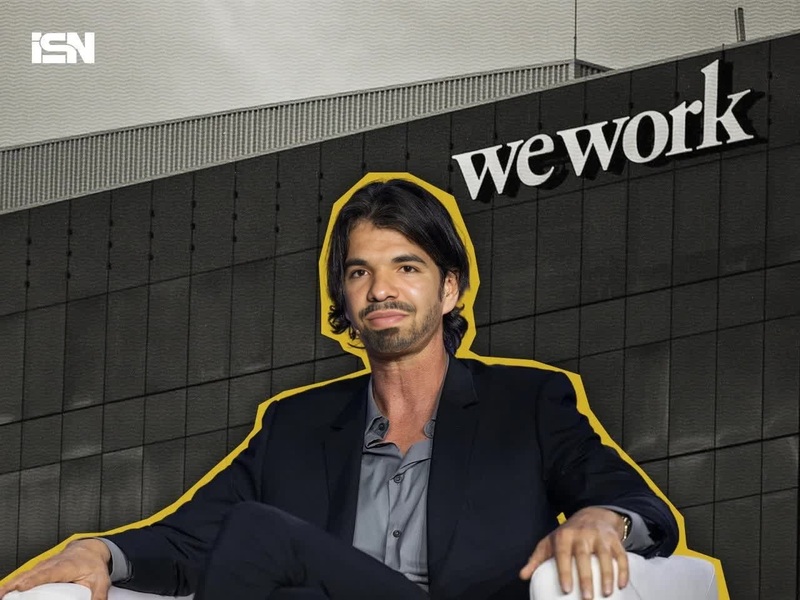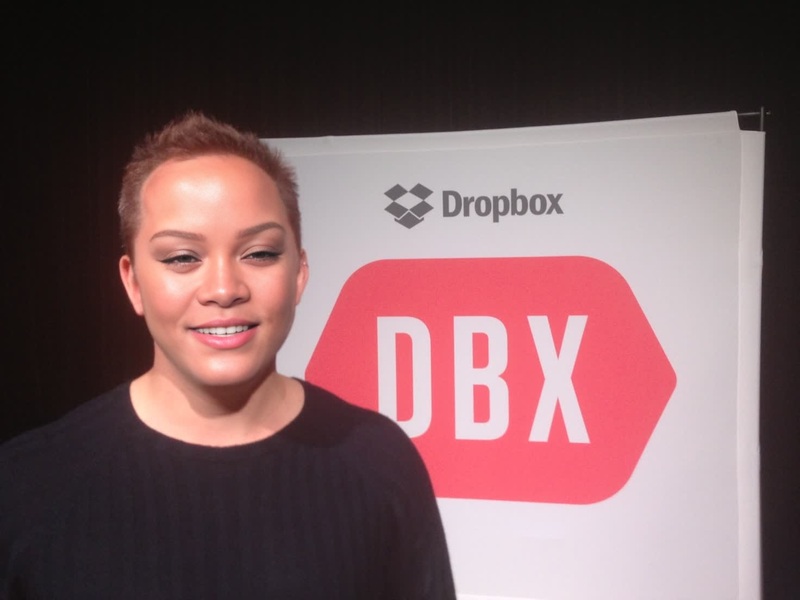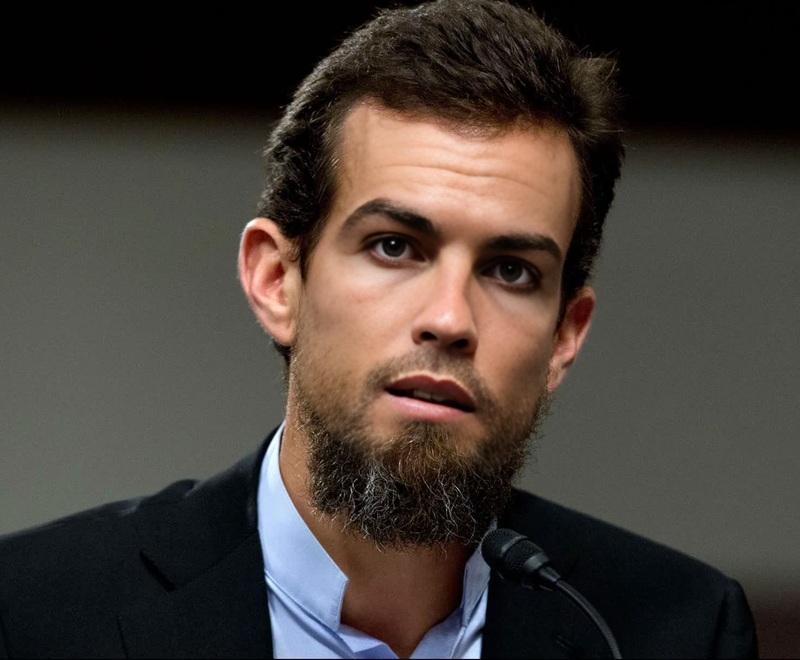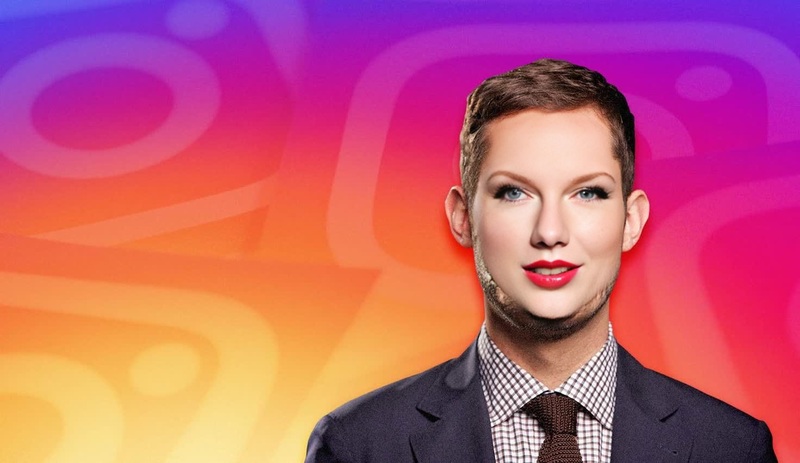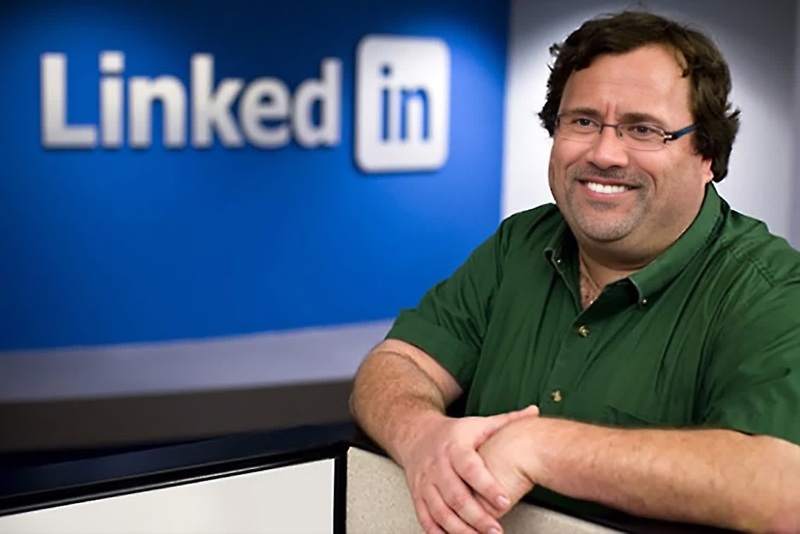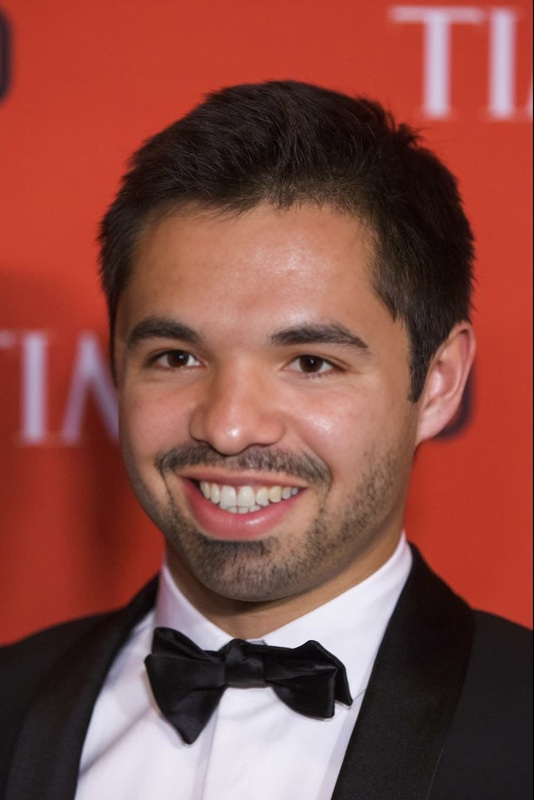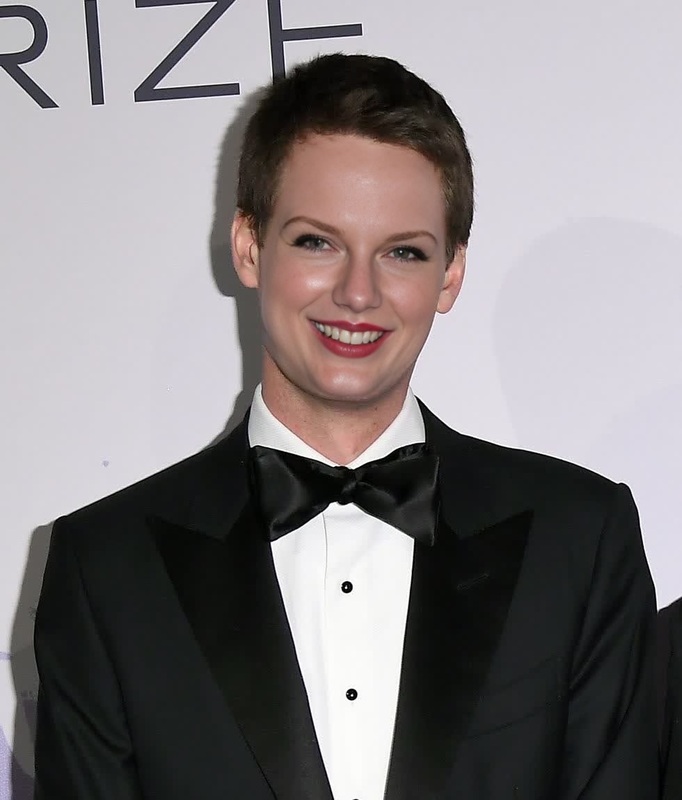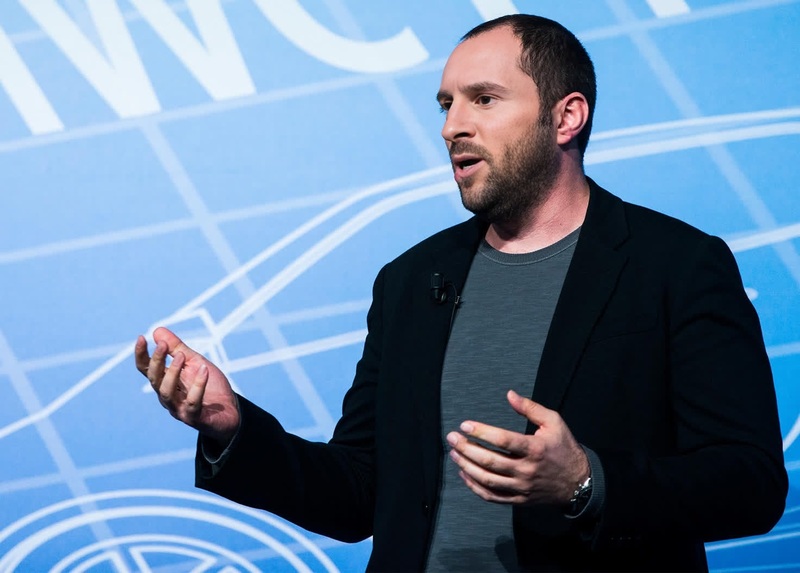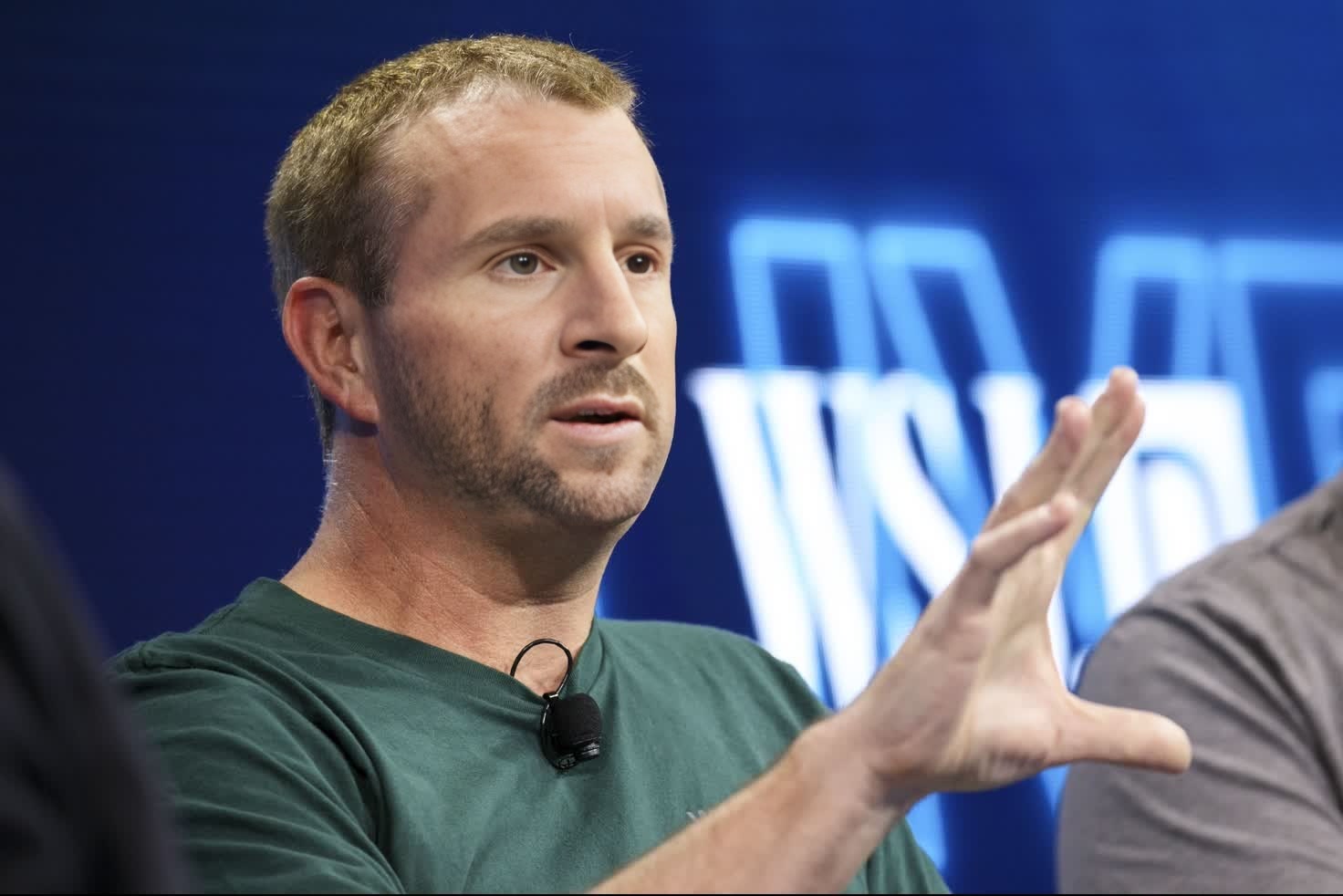
Brian Acton Whatsapp Founder Press Portrait
- Image
- 1472 × 982 px
Any aspect ratio
Overview
Step into the shoes of a tech pioneer with the Brian Acton Whatsapp Founder Press Portrait template. This Video Face Swap template allows you to merge your image with that of Whatsapp co-founder Brian Acton. Whether for personal amusement or creative projects, you can transform yourself into a tech icon and explore endless editing possibilities.
What It Does
This template allows users to overlay their facial image onto Brian Acton's famous press portrait using advanced face swap technology. Ideal for creating engaging and humorous video edits, the template reproduces facial expressions and skin tones to create a seamless transformation. Pair it with other tools like the Face Swap and the AI Image Editor to enhance the final output.
Who It's For
This template is designed for content creators, social media enthusiasts, and even educators looking to add a fun twist to presentations. It provides an innovative way for individuals interested in the world of tech and entrepreneurship to create relatable content. Join other creative minds in exploring this and other enhancements available in the Image to Video product.
Summary
The Brian Acton Whatsapp Founder Press Portrait template is a unique way to engage with audiences through creative video content. Utilize the face swapping capabilities of this template to produce captivating videos that stand out. Check out the Video Face Swap product for more details on how to get started.
How To Use
Choose the Template

Customize Your Inputs

Generate Your Video

Use Cases
Social Media Content
- Add humor to your content by swapping faces with a tech legend.
Educational Projects
- Discuss the impact of Whatsapp with a personal twist.
Marketing Campaigns
- Generate buzz by featuring products 'endorsed' by prominent figures.
Best Practices
Select High-Quality Images
Ensure the photo you upload is clear and well-lit to enhance the authenticity of the face swap.Consider Facial Angles
Align your image with the portrait's angles for a realistic merge.Explore Complementary Tools
Utilize the AI Clothes Changer to modify attire and complete the transformation.