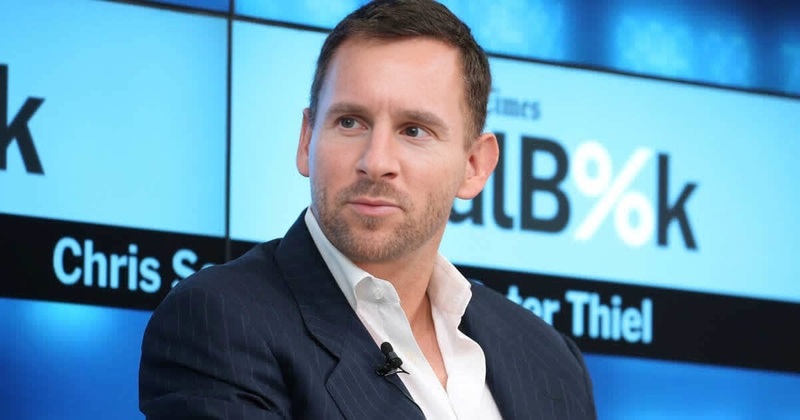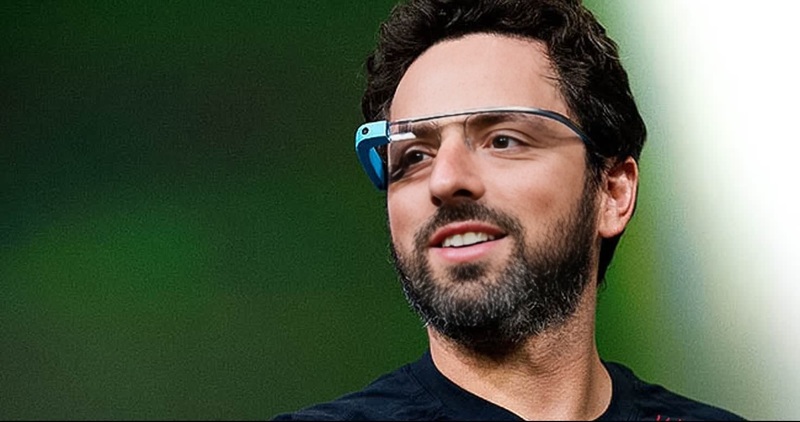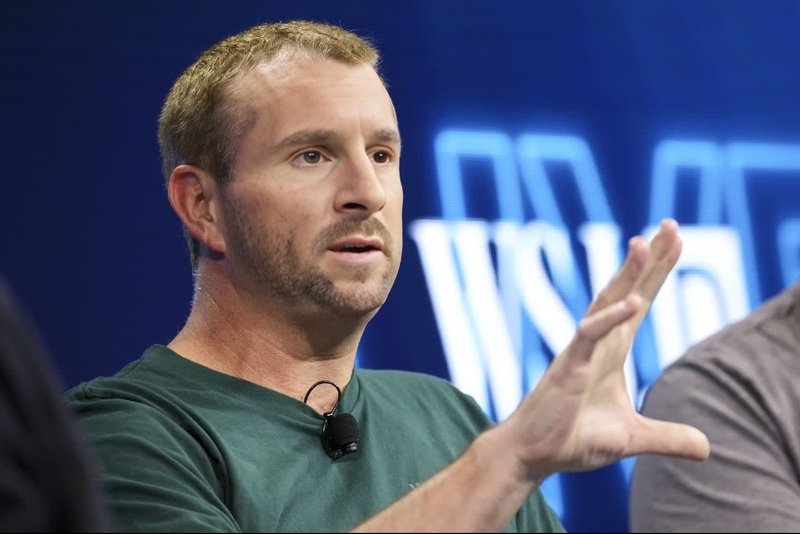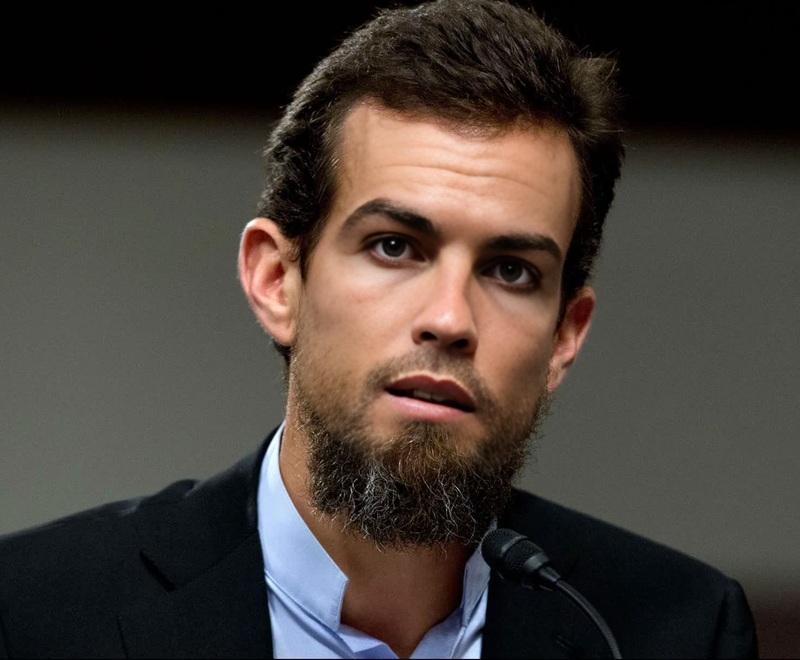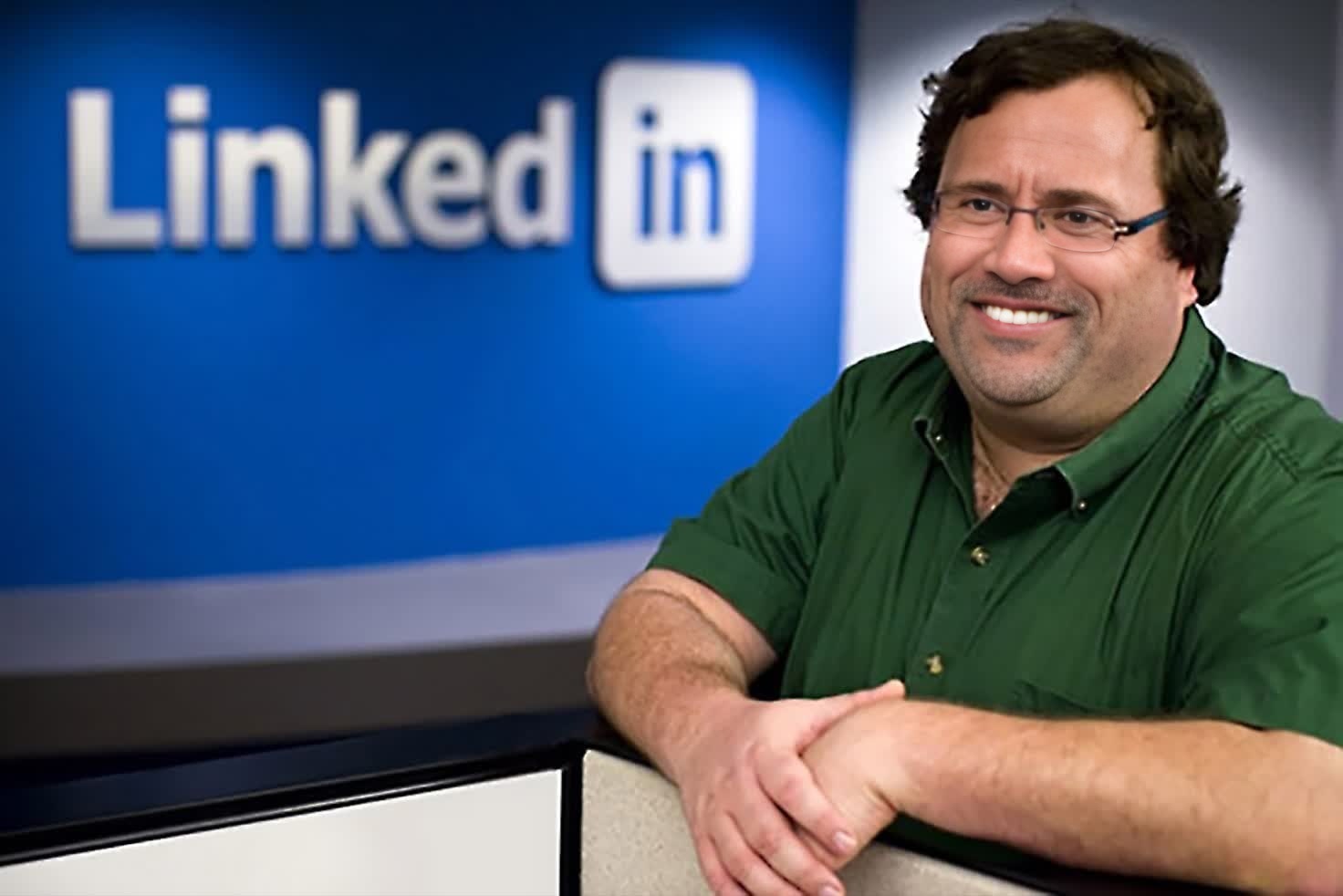
Reid Hoffman Linkedin Founder Press Portrait
- Image
- 1472 × 982 px
Any aspect ratio
Overview
The Reid Hoffman LinkedIn Founder Press Portrait template offers a Video Face Swap experience that places your face in Reid Hoffman's press portrait style. It's tailor-made for creating engaging LinkedIn-inspired content that communicates professionalism and authenticity.
What It Does
This Video Face Swap tool allows you to replace the face in a high-quality press portrait of Reid Hoffman with your own. Perfect for creating personalized media for social platforms, the swap ensures that your likeness is seamlessly integrated while maintaining the aesthetic of a professional photograph.
Who It's For
Ideal for business professionals, social media enthusiasts, and anyone looking to enhance their online presence with eye-catching visuals. This template is particularly beneficial for users who want to create content that mirrors the gravitas of Reid Hoffman's corporate image.
Summary
Transforming your face into Reid Hoffman's style has never been easier. With this template, you can quickly create a professional-looking video that aligns with LinkedIn's aesthetic. Whether you're an influencer, a content creator, or an executive, this tool ensures your social media content stands out.
How to Use
Choose the Template

Customize Your Inputs

Generate Your Video

Use Cases
Social Media Content
Corporate Events
Best Practices
Use High-Quality Images
For the best results, upload high-resolution images to ensure clarity and detailed expression matching.Align Your Face
Ensure your facial features align closely with the original portrait for a realistic swap. This involves adjusting angles and lighting as necessary.Review the Output
After generating the video, review it to ensure the swap looks natural and professional. Make adjustments and re-run if necessary.