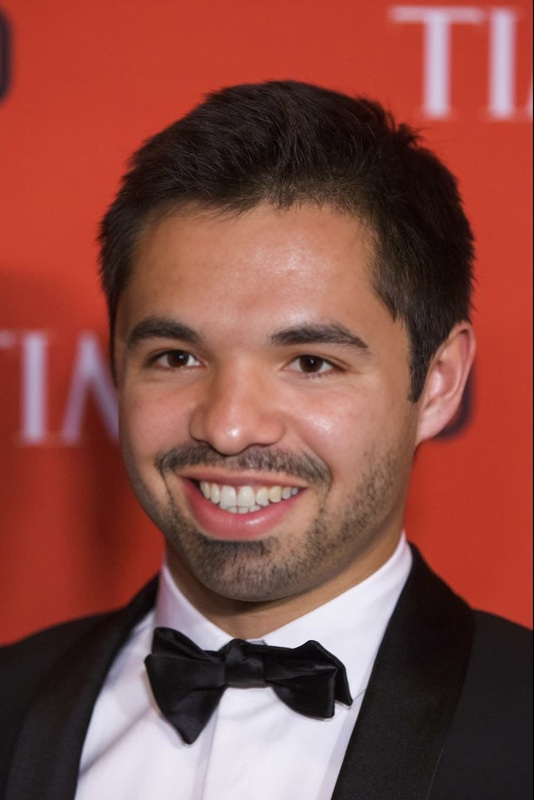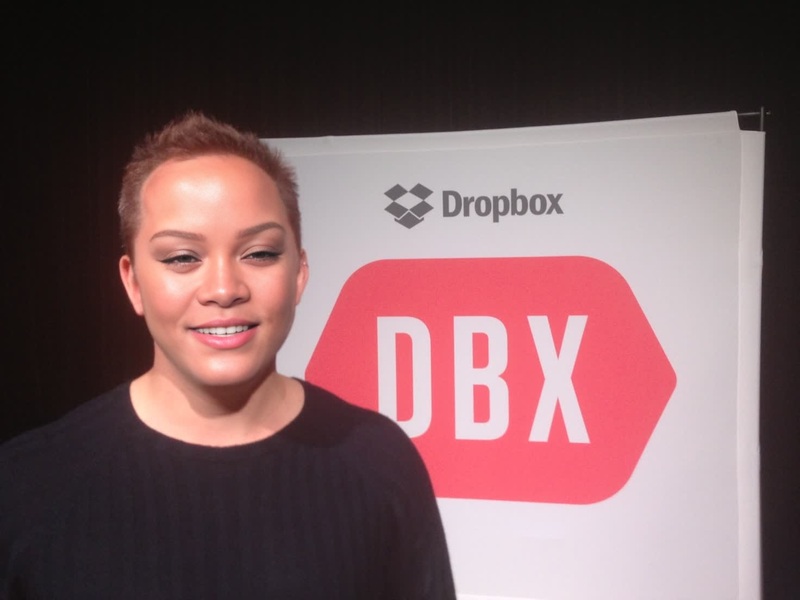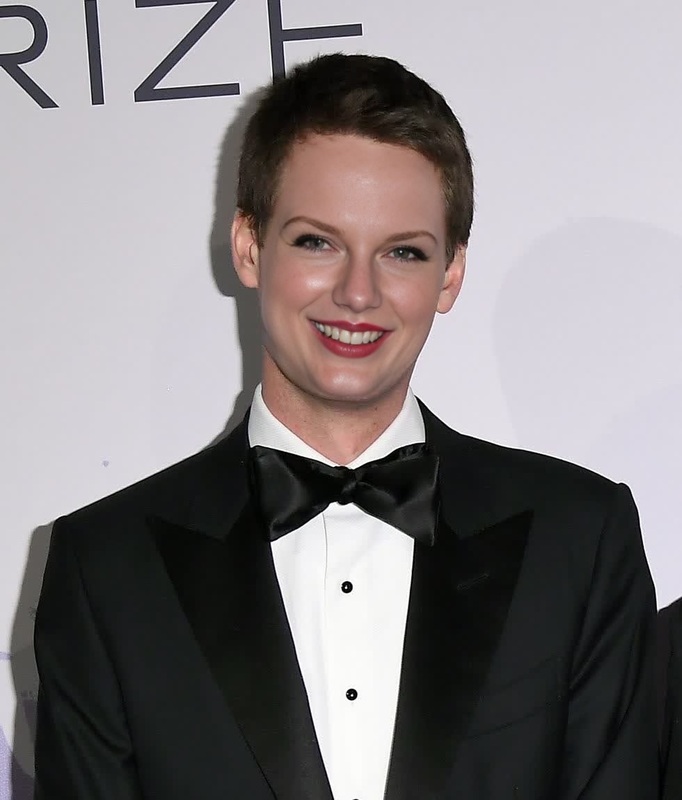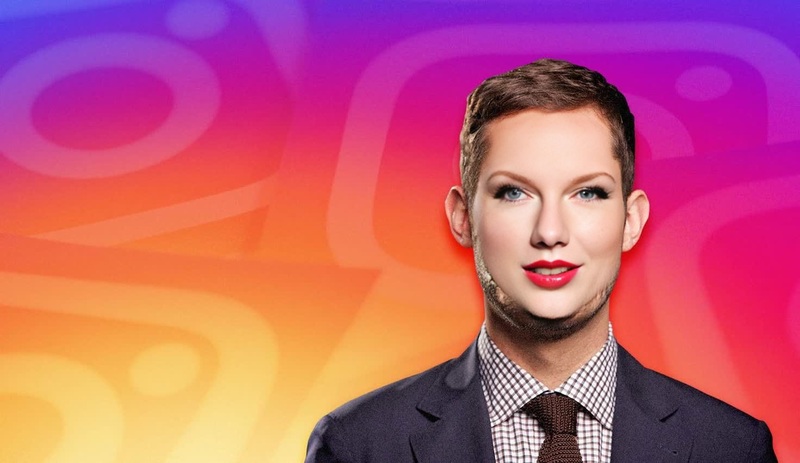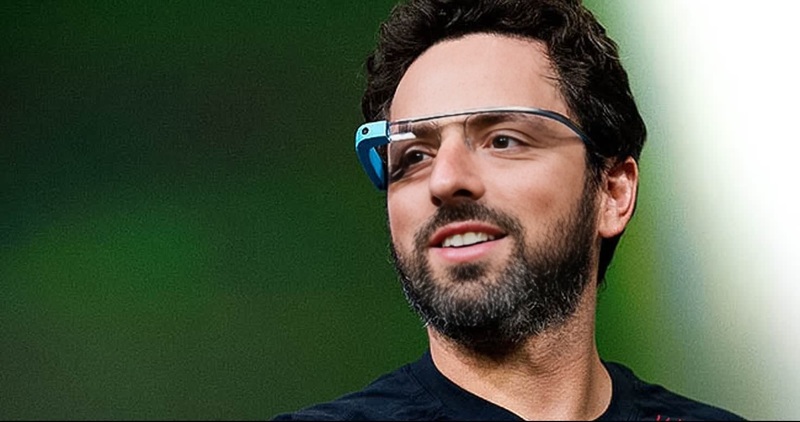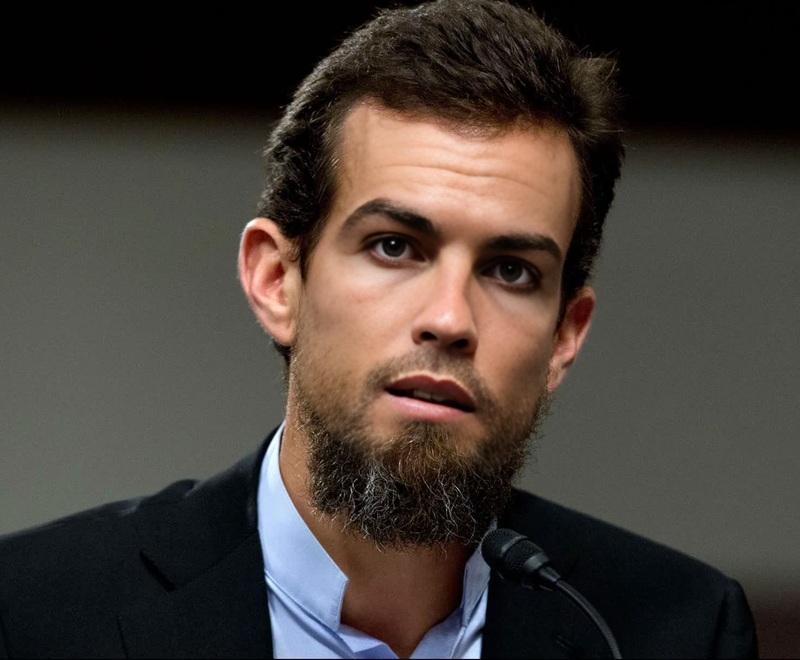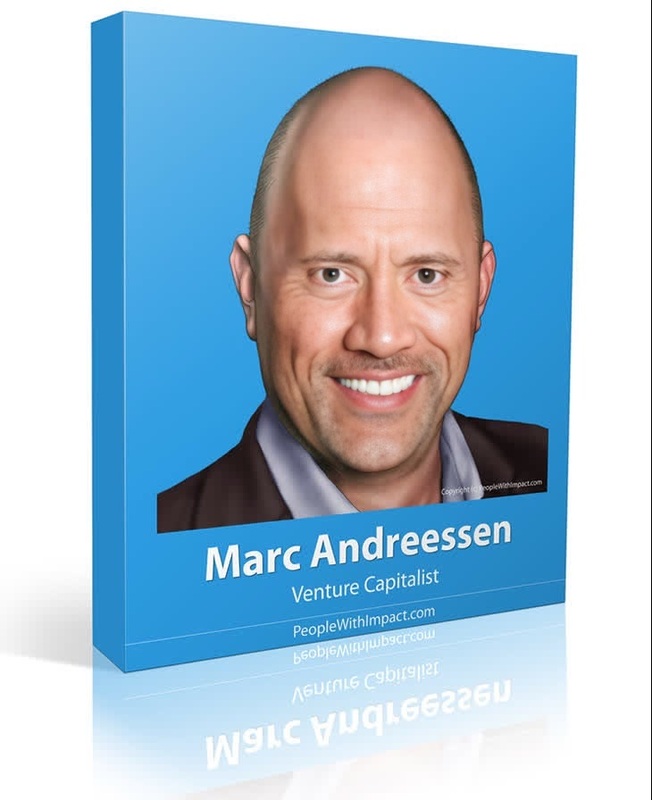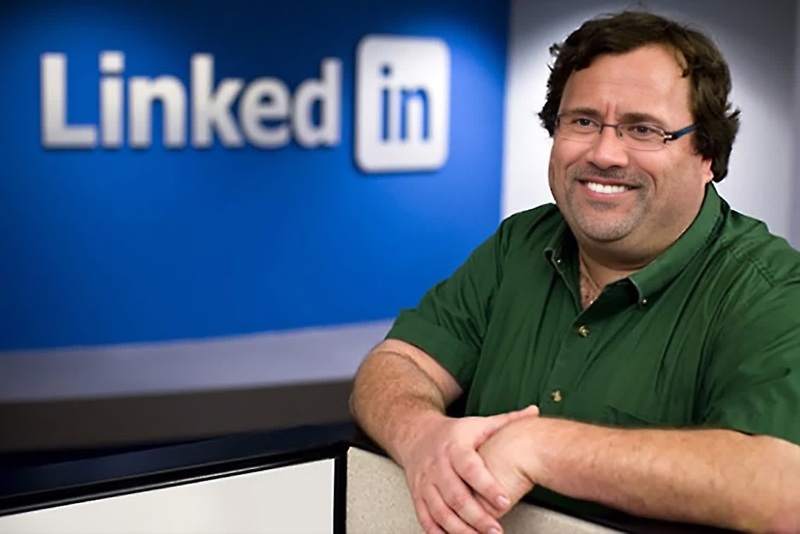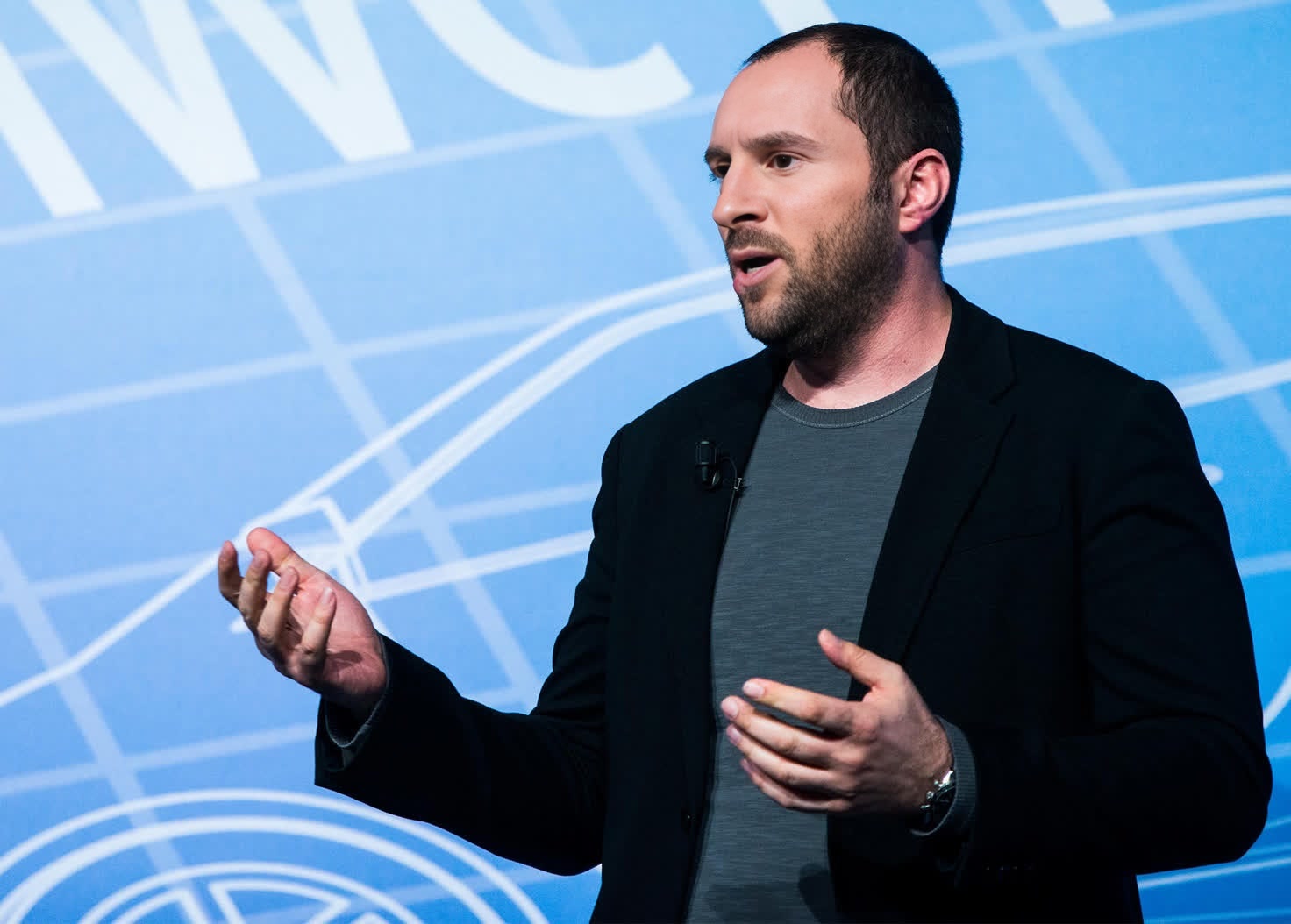
Jan Koum Whatsapp Founder Press Portrait
- Image
- 1472 × 1054 px
Any aspect ratio
Overview
The Jan Koum WhatsApp Founder Press Portrait is a Video Face Swap template designed to elevate your digital storytelling. This template lets you seamlessly incorporate Jan Koum's likeness into your video projects, offering a unique transformation to captivate your audience.
What It Does
This template enables you to swap faces in video content with a portrait of Jan Koum, the renowned WhatsApp founder. By integrating this feature, your videos can gain a fresh and engaging twist, ideal for digital narratives that require a recognizable face to enhance their storytelling.
Explore related tools like the Face Swap product or enhance your video further using the AI Voice Changer to create a full immersive experience.
Who It's For
Content creators, marketing professionals, and digital storytellers will find immense value in this template. It's perfect for those looking to add a significant recognizable persona to their projects, enhancing audience engagement and narrative impact.
Whether you are crafting content for social media ads or engaging in corporate storytelling, this tool offers unparalleled utility.
Summary
The Jan Koum WhatsApp Founder Press Portrait template is an effective tool for video creators aiming to leverage the power of face swapping in their projects. By offering a dynamic transformation, it enhances narrative potential and audience engagement.
Consider combining it with Video-to-Video transformations for a more comprehensive media creation strategy.
How-To
Choose Your Template

Customize Your Content

Generate Your Video

Use Cases
Social Media Campaigns
- Facebook ads
- Instagram reels
- TikTok videos
Corporate Videos
- Internal announcements
- Executive messages
- Brand storytelling
Educational Content
- Online courses
- Webinars
- Training videos
Best Practices
Choose High-Quality Video
Start with high-resolution clips for optimal face swap results and clearer transformations.Mind the Lighting
Select faces that match in lighting conditions to maintain a natural look throughout the video.Test with Short Clips
Experiment with shorter segments to refine the swap effect before applying to longer videos.