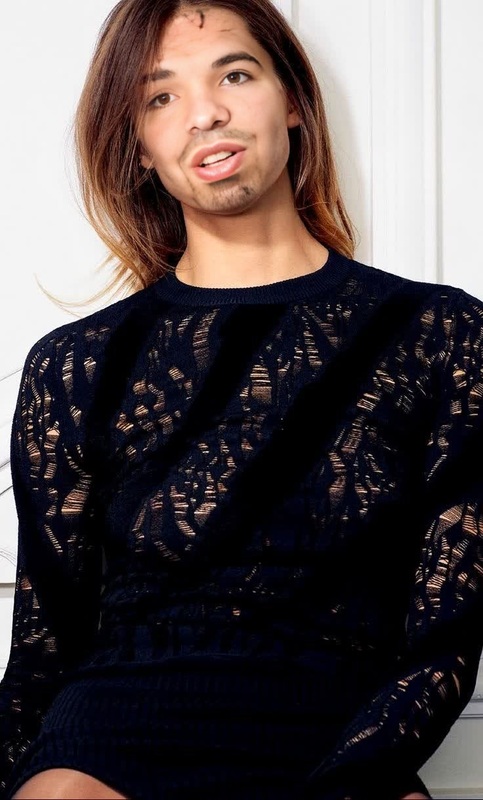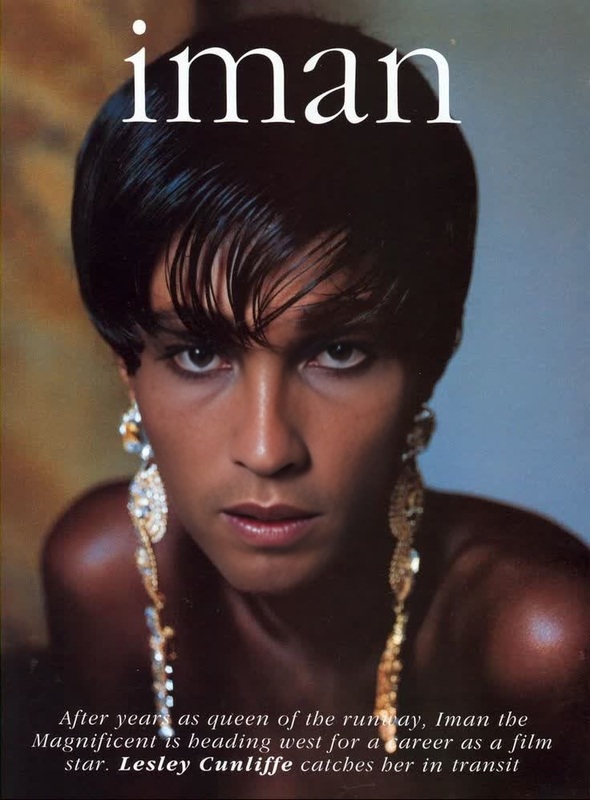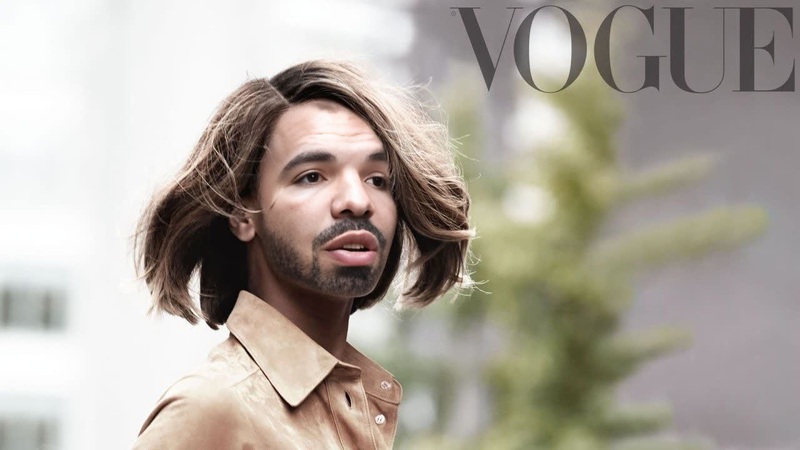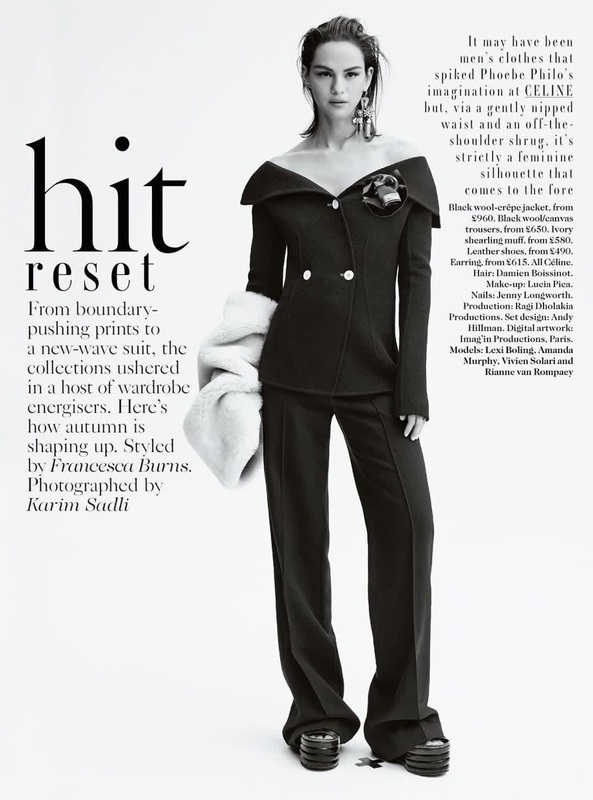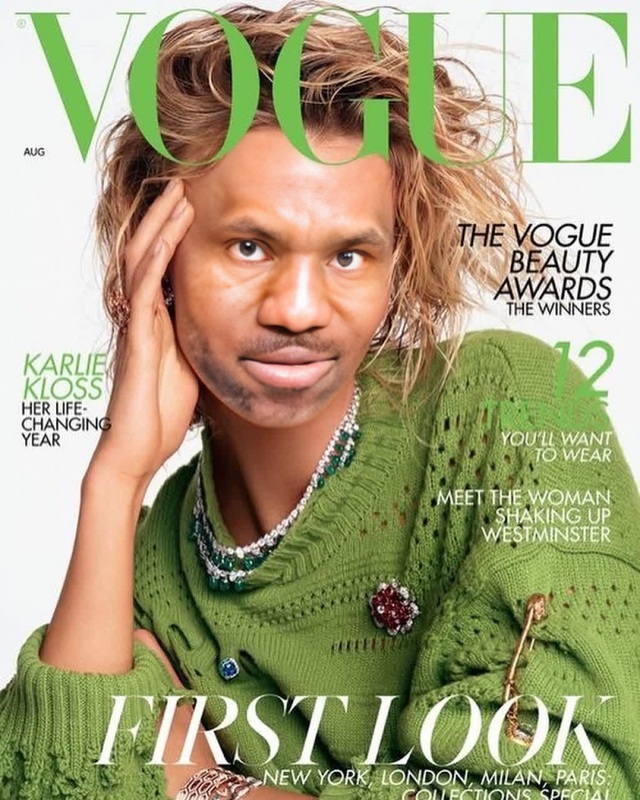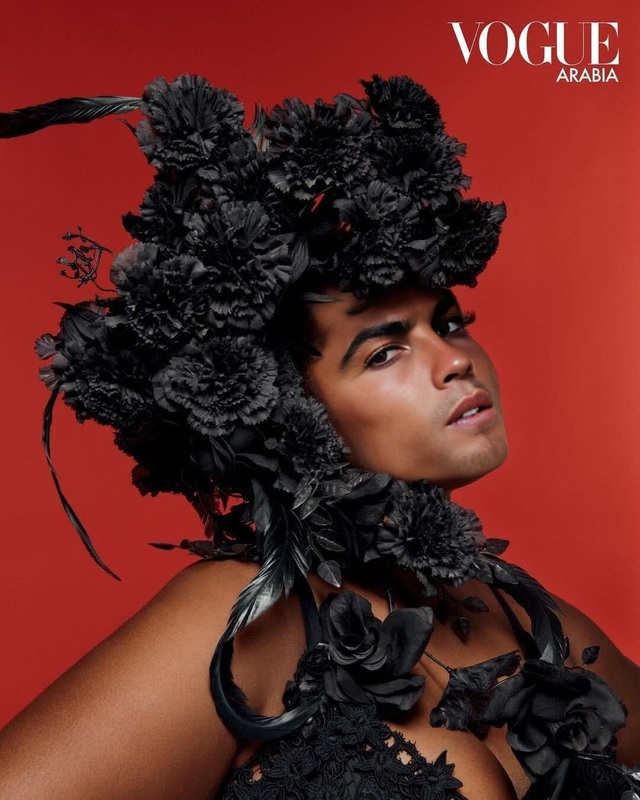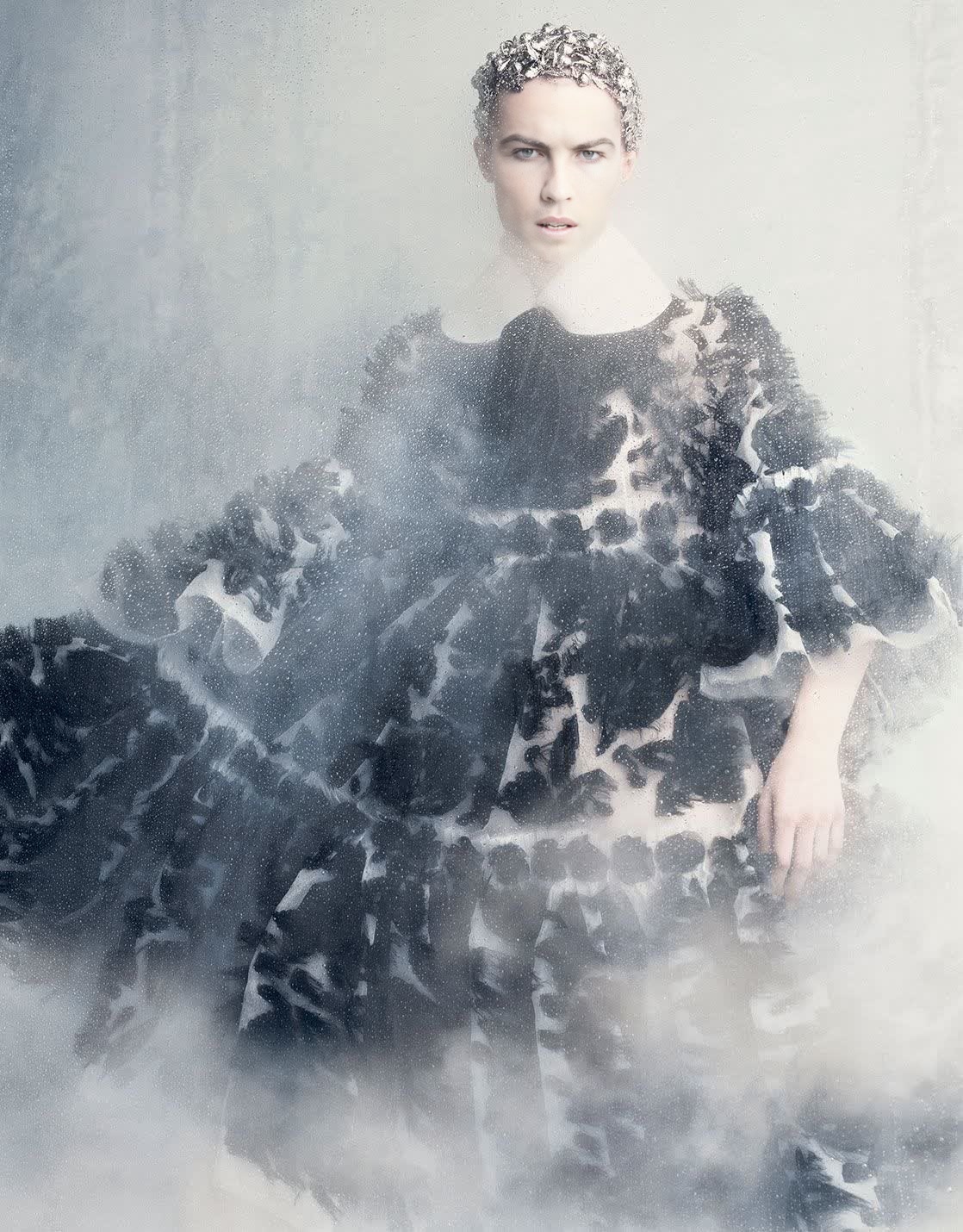
Julia Nobis Vogue Editorial Portrait
- Image
- 1118 × 1430 px
Any aspect ratio
Overview
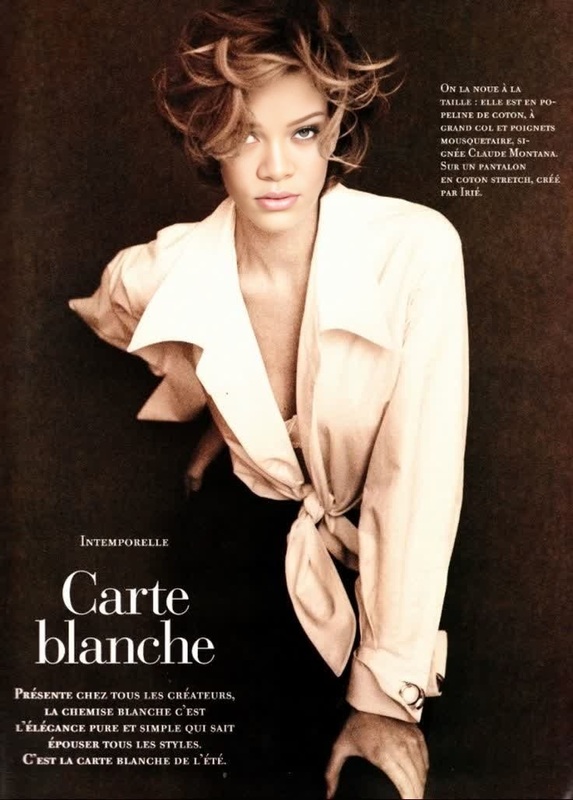
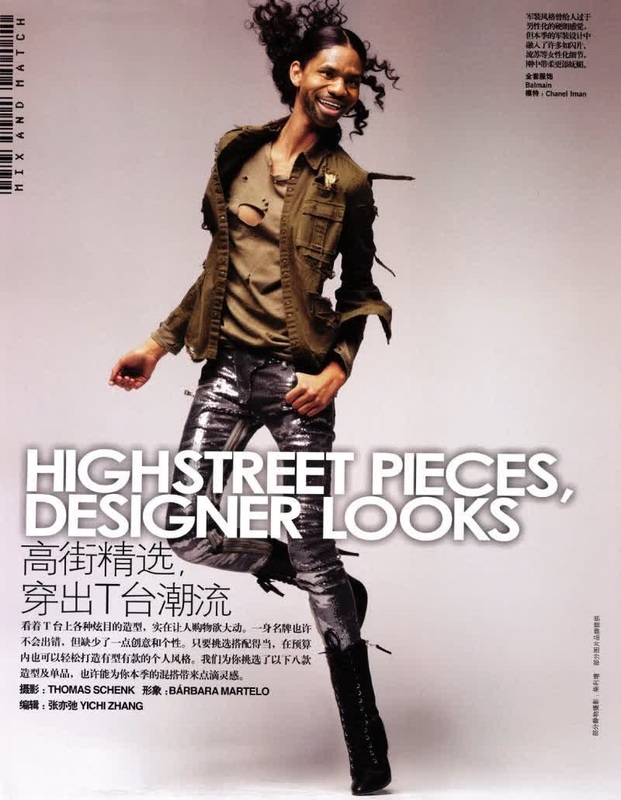
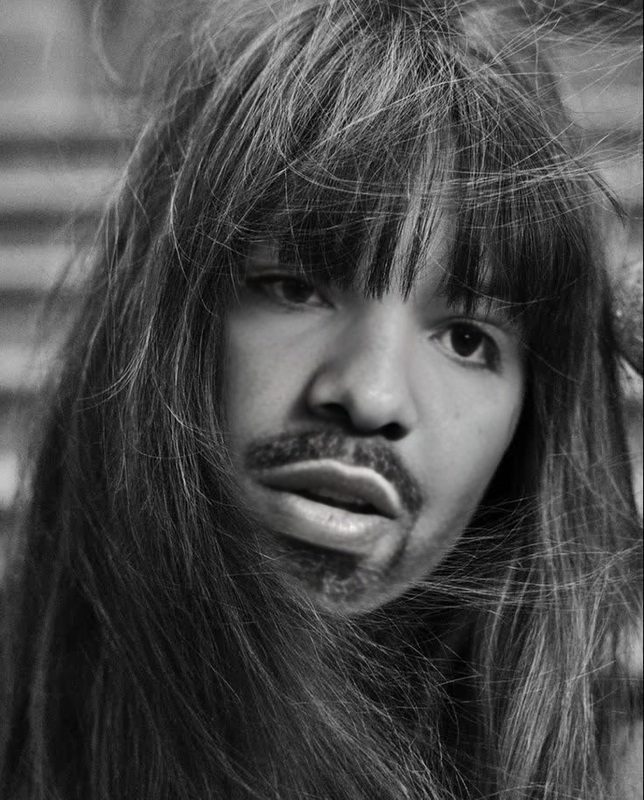
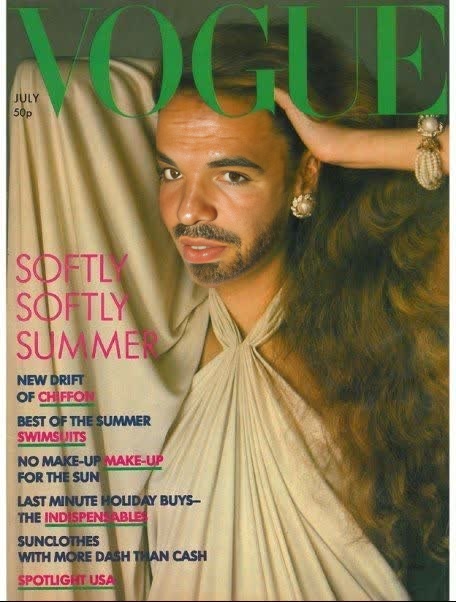
The Julia Nobis Vogue Editorial Portrait template allows you to create sophisticated and stylish visuals by swapping faces in your photos with the fashion icon Julia Nobis. Designed for those looking to add a touch of high fashion to their projects, this Video Face Swap template brings editorial aesthetics directly to your work.
What It Does
This tool takes any image or video and replaces the face with Julia Nobis' likeness, producing a striking editorial portrait fit for magazine covers. The template utilizes advanced algorithms to ensure seamless integration, capturing the authentic look and vibe of a Vogue cover photo.
For related creative tools, explore our Face Swap product lineup, and see how else you can transform your imagery.
Who It's For
This template is ideal for fashion enthusiasts, graphic designers, and content creators who wish to infuse their projects with top-tier fashion elements. Whether you're developing a portfolio, creating promotional material, or simply playing with new creative ideas, this template offers a professional touch.
Summary
By offering a unique blend of technology and fashion, the Julia Nobis Vogue Editorial Portrait template is perfect for adding a high-end, fashionable finish to any project. Employing it in conjunction with other Magic Hour tools, such as the AI Image Editor, can further enhance and refine the final output.
To explore more video-based transformations, check out our Image to Video offerings for expanded creative possibilities.
How to Use
Choose the Template

Customize Your Inputs

Generate Your Editorial Portrait

Use Cases
Fashion Portfolios
- Create standout pieces
- Cater to fashion clients
Creative Projects
- Art installations
- Mixed media presentations
Marketing Materials
- Promotional campaigns
- Advertising visuals
Best Practices
Select High-Quality Images
For best results, use high-resolution images to ensure clarity and detail in the final output.Adjust Lighting for Consistency
Ensure that the lighting in the original image matches the template to maintain a cohesive look.Experiment with Different Angles
Try various angles to achieve the most natural and flattering face swap.