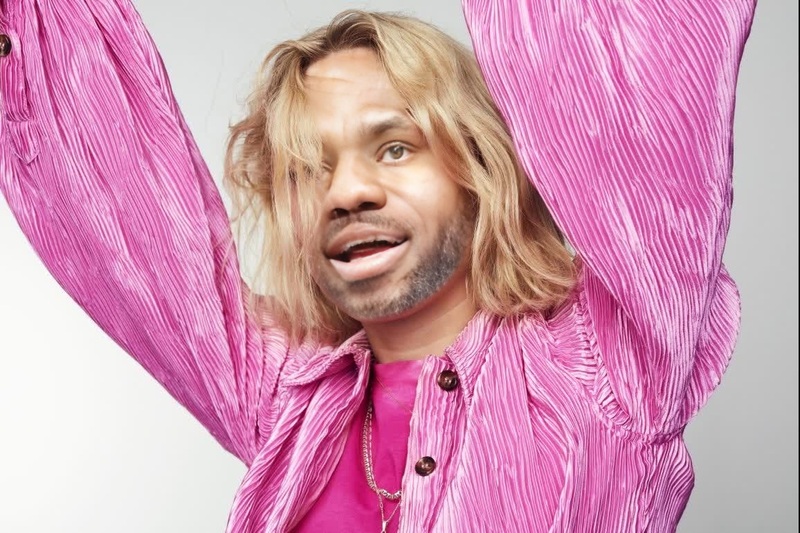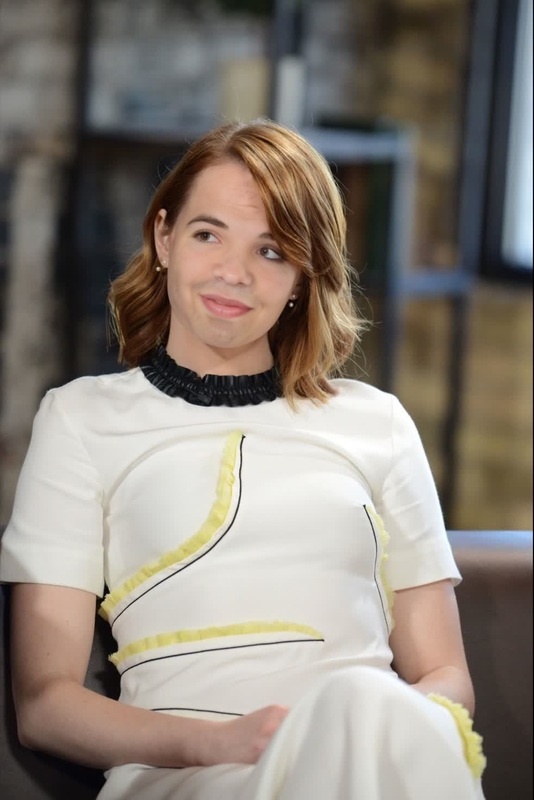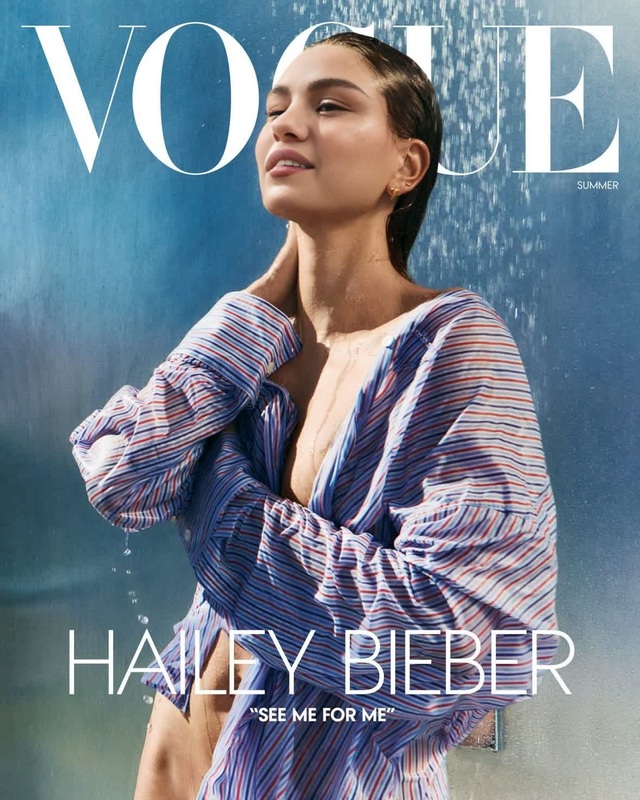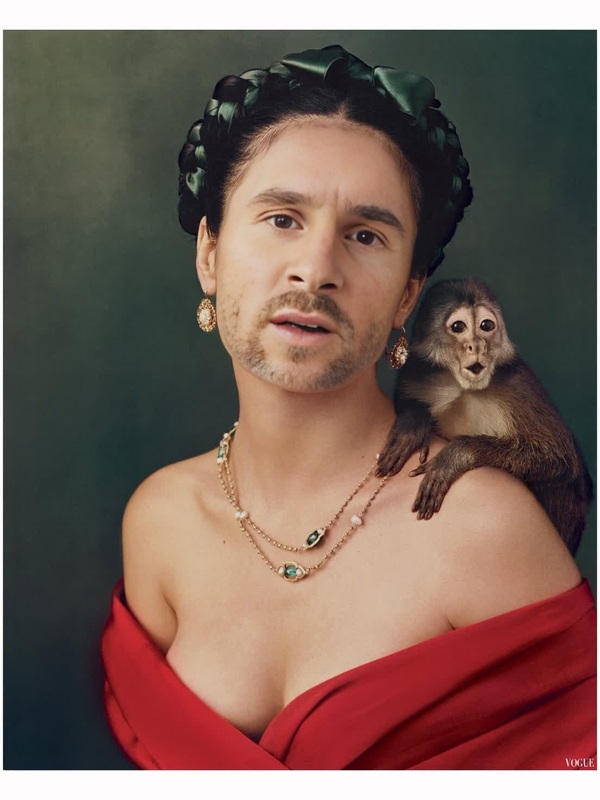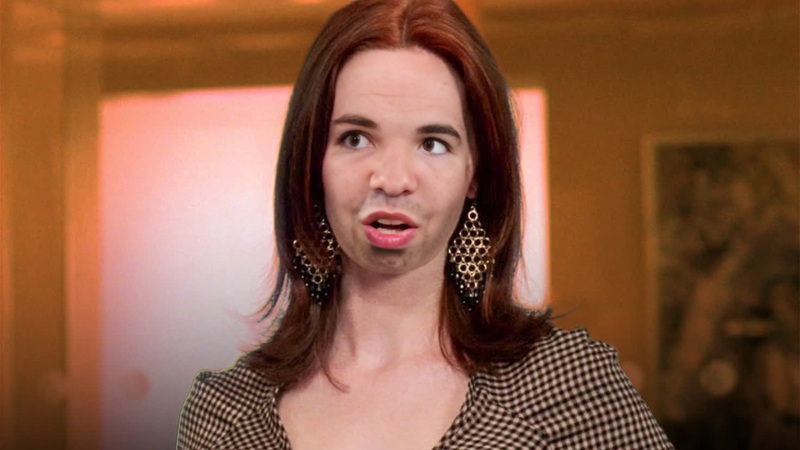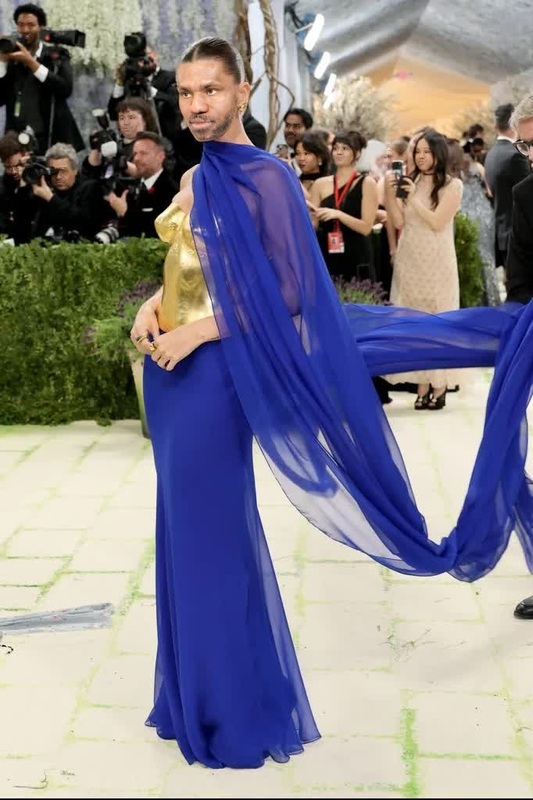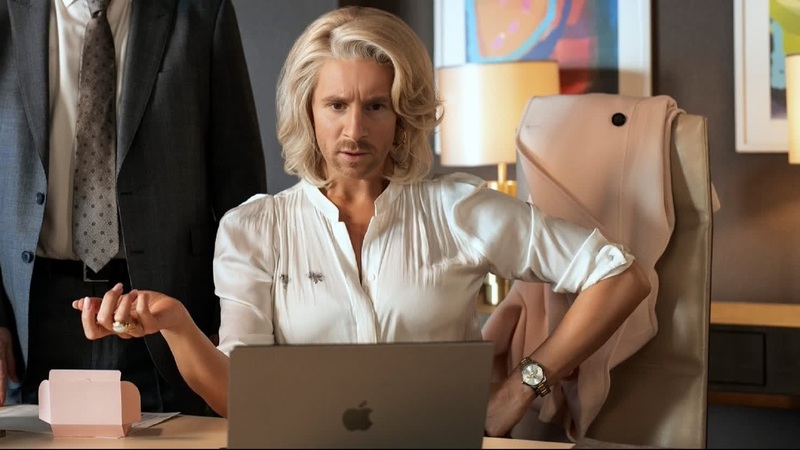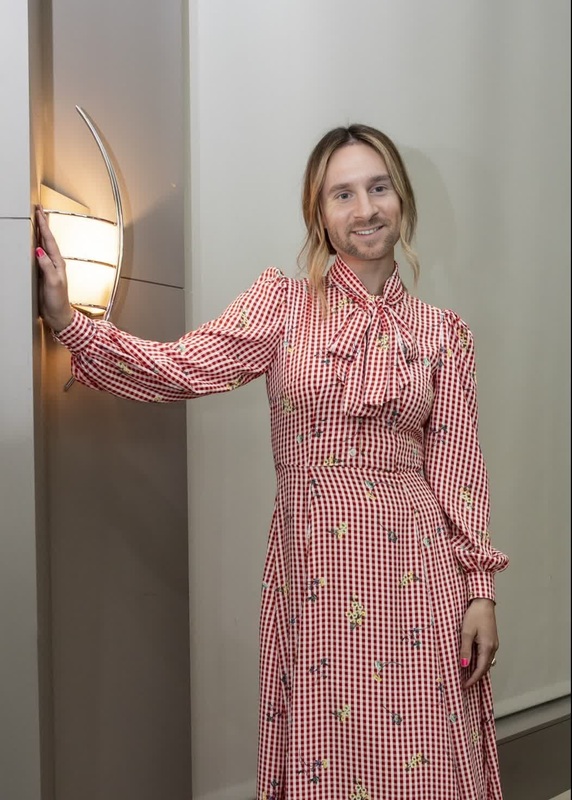
Hailee Steinfeld True Grit Press Portrait
- Image
- 1000 × 750 px
Any aspect ratio
Overview
The Hailee Steinfeld True Grit Press Portrait template allows you to apply a high-quality Video Face Swap to your clips. Whether you're looking to spice up personal projects or work on professional edits, this template offers an engaging transformation.
What It Does
This template integrates Hailee Steinfeld's likeness from the movie "True Grit" into your video projects. By leveraging advanced face swap technology, you can seamlessly replace faces in your videos while maintaining natural expressions and movements. Discover more about the capabilities of our Video Face Swap solutions.
Who It's For
This tool is designed for content creators, social media managers, and video editors aiming to add a creative twist to their work. If you're in advertising, entertainment, or want to explore innovative ways to engage your audience, this template provides the ideal opportunity. Those interested in exploring virtual movie scenes or experimenting with character transformations will find this particularly beneficial. Enhance your projects further with tools like our AI Clothes Changer for complete character redesigns.
Summary
Transform your videos effortlessly with the Hailee Steinfeld True Grit Press Portrait face swap template. It's a perfect fit for creative projects across different media sectors, offering an easy-to-use solution for implementing complex transformation effects. For those interested in pushing creative boundaries even further, our Image to Video tools might also be of interest.
How-To
Choose the Template

Customize Your Video

Generate Your Swapped Video

Use Cases
Social Media Content
- Engage your audience with unique transformations.
- Leverage trending topics by integrating iconic faces.
Film and Media Projects
- Develop unique reinterpretations of existing scenes.
- Test narrative ideas with transformed characters.
Marketing Campaigns
- Capture attention with unexpected and creative visuals.
- Incorporate recognizable faces to boost campaign impact.
Best Practices
Select High-Quality Source Material
Ensure your original videos are of high resolution to achieve the best face swap results.Align Faces Carefully
Pay attention to the alignment and lighting to ensure the swapped face matches the natural look of the video.Use Complementary Tools
Enhance your video by utilizing other tools such as the AI Video Generator for added effects.
FAQs
More Like This