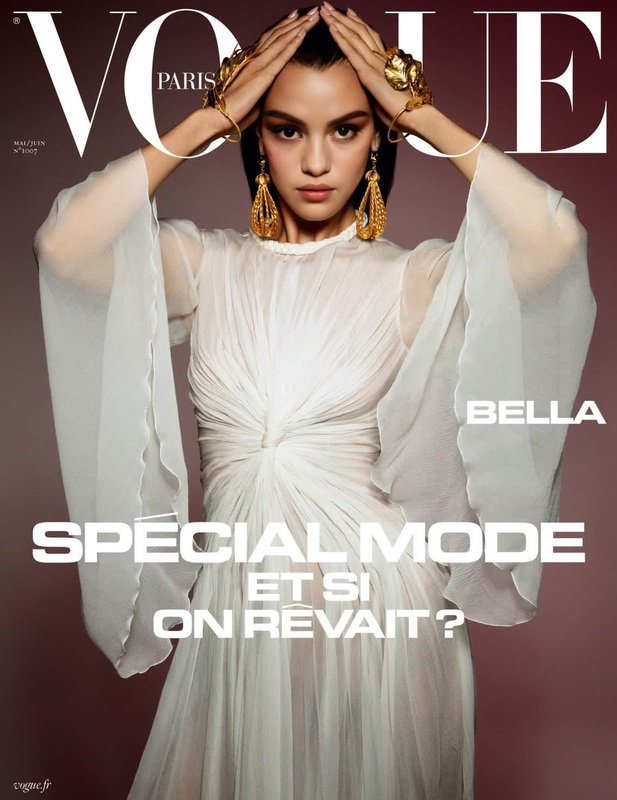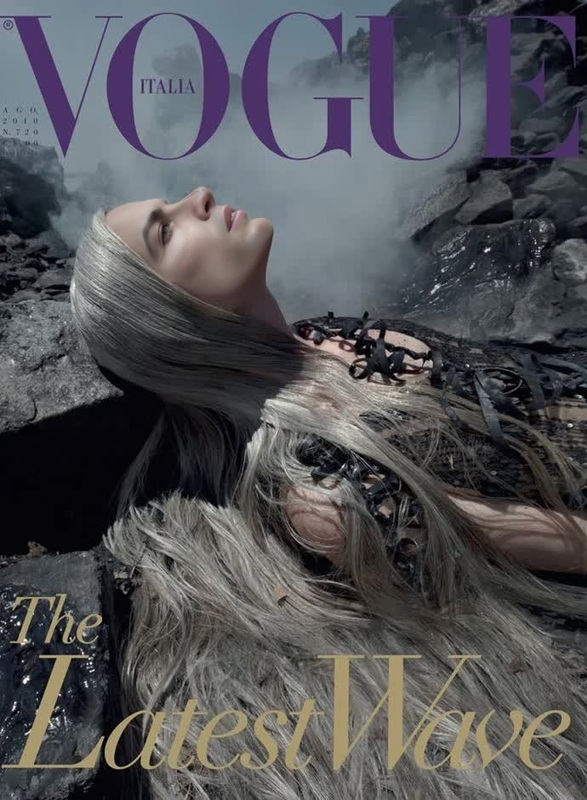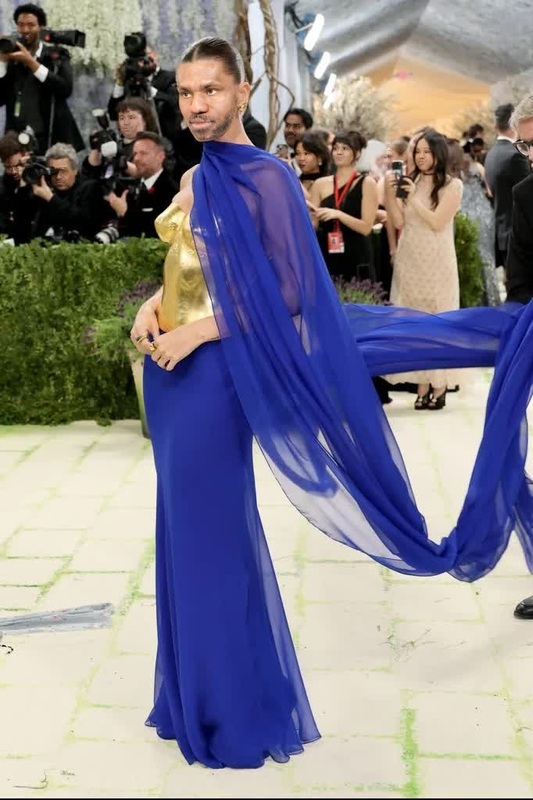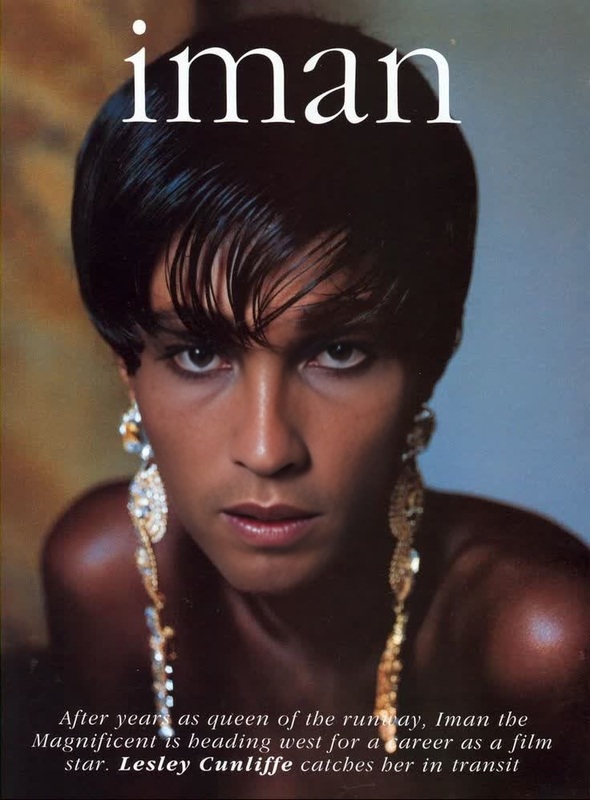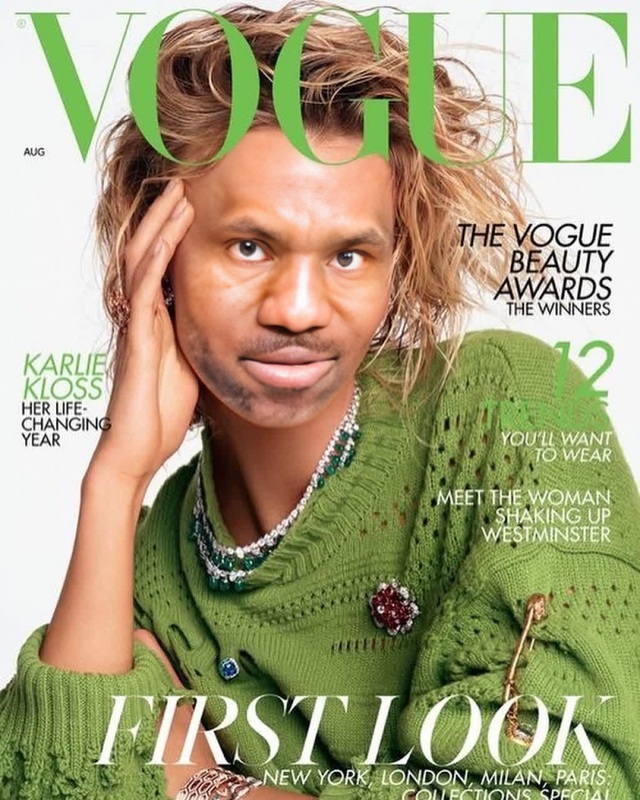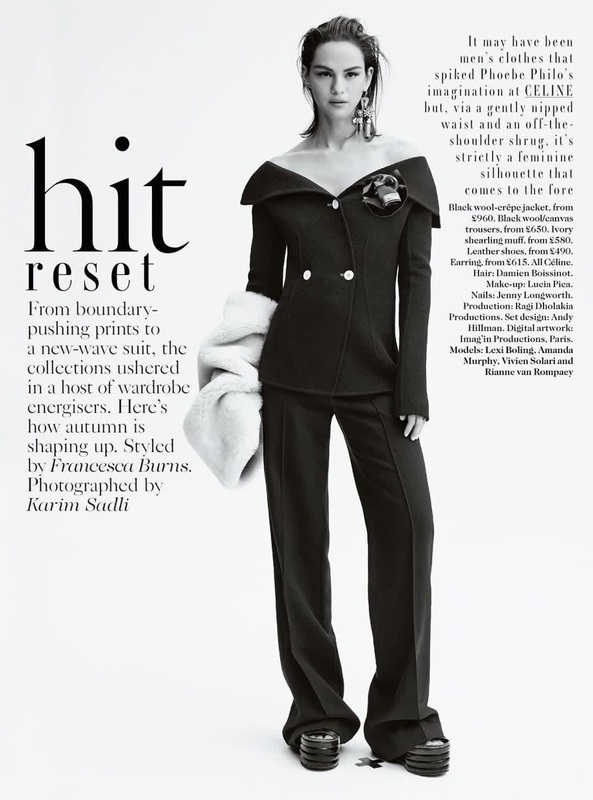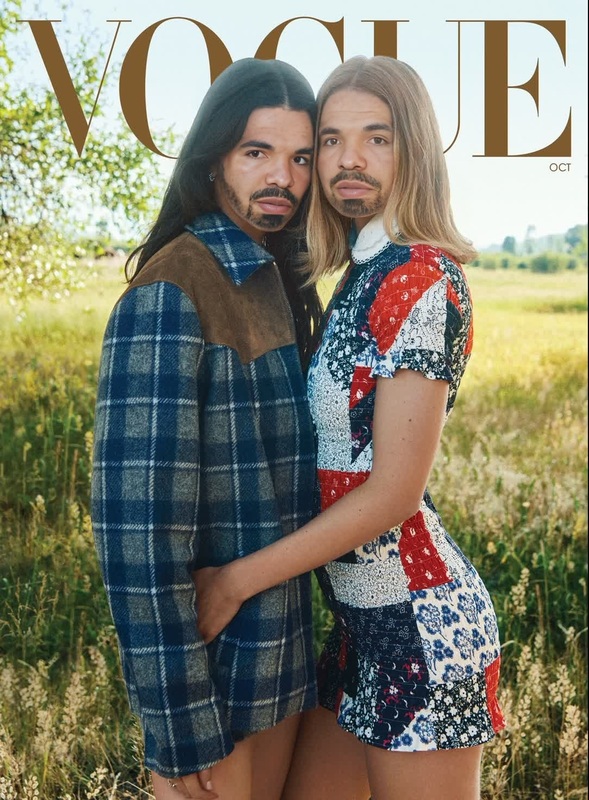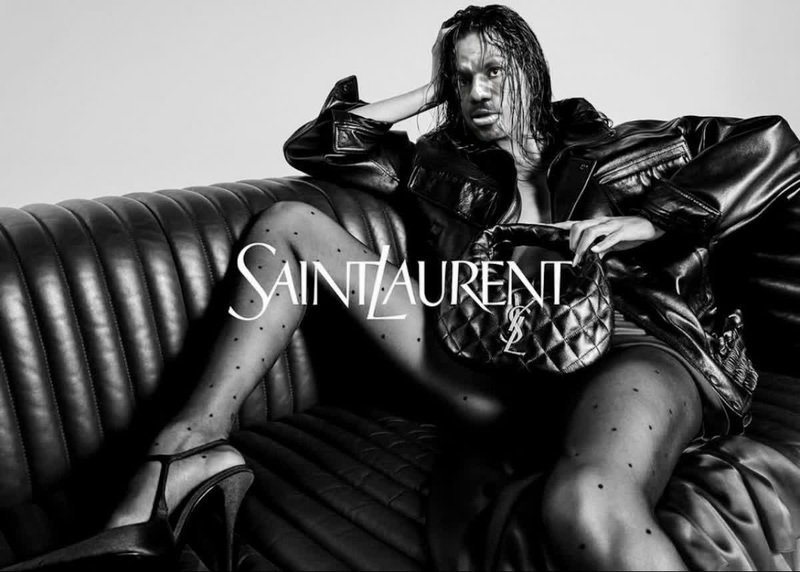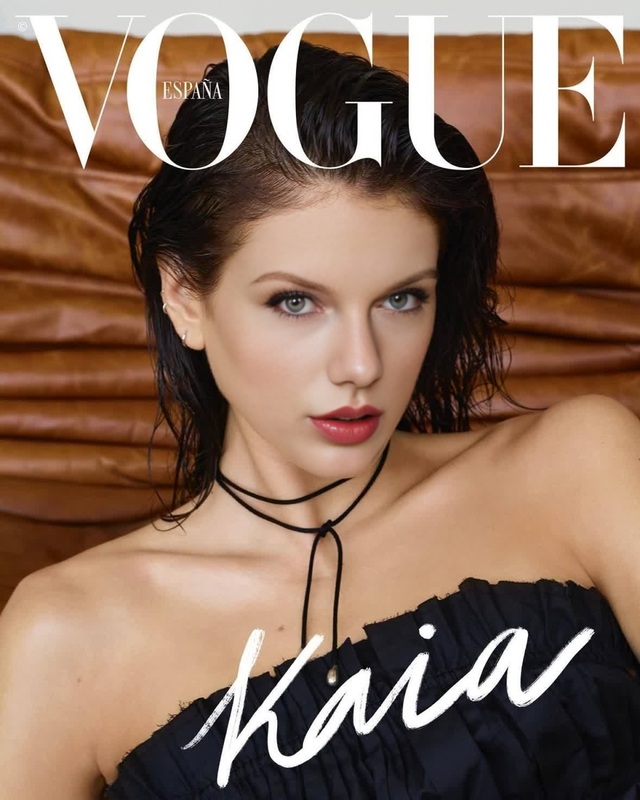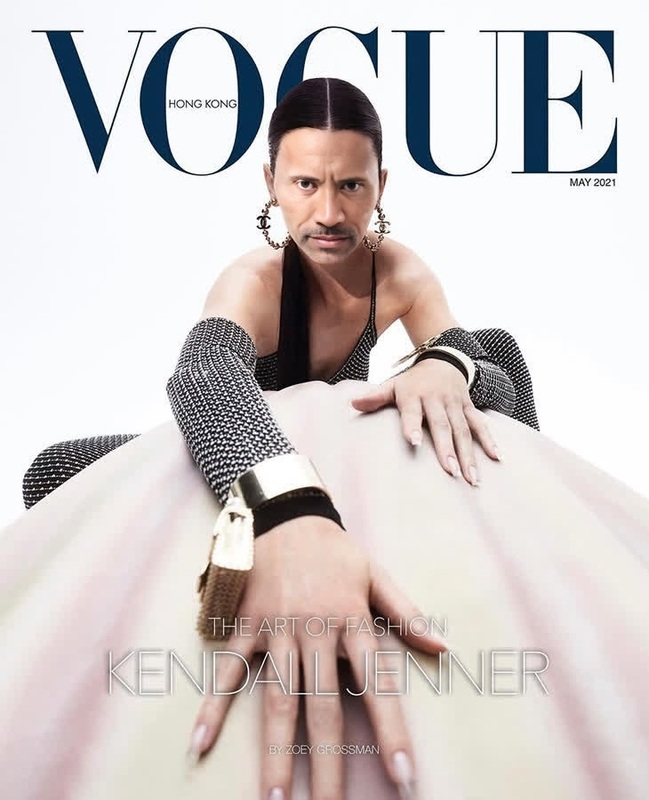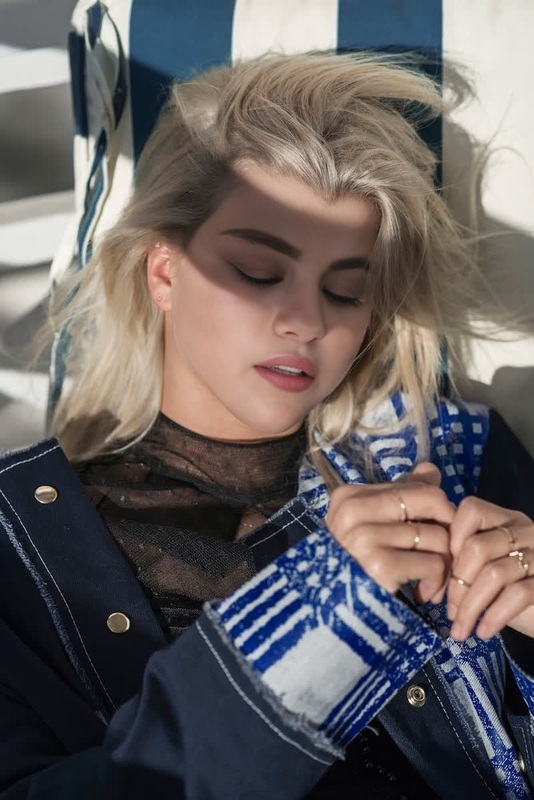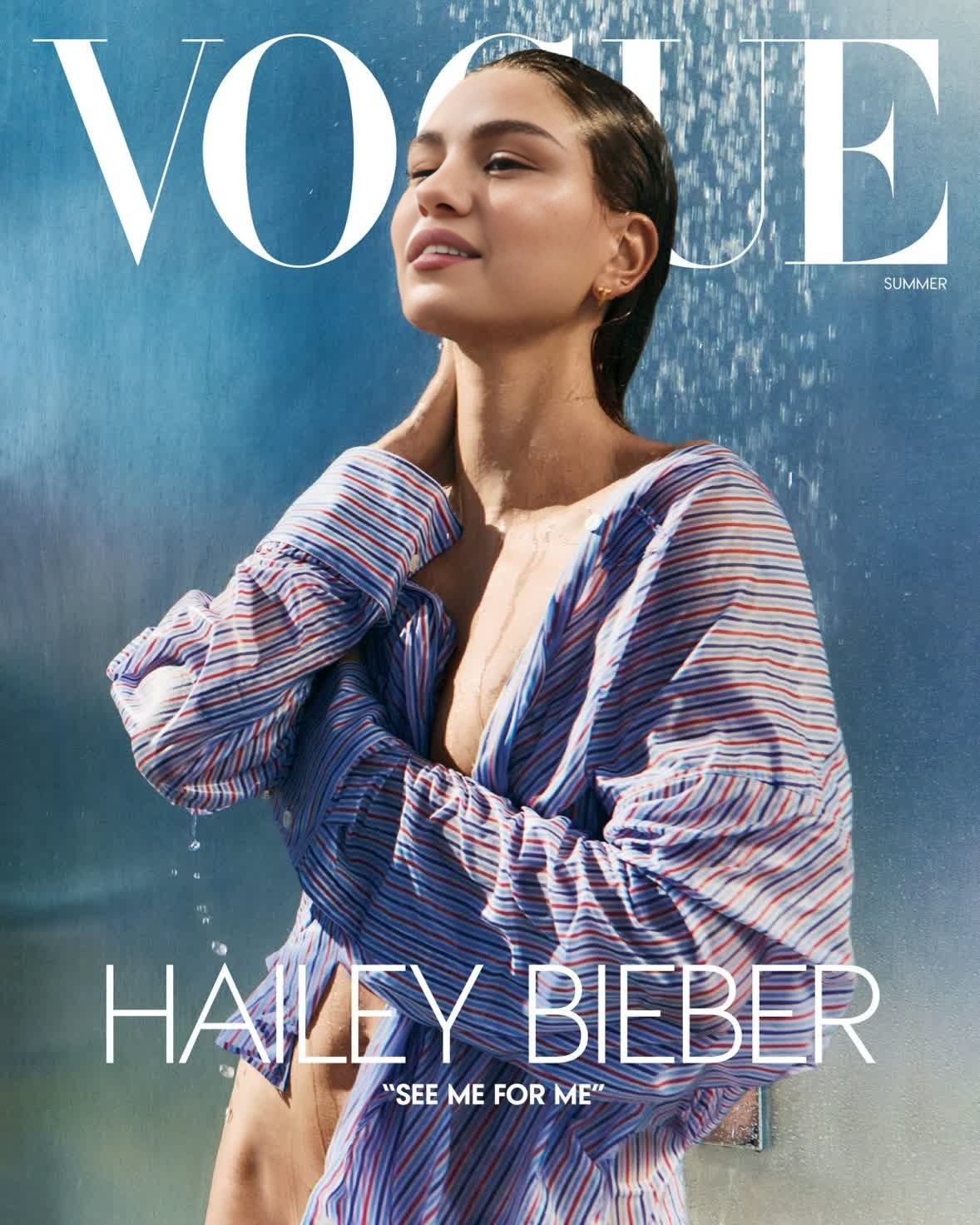
Hailey Bieber Vogue Editorial Portrait
- Image
- 1178 × 1472 px
Any aspect ratio
Overview
The "Hailey Bieber Vogue Editorial Portrait" template allows video creators to immerse their subjects into a high-fashion world with remarkable ease. This Video Face Swap template swaps faces seamlessly, incorporating the iconic style seen on Vogue covers and bringing a touch of glamour to your projects.
What It Does
This template transforms any ordinary video into a high-fashion experience by replacing the original face in the video with Hailey Bieber's from her notable Vogue photoshoot. The Video Face Swap technology ensures a highly realistic transition that maintains natural facial expressions and movements.
For additional enhancements, pair this template with the AI Image Editor to adjust colors and lighting or the AI Video Extender for lengthier video projects.
Who It's For
Designed for fashion enthusiasts, content creators, and digital marketers wanting to capture the allure of editorial locations in their social media and promotional content. This template benefits anyone aiming to elevate their project's sophistication without complicated editing tools.
Summary
Elevate your content with the glamorous "Hailey Bieber Vogue Editorial Portrait" template. Perfect for those looking to add celebrity style to any video easily. For creators wanting to enhance their storytelling, combine with the AI Meme Generator for promotional memes or experiment with various perspectives using our Full Body Generator.
How To
Choose the Template

Customize the Video

Generate Your Video

Use Cases
Social Media Campaigns
- Enhance Instagram Stories with celebrity flair
- Create thematic TikTok videos
Video Marketing
- Engaging fashion ad campaigns
- Sophisticated brand narratives
Event Promotions
- Create buzz for upcoming events
- Promote fashion launches
Best Practices
Choose High-Resolution Videos
Opt for the highest resolution original video to ensure the face swap outcome is clear and crisp.Maintain Lighting Consistency
Ensure that the lighting in the video is consistent to achieve seamless and realistic face swaps.Review and Adjust
After generating, review the swapped faces closely and use the AI Image Editor for any necessary touch-ups to maintain quality.