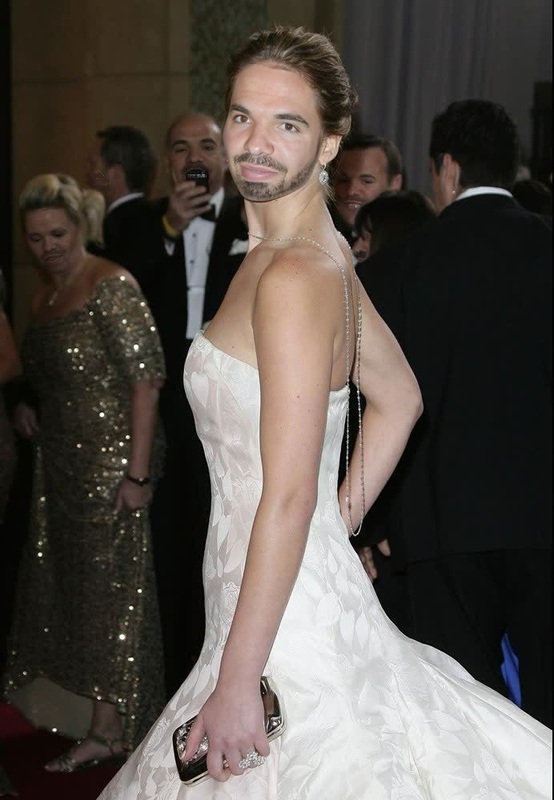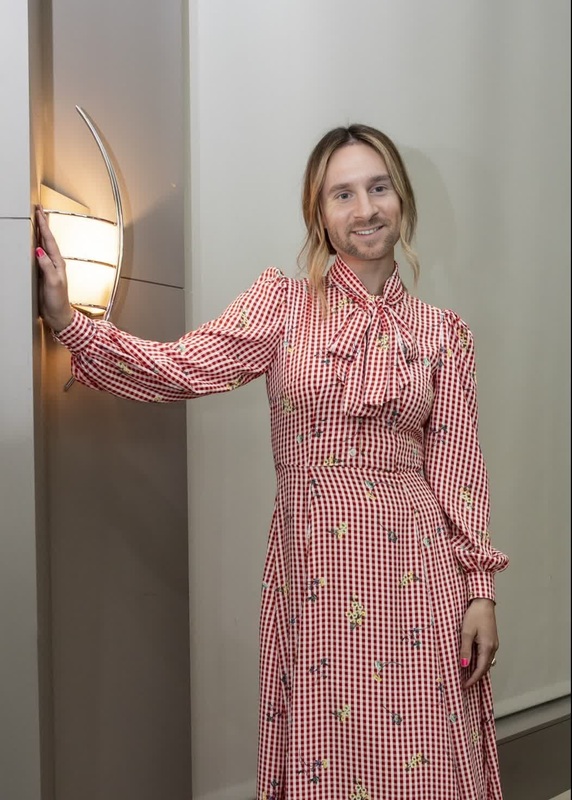
Emma Stone La La Land Press Portrait
- Image
- 982 × 1472 px
Any aspect ratio
Overview
The Emma Stone La La Land Press Portrait is a captivating Video Face Swap template that brings a famous moment from film history to a new life. This tool allows users to insert different faces into the well-known press portrait of Emma Stone, adding a personal or creative twist to a timeless image.
What It Does
This template takes advantage of advanced face-swapping technology to replace Emma Stone's face in the La La Land portrait with another face of your choosing. It's designed to be intuitive, catering to both personal enjoyment and professional creative projects. Check out how it works with the Face Swap tool to create unique transformations.
Who It's For
This template is ideal for film enthusiasts, digital creatives, and marketers looking to make engaging content. Whether you're crafting a fan video or developing innovative digital campaigns, the AI Image Editor provides additional editing features to perfect your creation.
Summary
With the Emma Stone La La Land Press Portrait template, users can blend personal creativity with a beloved cinematic image for varied applications. Explore other creative video possibilities with the Image-to-Video technology for further dynamic visual content.
How To
Choose the Template

Customize Your Video

Generate and Download

Use Cases
Creative Film Projects
- Create parody content.
- Engage viewers with fun twists on beloved films.
Social Media Content
- Increase engagement on Instagram or TikTok.
- Share fan-made tributes or humorous clips.
Educational Projects
- Discuss the impact of swapping roles.
- Explain face swap technology.
Best Practices
Select Quality Images
High-resolution images result in more seamless swaps, ensuring the final video looks polished.Experiment with Angles
Test different face orientations to find the most natural fit for the swap.Edit with Care
Utilize the AI Image Editor to tweak lighting and color for a cohesive final product.
Frequently asked questions
More Like This