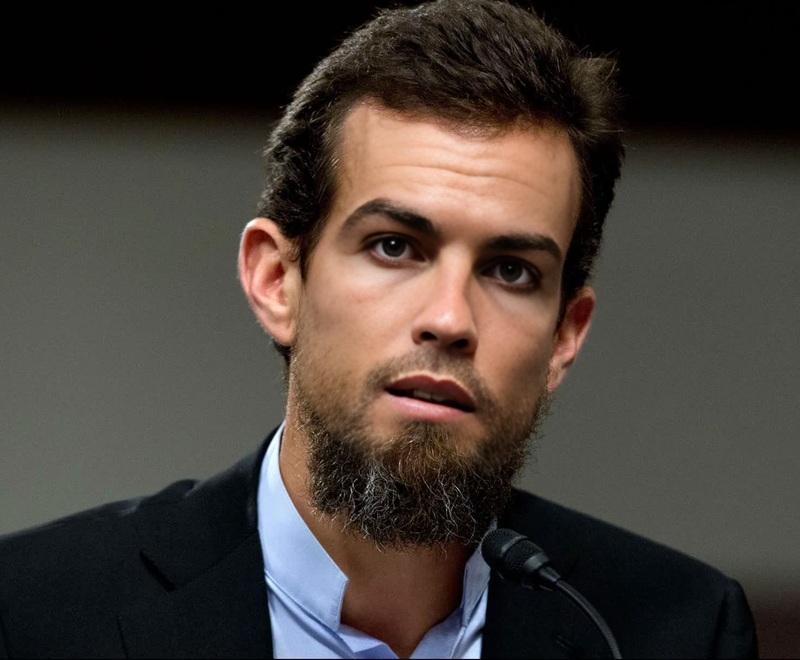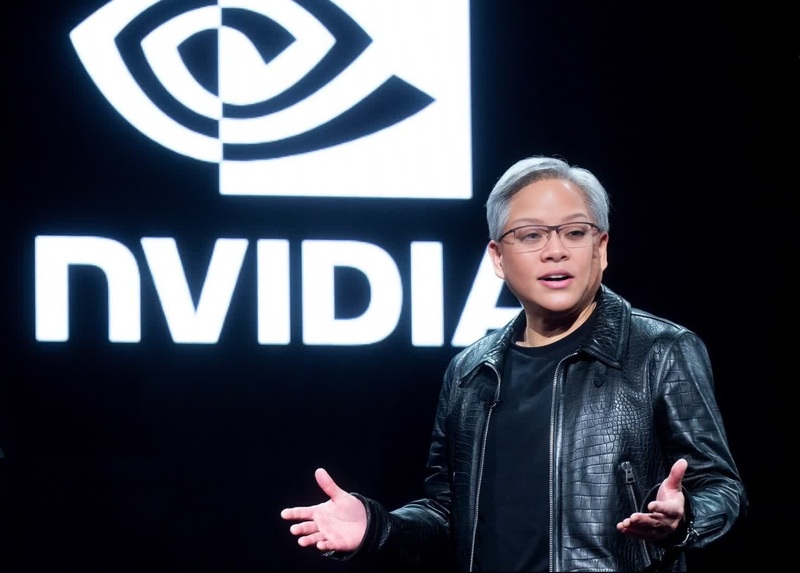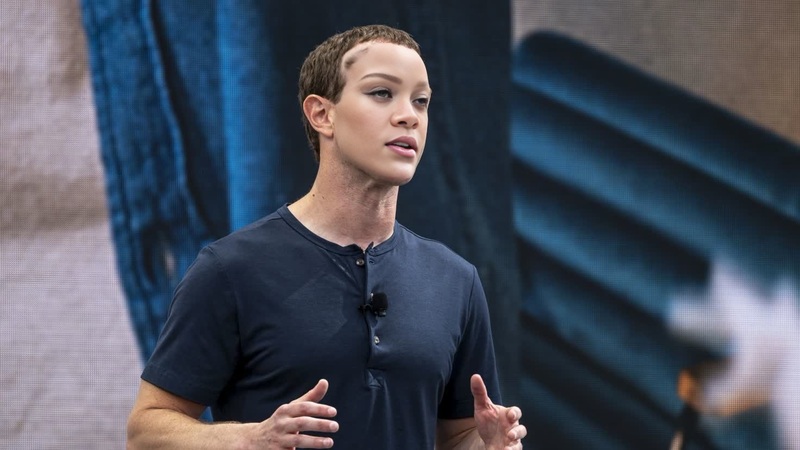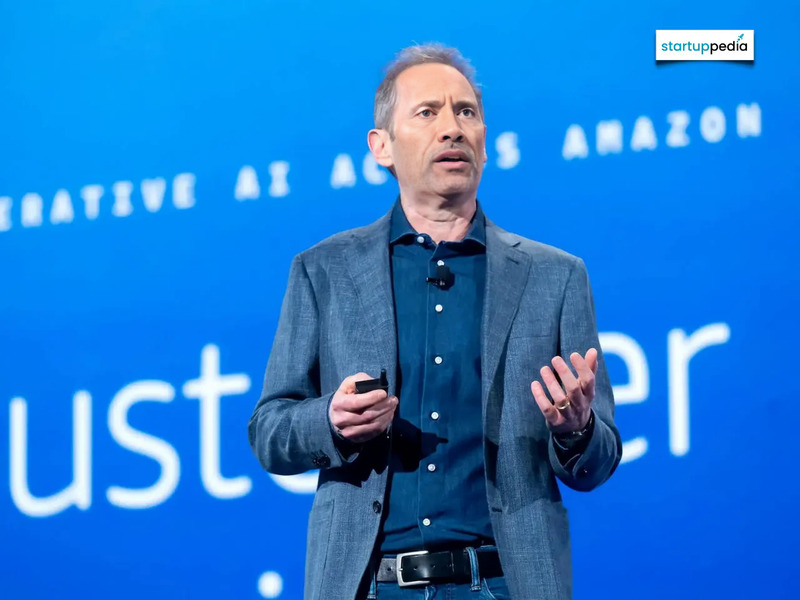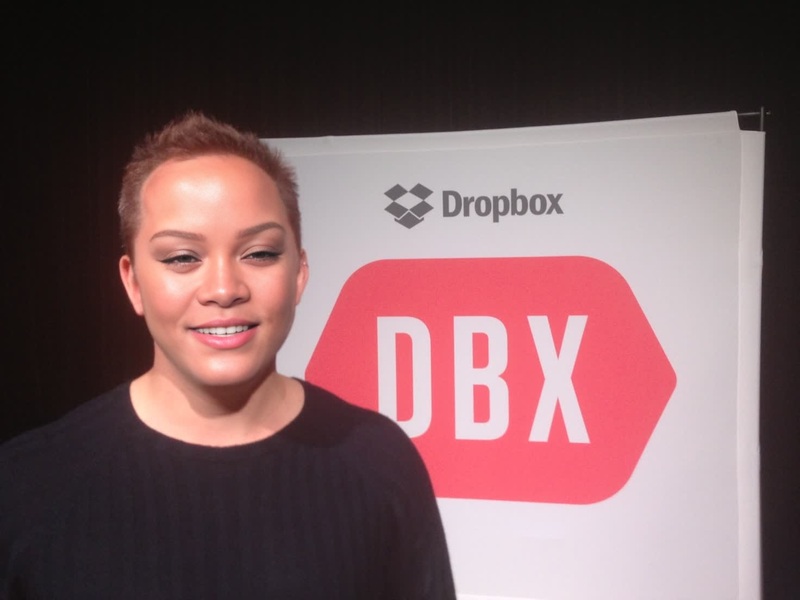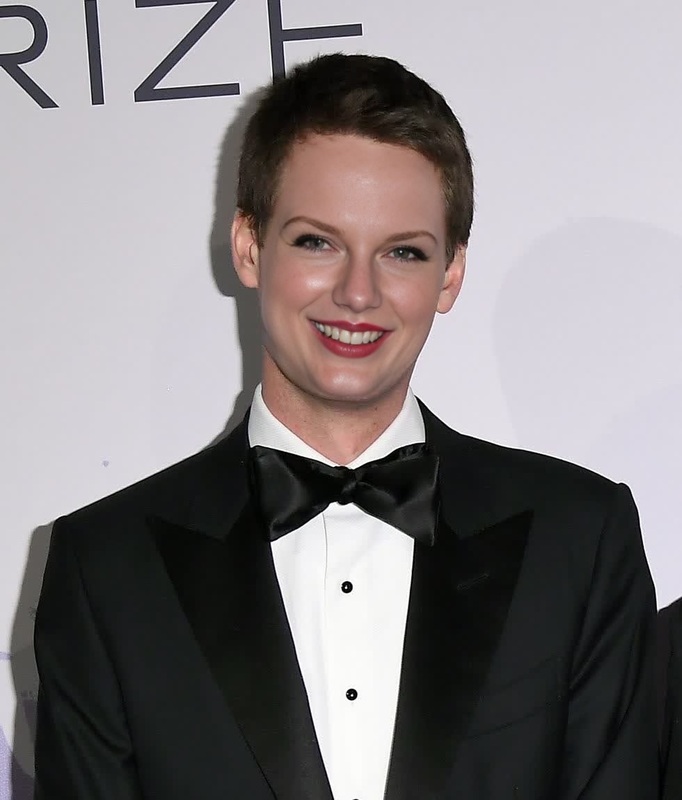
Eric Yuan Zoom Ceo Press Portrait
- Image
- 1472 × 1472 px
Any aspect ratio
Overview
The Eric Yuan Zoom CEO Press Portrait Video Face Swap template enables creators to infuse a touch of humor and innovation into their videos by swapping faces with Eric Yuan, the CEO of Zoom. Perfect for creative storytelling, parody content, or personalized messaging, this tool opens up new possibilities in digital video transformations.
What It Does
This Video Face Swap template is designed to replace the face in your video with a portrait of Eric Yuan. Utilizing sophisticated AI algorithms, it ensures that facial movements and expressions are precisely synchronized, making the swap look natural. This template supports video files in common formats, allowing for smooth integration into your existing workflows with products like the Face Swap Video and AI Video Generator.
Who It's For
This template is ideal for content creators, social media managers, and digital marketing professionals looking to add a unique twist to their videos. Whether you're creating content for meme videos or seeking to engage audiences with social media ads, this template provides a fun and engaging solution. It's also suitable for agencies looking to push creative boundaries in their promotional materials.
Summary
With the Eric Yuan Zoom CEO Press Portrait Video Face Swap template, users can effortlessly transform any video by swapping the primary face with that of Eric Yuan. It's a suitable tool for infusing creativity into content, whether for entertainment, marketing, or experimental projects. Complement this template with the AI Video Extender to explore extended creative possibilities.
How To
Choose Your Template

Customize Your Video

Generate and Download

Use Cases
Content Creation
- Vlogs and tutorials
- Social media stories
Business and Marketing
- Promotional ads
- Brand storytelling
Social Engagement
- Meme creation
- Community challenges
Best Practices
High-Quality Video Input
Use videos with high resolution and minimal obstructions on the target face to ensure clarity and precision in the swap.Good Lighting
Adequate lighting helps the algorithm detect facial features more accurately, resulting in a more natural-looking swap.Contextual Appropriateness
Always consider the context and audience for your content to ensure humor and novelty integrate effectively without being insensitive.