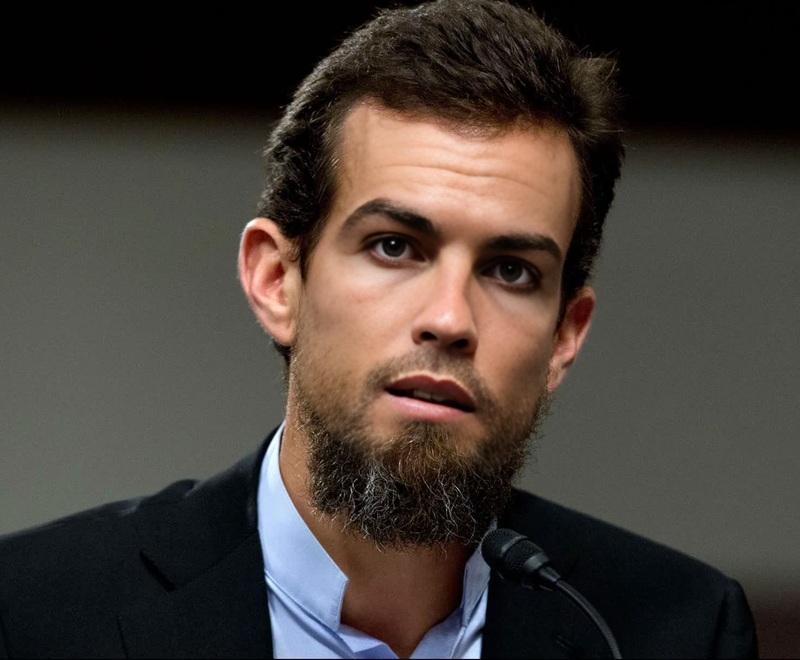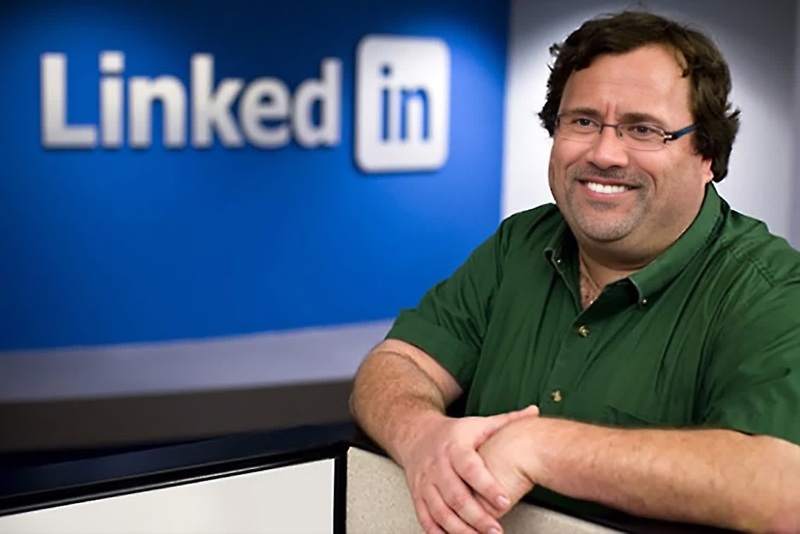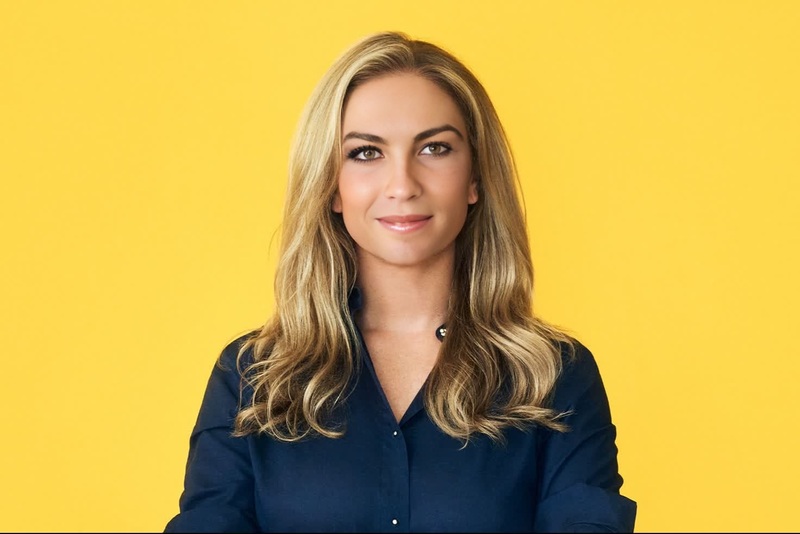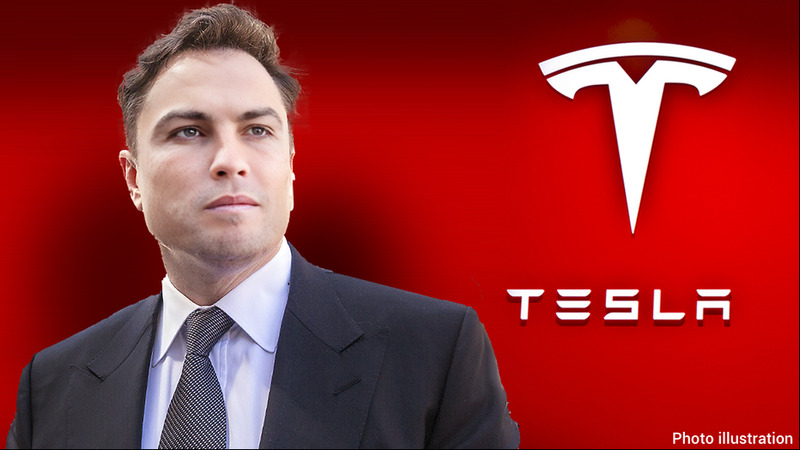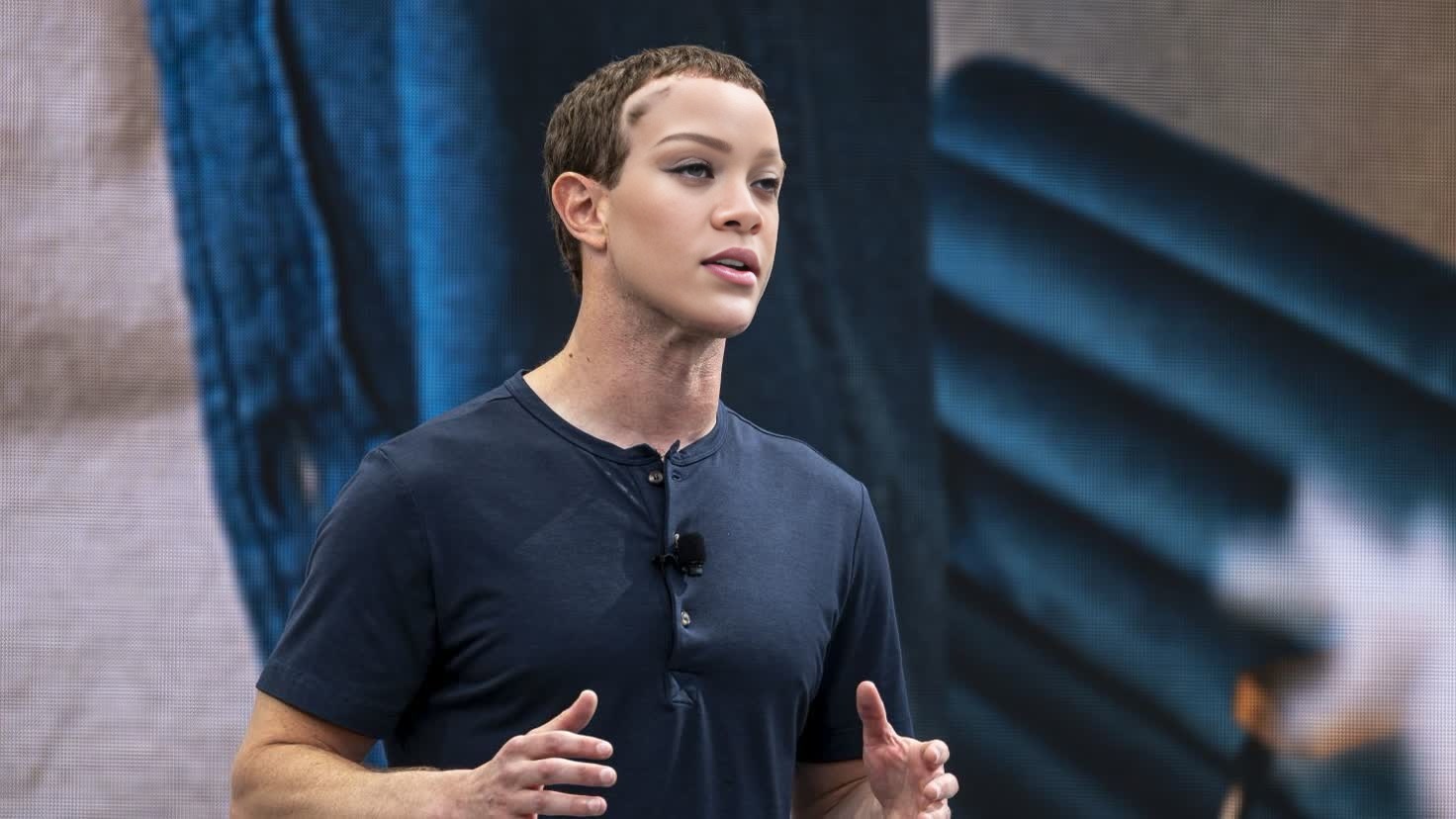
Mark Zuckerberg Meta Ceo Press Portrait
- Image
- 1472 × 828 px
Any aspect ratio
Overview
The Mark Zuckerberg Meta CEO Press Portrait template is a unique Video Face Swap tool, allowing users to transform any portrait into the likeness of Mark Zuckerberg. This template is ideal for creating engaging content, be it for pranks or creative projects that require a recognizable face. Dive into this innovative editing tool and see how easily you can bring this tech mogul's iconic look into your videos.
What It Does
This Video Face Swap template leverages AI technology to replace faces in any given portrait with Mark Zuckerberg's visage. By processing your input video through advanced facial recognition algorithms, the template ensures a realistic and seamless transformation. Pair it with the AI Image Editor for further enhancements or try the Lip Sync tool for adding vocal synchronization to your swaps.
Who It’s For
This template caters to content creators, pranksters, and digital artists who are looking to add a humorous or creative twist to their projects. It's also suitable for marketers creating parody or satirical content, as well as educators seeking to engage audiences with memorable visuals. The flexibility of the AI GIF Generator makes it perfect for all types of social media and online platforms.
Summary
With the Mark Zuckerberg Meta CEO Press Portrait template, you can transform ordinary videos into captivating content. Utilize this tool for both fun and creative professional projects. It integrates smoothly with other tools such as AI Voice Changer for more dynamic results. Bring your videos to life with this state-of-the-art face swap technology.
How To
Choose Your Template

Customize Your Input

Generate and Download

Use Cases
Prank Videos
- Simple setup
- Instant results
- Wide audience appeal
Creative Edits
- Great for video ads
- Enhances film projects
Educational Content
- Increases engagement
- Ideal for webinars
Best Practices
Choose High-Quality Images
Ensure that the input portrait is of high resolution to achieve the best swap results.Adjust Settings
Make use of available customization options to fine-tune the face swap to your liking.Use Complementary Tools
Combine with tools like the AI Image Upscaler to enhance video quality.