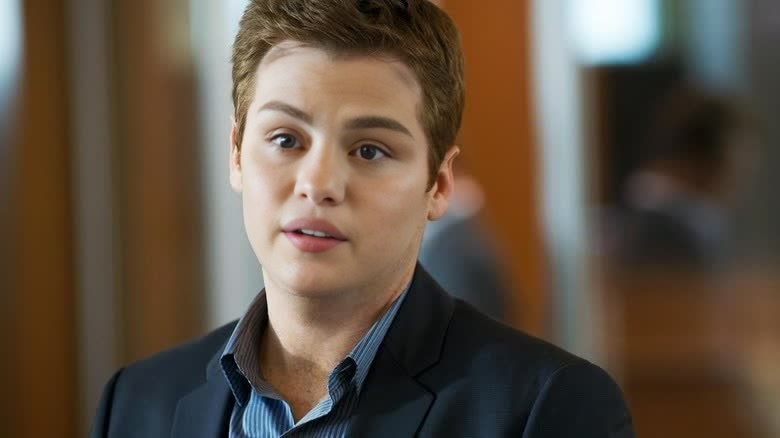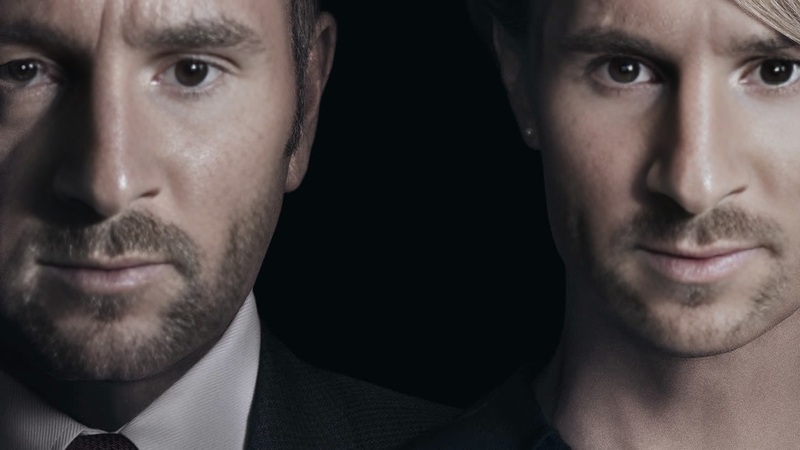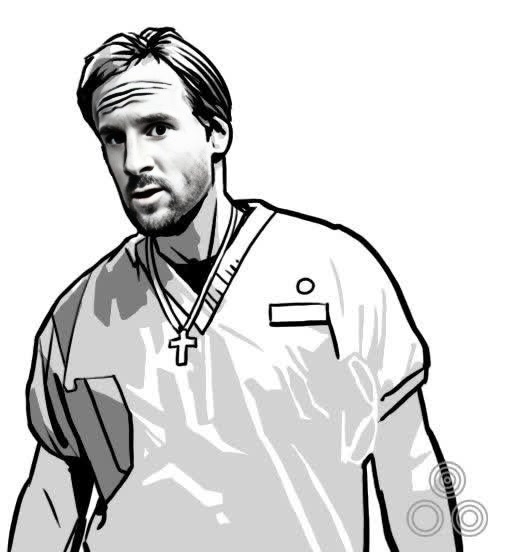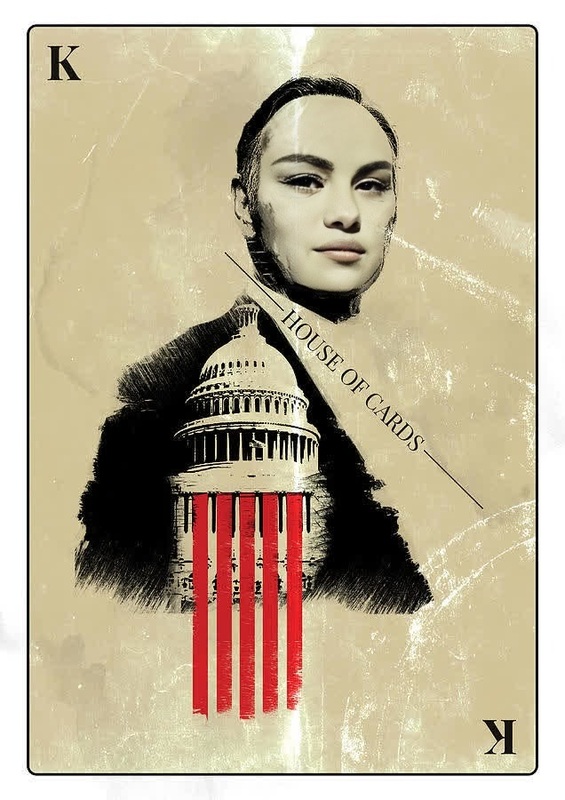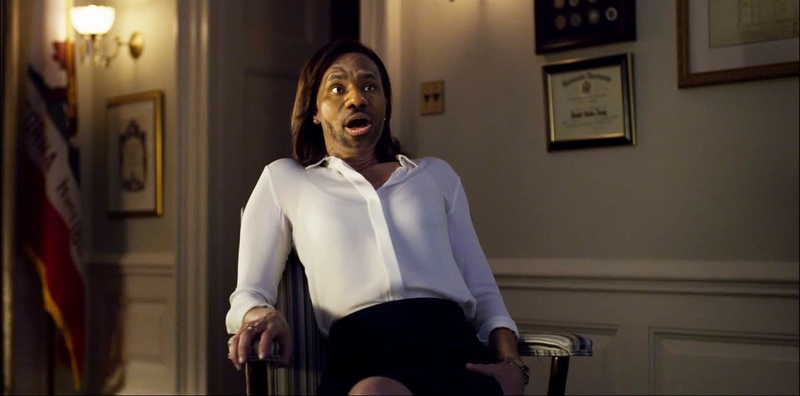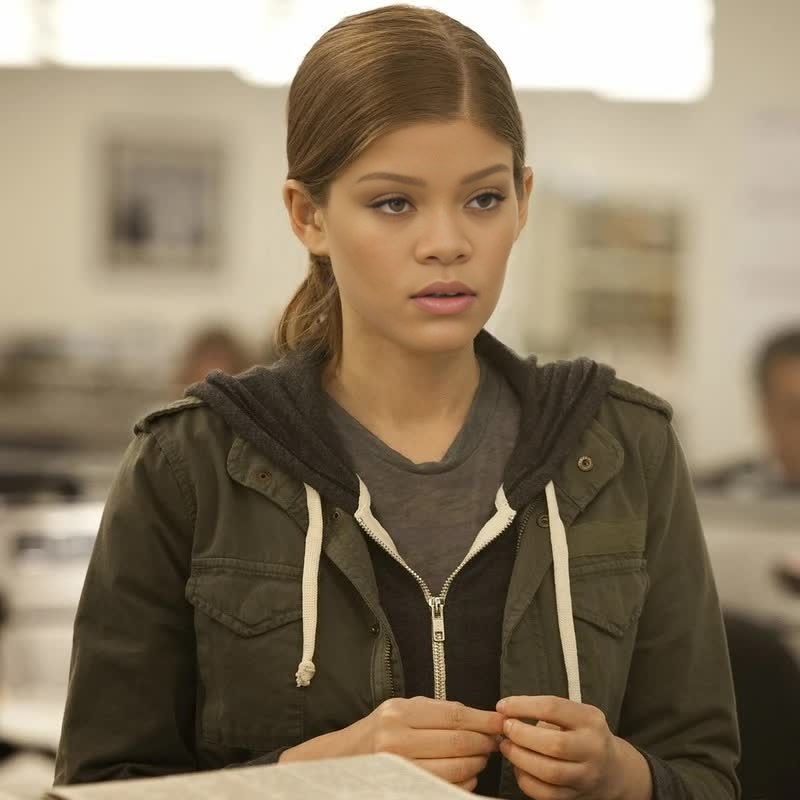
Doug Stamper House Of Cards
- Image
- 1200 × 1198 px
Any aspect ratio
Overview
Bring a touch of political drama to your projects with the Doug Stamper House Of Cards Video Face Swap template. This tool is perfect for content creators looking to inject some personality and creativity into their videos. Utilize this template to replace faces in existing videos with Doug Stamper's, blending realism with fictional intrigue.
What It Does
The Doug Stamper House Of Cards Video Face Swap template allows you to overlay the character's face onto any video of your choice. Utilizing advanced facial recognition and mapping technologies, it ensures precise alignment and realistic results. For those who enjoy experimenting with different characters, check out the Face Swap product and explore other possibilities.
Who It's For
This template is perfect for video editors, social media influencers, and fans of the House Of Cards series. It offers a playful way to enhance digital content, whether you're creating fan videos or experimenting with comedic concepts. If you're interested in other transformation tools, the Head Swap product might also pique your curiosity.
Summary
With the Doug Stamper Video Face Swap template, turn your projects into exciting narratives that captivate your audience. This tool isn't just for fun—it's an opportunity to explore new creative frontiers. Experiment with different scenes and share your creative projects with those who appreciate a clever twist. For further transformations, the Body Swap product can add another layer to your creative ventures.
How To
Choose Template

Customize Your Input

Generate Your Video

Use Cases
Fan Videos
- Inject humor and creativity into fan videos
- Transform iconic scenes with Doug Stamper
Social Media Content
- Generate eye-catching clips for TikTok or Instagram
- Engage followers with imaginative storylines
Personal Projects
- Experiment with storytelling
- Design creative narratives
Best Practices
High-Quality Video
Use high-definition video files to achieve the best facial alignment and clarity.Appropriate Lighting
Ensure the lighting in your original video is consistent with that of Doug Stamper's images for seamless integration.Creative Experimentation
Don't hesitate to try different video settings and angles to see how Doug Stamper fits into various contexts.