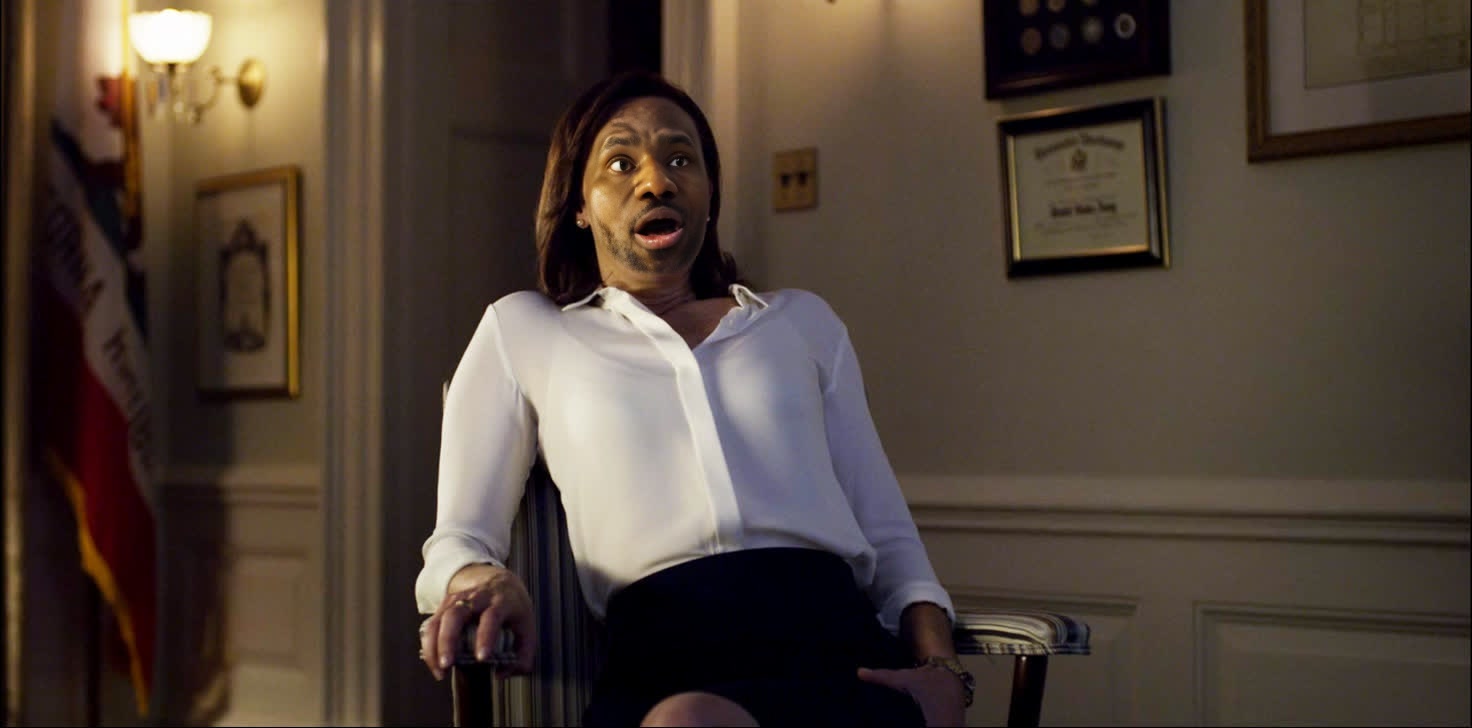
Jackie Sharp House Of Cards
- Image
- 1472 × 728 px
Any aspect ratio
Overview
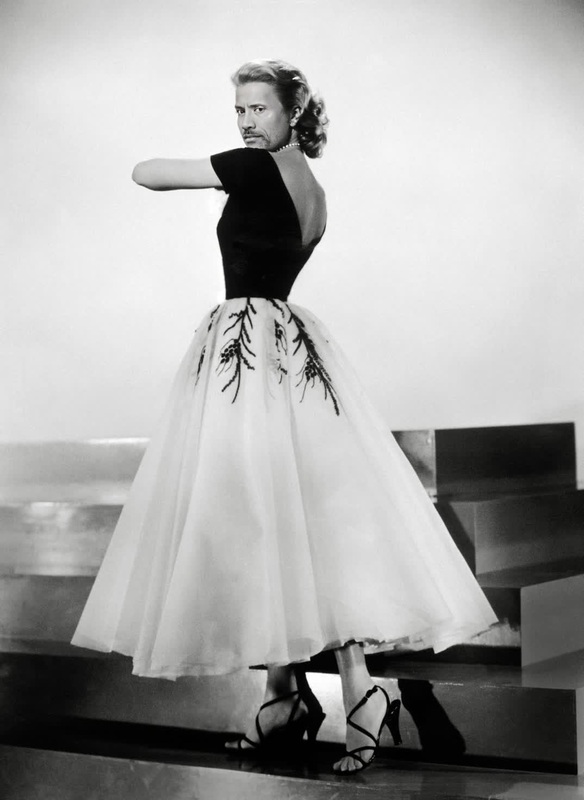
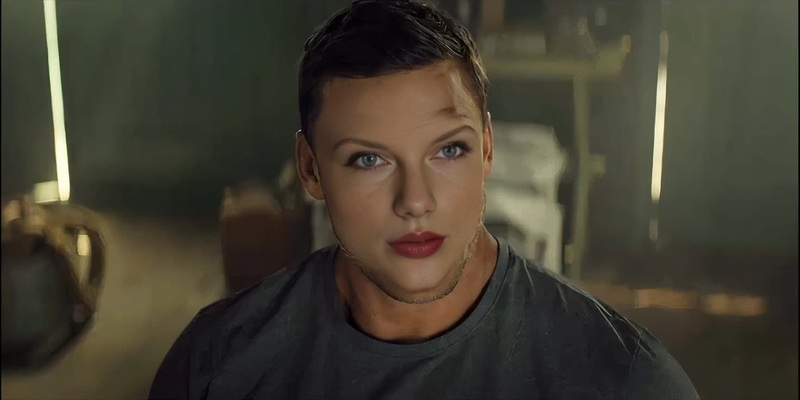
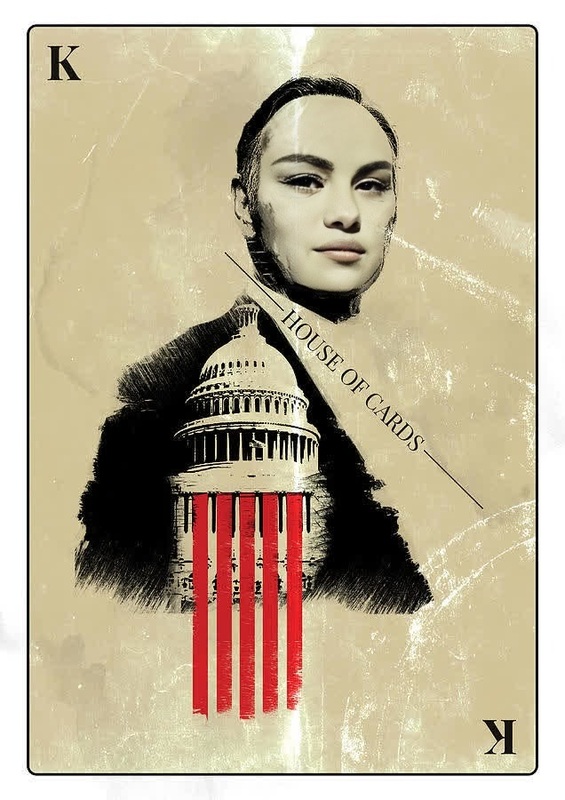
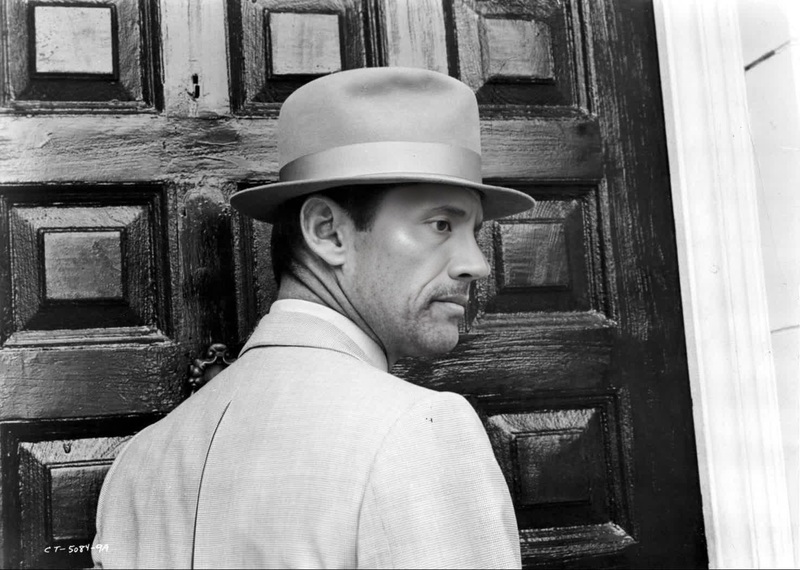
The Jackie Sharp House Of Cards template brings the intriguing world of political drama to your projects with a video face swap of the character Jackie Sharp. Perfectly suited for fan edits, parody videos, or creative social media content, this template allows you to add a unique twist to your footage.
What It Does
This template enables a video face swap, allowing you to replace faces in your clips with that of Jackie Sharp, the intense and determined politician from House of Cards. The processed video retains the original setting and expressions while integrating the new face seamlessly. Whether for educational, entertainment, or transformative purposes, this feature can be a vital tool in your creative arsenal.
For more dynamic video transforms, check out our Face Swap product.
Who It's For
Content creators, video editors, and social media enthusiasts looking to evoke a political or dramatic flair in their content will find this template invaluable. Whether crafting fan tribute videos or producing satirical content, the Jackie Sharp face swap offers endless possibilities for storytelling and engagement.
Explore more creative editing options with our AI Image Editor.
Summary
With the Jackie Sharp House Of Cards template, transform your video creations by replacing faces with a well-known character from a popular TV series. This video face swap is perfect for enhancing your content and captivating your audience. For broader creative video options, consider exploring other templates like Image to Video.
How to Use the Template
Choose the Template

Customize Your Input

Generate and Download

Use Cases
Social Media Content
- Create themed Instagram stories
- Enhance TikTok challenges
- Boost viral content potential
Fan Tribute Videos
- Produce character-focused clips
- Integrate iconic quotes with new visuals
- Reach fan communities
Satirical or Parody Content
- Create political commentaries
- Develop parody skits
- Engage with trending topics
Best Practices
Quality Input Matters
Ensure your source video is of high resolution for the best swap results.Facial Alignment
Use videos where subject faces are clear and adequately lit for smoother swaps.Experiment with Angles
Try different video angles to find the most convincing swap effects.