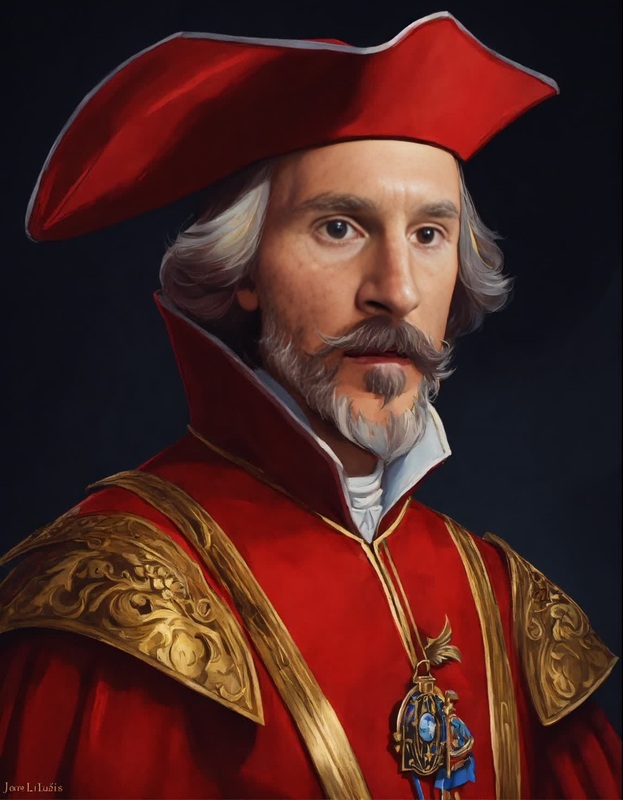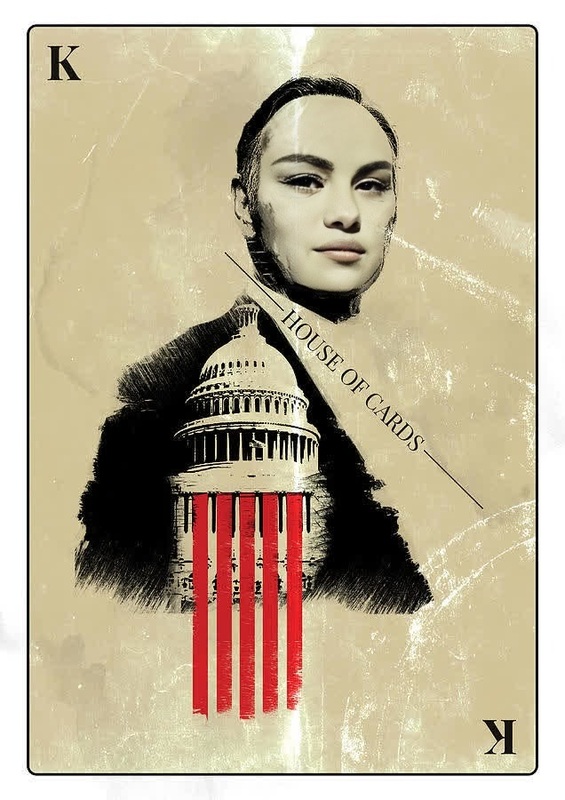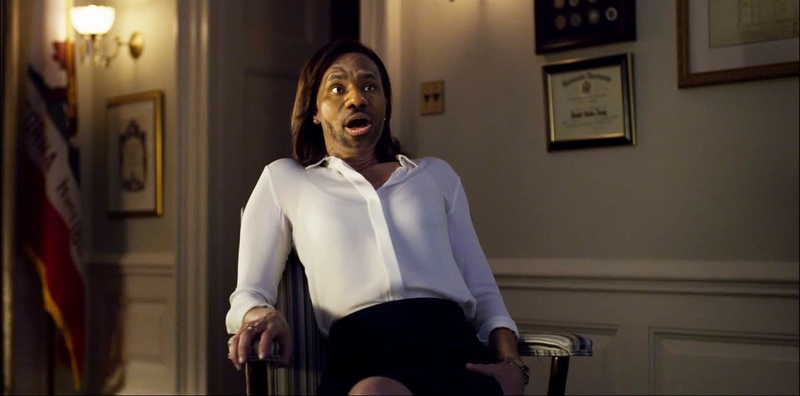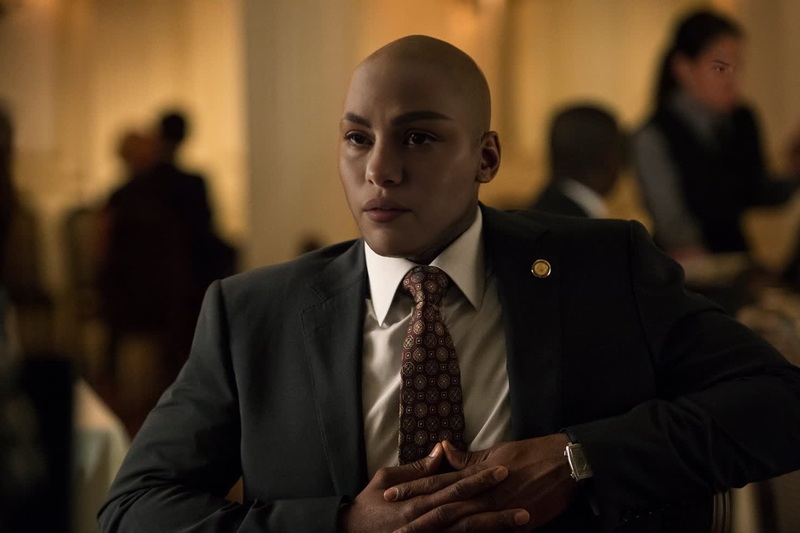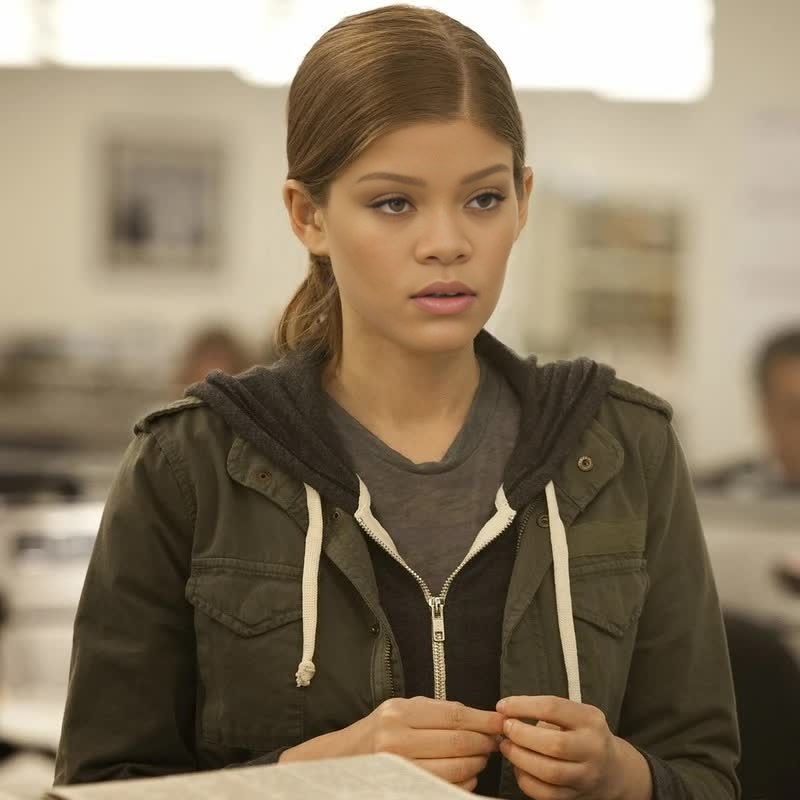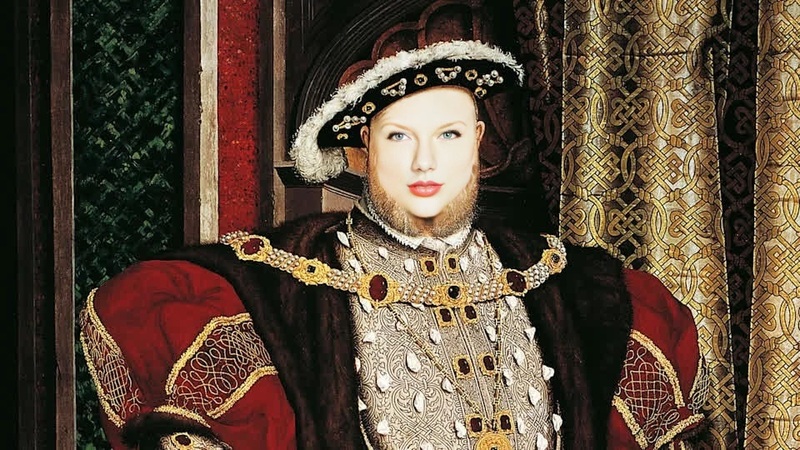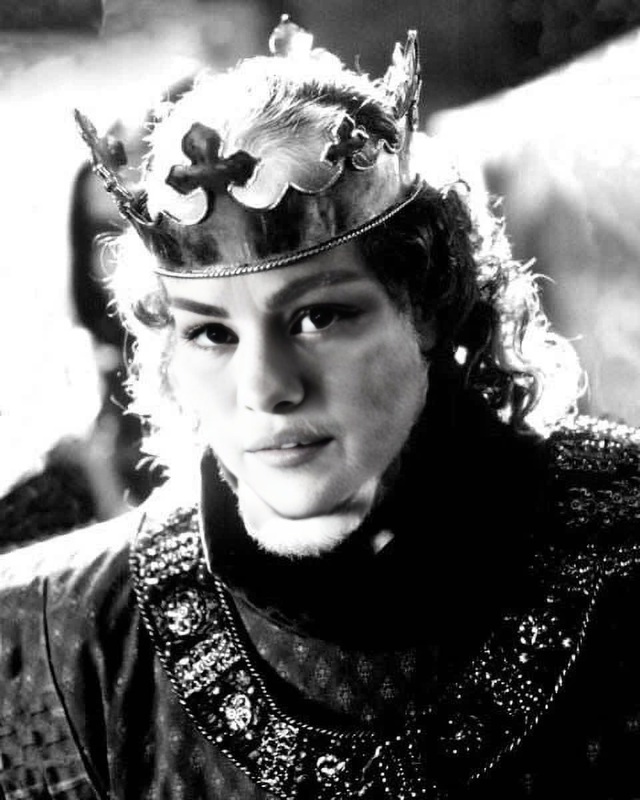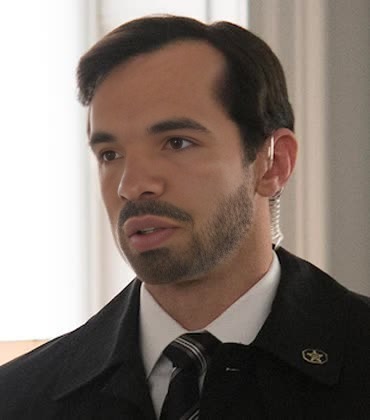
Edward Meechum House Of Cards
- Image
- 370 × 420 px
Any aspect ratio
Overview
Step into the world of political intrigue with the Edward Meechum House Of Cards template. This Video Face Swap template allows you to swap faces with Edward Meechum for an immersive, cinematic experience. Perfect for creators looking to add a dramatic flair to their work, this template provides a unique storytelling angle.
What It Does
This template utilizes advanced face swap technology to seamlessly integrate your chosen image with Edward Meechum from the "House of Cards" series. By leveraging the powerful Lip Sync feature, you're able to match the facial movements and expressions for a more convincing portrayal. Supported by formats such as MP4 and MOV, you have the flexibility needed for any project.
Who It's For
Whether you're a filmmaker, content creator, or social media influencer, this template is designed to captivate audiences with its stunning visuals. Perfect for those involved in social media ads, cinematic productions, or anyone wanting to experiment with AI-driven video transformations without extensive editing skills.
Summary
The Edward Meechum House Of Cards video face swap template provides a powerful tool for transforming any project into a storytelling masterpiece. Make your content stand out by incorporating this dynamic AI Video Generator tool into your creative process. Push the boundaries of your filmmaking or advertising with professional-grade edits right at your fingertips.
How To
Choose

Customize

Generate

Use Cases
Social Media Content Creation
- Create buzz-worthy social media posts
- Engage followers with custom content creations
- Develop viral marketing campaigns
Cinematic Productions
- Add depth to character transformations
- Trial visual effects before final application
- Develop unique trailers or teasers
Educational Material
- Create memorable educational videos
- Illustrate abstract concepts through face swaps
- Capture student interest with personalized recordings
Best Practices
Choose High-Quality Inputs
For best results, use high-resolution videos and clear images of target faces to ensure seamless blending.Align Faces Correctly
Pay attention to facial alignment. Misaligned faces can detract from the realism of the video.Experiment with Expressions
Utilize the expression controls to match the emotional tone of the original footage, enhancing the storytelling effect.