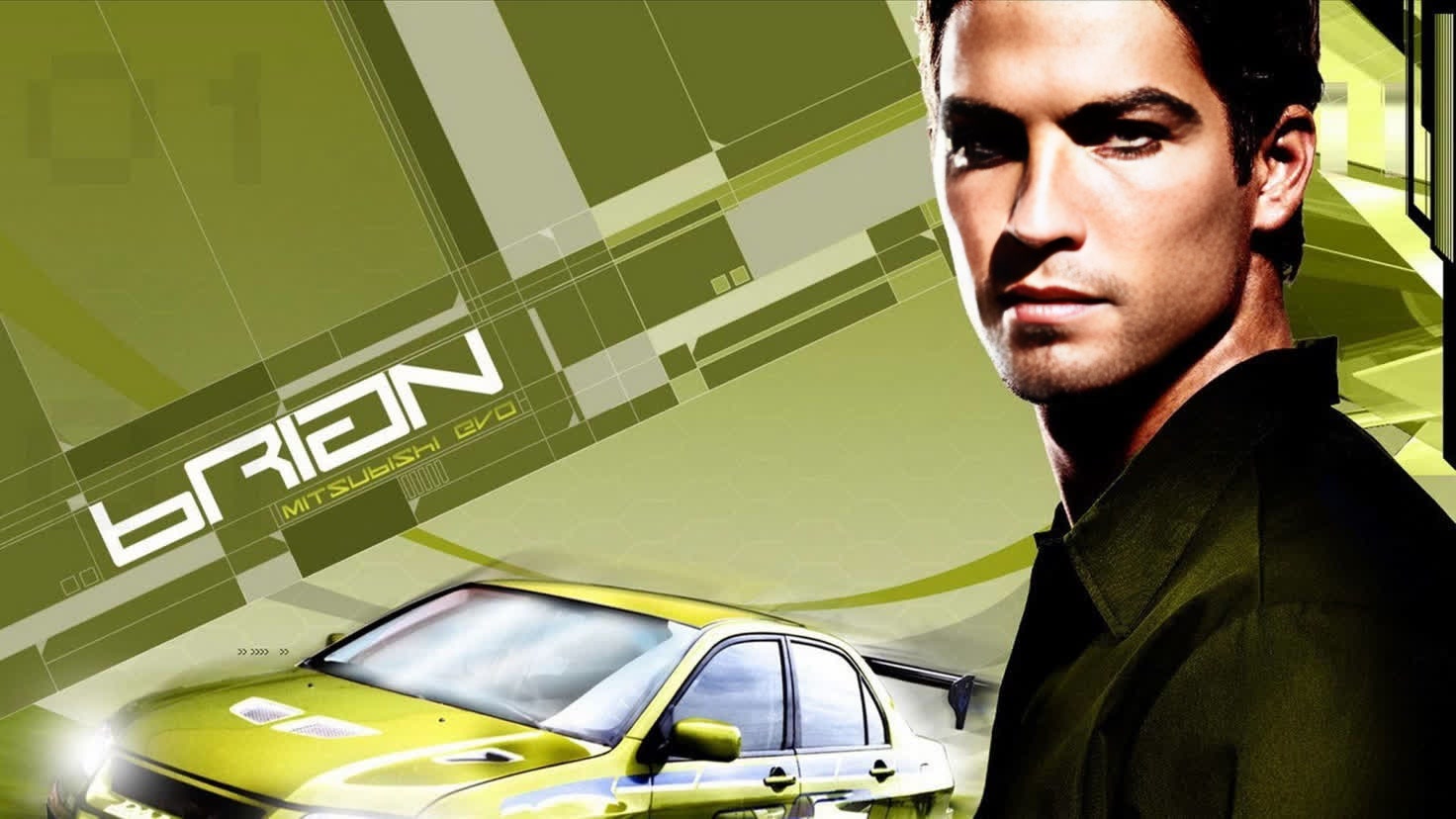
Brian OConner Fast And Furious
- Image
- 1472 × 828 px
Any aspect ratio
Overview
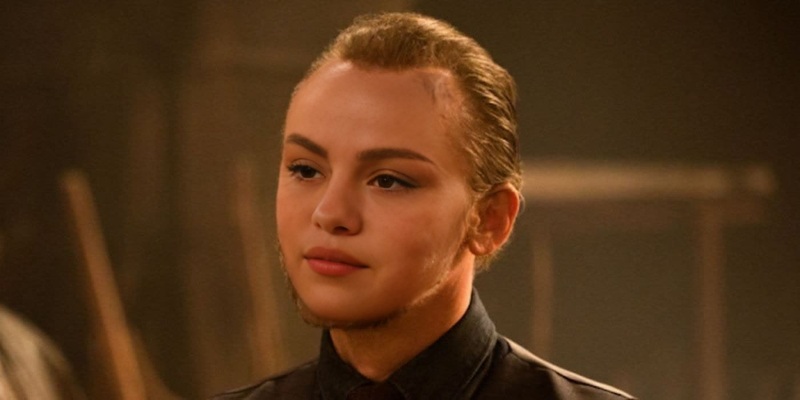
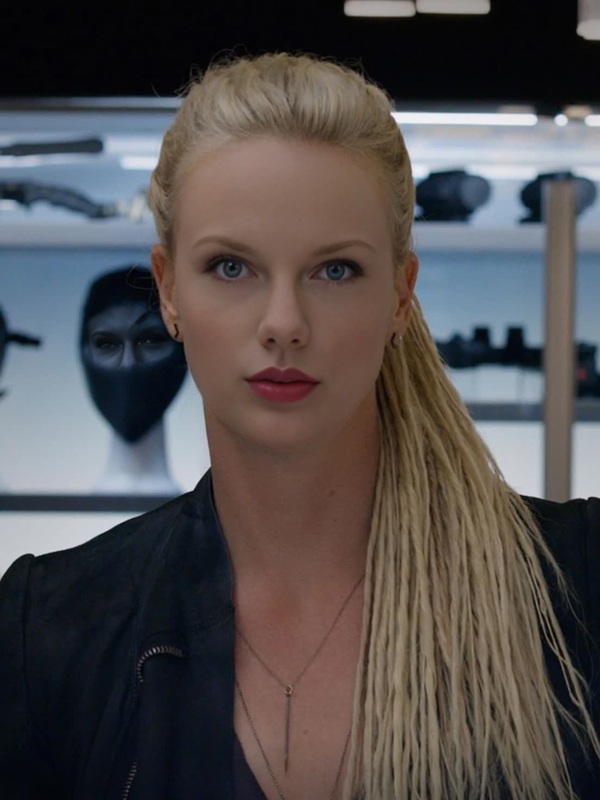
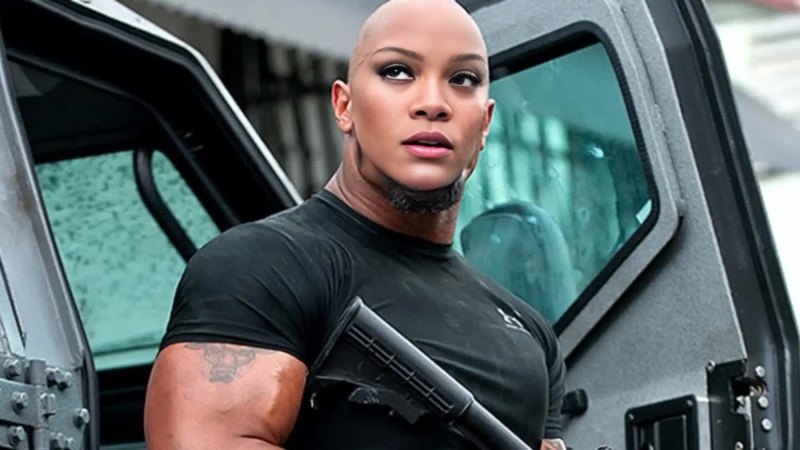
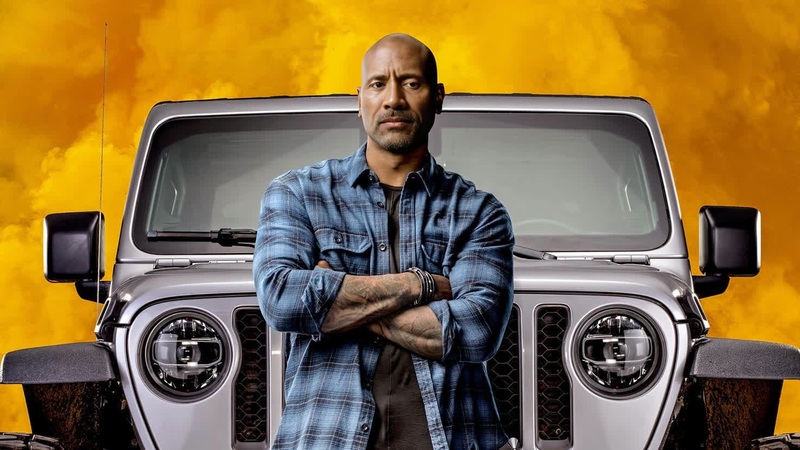
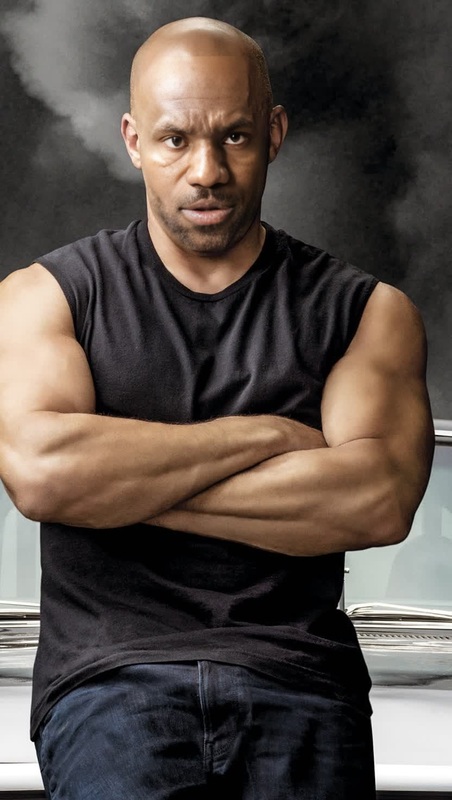
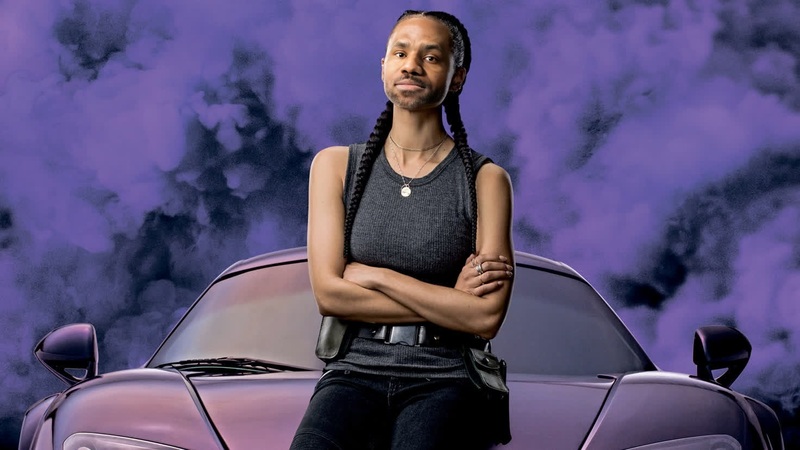
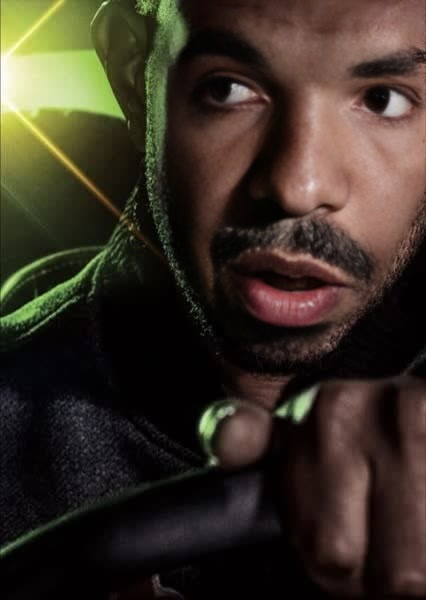
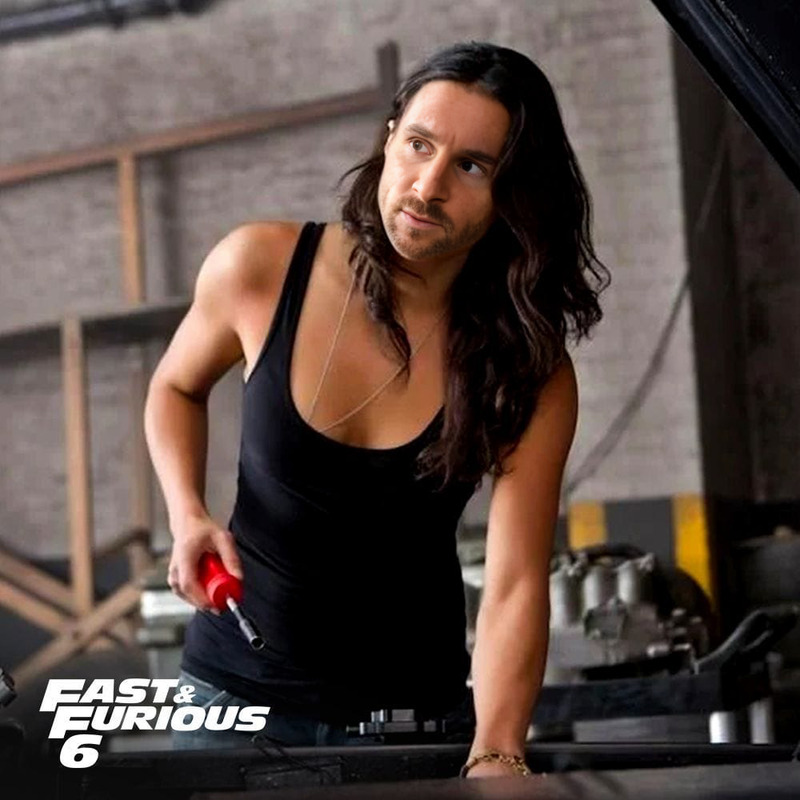
Dive into the action-packed world of Fast and Furious by embodying Brian O'Conner with our Video Face Swap template. This tool allows you to transform your own video clips into thrilling cinematic experiences, putting you right in the middle of the adrenaline-pumping universe.
What It Does
The Video Face Swap template lets users overlay their facial features onto Brian O'Conner's character in Fast and Furious scenes. This process utilizes advanced deepfake technology to ensure realistic and immersive results. For creators looking to enhance their video projects, this tool can be a game-changer, especially alongside our Audio to Video and Image to Video tools.
Who It's For
This template is perfect for movie enthusiasts, content creators, and social media influencers who want to engage their audience with novel content. If you're a fan looking to celebrate the Fast and Furious franchise or a creator aiming to diversify your content strategy, this template is for you. Coupling it with the AI Voice Changer can enhance the experience even further.
Summary
Transforming into a beloved character like Brian O'Conner has never been easier. With an intuitive interface and a range of customization options, our Video Face Swap template is designed to deliver high-quality cinematic edits. Expand your creative horizons by exploring related tools such as the Face Swap and Video to Video for more transformation capabilities.
How To
Choose Template

Customize Inputs

Generate Video

Use Cases
Fan Tribute Videos
- Engage in character cosplay
- Share on social media platforms
- Celebrate film anniversaries
Marketing Content
- Boost engagement with novelty
- Align with cinematic themes
- Create memorable ad campaigns
Creative Content Creation
- Stand out in content feeds
- Engage followers with creative storytelling
- Produce shareable video content
Best Practices
High-Quality Inputs
Ensure your video and face image are of high resolution to maximize the realism of the swap.Lighting Consistency
Match lighting conditions between your image and the template for better integration.Preview Before Finalizing
Always preview your video before downloading to check for alignment and quality consistency.