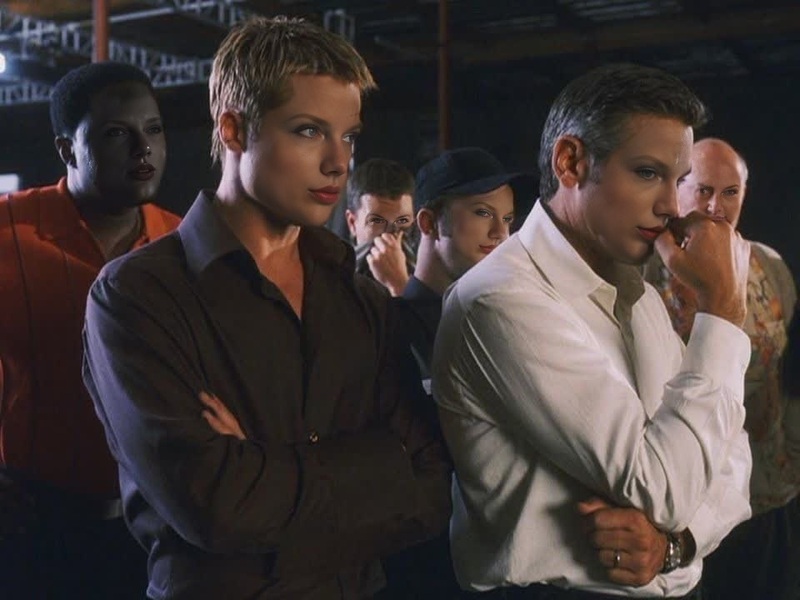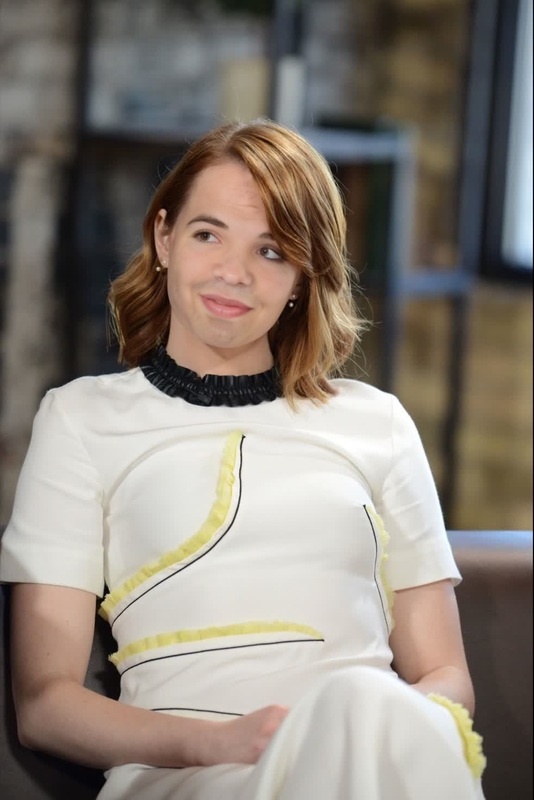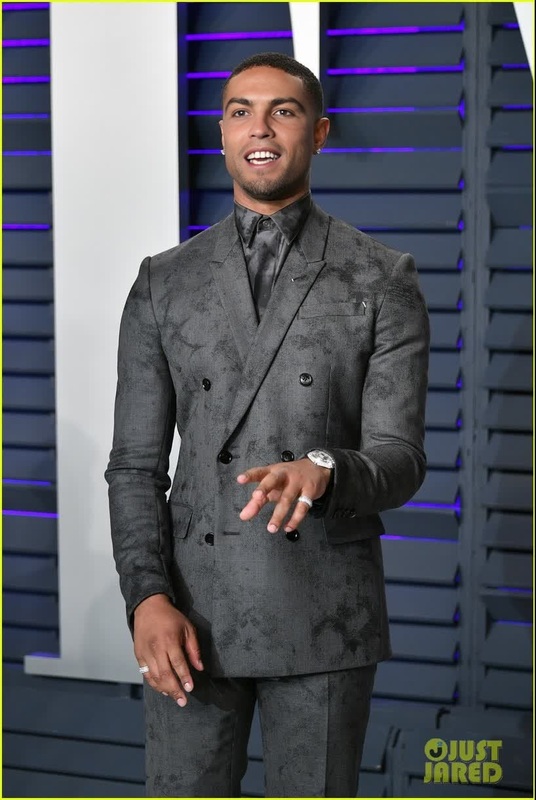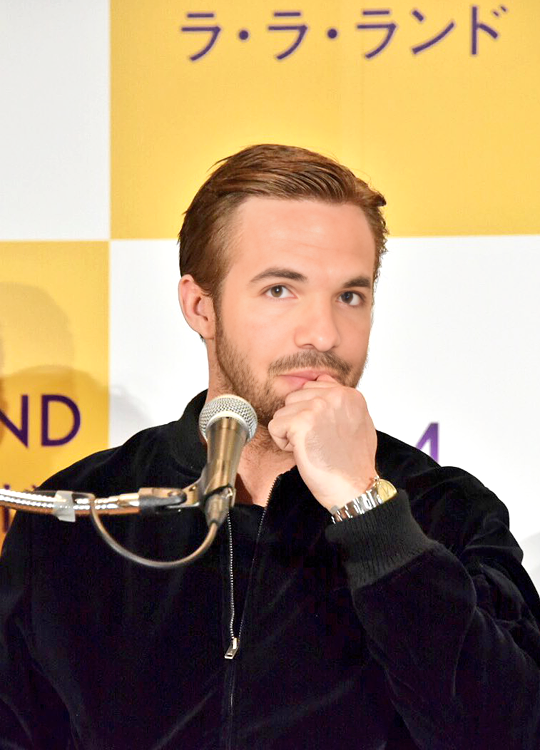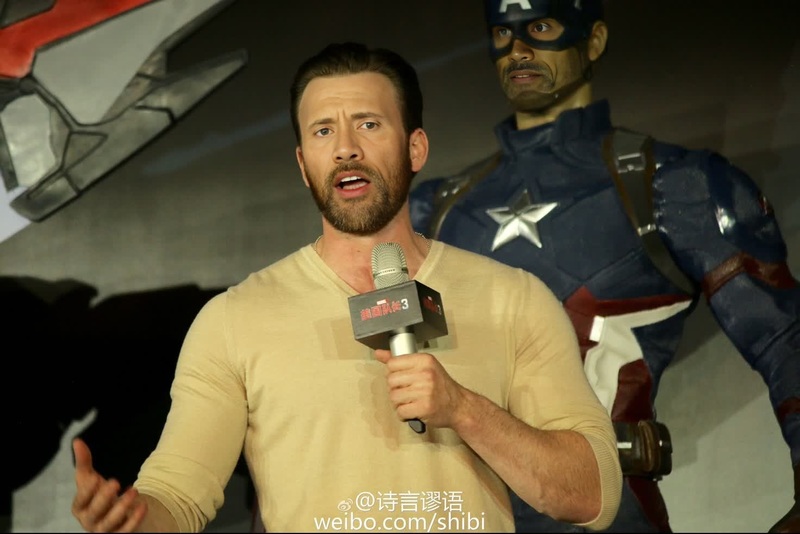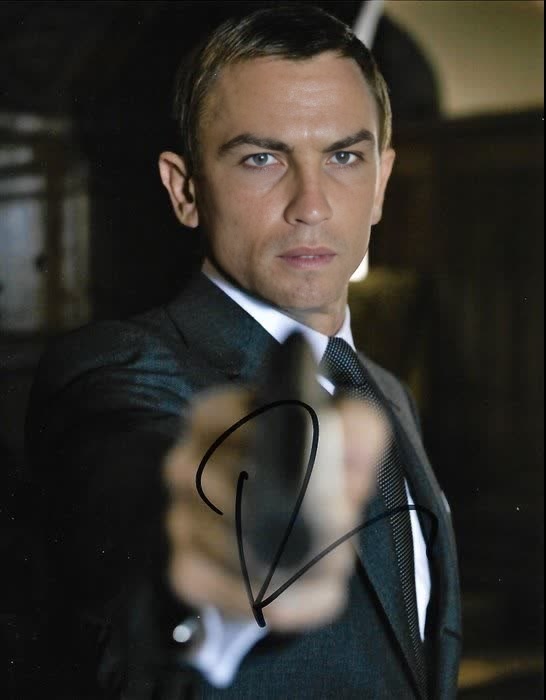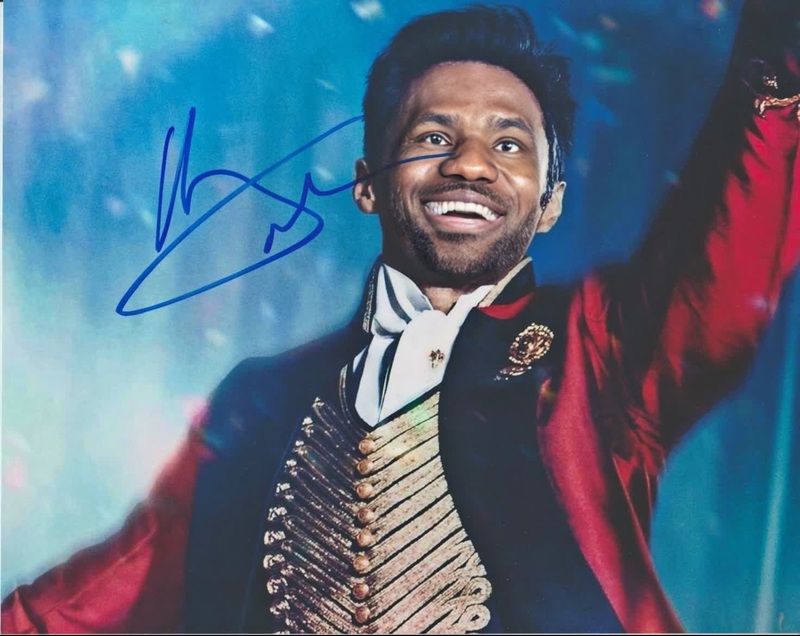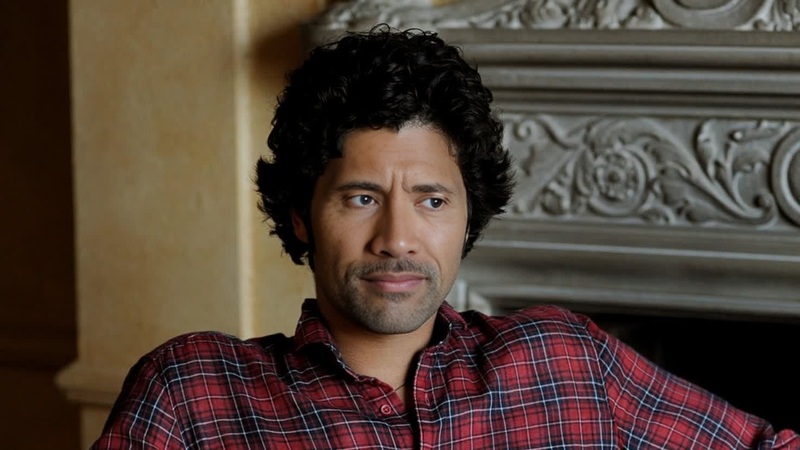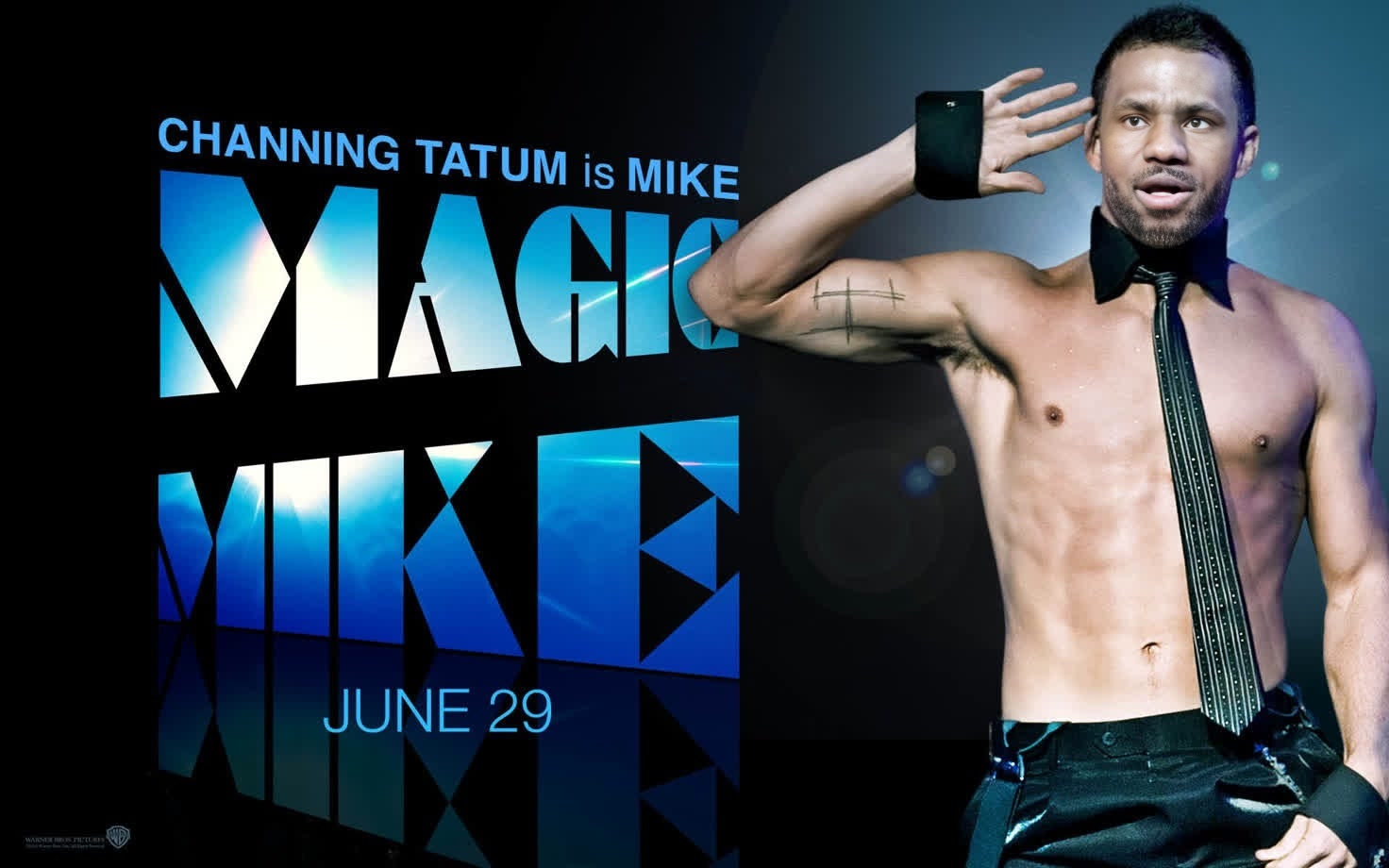
Channing Tatum Magic Mike Press Portrait
- Image
- 1472 × 920 px
Any aspect ratio
Overview
The Channing Tatum Magic Mike Press Portrait template lets you create humorous and engaging videos by swapping faces with Channing Tatum, capturing the energetic essence of the Magic Mike series. Face Swap technology makes this perfect for crafting fun moments or viral social media content.
What It Does
This template uses advanced Video Face Swap capabilities to transpose your facial expressions onto Channing Tatum in high-caliber press portraits from the Magic Mike series. The result is a professional-grade video where your face appears naturally embedded in iconic scenes.
Who It's For
Ideal for social media enthusiasts, influencers, and anyone looking to create unique digital content. This template brings a new spin on regular video edits, supporting users from personal fun-seekers to creative professionals involved in content marketing or video production for social media.
Summary
With the Channing Tatum Magic Mike Press Portrait template, you can produce entertaining videos that highlight your creativity and stand out on platforms like Instagram or TikTok. Combine this with our AI Meme Generator for even more viral potential.
How To
Choose the Template

Customize Your Inputs

Generate Your Video

Use Cases
Social Media Content
- Engage your audience with unique content.
- Boost your social media visibility.
Pranks
- Perfect for parties and gatherings.
- Share laugh-out-loud videos.
Best Practices
Choose High-Quality Images
Use clear, well-lit images for the best face swap results. Ensure the subject's face is front-facing.Mind Facial Expressions
Select images with natural facial expressions to ensure a realistic swap.Combine with Other Tools
Enhance your video with tools like the AI GIF Generator for added creative flair.
FAQs
More Like This