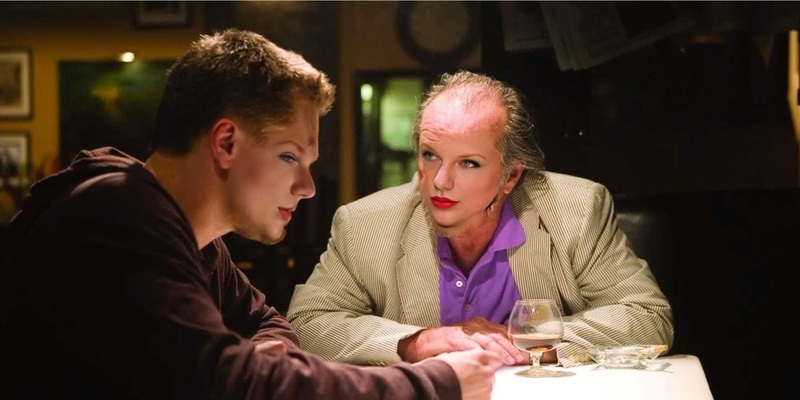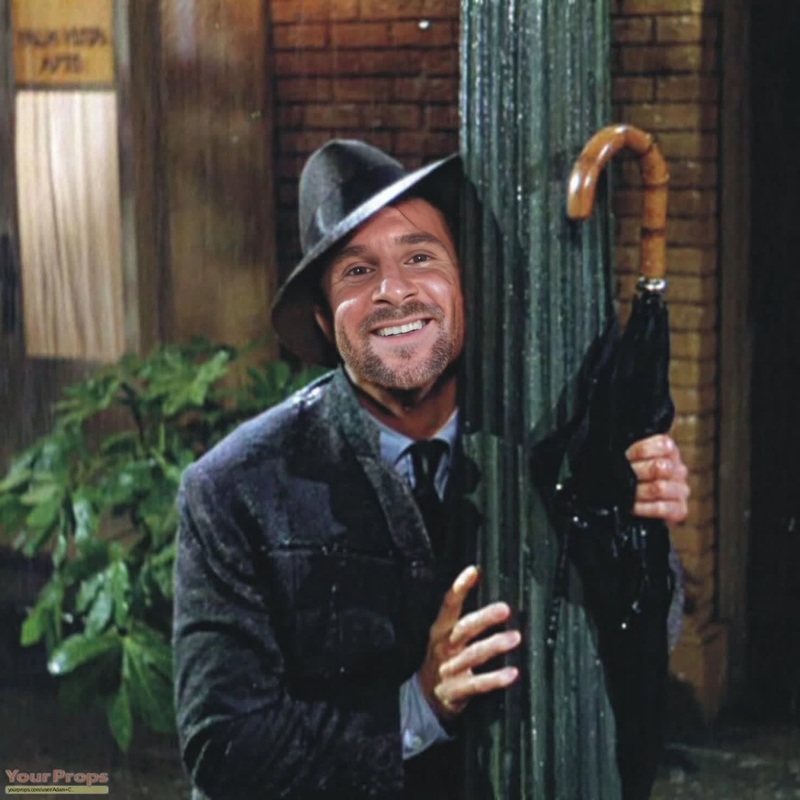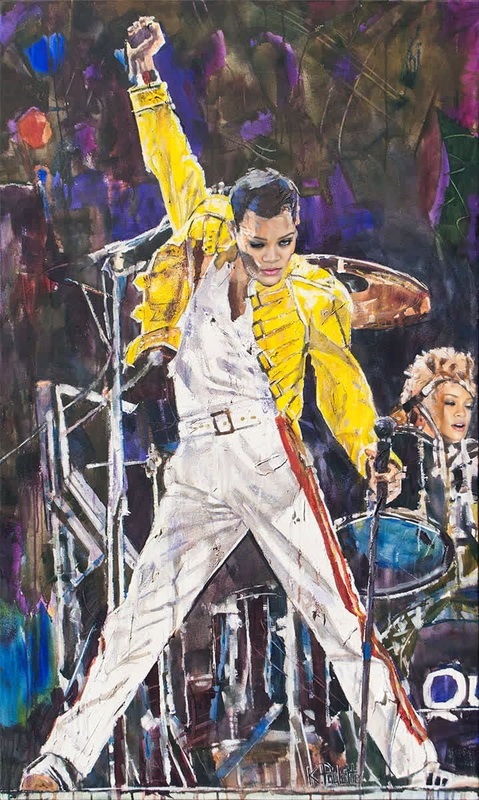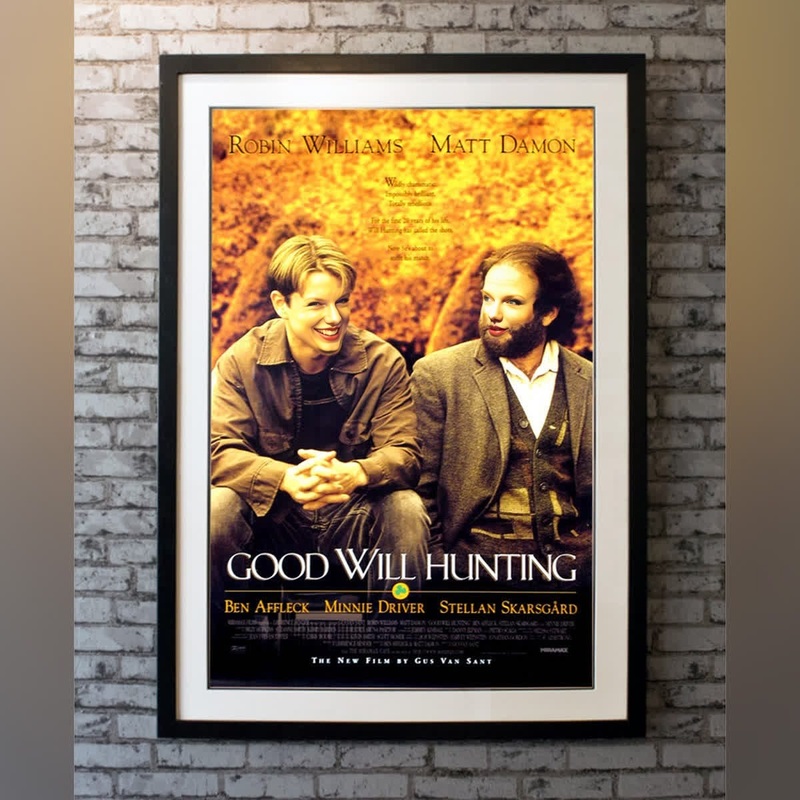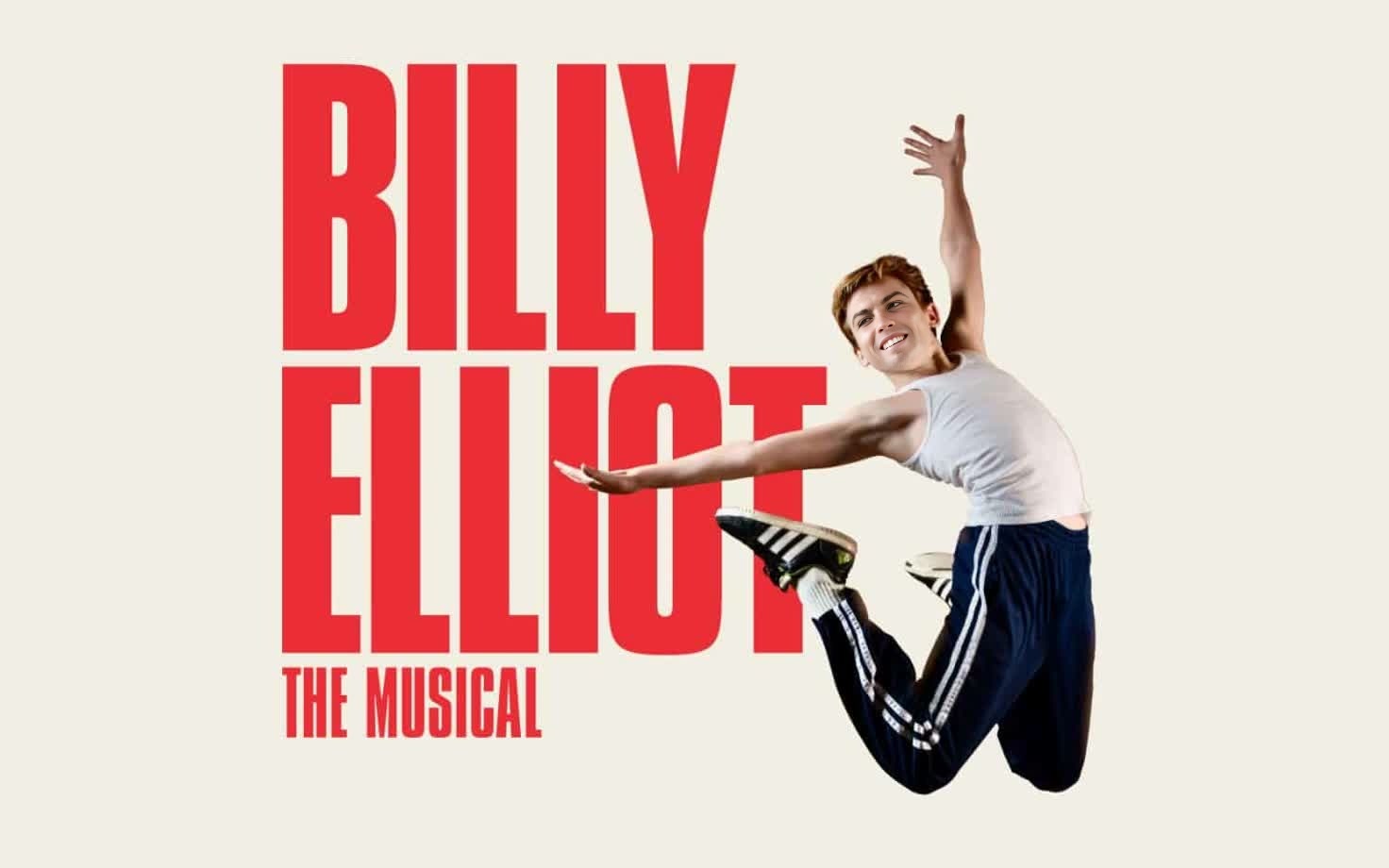
Billy Elliot Portrait
- Image
- 1472 × 920 px
Any aspect ratio
Overview
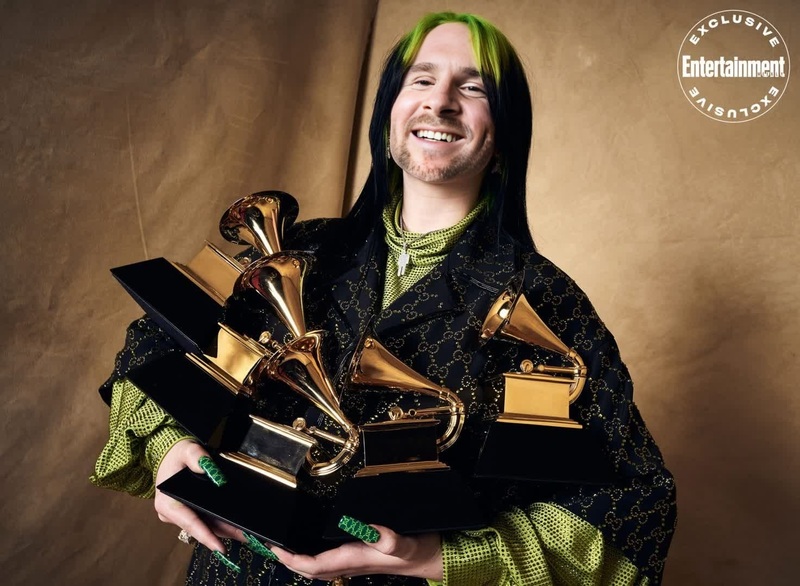
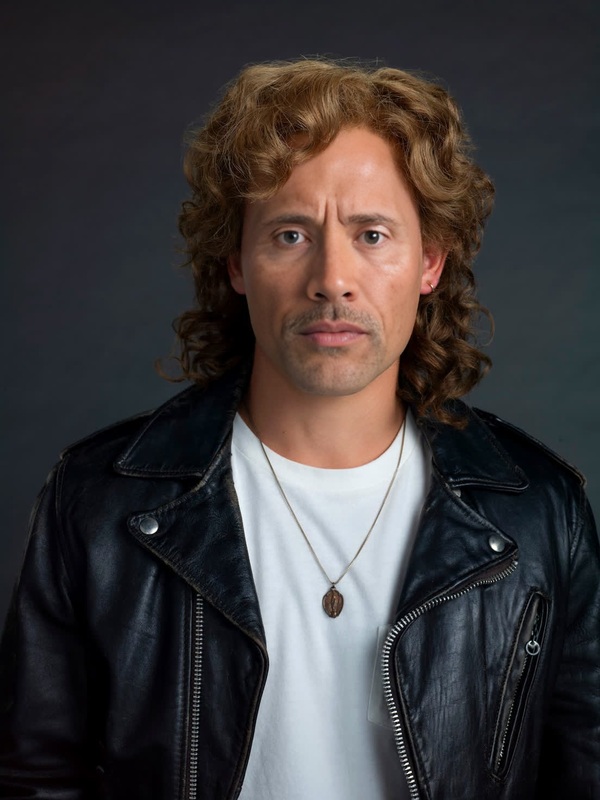
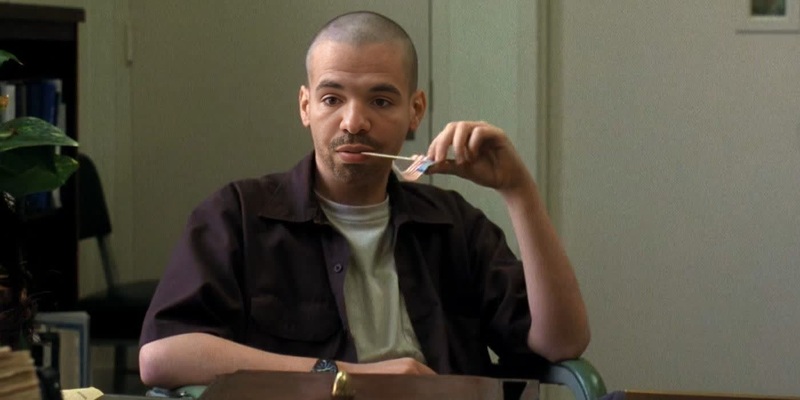
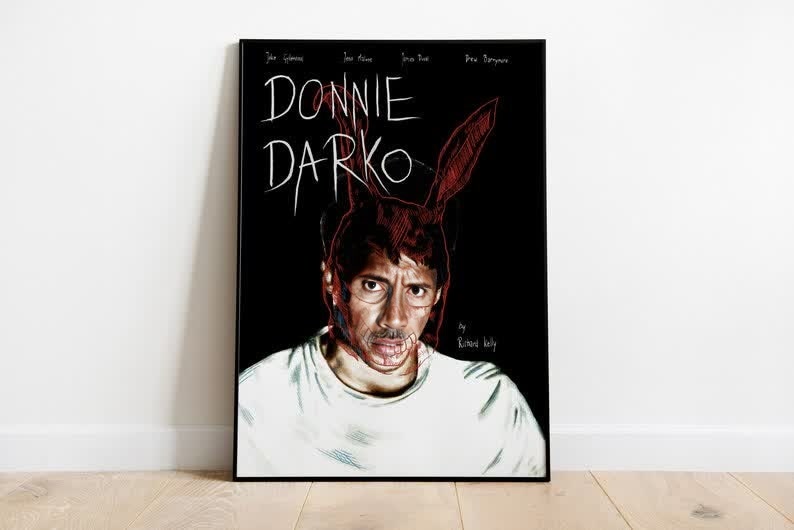
The Billy Elliot Portrait template provides a dynamic way to bring creativity to your video projects with its Video Face Swap capabilities. Perfect for adding a humorous twist to the iconic scenes, this template is both engaging and user-friendly.
What It Does
This template brings the classic 'Billy Elliot' ambiance into your projects by allowing you to swap faces in the famous portrait scene. Leveraging advanced video face swap technology, it maintains high visual fidelity while offering an easy editing experience.
Who It's For
This template is ideal for social media enthusiasts, content creators, and anyone looking to inject fun into their storytelling. It's especially suited for those wanting to create viral content that resonates with audiences on platforms like TikTok and Instagram.
Summary
Incorporating the Billy Elliot Portrait into your media not only offers laughs but also demonstrates the power of AI-driven transformations. Explore similar functionalities with our AI Image Editor, perfect for customizing your content further.
How to Use
Choose the Billy Elliot Portrait Template

Customize with Your Face

Generate and Download Your Video

Use Cases
Social Media Content
- Social media challenges
- TikTok and Instagram reels
Event Promotions
- Digital invitations
- Promotional videos
Creative Marketing
- Viral marketing campaigns
- Content for ads
Best Practices
Ensure Facial Alignment
For optimal results, choose images with similar lighting and angles to the original portrait.Experiment with Adjustments
Adjust settings within the template to find the best fit for your swapped face.Complement with Other Tools
Enhance your project further by exploring related tools like the AI Gif Generator for looping animations.