Billy Hargrove Stranger Things
- Image
- 1104 × 1472 px
Any aspect ratio
Overview
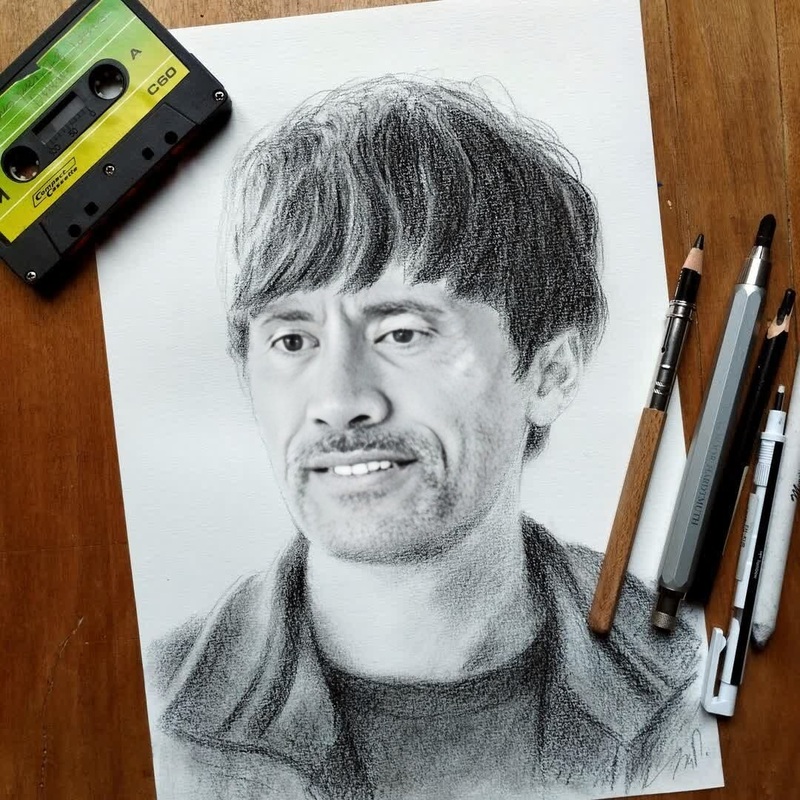
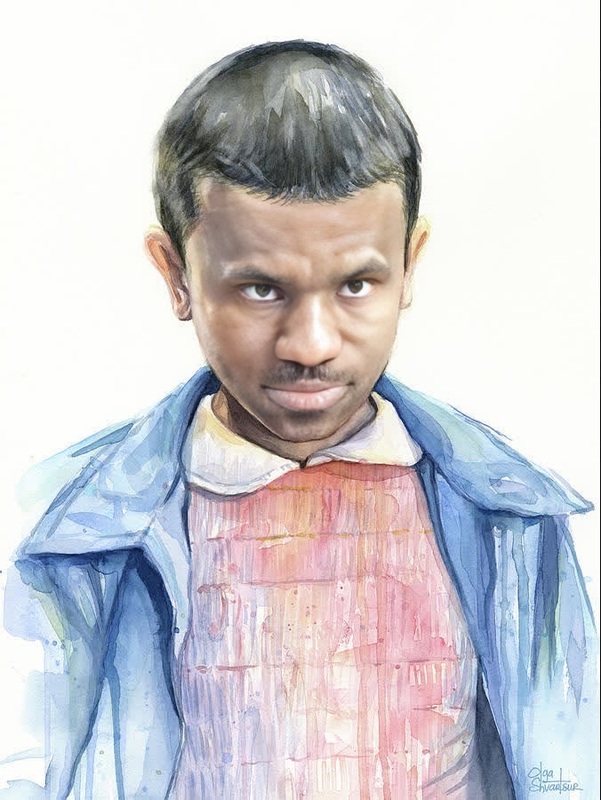
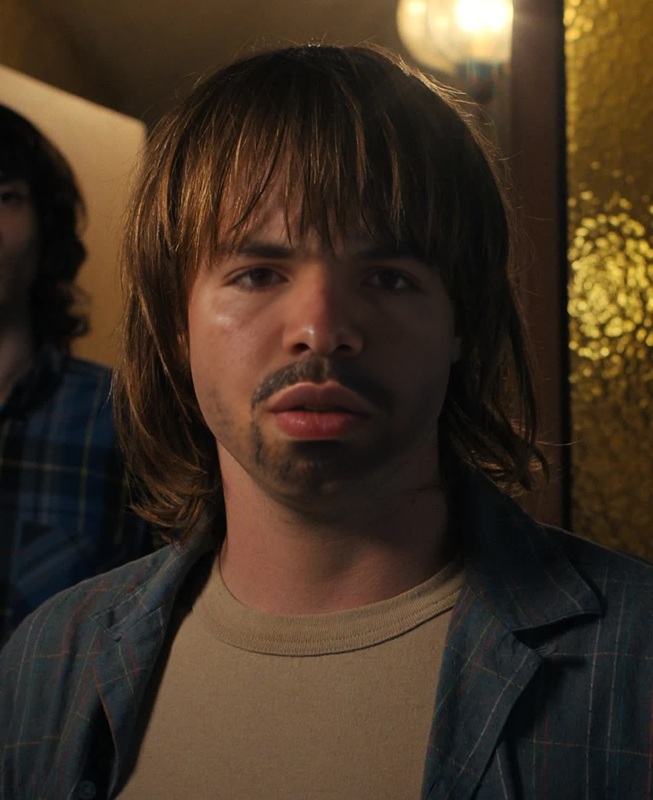
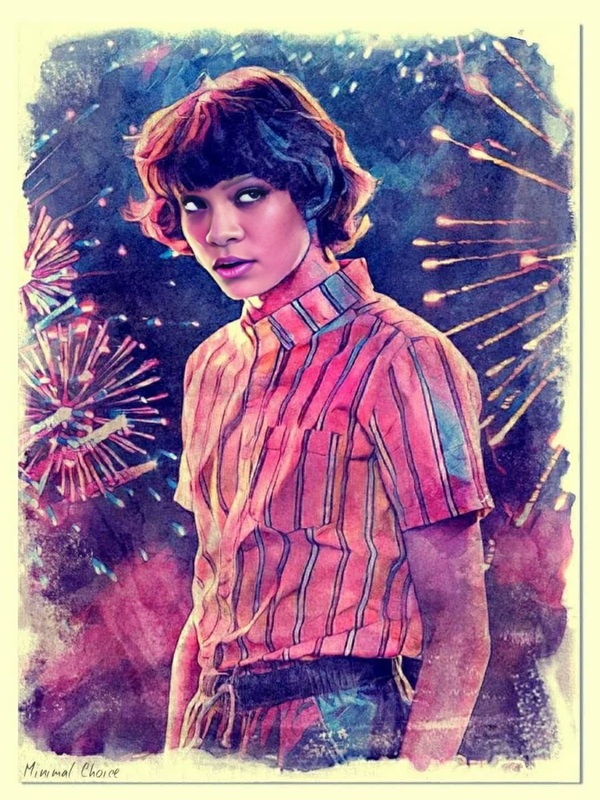
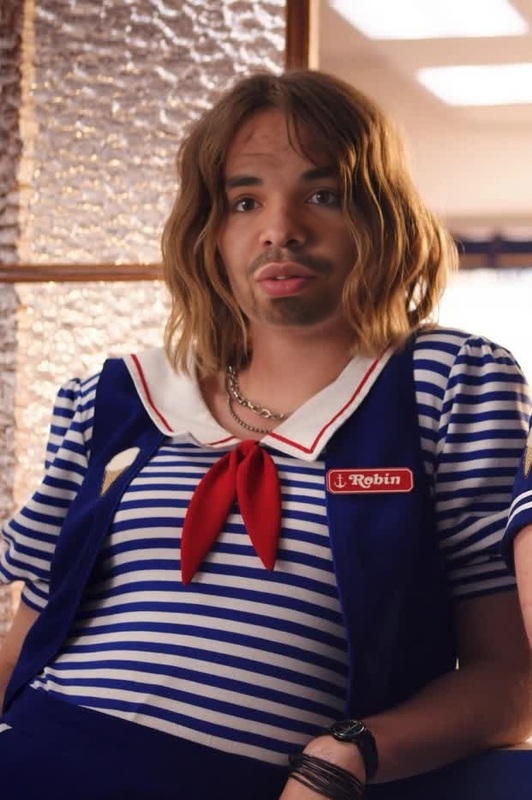
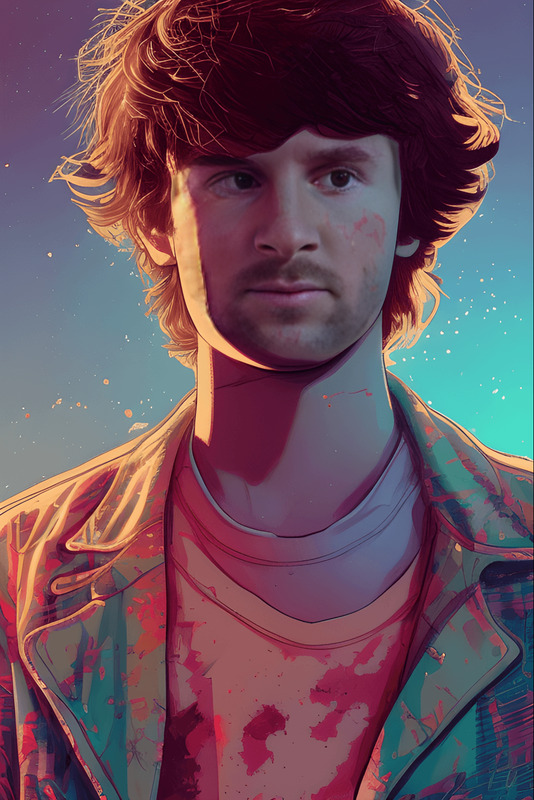
Step into the world of "Stranger Things" with our Billy Hargrove Video Face Swap template. This tool allows you to craft face swap videos that feature the iconic character from the hit series. Ideal for fans wanting to create unique content starring Billy Hargrove, this template provides a straightforward way to integrate his likeness into your projects.
What It Does
The Billy Hargrove Video Face Swap template employs cutting-edge AI technology to superimpose the facial features of Billy Hargrove from "Stranger Things" onto chosen subjects in your video. The result is a high-quality, realistic face swap that maintains the original expressions and movements of the character. Explore similar tools like the Face Swap and Head Swap products to broaden your creative capabilities.
Who It's For
This template is perfect for fans of "Stranger Things" who are eager to bring Billy Hargrove into their creative projects. It's designed for content creators, video editors, and social media enthusiasts who seek to produce engaging, themed videos. If you're interested in similar transformations, tools like the AI Clothes Changer might also capture your interest.
Summary
Utilize the Billy Hargrove Video Face Swap template to add a "Stranger Things" twist to your videos. This tool offers seamless integration of the character's face into your footage with just a few clicks. Whether you're creating content for entertainment or aiming to enhance your digital storytelling, this template delivers professional-level results. Dive deeper with products like Image to Video for additional creative transformation options.
How to Use
Choose

Customize

Generate

Use Cases
Fan Videos
Social Media Content
Creative Projects
Best Practices
Choose High-Quality Source Footage
For the best results, use videos with clear resolution and sufficient lighting.Match Angles and Lighting
Try to match the angle and lighting conditions of the template for the most believable integration.Experiment with Different Clips
Test various clips to see which integrates best with Billy's face for a more dynamic range of results.
Frequently asked questions
More Like This