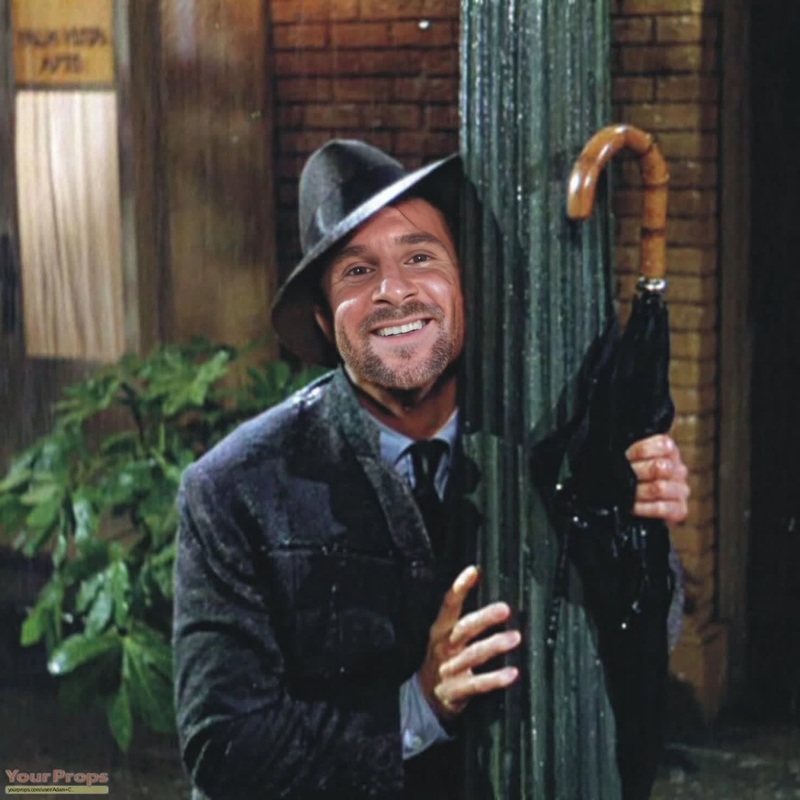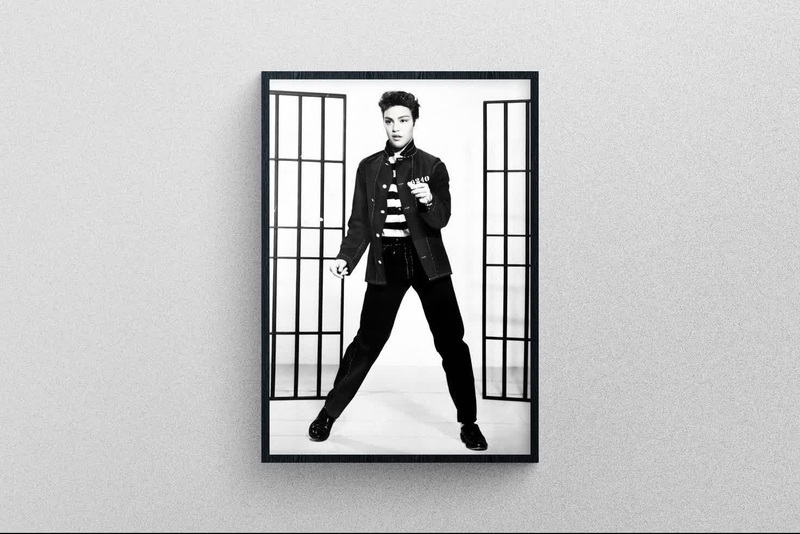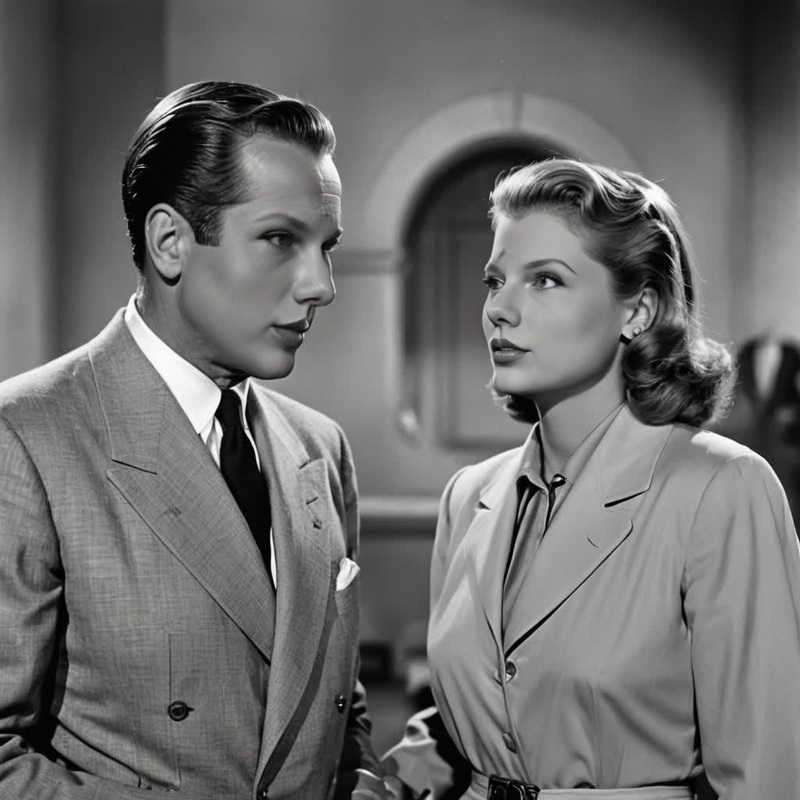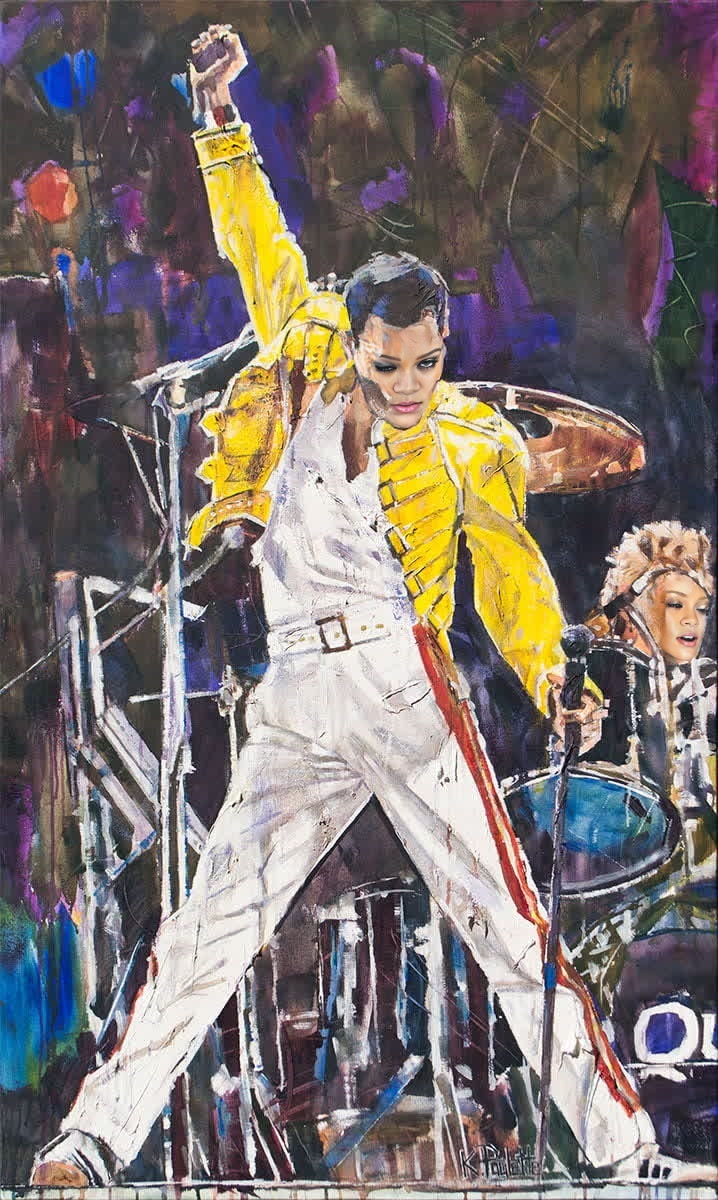
Freddie Mercury Bohemian Rhapsody Portrait
- Image
- 718 × 1200 px
Any aspect ratio
Overview
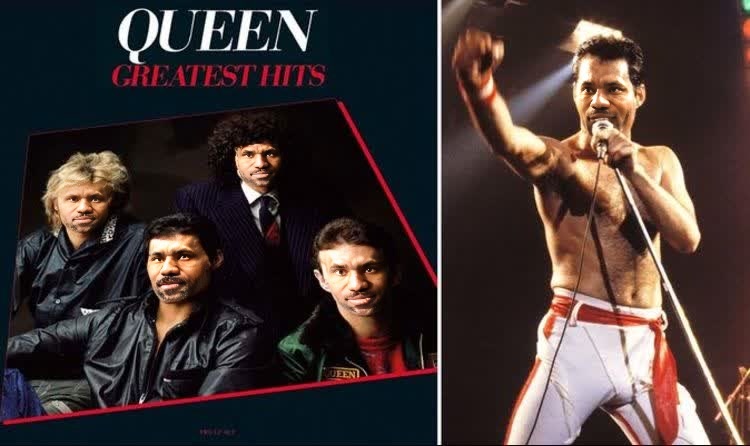
Step into the shoes of Freddie Mercury with the Bohemian Rhapsody Portrait Video Face Swap template. This tool enables you to transform your face into the legendary rock icon within a scene from the iconic music video. Whether for fun or creative projects, this template brings a piece of music history to your fingertips.
What It Does
This video face swap template precisely maps your facial features onto Freddie Mercury's image from the famous 'Bohemian Rhapsody' video. It's compatible with a wide range of media formats and uses advanced algorithms to create a realistic transformation.
Need more transformation options? Consider exploring our Head Swap and Body Swap products for further creative possibilities.
Who It's For
This template is tailored for fans of music and pop culture, aspiring performers, and content creators in the entertainment industry. If you're involved in producing tribute videos, educational content, or fun social media posts, this template is an excellent choice for you.
Creators focused on visual content might also benefit from our Video-to-Video transformations solutions.
Summary
The Freddie Mercury Bohemian Rhapsody Portrait Video Face Swap gives you the opportunity to creatively reimagine yourself as a musical legend. With just a few easy steps, your face can be part of a timeless piece of music history, ready to share across your digital platforms.
Looking to enhance your video production toolkit? Check out our versatile AI Video Generator for a comprehensive suite of features.
How To
Choose the Template

Customize Your Video

Generate the Video

Use Cases
Social Media Content
Educational Videos
Entertainment Projects
Best Practices
Select High-Quality Imagery
For the best transformation results, use high-resolution images that clearly show facial features.Optimize Lighting
Ensure your lighting is even to prevent shadows that could affect the face swap alignment.Experiment with Alignments
Try multiple alignments to see what creates the most authentic appearance with the original video.
Frequently asked questions
More Like This