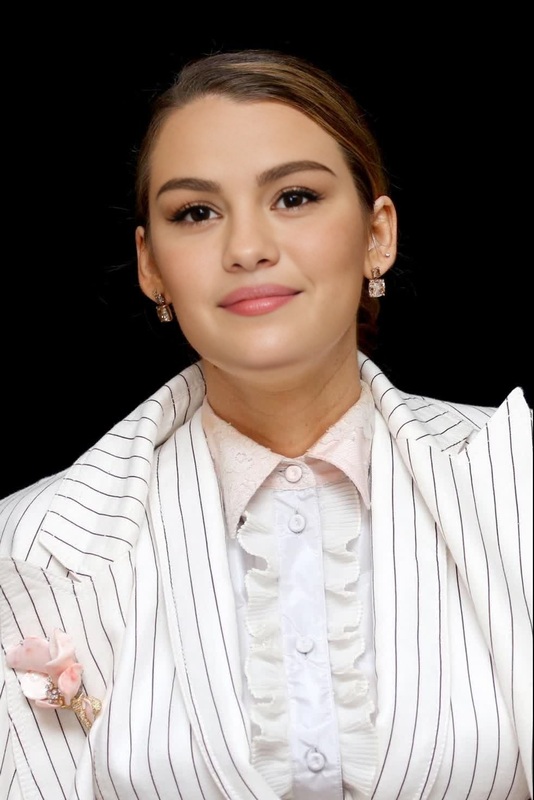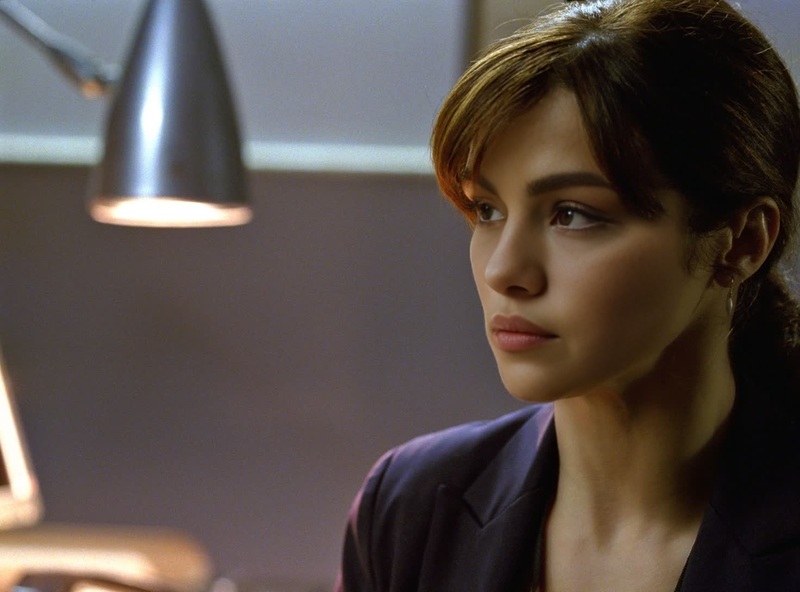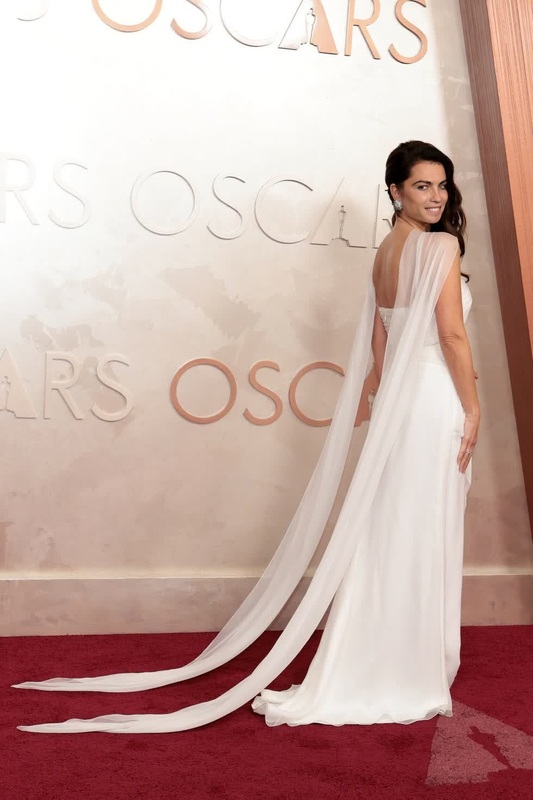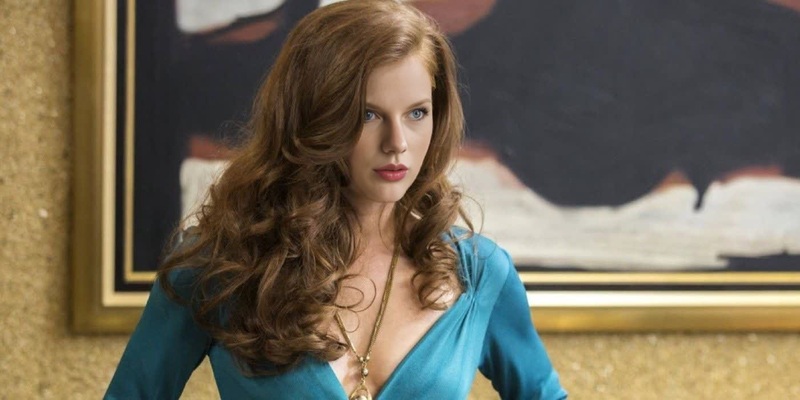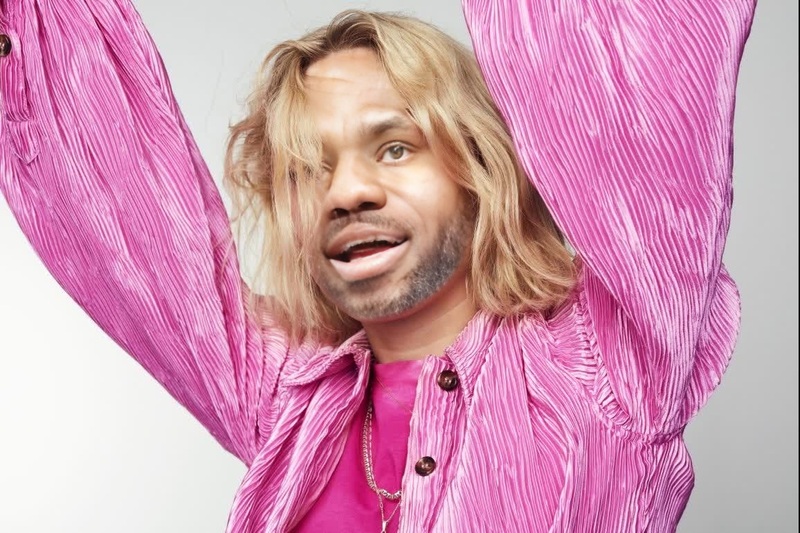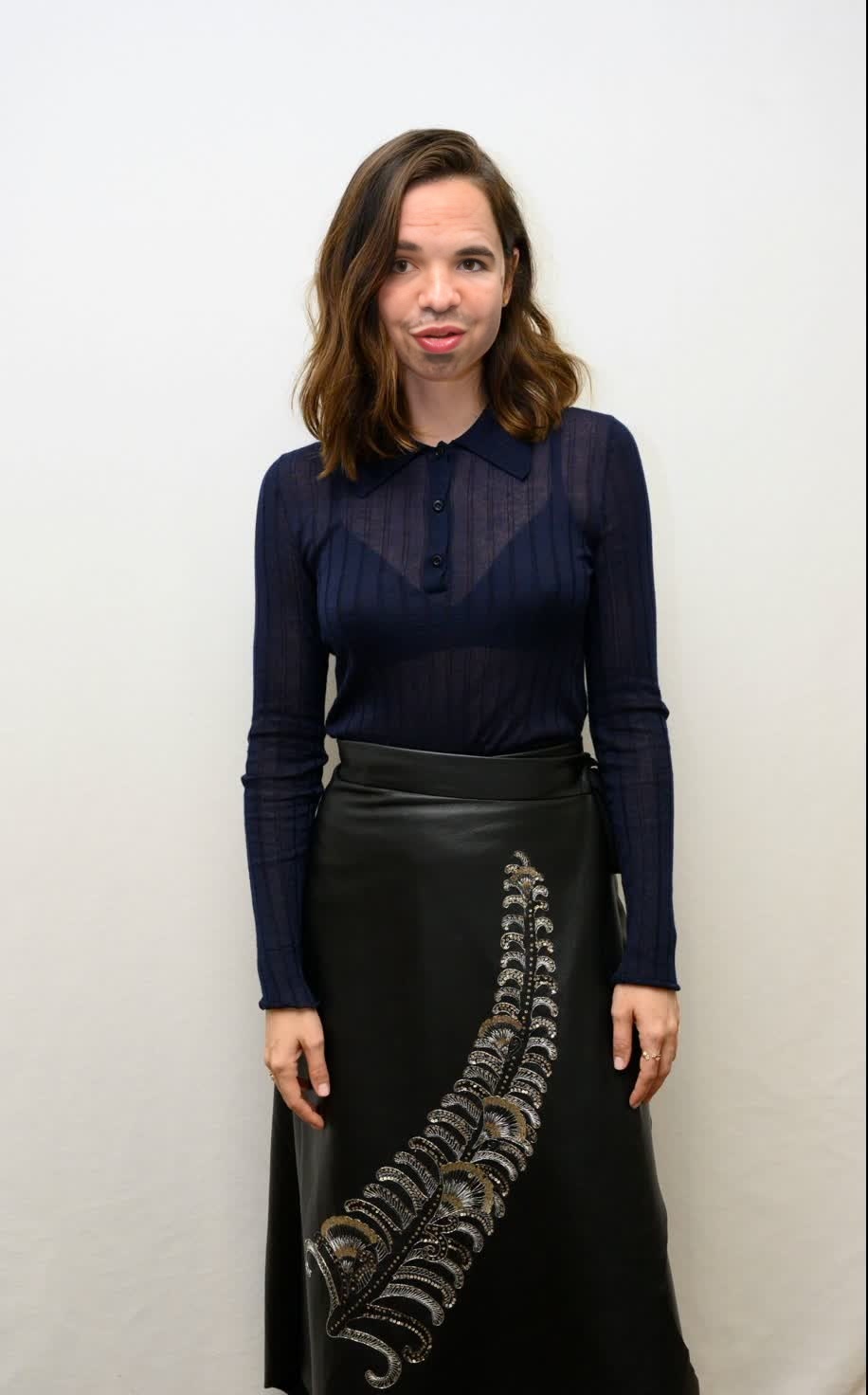
Ana De Armas Knives Out Press Portrait
- Image
- 916 × 1472 px
Any aspect ratio
Overview
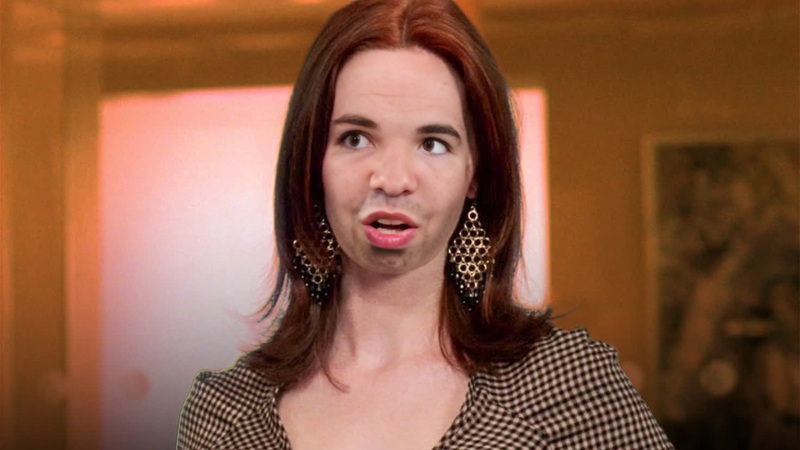
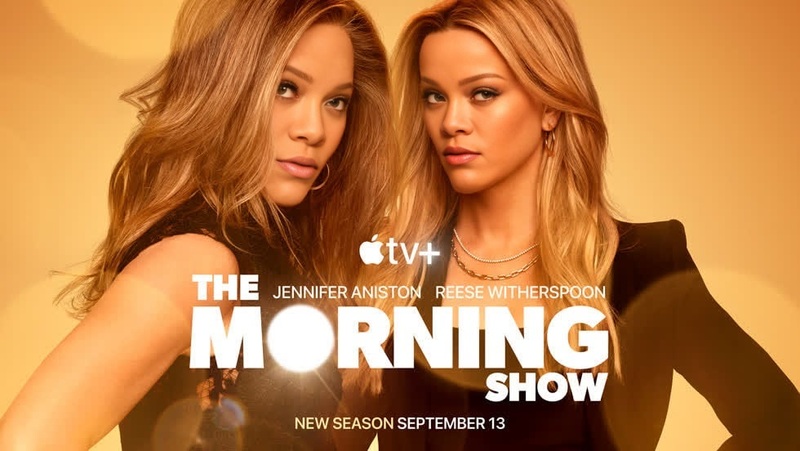
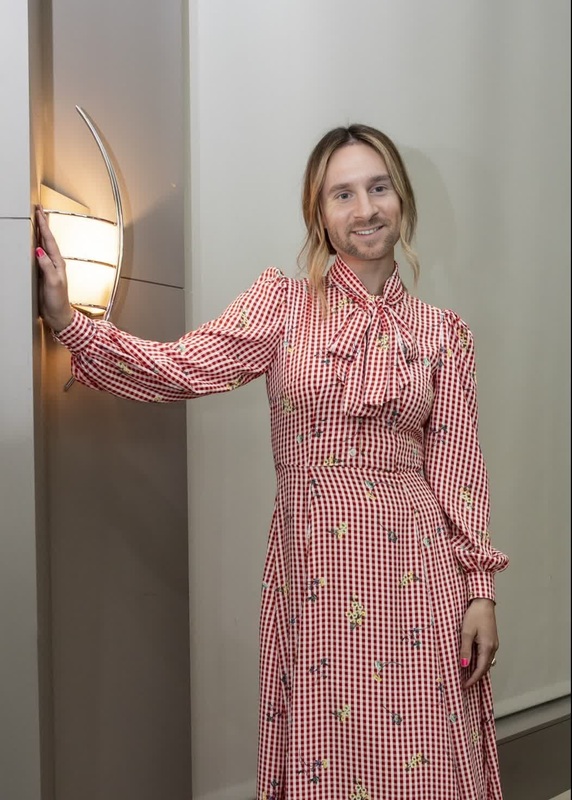
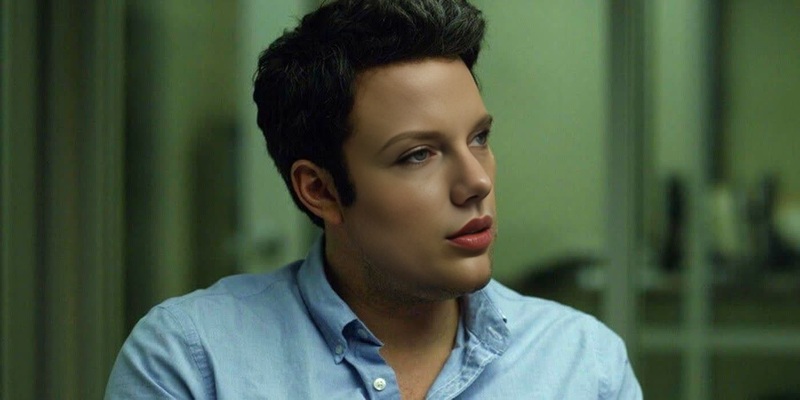
The Ana De Armas Knives Out Press Portrait template offers a captivating way to create face swap videos. Utilize this template to creatively transform your media by incorporating your likeness or someone else's into the iconic press portrait video of Ana De Armas in the film "Knives Out." Perfect for entertainment, personalization, and creative media projects.
What It Does
This Video Face Swap template allows you to replace the face of Ana De Armas in the "Knives Out" press portrait with any face of your choosing. Utilizing sophisticated face mapping technology, it provides a realistic and seamless transition between the original and swapped faces. This can be a great tool for creating unique content or personalized messages for fans of the film.
Who It's For
This template is ideal for content creators, social media influencers, and filmmakers interested in enhancing their projects with creative transformations. Those exploring AI Video Generators for unique storytelling or fans of Ana De Armas and the "Knives Out" series will find this tool especially engaging. Use it for personal fun or professional content to surprise and delight your audience.
Summary
The Ana De Armas Knives Out Press Portrait template combines entertainment value with cutting-edge technology. It's a great fit for anyone looking to experiment with Text-to-Video or face swap technology to enhance their creative projects and social media presence.
How to Use
Choose the Template

Customize Your Inputs

Generate Your Video

Use Cases
Social Media Content
- Create share-worthy videos for Instagram and TikTok.
- Enhance your YouTube channel with unique content.
Fan Edits
- Swap faces into iconic movie scenes.
- Create personalized fan tributes.
Marketing Campaigns
- Develop imaginative video campaigns.
- Personalize ads for specific audiences.
Best Practices
High-Quality Images
Use high-resolution images for both the template and the face you wish to swap to achieve the best results.Proper Lighting
Ensure both the source and target images have similar lighting conditions to maintain a realistic look.Alignment is Key
Align the face accurately to the template to avoid any mismatches in position or orientation.