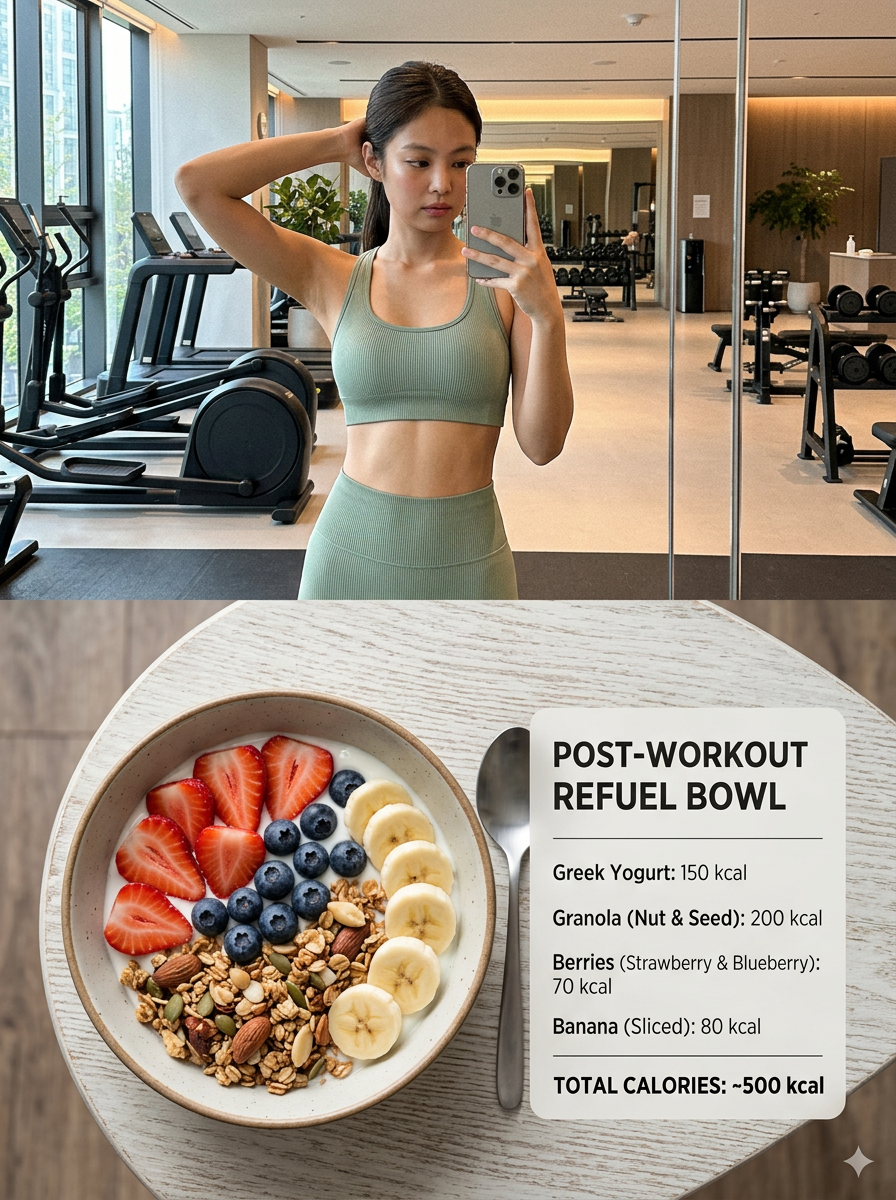
Fitness Lifestyle Split Poster
ai-image-editor
Any aspect ratio
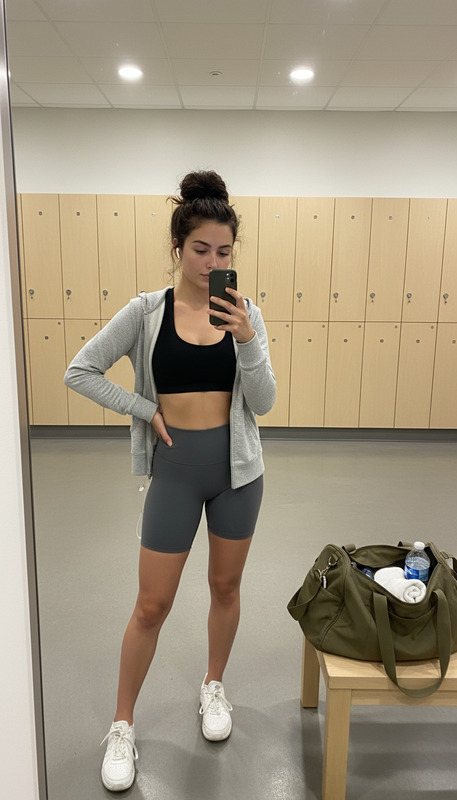
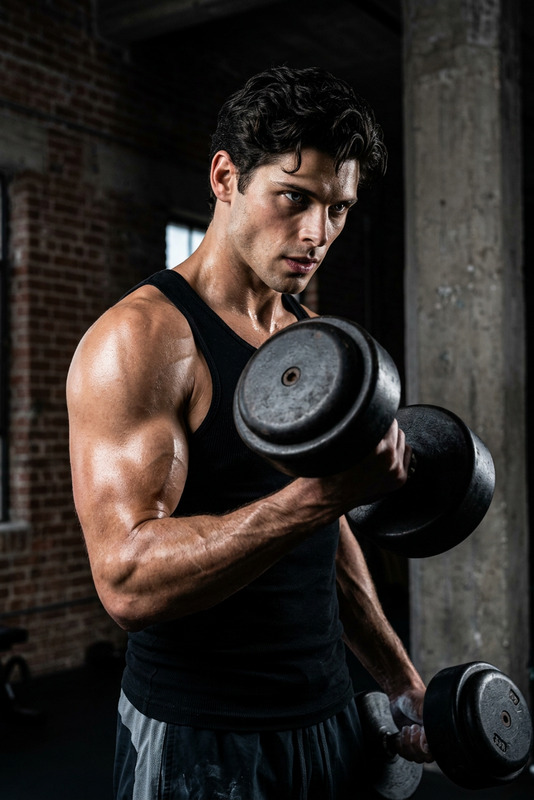
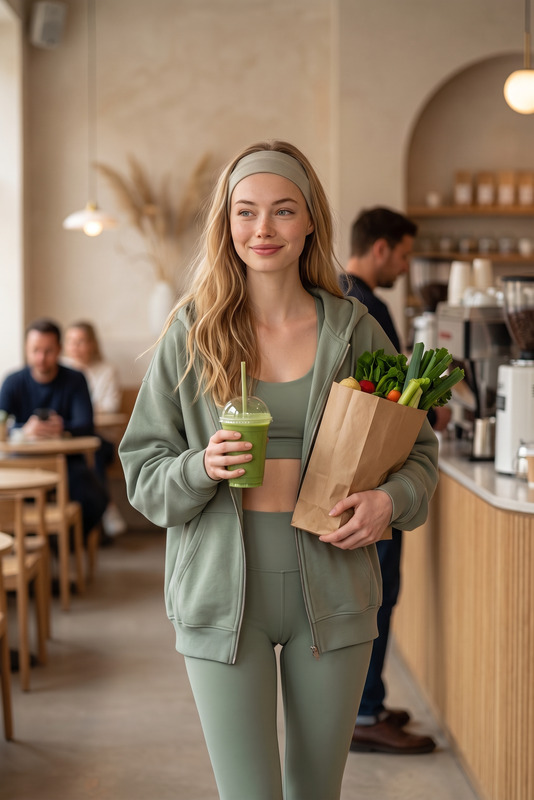
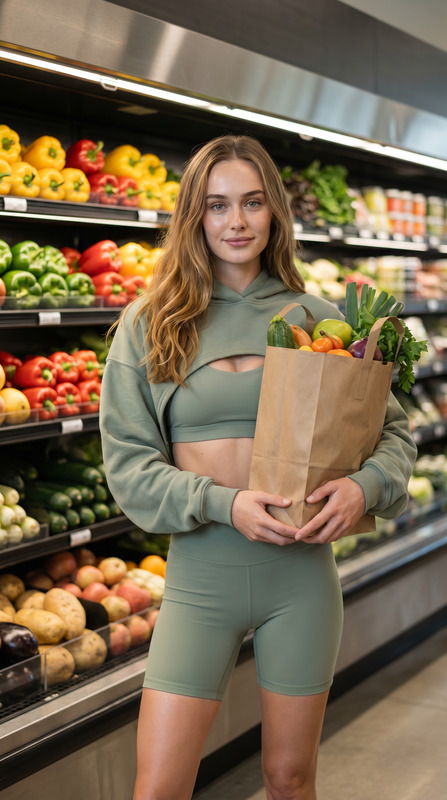
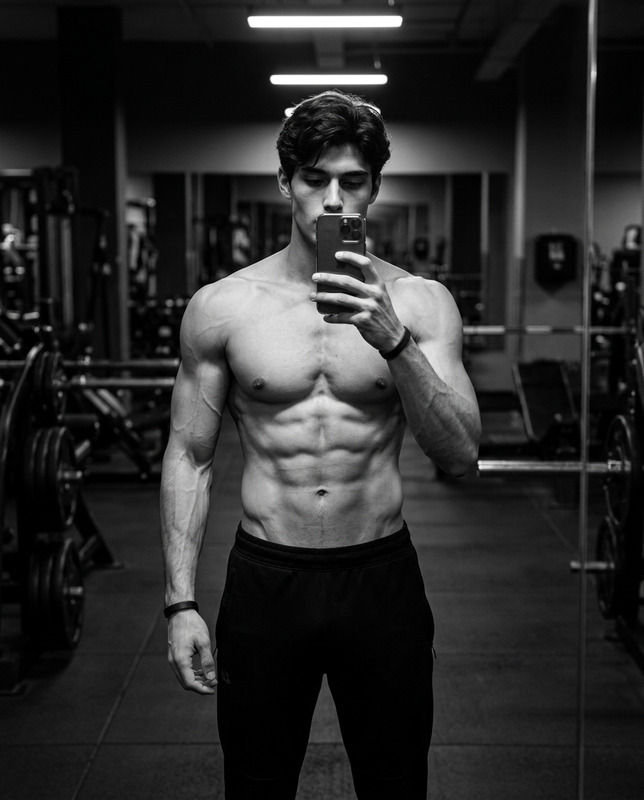
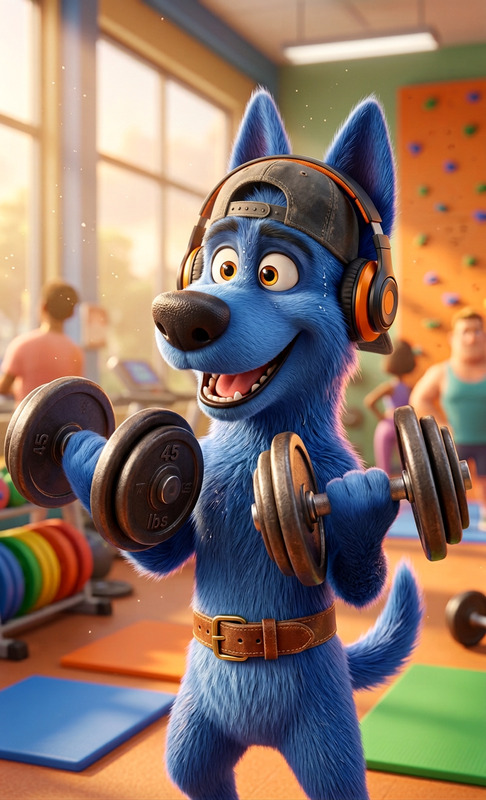
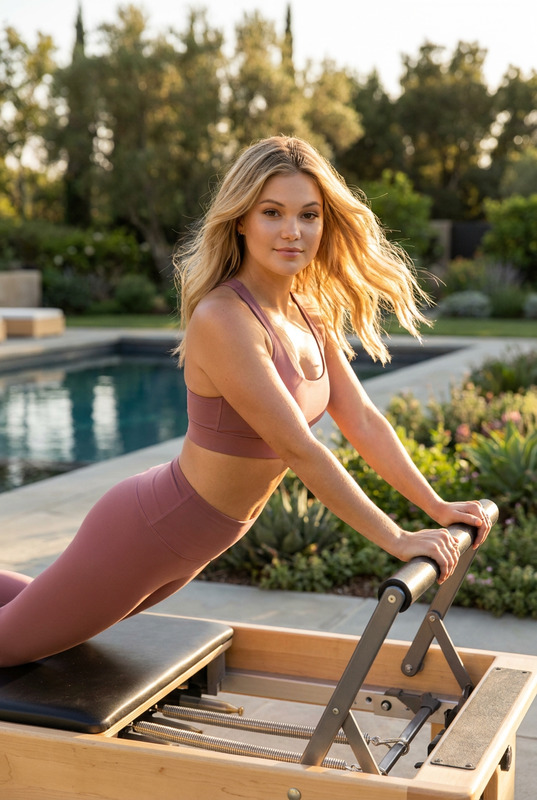
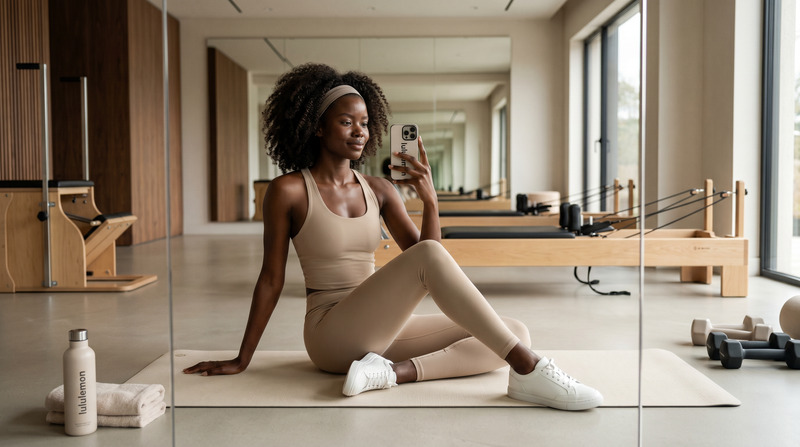
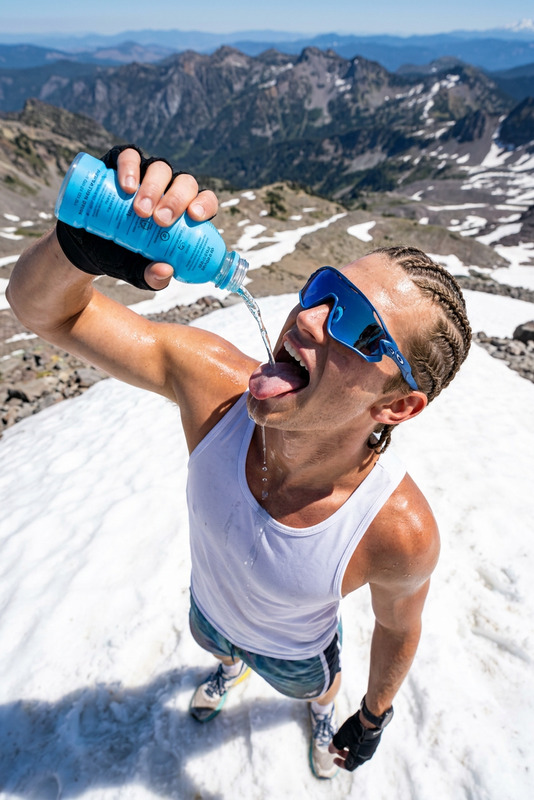
a vertical 3:4 split composition poster combining a luxury gym selfie and a healthy food infographic. Top section: Subject transforms into a fit athletic takes a mirror selfie in a modern premium gym, wearing a stylish sports set. Natural daylight mixes with indoor lighting, creating a candid smartphone aesthetic with slight noise, reflections, and soft imperfections. Clean, minimalist gym interior with mirrors and equipment. Bottom section: top-down flat lay of a healthy breakfast bowl (strawberries, blueberries, banana, granola, yogurt) on a wooden table. Beside it, a clean minimal nutrition infographic listing calories per ingredient and total (500 kcal). Modern fitness lifestyle aesthetic, soft neutral tones with fresh fruit colors, photorealistic, high detail, social media-ready composition.
AI Image Editor Template Overview
This template showcases what you can build with the AI Image Editor: precise, editable image transformations that stay faithful to your original photo while giving you full creative control. It’s designed for creators, marketers, and teams who need high‑quality visuals fast—without handing everything over to a black‑box “one-click” effect.
You can remix this template directly in Magic Hour or use it as a blueprint to build your own custom workflow for product shots, social content, campaigns, mockups, and more.
What This Template Is Great For
Use this AI Image Editor–based template when you need to:
Edit parts of an image, not the whole thing
Clean up or replace specific objects, backgrounds, or details while preserving the subject.Rapidly generate creative variants
Turn one base photo into multiple versions for A/B testing, paid ads, or social posts.Modernize or enhance existing assets
Improve lighting, composition, or style without reshooting.Prototype visual concepts
Quickly visualize ideas for product launches, campaigns, or branding before committing to full production.
How to Remix This Template in Magic Hour
You can recreate your own version of this template in a few minutes:
Open the AI Image Editor
Start from the AI Image Editor. Upload the image you want to transform or refine.Define what you want to change
- Use natural language prompts to describe edits (e.g., “replace the background with a minimalist studio setting,” “add soft sunset lighting,” “make the product label clearer”).
- Keep prompts specific and outcome-focused: mention color, style, environment, mood, and any must‑keep details.
Edit locally, not globally
Instead of regenerating the whole frame, focus on:- Backgrounds
- Clothing, accessories, or props
- Lighting and atmosphere
- Distractions or unwanted objects
This preserves brand consistency and identity while still giving you creative freedom.
Generate multiple options
Use the same base image with variations of your prompt:- Different backgrounds for different markets
- Seasonal versions of the same visual
- “Clean” and “creative” variants for ads vs. organic posts
Refine, then systematize
Once you find prompts and edit patterns that work:- Save them as your go‑to “recipe” for future assets
- Reuse the same structure across campaigns to maintain consistency
- Build derivative templates for specific use cases (e.g., product cards, hero images, thumbnails)
Example Use Cases You Can Build from This Template
Use this AI Image Editor template as a base for:
E‑commerce product photos
- Remove cluttered backgrounds and replace them with clean, on‑brand environments
- Create multiple background themes (studio, lifestyle, seasonal) from one original shot
- Pair with AI Image Upscaler to get crisp, high‑resolution assets for marketplaces and landing pages
Social media creatives and ad variations
- Generate platform‑specific crops and styles from a master image
- Quickly test different color schemes, props, or scenes for CTR and engagement
- Combine with Thumbnail Maker to create scroll‑stopping visuals for YouTube and shorts
Brand and campaign experiments
- Visualize new brand directions (palettes, illustration styles, art directions) without a full design cycle
- Use the AI Art Generator or AI Illustration Generator to produce concept art, then refine and integrate it into real photos with the AI Image Editor
Content repurposing
- Turn a single photoshoot into assets for blog posts, slide decks, performance ads, and email headers
- Create “before/after” story visuals by editing only parts of the frame (e.g., new furniture, interiors, outfits)
Professional photos and headshots
- Clean up backgrounds, distractions, or color casts in portraits
- Use with AI Headshot Generator to develop a consistent professional image across platforms
Advanced Workflows: From Still Images to Video and Motion
This AI Image Editor template doesn’t have to stop at a static image. You can turn your edited image into animated or video assets using other Magic Hour tools:
Image to Video / Motion Concepts
- Start with an edited hero image, then bring it to life with Image to Video or Text to Video.
- Great for:
- Short product hero animations
- App or feature reveals
- Landing page background loops
Talking Photos & Character Content
- Use the AI Image Editor to perfect a portrait or character design
- Then animate it with AI Talking Photo or Animation templates to create explainer avatars, customer personas, or campaign characters.
Face-Driven, Personality‑Driven Content
- Prepare clean, well‑lit faces using the AI Image Editor
- Then plug them into:
- Face Swap Video to map your face or a brand character onto existing clips
- Lip Sync to sync dialogue or voiceovers
- Video to Video to restyle full sequences while keeping motion and structure
Related Magic Hour Tools to Extend This Template
Depending on your workflow, you may want to chain this template with other tools:
Visual Quality & Cleanup
- AI Image Upscaler to boost resolution for print or high‑density screens
- AI Remover or Remove Object from Photo to get rid of unwanted elements before styling
- Unblur Image for salvaging slightly soft or noisy images
- Image Background Remover when you need transparent or pure‑color backgrounds
Creative Variations & Concepts
- AI Photo Generator or AI Image Generator to create entirely new scenes, then refine them with the AI Image Editor
- AI Background Generator to generate flexible, reusable backdrops
- AI Fashion Generator or AI Outfit Generator to explore visual directions for apparel and styling
Brand, Identity, and Marketing Assets
- AI Logo Generator and Icon Generator for UI, product, or app ecosystems
- Book Cover Generator and Album Cover Generator to create cover designs you can further refine with the AI Image Editor
- Avatar Generator or AI Selfie Generator for profile images and brand characters
Prompting Tips for High‑Quality Edits
When remixing this template, structure prompts so they’re clear, constrained, and reproducible:
State the objective clearly
- “Make this look like a premium studio product shot with soft diffused light and a neutral gray background.”
- “Turn this casual photo into a professional LinkedIn-appropriate portrait while keeping the person’s face and expression unchanged.”
Specify what must not change
- “Keep the subject’s face, pose, and proportions unchanged; only adjust the background and lighting.”
- “Preserve the original product shape, label text, and brand colors.”
Add style constraints where necessary
- “Modern minimalist,” “editorial fashion,” “tech startup landing page,” “clean e‑commerce listing style,” etc.
Capture what works
- Save your best prompts and phrasing as internal standards so your team can reuse them for consistent output across campaigns and channels.
For deeper reference, you can cross‑check AI image editing concepts with documentation and best practices from major models like Stable Diffusion and OpenAI’s image tools; the same prompt clarity and constraint principles apply here.
How to Turn This Template Into Your Own System
To create a repeatable, team‑friendly workflow:
Define your “source of truth” images
- Decide which base photos (e.g., master product shots, hero lifestyle images, brand portraits) you’ll standardize on.
Create your internal template variants
- From this AI Image Editor template, spin off:
- “Ad creative” version (high contrast, bold composition)
- “Organic social” version (more casual, looser framing)
- “Catalog/e‑commerce” version (neutral, detail‑first)
- From this AI Image Editor template, spin off:
Document your recipes
- Keep a short internal guide with:
- Example prompts
- Before/after references
- Which Magic Hour tools you chain with (e.g., “AI Image Editor → AI Image Upscaler → Image to Video”)
- Keep a short internal guide with:
Iterate based on data
- Use performance metrics (CTR, conversion, engagement, time-on-page) to decide which visual variations become your new defaults.
Why Use Magic Hour for Image Editing and Templating
Magic Hour is built for teams who want:
- Consistent, reproducible results rather than one‑off “lucky” generations
- Composable tools you can combine—AI Image Editor, AI Image Generator, Image to Video, AI Voice Generator, and more—into end‑to‑end creative systems
- Faster iteration loops so you can move from concept to tested creative in hours, not weeks
Use this template as a starting point, then remix it into a custom AI image editing pipeline that matches your brand, your market, and your team’s workflow.