Fantasy Textbook Spread
ai-image-editor
Any aspect ratio
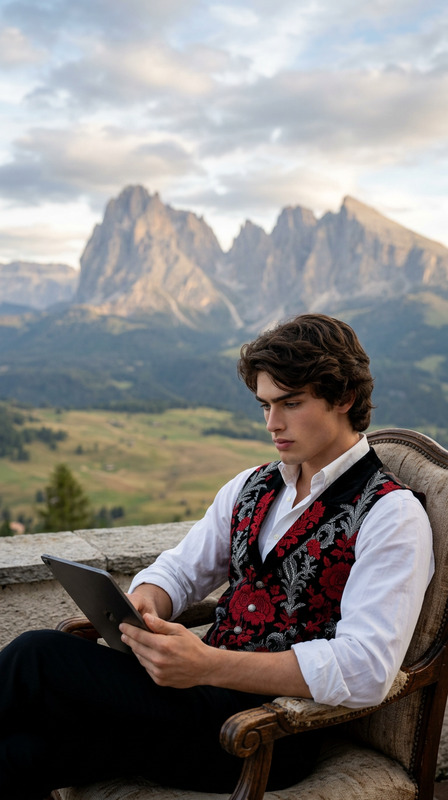
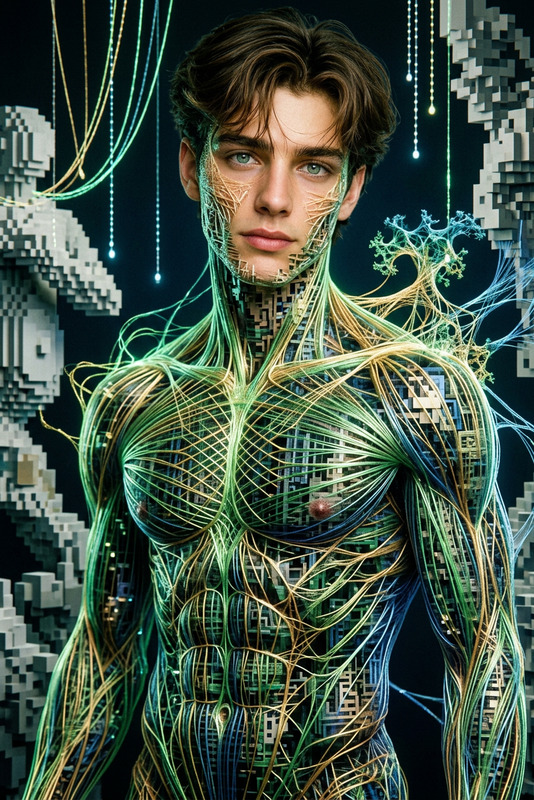
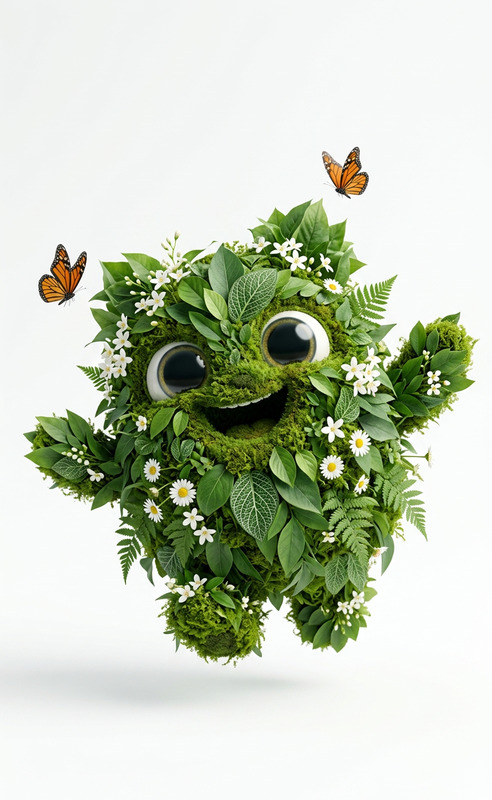
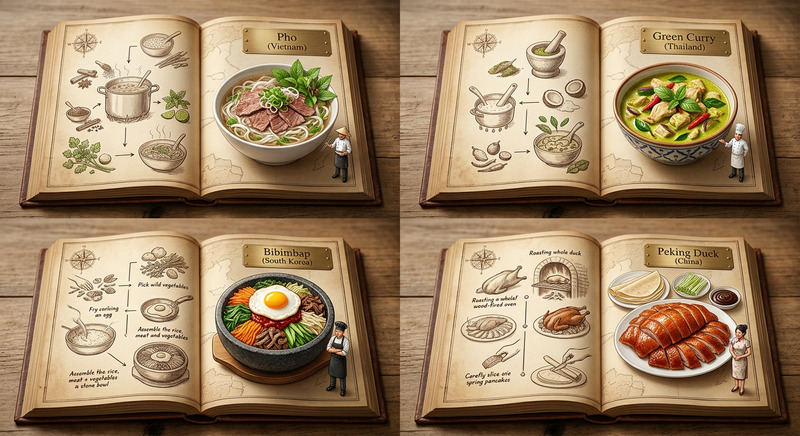
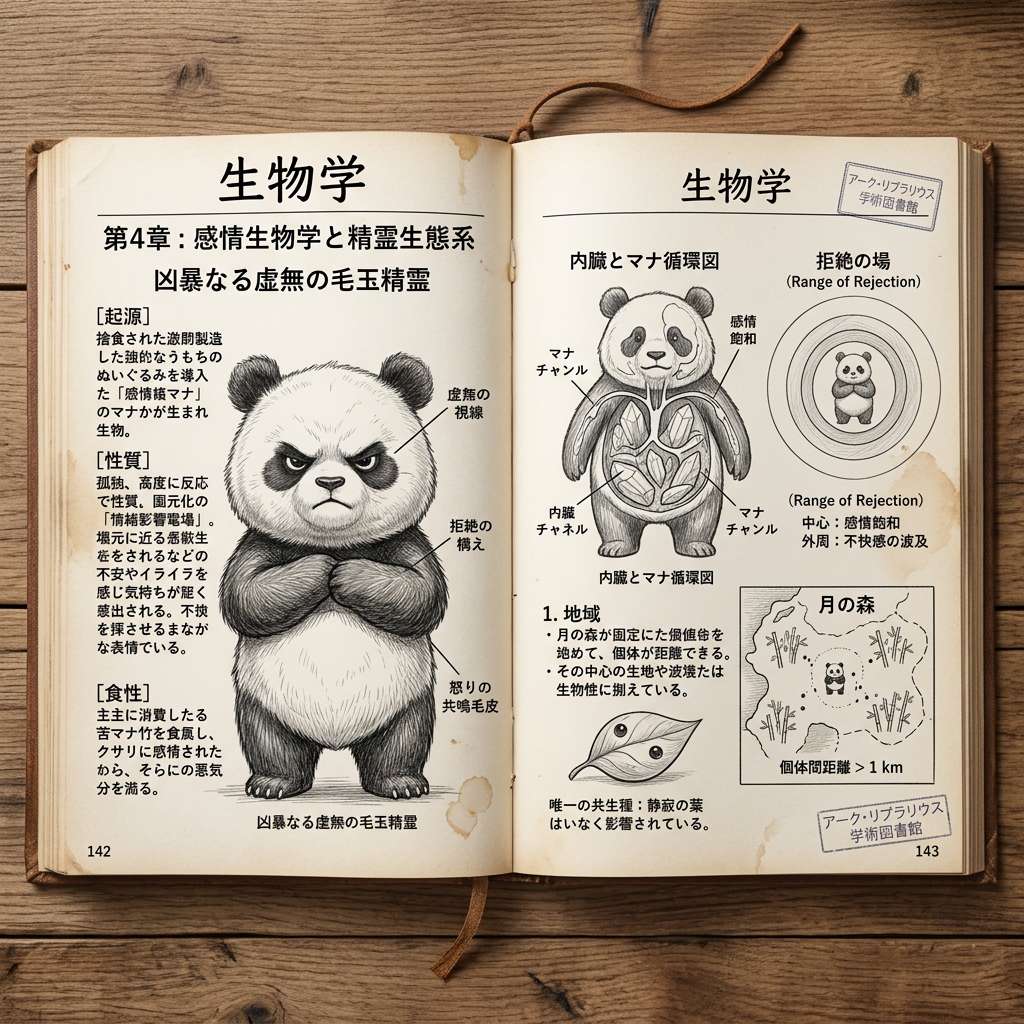
Subject transforms into a top-down photorealistic image of an open textbook page on “Biology” from a fantasy world school. The content is entirely fictional, aligned with the fantasy worldview—featuring creatures, ecosystems, and natural laws unique to that world. Pages are filled with clean, accurate Japanese text, well-structured and readable, accompanied by diagrams and labeled sections consistent with a real academic layout. Realistic book textures, paper grain, and subtle lighting create an authentic photographed look. Clean composition, no distortions or font errors, natural shadows, and a believable educational design.
AI Image Editor Template – Remixable Base for Fast, High‑Quality Visuals
Use this template as a starting point to create and iterate on polished images in minutes with the AI Image Editor. It’s designed for creators, marketers, founders, and developers who need production‑ready visuals without getting lost in settings or workflows.
What This Template Is Best For
This AI Image Editor–based template is ideal if you want to:
- Clean up and refine product photos, app mockups, and marketing creatives
- Swap backgrounds, adjust composition, or remove distracting objects
- Turn rough sketches, moodboards, or low‑res drafts into finished assets
- Repurpose existing content across formats (social, ads, decks, landing pages)
- Create consistent visuals for brands, campaigns, or pitch materials
Because it’s built on the core AI Image Editor, you can edit directly on your images instead of starting from scratch every time.
How to Remix This Template in Magic Hour
You can use this template as a “base project” and quickly adapt it to your own needs:
Open the template
- Start from this template in Magic Hour.
- Upload the image you want to improve (photo, graphic, mockup, screenshot, etc.).
Decide the goal of your edit
Common high‑leverage goals:- Make a product or face stand out more
- Remove a background or replace it with a cleaner scene
- Fix small issues (stray objects, text, clutter, color cast)
- Adapt one master visual into a set of campaign variations
Apply core AI edits
With the AI Image Editor, you can:- Remove objects, text, or artifacts using AI inpainting.
For quick “clean‑up” work, you can also use the dedicated AI Remover and remove object from photo tools. - Change or simplify backgrounds for cleaner product shots or thumbnails.
For starting from scratch, see AI Background Generator and Image Background Remover. - Enhance quality with the AI Image Upscaler or Unblur Image to recover detail.
- Adjust style and mood (lighting, color, atmosphere) to match your brand or campaign.
- Remove objects, text, or artifacts using AI inpainting.
Generate variations
- Use the template as a base, then iterate: multiple crops, background options, or stylistic variants.
- For fully new assets from text, combine this with the AI Image Generator or AI Art Generator, then refine them in the editor.
Save your remix as a new template
- Once you’ve built a workflow you like (e.g., “clean product hero → brand background → export”), save it as your own reusable Magic Hour template.
- This lets your team repeatedly produce consistent creatives without re‑building the process.
Example Use Cases for This Template
1. Startup & Product Marketing
- Clean up scrappy product photos for your website or landing page
- Turn Figma or Sketch exports into polished marketing visuals
- Remove busy backgrounds from hardware product shots and replace them with clean gradients or studio‑style scenes
- Generate multiple ad variants from a single “master” image
Relevant tools to combine with this template:
- AI Photo Generator – generate product or lifestyle photos, then refine with this template
- Thumbnail Maker – create attention‑grabbing YouTube or product thumbnails
- AI Logo Generator – design logos, then integrate them into edited assets
2. Personal Branding & Headshots
- Clean up profile photos for LinkedIn, founder pages, or pitch decks
- Remove distracting backgrounds and replace them with neutral or on‑brand colors
- Subtly polish details while maintaining a realistic look
Complementary tools:
- AI Headshot Generator – generate studio‑style headshots to then refine
- AI Selfie Generator – create consistent social avatars
- Avatar Generator – produce stylized avatars based on your photos
3. Content & Social Teams
- Turn one hero image into a full set of creatives for Twitter, LinkedIn, TikTok, and newsletters
- Remove text labels from templates so you can re‑use layouts across campaigns
- Standardize brand backgrounds and visual tone without manual Photoshop work
Helpful tools to pair:
- AI Meme Generator – quickly prototype creative concepts
- AI GIF Generator – turn edited frames into short loops
- AI QR Code Generator – integrate scannable codes into your edited visuals
4. Creative Concepts, Storyboards, & Pitch Decks
- Take rough AI‑generated drafts and clean them into client‑ready visuals
- Remove or replace elements to test different creative directions
- Align lighting, color, and style across a full deck or storyboard
For generating source material before editing:
- AI Character Generator
- Animated Characters Generator
- AI Illustration Generator
- Book Cover Generator and Album Cover Generator for pitch and concept art
Going Beyond Static Images: Turn Edits Into Video & Animation
Once you’re happy with your edited image from this template, you can extend it into motion:
Image to short video or animation
- Use Image to Video to animate your edited stills.
- Turn them into stylized clips with the Video to Video template.
Talking photos and lipsync content
- With AI Talking Photo, convert a polished portrait into a speaking avatar.
- Use Lip Sync or Face Swap Video templates to create high‑impact short‑form content from your edited photos.
Social animations and GIFs
- Export sequences from your edited assets and turn them into loops with the AI GIF Generator.
- Upscale final video outputs with the Video Upscaler for sharper posts.
If you want to start from text and go all the way to video, consider Text to Video and then refine key frames with this template.
Tips for Getting Strong Results with This Template
- Start with the highest‑quality source you have. Then use the AI Image Upscaler or Unblur Image to push quality further before editing details.
- Think in “layers.” Use this template to clean and structure your base image first (background, composition, main subject), then add branding, copy, or effects.
- Keep a brand “visual system.” Reuse the same backgrounds, color moods, and framing across multiple images. Saving your remix as a new template makes this repeatable.
- Combine with specialized tools where it’s faster. For example, use Watermark Remover or Old Photo Restoration for niche tasks, then finalize everything in this editor template.
If you’re planning larger visual systems (e.g., a product launch or brand refresh), many teams use:
- AI Fashion Generator and AI Outfit Generator for lookbooks
- AI Interior Design Generator or Architecture Generator for environment concepts
- Comic Book Generator and AI Manga Generator for narrative visuals
Who This Template Is For
This template is tuned for people who care about quality and speed:
- Startup founders & marketers who need on‑brand visuals fast for landing pages, ads, decks, and investor updates
- Content & growth teams building and testing lots of creative variants
- Designers & creative technologists who want to use Magic Hour as an AI‑assisted production layer on top of their existing tools
- Developers prototyping products or internal tools that require clean, consistent imagery
By remixing this template, you get a repeatable, AI‑assisted editing workflow that you can adapt, version, and scale across your projects—without manually rebuilding the same steps every time.