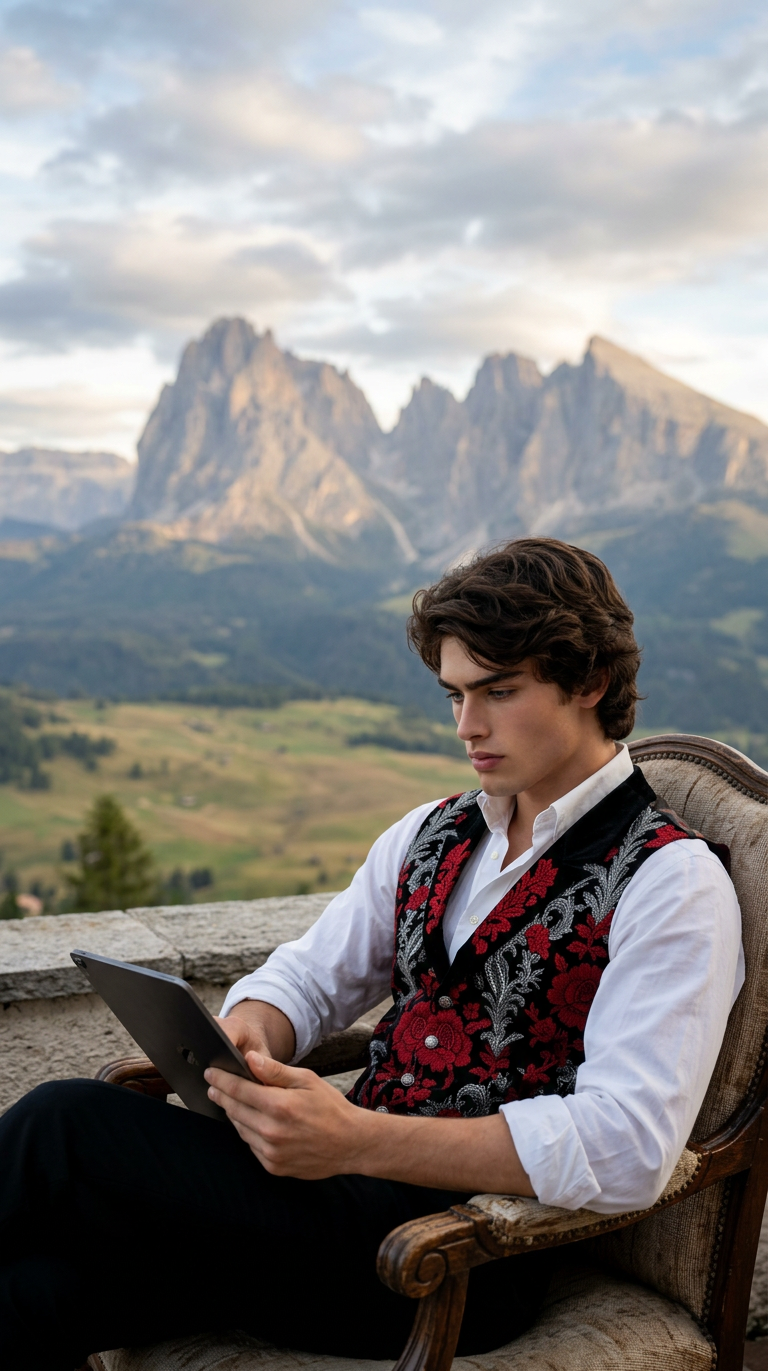
Digital Reading Vista
ai-image-editor
Any aspect ratio
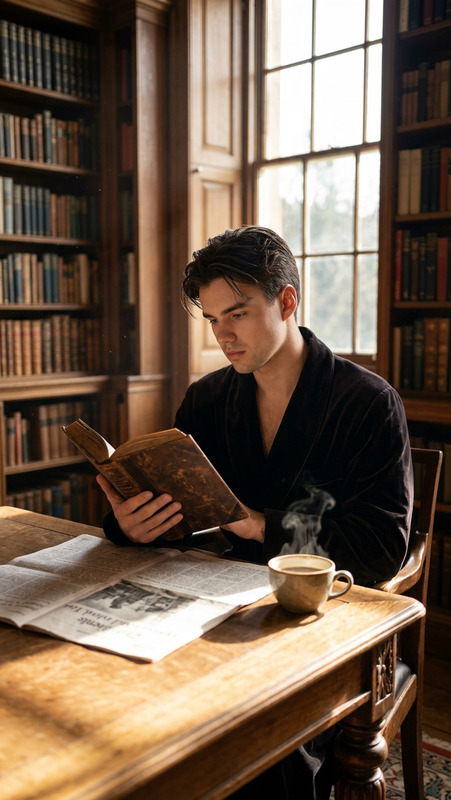
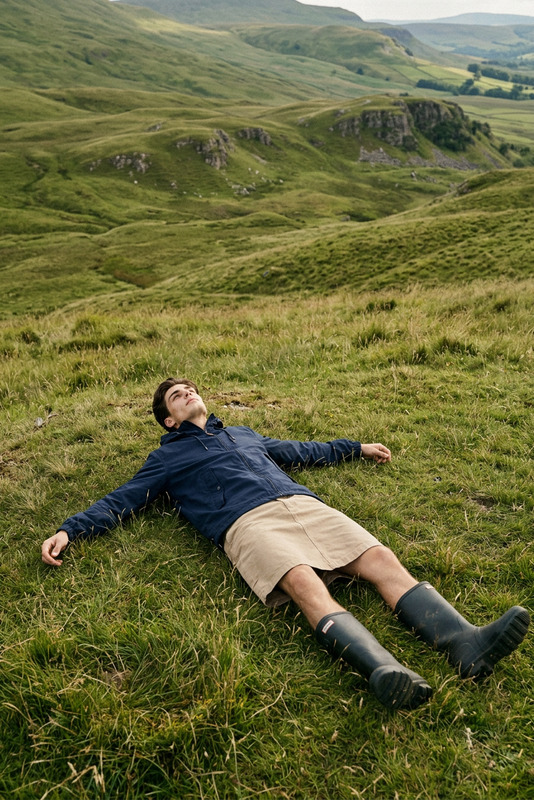
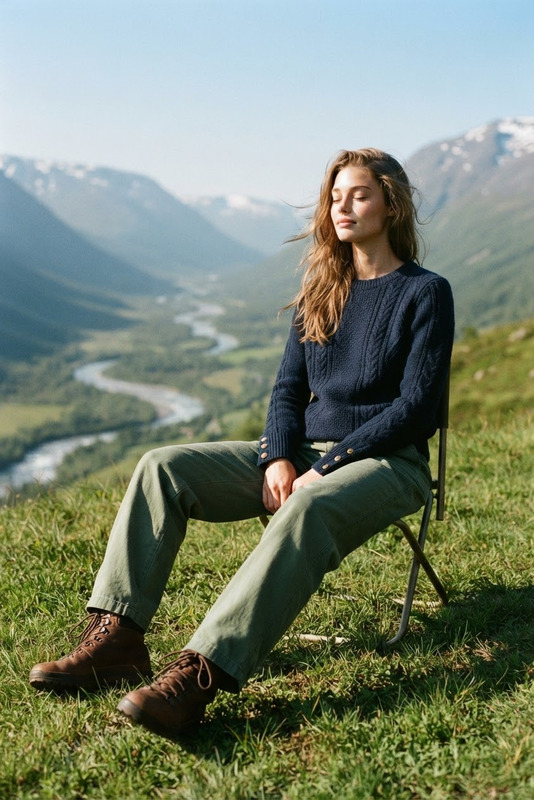
Medium shot of a subject sitting comfortably, reading a book on a digital device, relaxed posture. Behind is a vast majestic landscape with dramatic mountains, sky, and expansive natural scenery. Soft natural lighting, calm atmosphere, cinematic composition, depth of field separating subject and background, photorealistic, high detail, film grain.
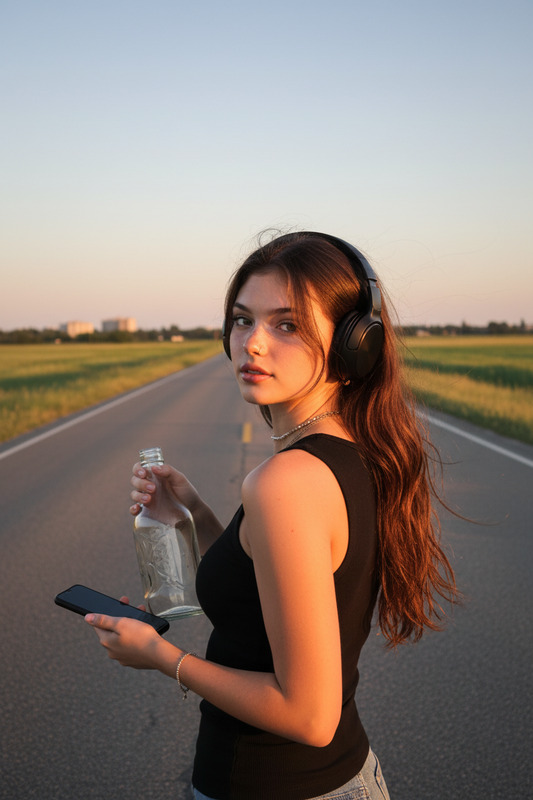
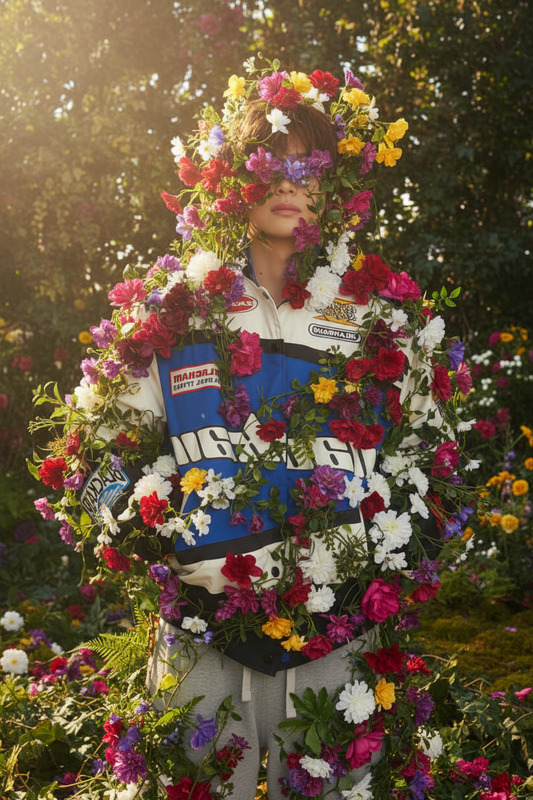
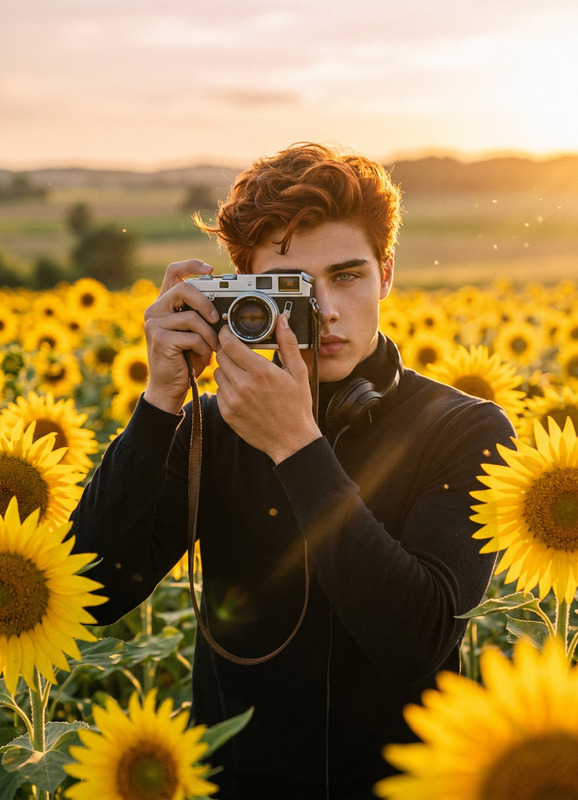
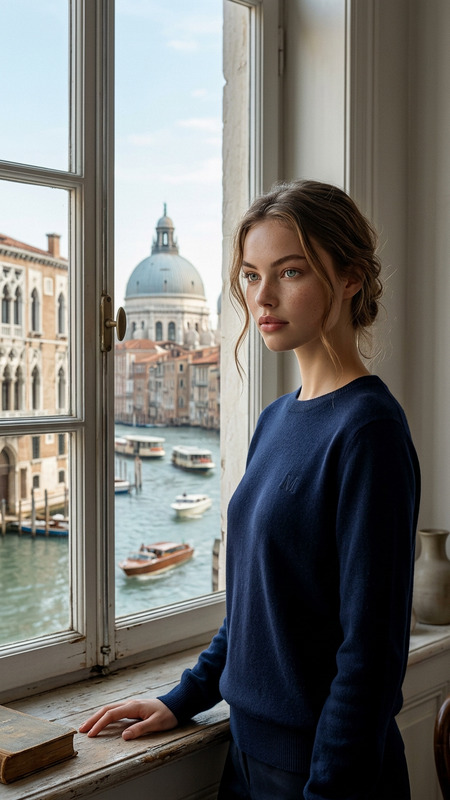
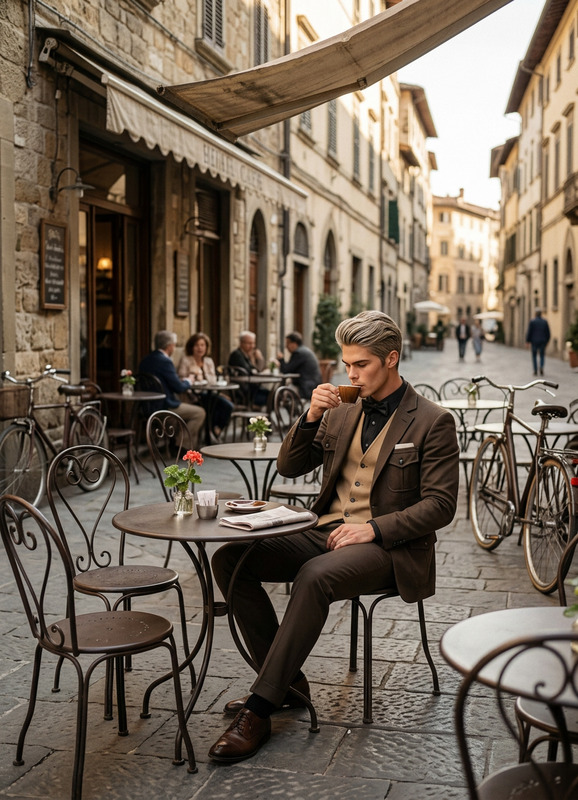
Realistic AI Face Swap Portrait Template
Create studio‑quality, hyper‑realistic face swap portraits in minutes using Magic Hour’s AI Image Editor. This template is designed for creators, marketers, and product teams who need production‑ready assets fast—without hiring a photographer, designer, or retoucher.
Use it to:
- Generate on‑brand profile images and avatars for campaigns
- Visualize customers, characters, or personas in different looks
- Produce test creatives for ads, landing pages, and product shots
- Explore concepts for games, comics, and IP using realistic faces
What this template does
This template combines a high‑quality base portrait with AI‑powered face editing so you can:
- Swap in a new face while preserving lighting, pose, and expression
- Maintain photorealistic skin texture and facial structure
- Adapt the portrait to different use cases: headshots, character art, mockups, or social content
- Iterate quickly on multiple “what if” versions (different people, demographics, or styles)
Under the hood, it uses the same generative technology as Magic Hour’s AI Face Editor and AI Face Generator, but tuned for consistent, production‑ready portraits.
How to remix this template in Magic Hour
You can recreate or customize this template entirely inside Magic Hour. A simple workflow:
Open AI Image Editor
Go to the AI Image Editor. Upload the example image from this template or your own base portrait (e.g., a stock photo or your product’s default character).Define your target face or character
- Use a reference photo if you want to swap in a specific person
- Or describe the face you want (age range, features, vibe, context) to match your brand or project
This approach is also ideal when building personas for marketing, UX, or product research.
Apply face swaps and refinements
- Swap the face while keeping the original lighting, angle, and background
- Use the editor tools to refine details like hair, facial hair, or accessories
- If needed, fix or clean up areas using AI Remover or Remove Object from Photo
Enhance quality for production use
- Sharpen and upscale the result with AI Image Upscaler
- If you’re creating profile images or thumbnails, you can pair the final version with Thumbnail Maker or Avatar Generator
Create variations for testing
Duplicate your best result and quickly explore different:- Demographics or personas (for inclusive marketing tests)
- Expressions and moods (for A/B testing creative)
- Wardrobe and styling using AI Clothes Changer or AI Outfit Generator
You can repeat this process as a reusable pipeline: one base lighting setup + many faces + multiple brand‑specific outputs.
Use cases for creators, marketers, and builders
1. Marketing & growth teams
- Generate on‑demand “customer” or persona portraits for landing pages, ads, and case study mockups
- Build realistic test creatives without actual photo shoots
- Localize campaigns by adjusting face, style, or demographic while keeping the same layout and design
2. Product & UX teams
- Create believable user personas for decks, research, and stakeholder presentations
- Produce consistent face sets for onboarding flows, avatars, or dashboards
- Test different visual directions before committing design/development resources
3. Creators, IP, and story worlds
- Generate grounded, realistic characters to complement stylized content
- Use this template as a real‑world counterpart to stylized outputs from tools like AI Manga Generator, AI Anime Generator, or Comic Book Generator
- Build character bibles with consistent faces across multiple emotions or outfits
4. Professional presence & personal branding
- Create polished headshots using AI Headshot Generator, then fine‑tune expressions, details, and variants with this template
- Explore different looks (hair, glasses, subtle style changes) before booking a photographer
- Produce aligned visuals across LinkedIn, pitch decks, websites, and social
Related Magic Hour tools to extend this template
This template is built on the AI Image Editor, but it can be the starting point for entire content pipelines:
Turn portraits into talking or animated characters
- Animate your face‑swapped portraits with AI Talking Photo
- Create short animations using Animation Templates
- Add custom voice with AI Voice Generator or clone a voice using AI Voice Cloner
Build videos from static portraits
- Bring images to life with Image to Video
- Transform an existing clip while preserving identity using Video‑to‑Video Templates
- Add instant subtitles for social content using Auto Subtitle Generator
Explore stylized or niche aesthetics
- Generate alternate stylized versions (anime, manga, Disney‑style, dark fantasy, etc.) with
- Use AI Background Generator to place your portrait into branded scenes, offices, or fictional worlds
Memes, social, and creative experiments
- Remix portraits into memes with AI Meme Generator
- Turn faces into characters or avatars with Animated Characters Generator, AI Character Generator, or Avatar Generator
- Generate quick stylized campaigns for music, podcasts, or events using Album Cover Generator and Book Cover Generator
How to build your own face swap portrait template
If you want to design a custom version of this template for your team or product:
Choose a consistent base lighting and composition
Start with a single, well‑lit base portrait (or a small set with consistent framing). This becomes your “master” composition—every new face must match this setup. This is how you keep portfolios and campaigns visually cohesive.Define your brand or project constraints
Clarify what should remain consistent across all outputs:- Backgrounds (solid color, office, studio, abstract brand shapes)
- Cropping (tight headshot vs. mid‑shot)
- Expression and tone (friendly, neutral, high‑energy)
- Wardrobe and styling (you can later refine with AI Outfit Generator)
Create a base persona set
Use the AI Image Editor plus AI Face Generator to generate a small library of faces that reflect your market or story world. This becomes your reusable persona library.Standardize your remix workflow
For each new campaign or feature:- Pick a base portrait template
- Swap in one of your persona faces
- Edit background, outfit, and expression as needed
- Upscale with AI Image Upscaler
- Export and use across web, product, decks, and social
Extend to motion and interactive formats
Once you have a stable visual language, bring it into motion:- Use Face Swap Video Templates to put your personas into real videos
- Sync speech with Lip Sync Templates
- Convert your static portraits into short, engaging clips with Text‑to‑Video or Image to Video
Tips and best practices
Use high‑quality base images
The better your base portrait, the more convincing the face swap. Clean lighting and clear facial features will reduce artifacts and save time.Stay consistent for brand work
Use the same background, composition, and general styling across all outputs when building brand assets or product UIs. Consistency matters more than complexity.Respect privacy and rights
If you’re using real people, make sure you have consent and the right to use their likeness, especially for commercial work. For sensitive projects, consider generating faces from scratch via AI Face Generator instead of using real photos.Test on real surfaces
Drop your final portraits into the actual environments they’ll live in (apps, landing pages, slide decks) before locking them in. This surfaces issues like cropping, legibility, or tone mismatch.
When to use this template vs. other Magic Hour tools
Use this AI Image Editor–based face swap portrait template when you need:
- Static, photoreal portraits with high control over details
- Rapid, repeatable personas or character variations
- Assets for decks, product UIs, profiles, and content marketing
You may prefer:
- AI Headshot Generator for fully automated professional headshots
- AI Selfie Generator for more casual, social‑style photos
- AI Art Generator, AI Manga Generator, or AI Anime Generator for stylized or illustrative looks
- Face Swap Video Templates and Lip Sync Templates when you want motion content instead of static images
Use this template as a reliable starting point, then remix it with other Magic Hour tools to build a complete pipeline—from one consistent portrait to a whole ecosystem of images, videos, and characters tailored to your product or brand.