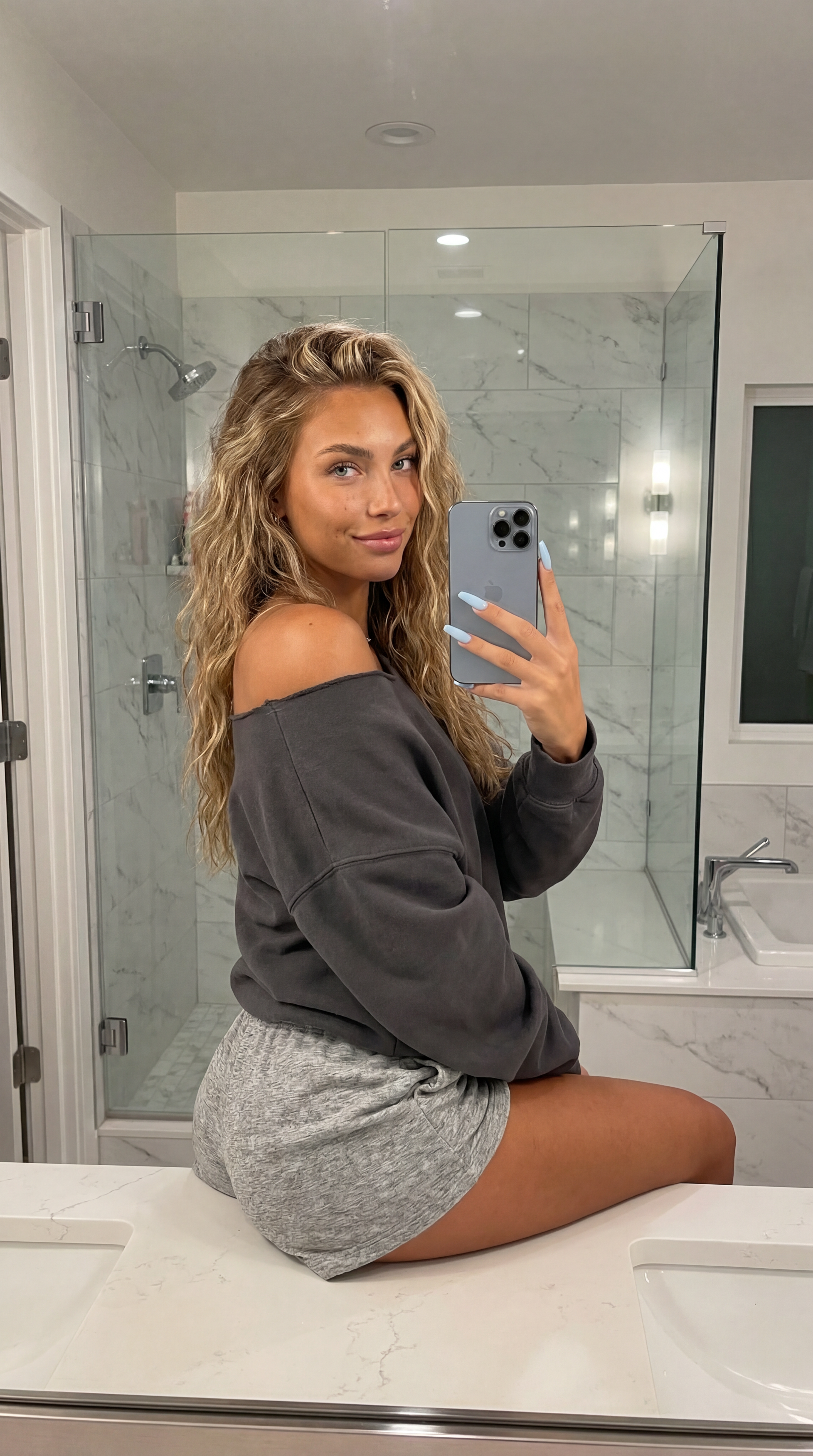
Girl Sitting on Sink
- Model
- Nano Banana Pro
- Image
- 3072 × 5504 px
Prompt
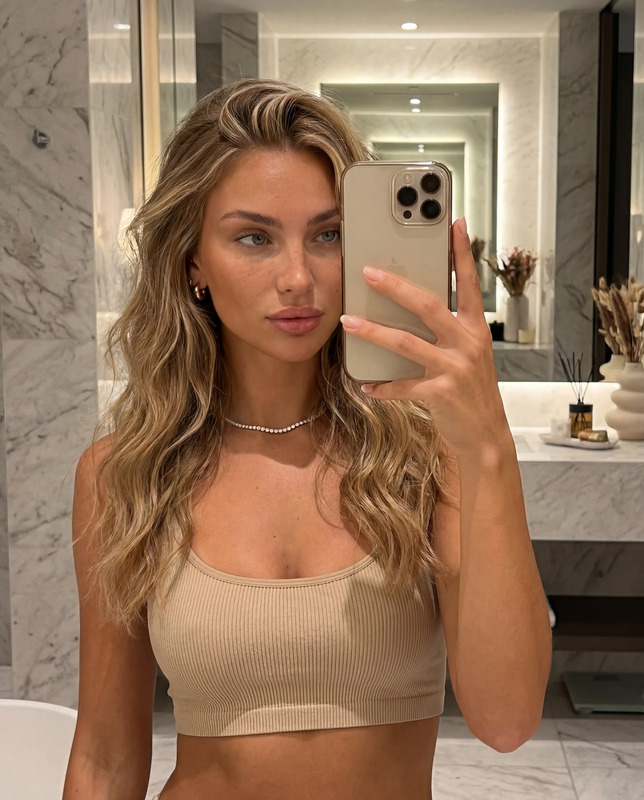
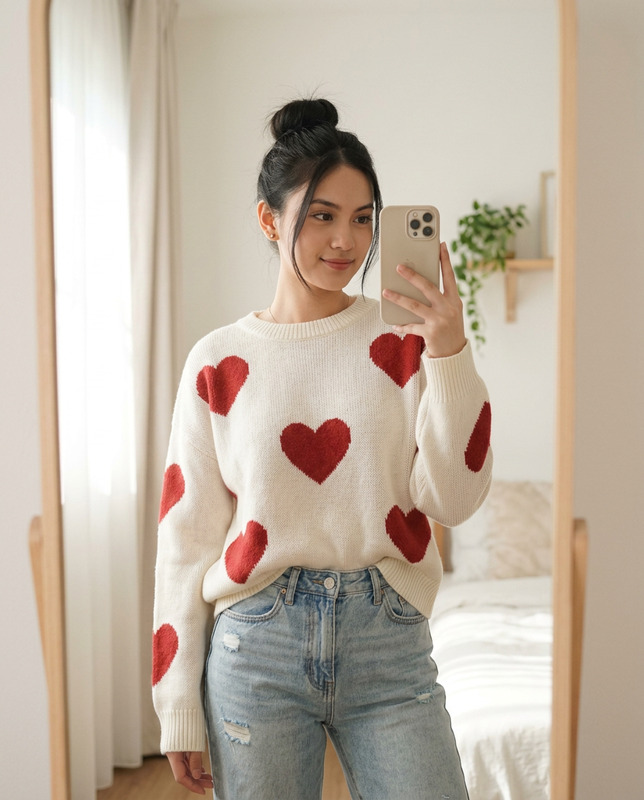
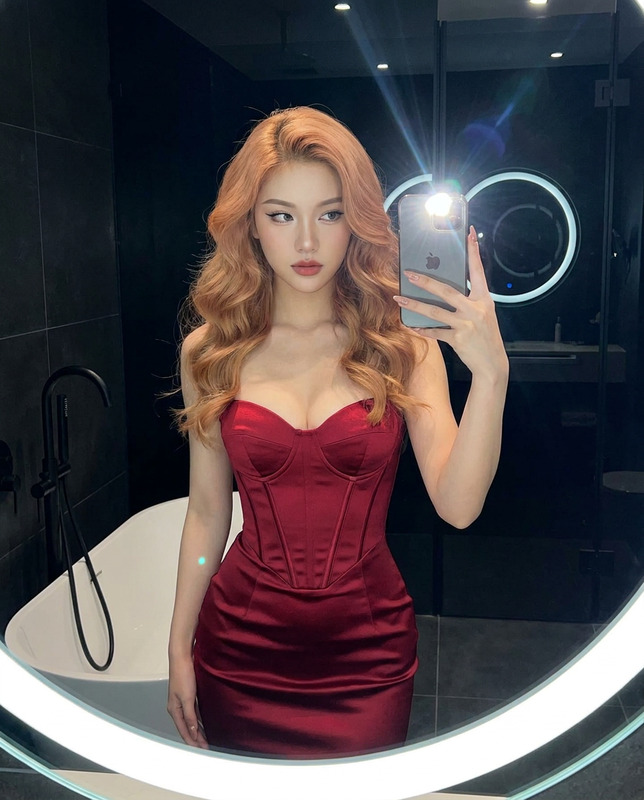
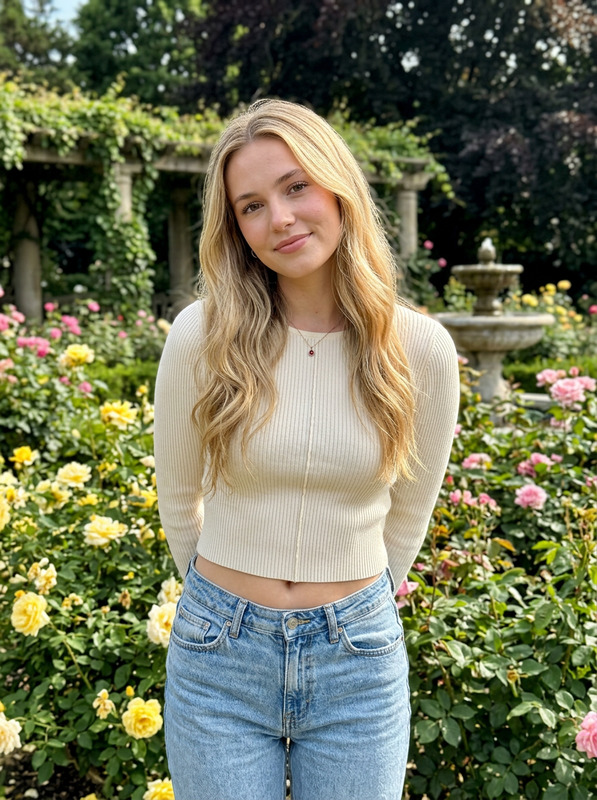
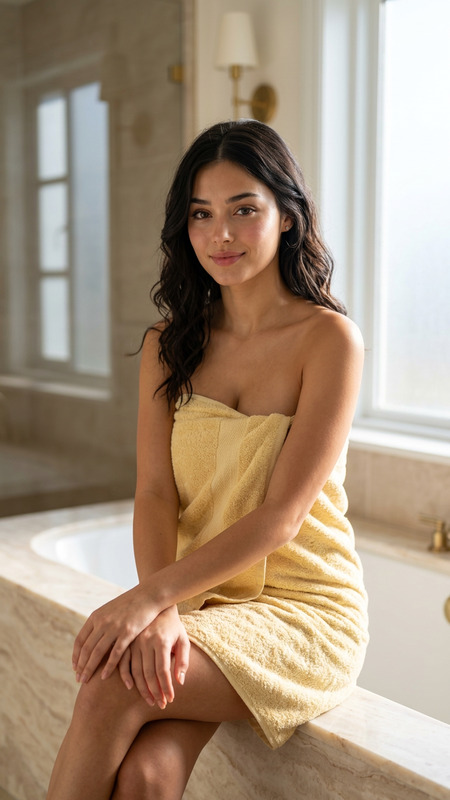
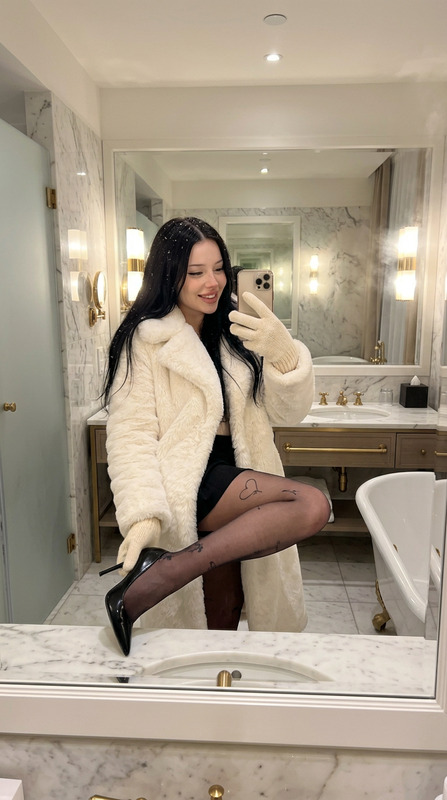
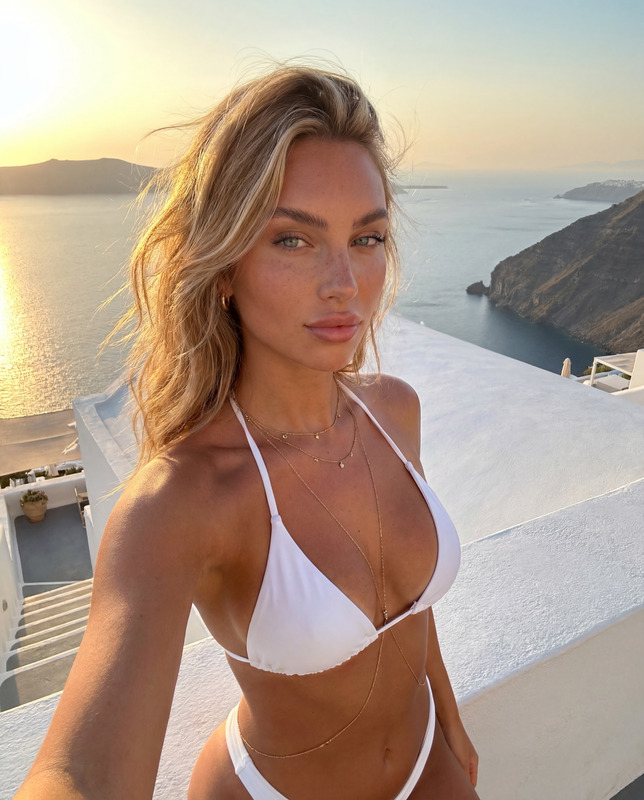
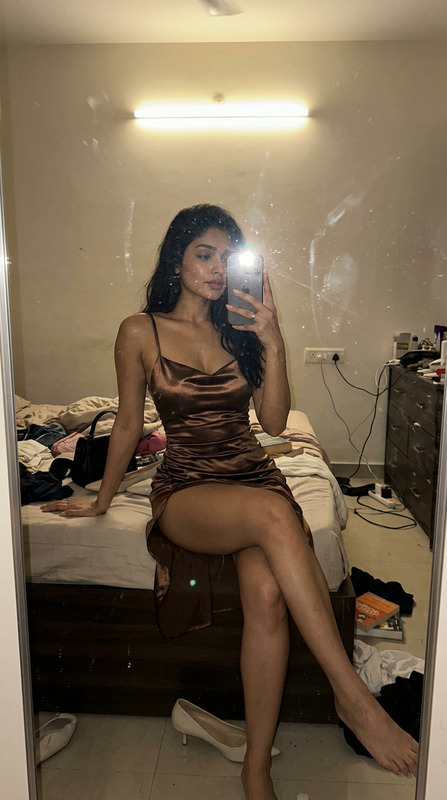
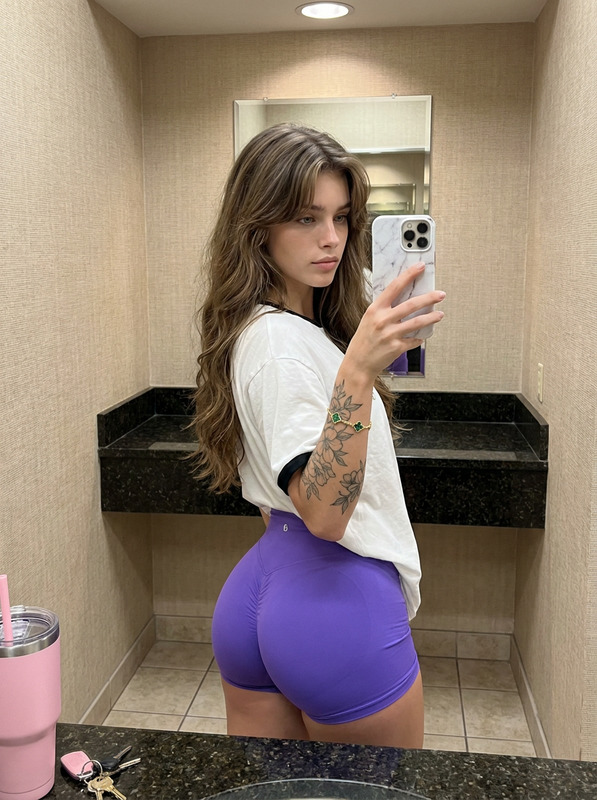
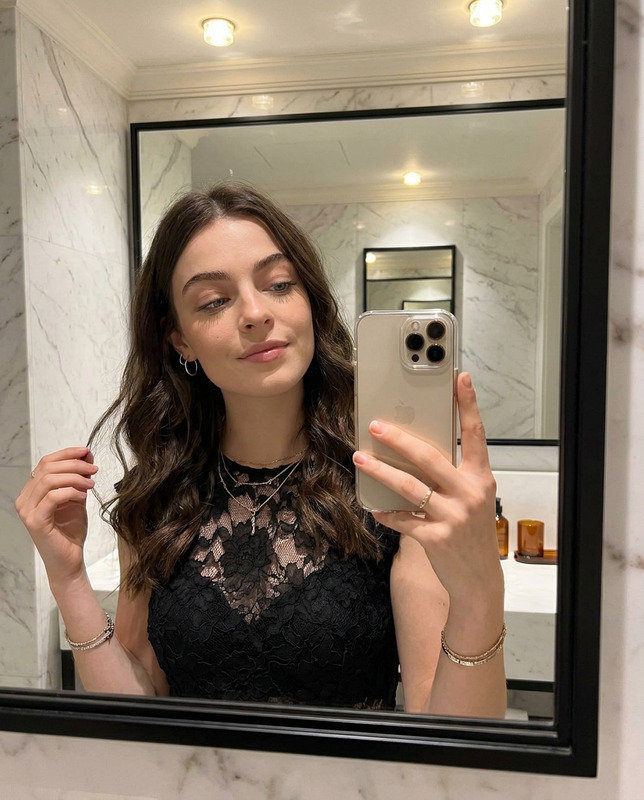
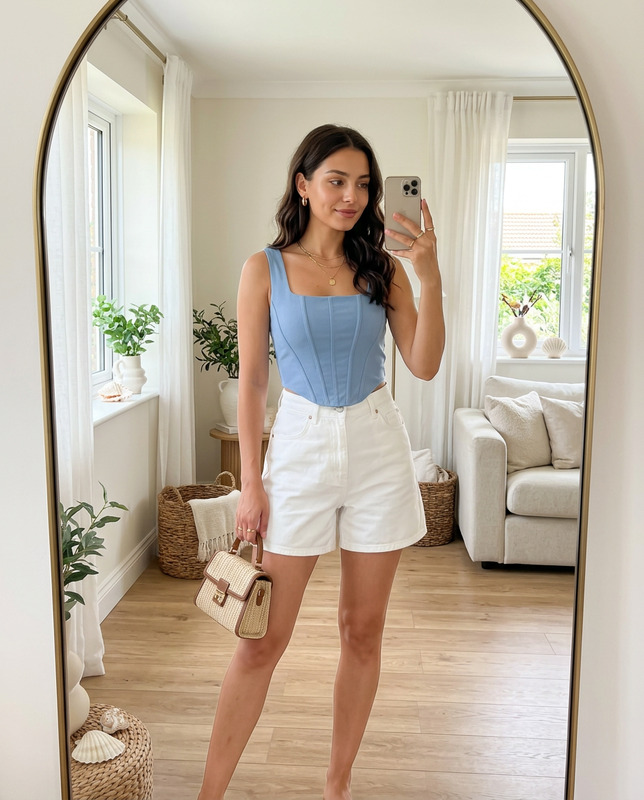
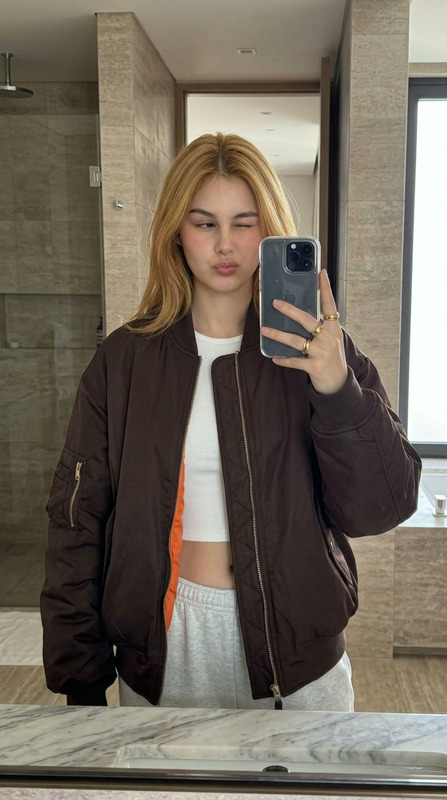
{ "meta": { "description": "Ultra-detailed reproduction prompt for a specific mirror selfie scenario.", "target quality": "Photorealistic, 8K, Highly Textured, Candid Style", "aspect ratio": "9:16" }, "prompts": { "positive prompt": "A candid, high-resolution mirror selfie photograph taken inside a brightly lit modern bathroom. The subject is a young woman in her early 20s with a curvy, fit physique, sitting sideways on a polished white quartz vanity countertop. She has an oval face shape with high defined cheekbones and a soft feminine jawline, piercing light blue large almond-shaped eyes with heavy natural lashes, feathery soft brushed-up eyebrows natural and fluffy, very full pouty lips with natural rosy-pink tone and glossy finish, straight narrow nose with refined delicate tip and slim nostrils, warm bronzed skin tone with golden undertones, subtle natural freckles scattered across nose and cheeks, one or two small natural beauty marks on face. Her most distinctive feature is her extra long honey blonde voluminous hair with soft balayage technique and lighter ends, styled in loose bohemian beach waves flowing past the chest, with soft face-framing tendrils. She is smiling softly at her reflection holding up a silver iPhone 14/15 Pro with her right hand, showing long, light baby blue coffin-shaped acrylic nails. She is wearing an oversized, slouchy dark charcoal grey off-the-shoulder sweatshirt that falls off her left shoulder, revealing strap, and tight, grey marled cotton athletic jersey shorts. The pose emphasizes her curved hip and thigh. The mirror reflection behind her is detailed, showing a large glass-enclosed shower with white marble subway tiling, chrome fixtures, a ceiling fan, and a glimpse of a bathtub area. In the background (not in reflection), there is a white paneled door and a hand towel with a green pine tree pattern hanging on a rack. The lighting is warm and diffused indoor bathroom lighting, creating soft shadows. The image should have natural film grain, extremely detailed textures on skin pores, hair strands, fabric folds, and stone surfaces. 8k resolution, incredibly detailed, sharp focus on the subject.", "negative prompt": "cartoon, painting, 3d render, anime, blurry, low resolution, grainy, distorted, unattractive, bad anatomy, extra fingers, deformed hands, missing limbs, bad eyes, crossed eyes, overly filtered skin, airbrushed, unnatural lighting, oversaturated colors, ugly, deformed face, noisy, low contrast, watermark, text, signature, dark hair, brunette, money piece highlights, cool skin undertones, pale skin, thin lips, nose piercing, winged eyeliner, dark eyeshadow." }, "parameters": { "aspect ratio": "9:16", "cfg scale": 7.5, "steps": 30, "sampler": "DPM++ 2M Karras", "seed": -1, "style preset": "photographic" }, "breakdown analysis": { "subject": { "age": "Early 20s woman", "hair": "Extra long honey blonde voluminous hair with soft balayage technique, lighter ends, loose bohemian beach waves", "face": "Oval face, high cheekbones, soft jawline, piercing light blue almond eyes, heavy natural lashes, fluffy brushed-up eyebrows, very full pouty rosy-pink lips, straight narrow nose, natural freckles, small beauty marks, smiling softly", "skin": "Warm bronzed tone with golden undertones, visible pores, natural imperfections, no heavy filter", "body": "Curvy figure, sitting pose on counter" }, "attire": { "top": "Oversized charcoal grey off-the-shoulder sweatshirt", "bottom": "Grey marled cotton athletic shorts", "nails": "Long, light blue acrylics" }, "environment": { "location": "Modern bathroom", "surface": "White quartz countertop", "background elements": "Large mirror reflection, marble shower, white door, tree-patterned towel", "lighting": "Warm, functional bathroom lighting" }, "photography style": { "type": "Mirror selfie, candid photo", "device": "iPhone Pro visible in shot", "quality": "8K, hyper-realistic, highly textured, natural grain" } } }
Any aspect ratio
Overview
Experience the seamless elegance of AI-driven photo editing with our Girl Sitting on Sink template. Tailored for users looking to create photorealistic images, this template leverages the power of the nano-banana-pro model to ensure every detail is captured with precision. From skin texture to intricate shadows, every element is designed to mirror reality.
What It Does
This AI Image Editor template excels at transforming mundane scenes into ultra-detailed artistic expressions. It captures candid scenarios with an 8K resolution to provide an unparalleled level of detail and texture. With parameters set for a comfortable editing experience, it ensures that both complex backgrounds and intricate subjects are rendered accurately.
Who It's For
Ideal for content creators and promoters, this template serves photographers and marketers who require high-quality, realistic imagery. Whether you're enhancing personal portfolios or curating promotional materials, this template supports endeavors with its detailed rendering capabilities. It's a great fit for users familiar with the AI Image Generator, seeking advanced features in photographic editing.
Summary
With the Girl Sitting on Sink template, users can craft remarkably lifelike images for personal or commercial use. The refined adjustment parameters and detailed prompt allow users to shape their creative vision with control and precision. Elevate your imagery with textures and depth only possible through the combined capabilities of this tool and the AI Image Editor.
How To
Choose Your Template

Customize Inputs

Generate Your Image

Use Cases
Social Media Visuals
- High-resolution selfies
- Vivid lifestyle shots
Marketing Campaigns
- Product showcases
- Brand-enhancing images
Portfolio Development
- Professional-grade portraits
- Detail-oriented compositions
Best Practices
Prioritize Lighting
Pay attention to how light interacts with the subject and background by tweaking the elements to enhance mood and realism.Focus on Textures
Ensure that elements like skin, hair, and fabric have visible textures to utilize the full capability of 8K resolution.Maintain Aspect Ratio
Stick to the 9:16 aspect ratio for optimal composition and to avoid distortion in the final image output.