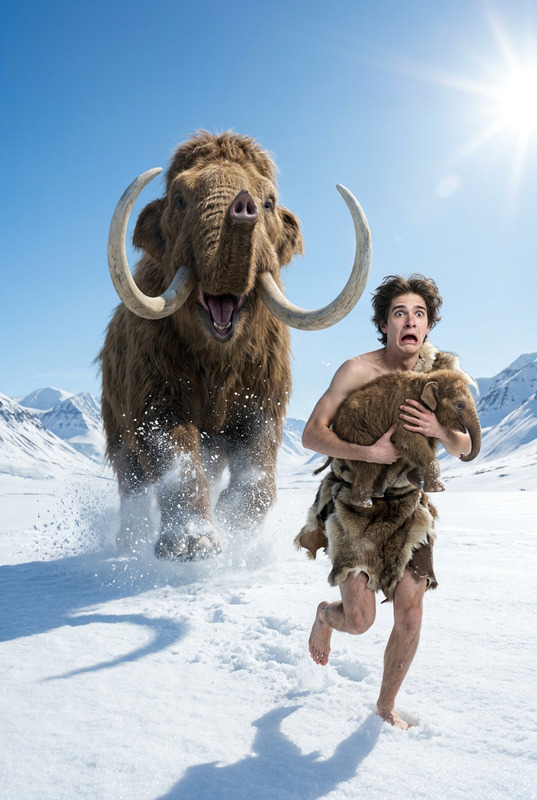
Arctic Escape Chase
- Model
- Nano Banana 2
- Image
- 768 × 1366 px
Prompt
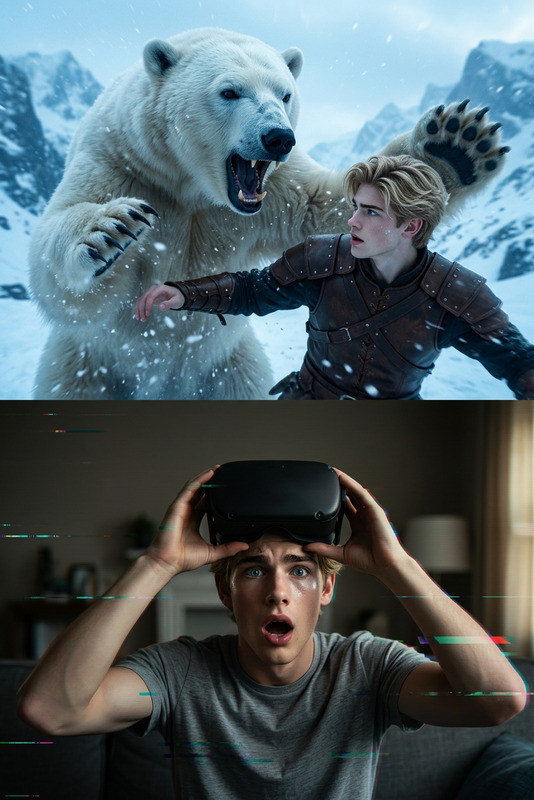
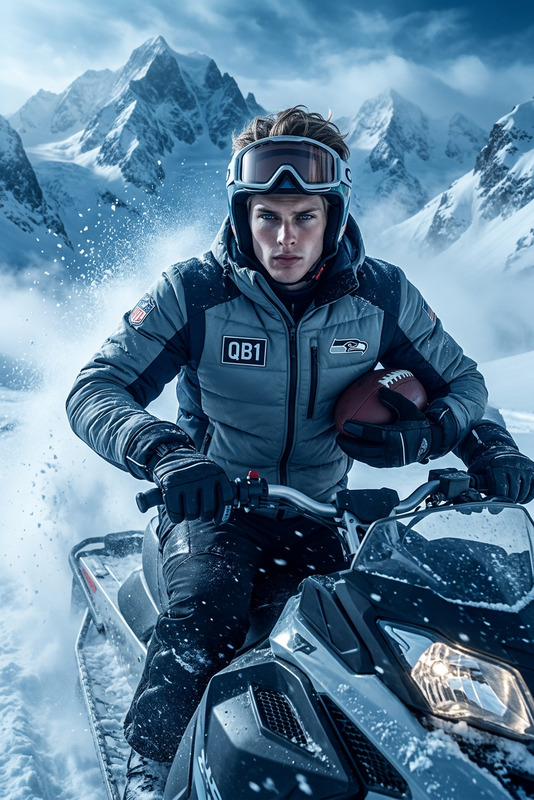
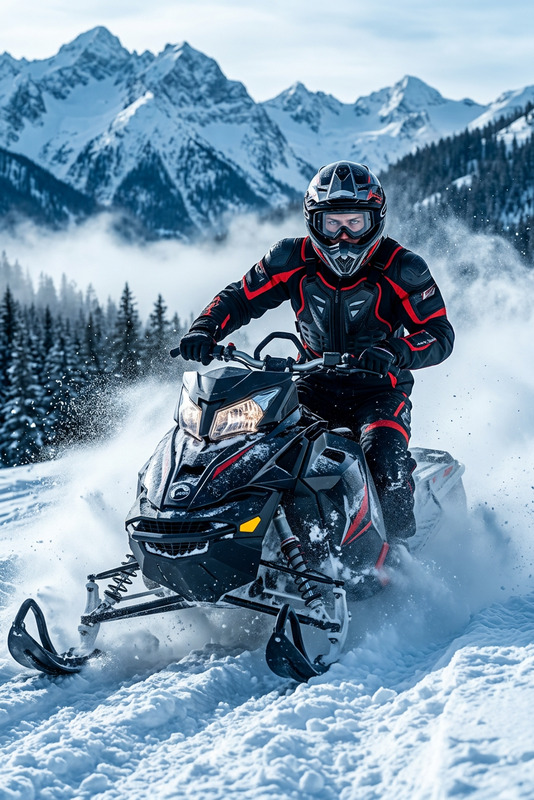
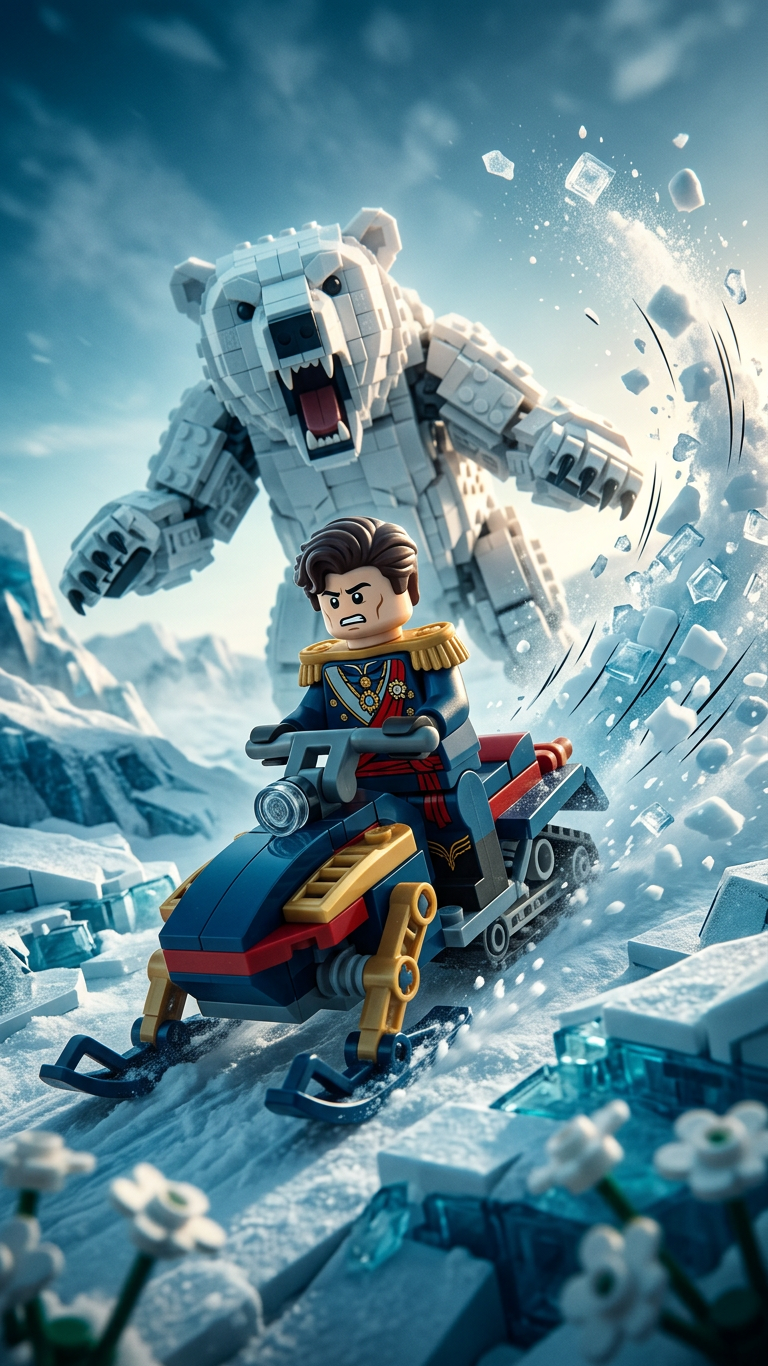
Subjects transform into LEGO explorer minifigure racing across icy terrain on a mini snowmobile, pursued by a massive roaring polar bear. Dynamic action scene with dramatic snow spray trailing behind, frozen mist in the air, and intense cinematic backlighting. Slightly tilted camera angle enhances motion and urgency. Blockbuster-style composition with exaggerated comic motion, crisp LEGO plastic textures, and dramatic cold-toned color grading.
Any aspect ratio
Overview
The Arctic Escape Chase template turns any subject into a high-energy LEGO explorer scene. Using the capabilities of the AI Image Editor, this template lets you create a thrilling narrative with ease. Focused on cinematic dynamics and vibrant color grading, it's perfect for storytelling or engaging creative projects.
What It Does
This AI template allows you to transform images into an action-packed scene of a LEGO minifigure racing a snowmobile through the Arctic. The model nano-banana-2 brings to life the dramatic elements of motion and detail, crafting textures and lighting effects that replicate the crispness of LEGO pieces and the dramatic Arctic environment.
Who It's For
Designed for creators, filmmakers, and LEGO enthusiasts, the Arctic Escape Chase is perfect for adding a dynamic and playful touch to digital projects. Whether you're working on a storyboard, a promotional video, or a unique social media post, this template offers an exciting way to captivate your audience. It pairs well with projects involving the AI Talking Photo and AI Meme Generator for further multimedia engagement.
Summary
Engage your audience with this cinematic and playful AI template that transforms static imagery into dynamic action scenes. Capture the thrill of an Arctic escape as LEGO minifigures race across icy terrains, bringing your creative vision to life with exaggerated and vivid aesthetic elements.
How To
Choose the Arctic Escape Chase template

Customize your inputs

Generate your composition

Use Cases
Animated Storyboarding
- Storyboard previews for animated films
- Dynamic scenes for pitches or presentations
Social Media Content
- Unique Instagram posts
- Creative TikTok videos
Advertising
- LEGO-themed product promotions
- Ad visuals for children's products
Best Practices
Optimize Image Quality
Ensure high-resolution input images for crisp LEGO textures and details.Perfect the Lighting
Adjust the lighting settings to maximize the dramatic backlighting effect.Leverage Color Grading
Use cold-toned color grading to enhance the icy theme of the scene.