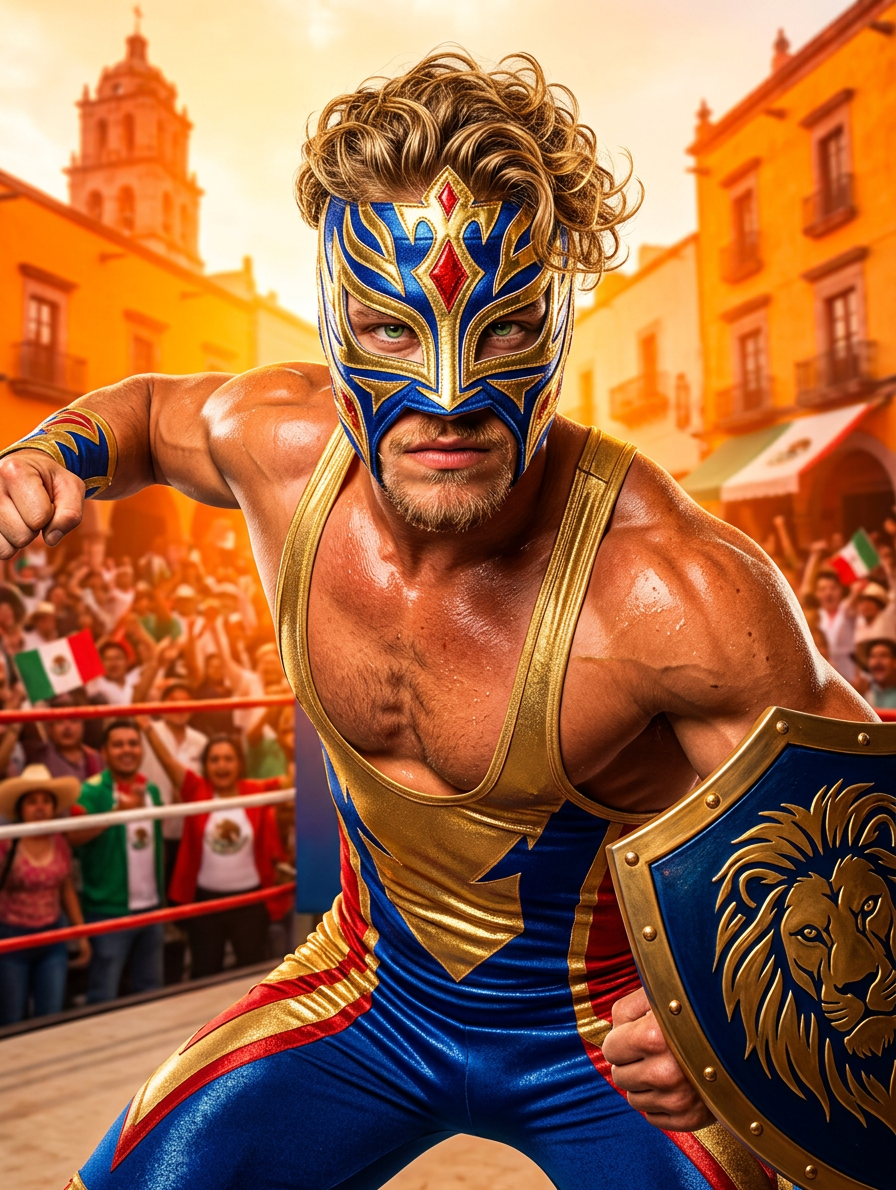
Luchador Titan Energy

Luchador Titan Energy

ai-image-editor

1 clip
5 uses

Any aspect ratio

Prompt

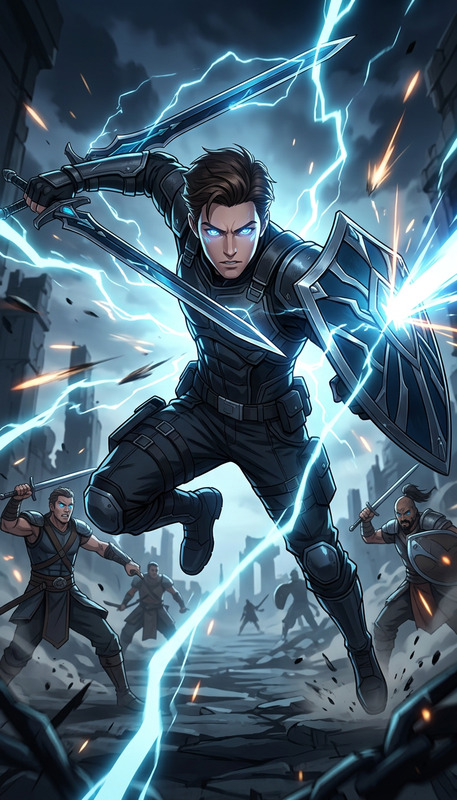
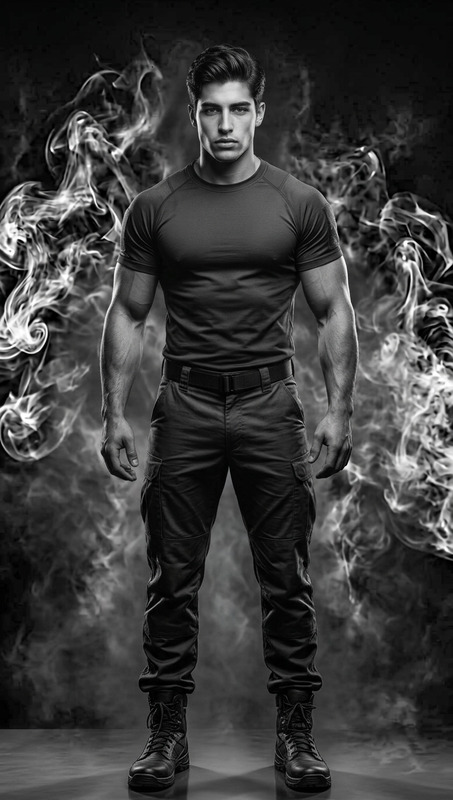
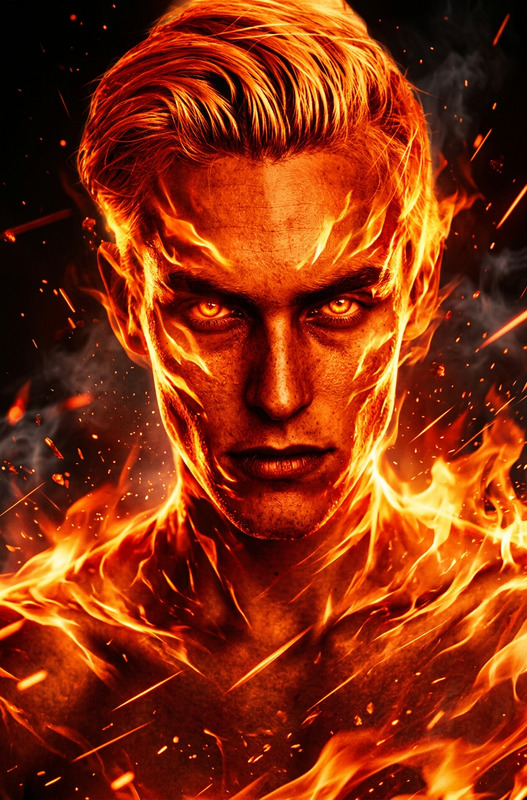
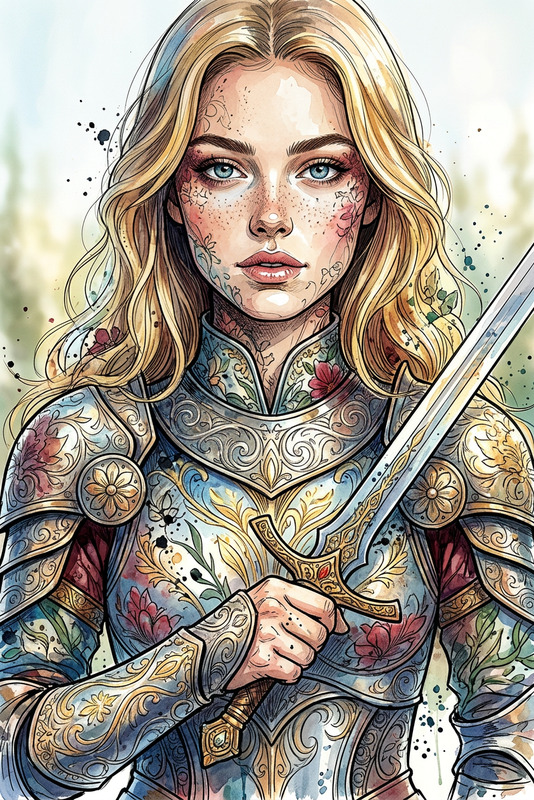
Subject depicts hyper-realistic towering luchador figure in a vibrant Mexican-inspired setting, showcasing a muscular build and an intricate mask with dynamic pose. Expression conveys fierce determination, strength, and agility, with a signature shield element included. Scene uses bright bold colors with strong orange and yellow accents, enhanced by advanced lighting. Style emphasizes high-detail realism, energetic composition, and a lively, powerful atmosphere.

Transform Profile Photos into Stylized AI Portraits with Magic Hour’s Image Editor Template

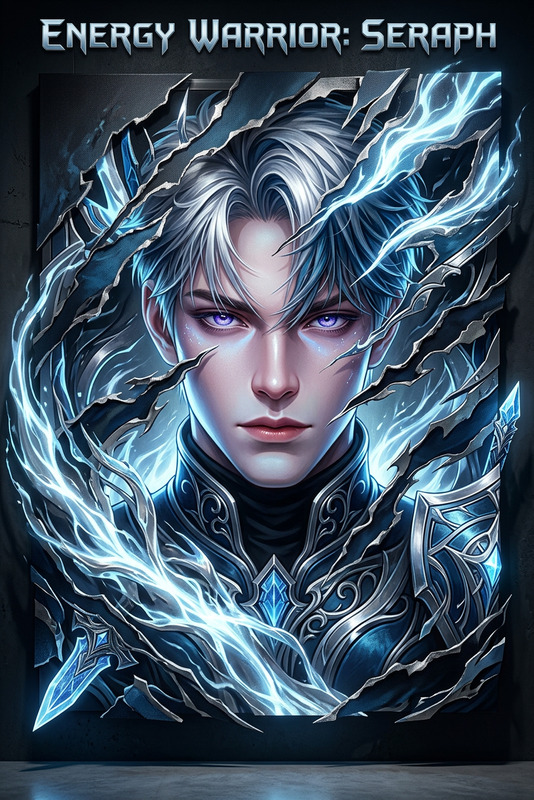
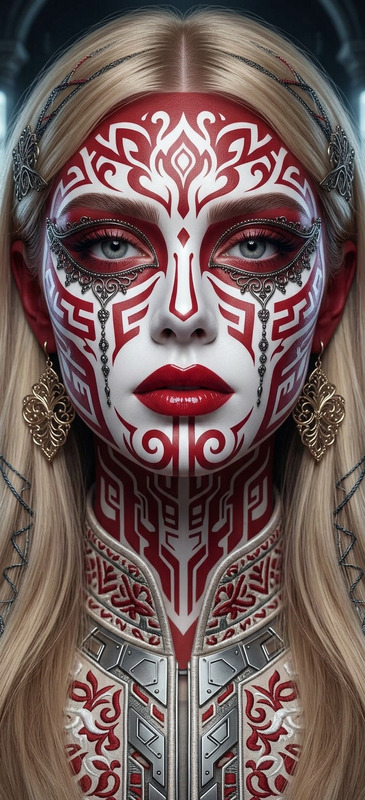
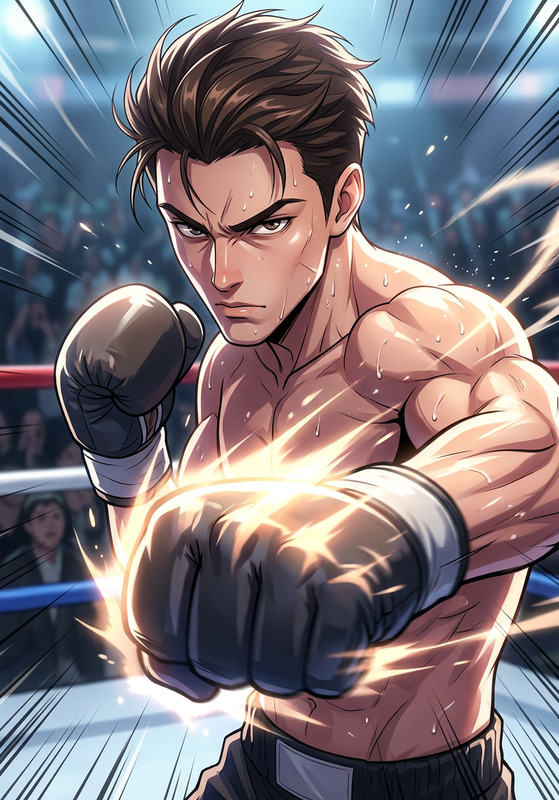
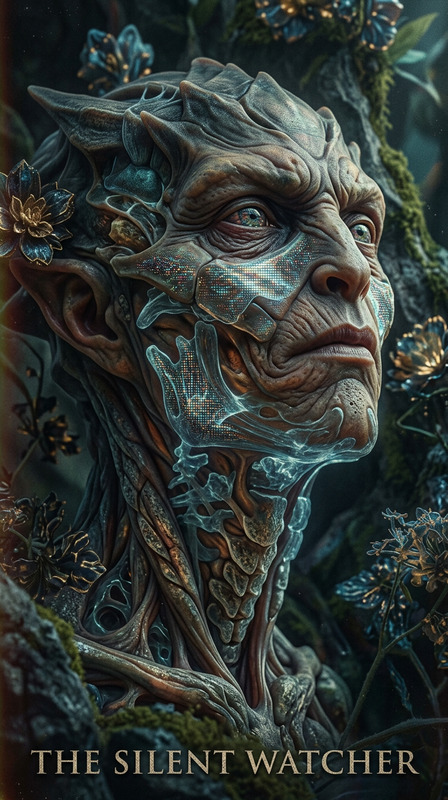
Use this template to quickly turn any portrait into a polished, stylized AI image—perfect for social avatars, pitch decks, product marketing, personal branding, and creator content. Built on Magic Hour’s AI Image Editor, it lets you start from a proven setup, then remix it to match your brand, aesthetic, or use case.


What This Template Is For

This template is ideal if you need to:

  • Upgrade casual photos into clean, on-brand portraits
  • Create consistent profile images for a team or project
  • Generate stylized visuals for landing pages, campaigns, or pitch materials
  • Experiment with AI-driven aesthetics without starting from a blank canvas

It’s especially useful for:

  • Founders and marketers who need fast, high-quality visuals
  • Creators and influencers optimizing avatars across platforms
  • Designers prototyping visual directions before manual retouching
  • Product teams generating coherent imagery for user stories or personas

How to Use and Remix This Template in Magic Hour

You can recreate or extend this template in a few minutes:

  1. Open the AI Image Editor
    Go to the AI Image Editor. This template uses the same underlying system, so anything you see here can be rebuilt or customized there.

  2. Upload Your Base Image
    Start with a clear portrait or product photo. For best results:

    • Good lighting and clear subject separation from the background
    • Minimal blur or compression artifacts
    • Face visible if you’re doing portrait or headshot work
  3. Describe Your Desired Style
    In the editor, use prompts that clearly define:

    • Art style (e.g., cinematic, editorial, studio-lit, anime, comic, minimalist)
    • Mood and tone (e.g., serious, playful, professional, moody, vibrant)
    • Environment (e.g., office, studio backdrop, outdoor, abstract gradient)
    • Brand cues (e.g., brand colors, industry context, audience type)

    For example:

    • “Clean, modern startup founder headshot, soft studio lighting, neutral gradient background, sharp focus, suitable for LinkedIn and pitch decks.”
    • “Bold creator avatar, strong rim lighting, neon cyberpunk background, high contrast, optimized for social profile pictures.”
  4. Iterate and Remix
    Once you have a result you like:

    • Generate variants to explore slightly different looks
    • Swap in new source photos while reusing the same style prompt to maintain consistency
    • Save your favorite outputs as a visual reference for future edits

    You can also cross-pollinate with other Magic Hour tools to extend this template into new formats (explained below).


Turning This Template into Your Own Reusable “System”

Think of this template as a starting “style system” you can reuse and scale:

  • Create a standard look for your brand or team:

    • Use consistent prompt language (colors, tone, background type)
    • Feed in individual team member photos for unified headshots
    • Align with brand guidelines and style guides
  • Build versions for different channels:

    • LinkedIn / CV: neutral backgrounds, professional framing
    • Social / creator: bolder colors, stylized lighting, more personality
    • Product or app UI: tighter crops, simplified backgrounds, higher legibility at small sizes
  • Document your setup for your team:

    • Save prompt structures and example outputs
    • Share them internally so others can replicate the same style in the AI Image Editor

Recommended Magic Hour Tools to Extend This Template

Once you have strong AI-enhanced portraits or visuals from this template, you can plug them into other Magic Hour tools:

For avatars, branding, and social presence

For content, campaigns, and marketing

For fine-tuning, cleanup, and enhancements


Turning Edited Images into Video and Animation

If you want to take this template beyond static images:

These workflows let you start from a static AI-edited portrait and end with short-form video suitable for TikTok, Reels, YouTube Shorts, or product explainers.


Advanced Use Cases for Teams and Builders

Founders & marketers

  • Rapidly prototype visual identities before committing to full design and photoshoots.
  • Generate campaign-specific portraits (e.g., “conference speaker”, “webinar host”, “beta tester persona”) and maintain consistency.

Product & UX teams

Creators and educators

  • Generate course instructor portraits and lecture thumbnails via the Thumbnail Maker.
  • Turn your stylized portrait into a long-running character asset for animations, comics, or newsletters using tools like the Comic Book Generator.

How to Build a Custom Version of This Template

To create your own reusable “template” from this one inside Magic Hour:

  1. Start from a test image and use the AI Image Editor to reach a look that fits your brand or project.
  2. Save:
    • The exact prompt language you used
    • 2–5 reference outputs that represent your target style
  3. For each new project:
    • Upload a new source image
    • Reuse or slightly adapt your saved prompt
    • Iterate until you get stable, repeatable results

You can then chain this with tools like the AI Meme Generator, AI Logo Generator, or AI QR Code Generator to quickly create a library of on-brand, AI-powered assets.


Related Magic Hour Workflows to Explore

If you like how this template works, you may also want to explore:


Use this template as a fast, reliable starting point, then evolve it into your own reusable visual system with the AI Image Editor and the broader Magic Hour toolkit.

More Like This

Insufficient credits