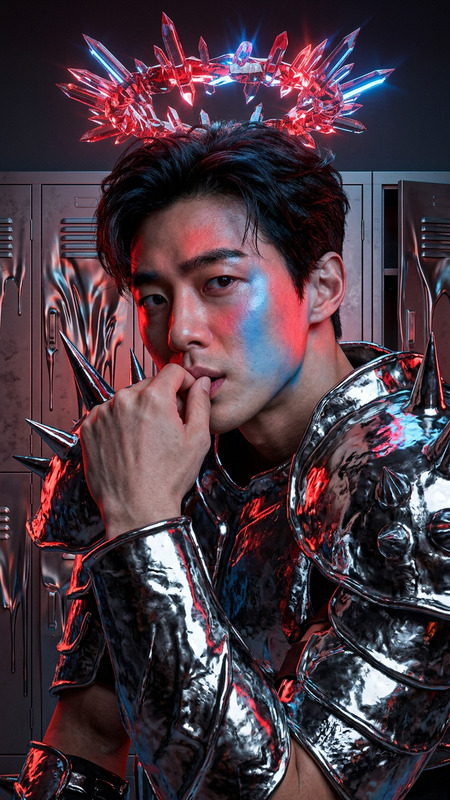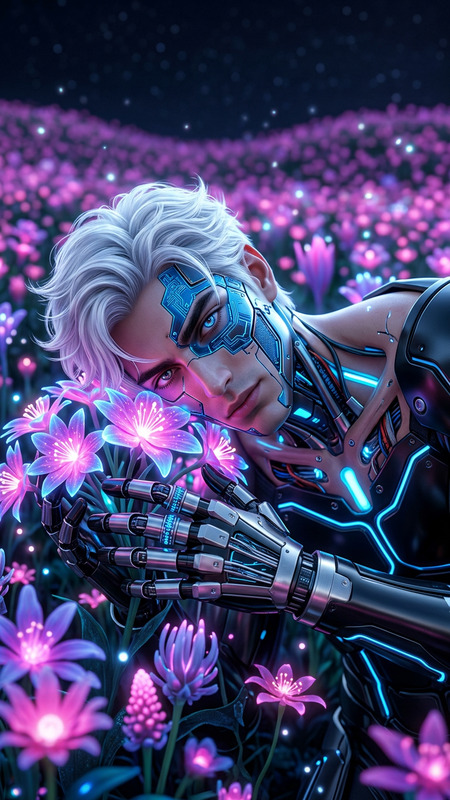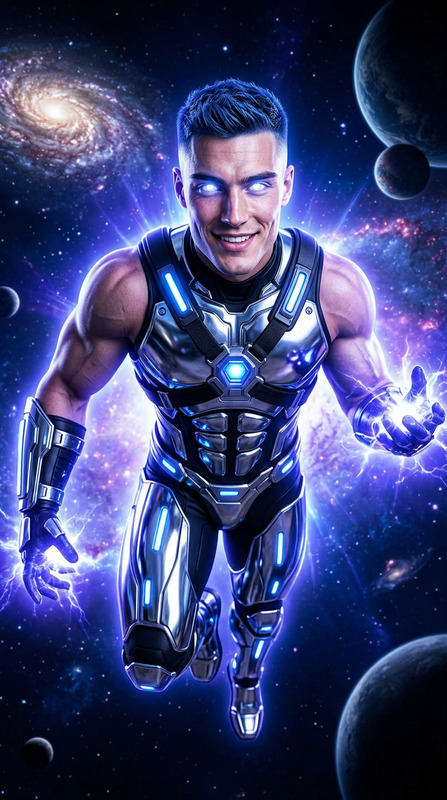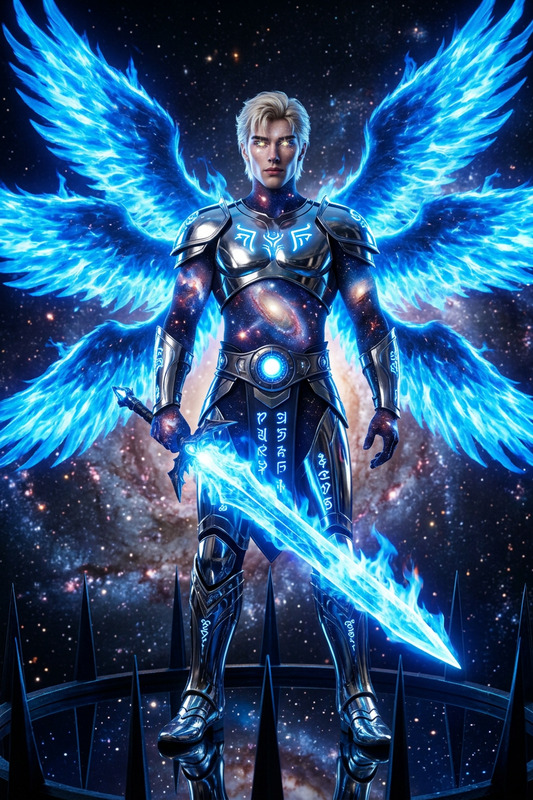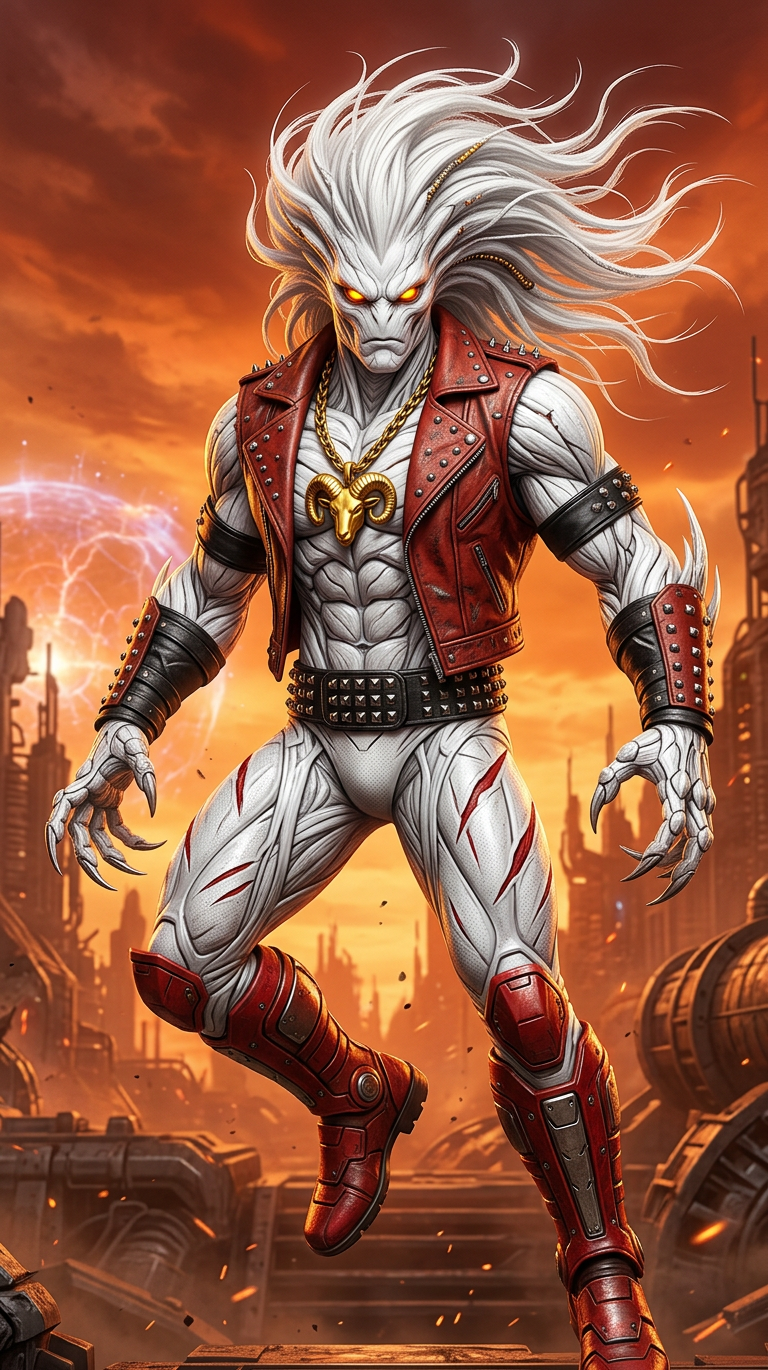
Metal Zodiac Guardian

Metal Zodiac Guardian

ai-image-editor

1 clip
9 uses

Any aspect ratio

Prompt

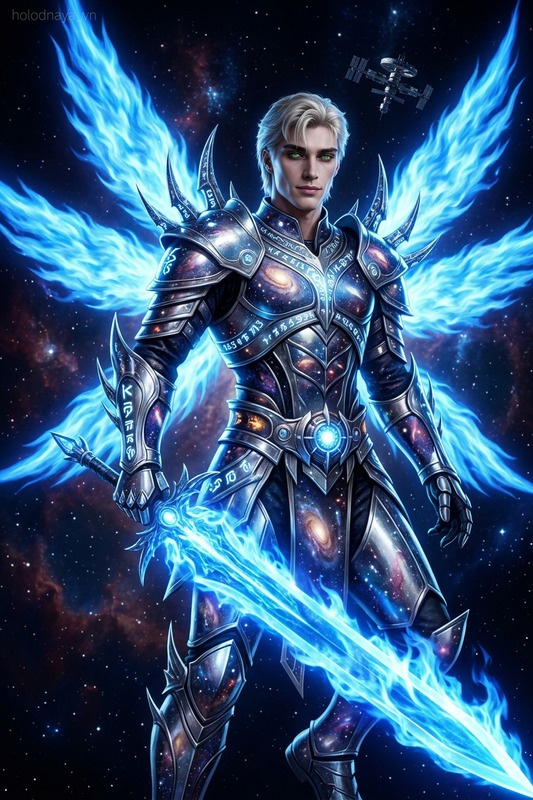
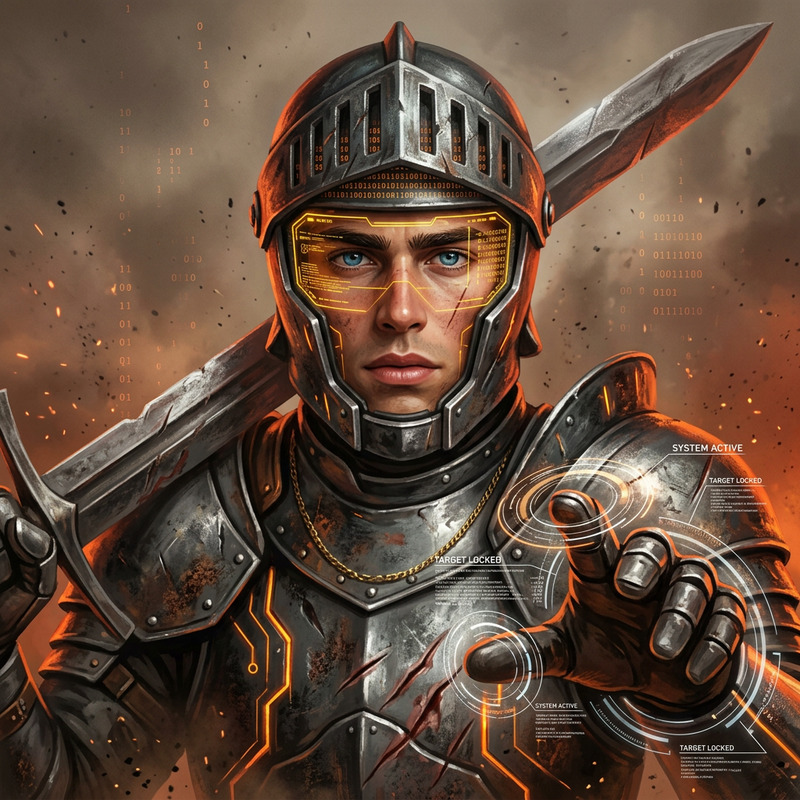
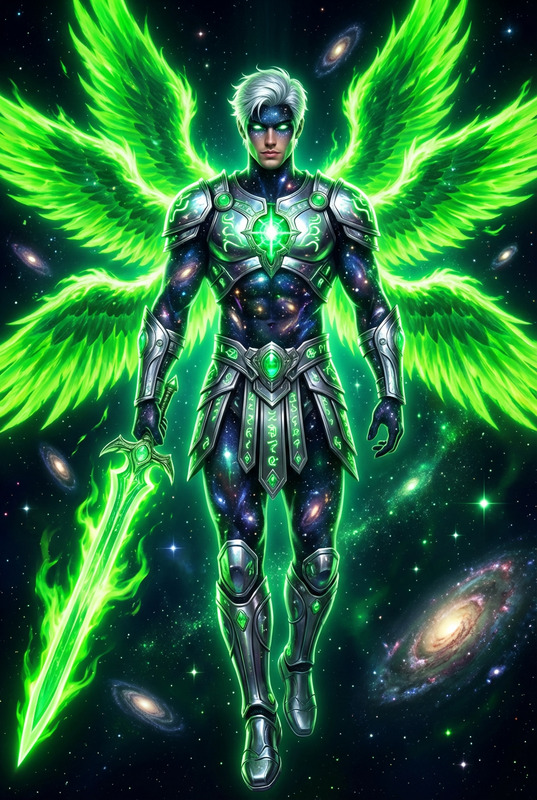
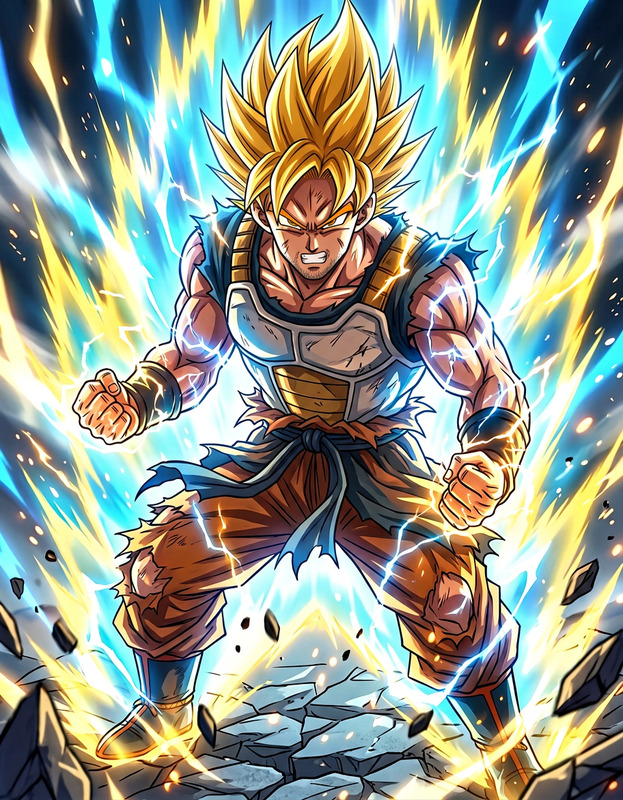
Alien warrior entity as subject, full-body composition, tall muscular build, white textured surface, sharp claw-like extensions, high-speed agility and powerful jump capability, wild flowing mane-like structure, glowing yellow eye elements, scarlet leather vest, gold chain with zodiac pendant, black arm bands and bracers, form-fitting white lower suit with red slash patterns, studded belt, knee-high red boots, heavy metal hard rock aesthetic, sci-fi superhero style, dynamic powerful stance

AI Image Editor Template: Turn Any Photo Into a Polished, On‑Brand Asset

Use this template to quickly transform raw images into clean, on-brand visuals with the AI Image Editor. Perfect for product shots, social posts, profile photos, pitch decks, and client work—without opening Photoshop or hiring a retoucher.


What You Can Do With This Template

This AI Image Editor–based template is designed for fast, repeatable edits that still look professional. Typical use cases:

This template gives you a repeatable workflow: upload an image, edit with AI, export a final asset that’s consistent with your brand or project.


How to Remix This Template in Magic Hour

You can create your own version of this template by remixing it inside Magic Hour. The idea is to chain together a few focused edits that match your use case.

1. Start from the AI Image Editor

  1. Open AI Image Editor.
  2. Upload the base photo you want to transform (product, headshot, lifestyle image, illustration, etc.).
  3. Use the editor to define what you want to keep, remove, or replace (e.g., subject, background, text regions).

2. Add your core editing steps

Depending on your scenario, combine these tools:

3. Make it repeatable for your brand or use case

To turn this into a reusable template for your workflow:

  • Decide on a consistent visual system:

    • Background type (solid color, gradient, studio, environment).
    • Framing (head-and-shoulders, full body via the Full Body Generator, product close-ups).
    • Style (photo-real, illustration, comic, anime, minimalist).
  • Define a standard pipeline you can repeat:
    Example for product marketing:

    1. Clean image with AI Image Editor + AI Remover
    2. Remove and regenerate background with Image Background Remover + AI Background Generator
    3. Upscale with AI Image Upscaler
    4. Export for ads, product pages, or social.

    Example for professional headshots:

    1. Start from a casual photo
    2. Use AI Image Editor + AI Face Editor for subtle improvements
    3. Generate a consistent background with AI Background Generator
    4. Create variants using AI Headshot Generator for different platforms (LinkedIn, website, slide decks).
  • Save your process and reuse it across campaigns, team members, or clients. Because this template is built on core Magic Hour tools, you can remix it anytime as your brand evolves.


Example Workflows You Can Build From This Template

1. Social & Content Thumbnails

  1. Import a screenshot or still frame into AI Image Editor.
  2. Remove clutter or irrelevant UI with AI Remover.
  3. Replace the background and add strong visual contrast via AI Background Generator.
  4. Design platform-specific thumbnails using the Thumbnail Maker.

You can also introduce stylized character versions of yourself using the Avatar Generator or AI Anime Generator for consistent, recognizable branding.

2. Branded Product Photography Without a Studio

  1. Upload raw product shots taken on a phone.
  2. Clean and isolate the product using Image Background Remover.
  3. Generate matching studio or lifestyle scenes with AI Background Generator.
  4. Upscale final results with AI Image Upscaler for marketplace listings, ads, and print.

If you sell apparel, you can experiment with the AI Clothes Changer or AI Fashion Generator to visualize different styles, colors, or looks based on the same base model shot.

3. Portfolio‑Ready Creative Concepts

For designers, illustrators, and creative teams:

  1. Start with reference photos.
  2. Edit and clean them in AI Image Editor, removing distractions and aligning composition.
  3. Transform them into stylized concepts with AI Art Generator, Comic Book Generator, Dark Fantasy AI, or AI Illustration Generator.
  4. Use these edited outputs as pitch visuals, mood boards, or concept art for clients and internal teams.

Extending This Template into Video, Memes, and More

Once you have strong edited images, you can plug them into other Magic Hour products for richer content:


Who This Template Is For

This AI Image Editor–based template is useful if you:

  • Build or run startups and need production-quality visuals quickly.
  • Work in marketing or growth, and want consistent imagery for campaigns, landing pages, and ads.
  • Are a creator on YouTube, TikTok, LinkedIn, or X and want faster cover images, thumbnails, and social graphics.
  • Design for clients and want to accelerate mockups, storyboards, and concept visuals.
  • Maintain brand guidelines and need a repeatable system for non-designers on your team.

Because this template is fully remixable, technical and non‑technical users can both adopt it into their workflows.


Related Magic Hour Tools Worth Exploring

To expand or specialize your version of this template, consider integrating:

Each of these can be combined with the core AI Image Editor workflow to build richer, more specialized templates for your team or product.


Getting Started

  1. Open the AI Image Editor.
  2. Upload an image you want to improve, restyle, or adapt.
  3. Combine background removal, object removal, upscaling, and style tools to create your own pipeline.
  4. Save your process so you can reuse and remix it across assets, campaigns, and clients.

Use this template as a starting point, then extend it with other Magic Hour tools until you have a custom, AI-powered editing system that fits your brand and production needs.

More Like This

Insufficient credits