Molten Halo Warrior
ai-image-editor
Any aspect ratio
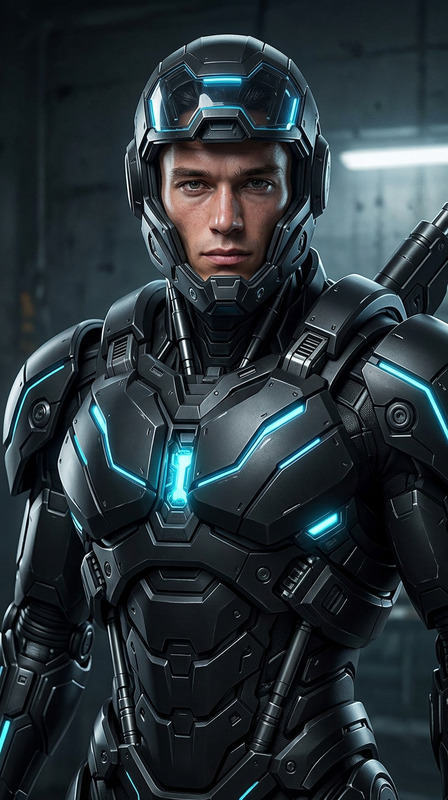
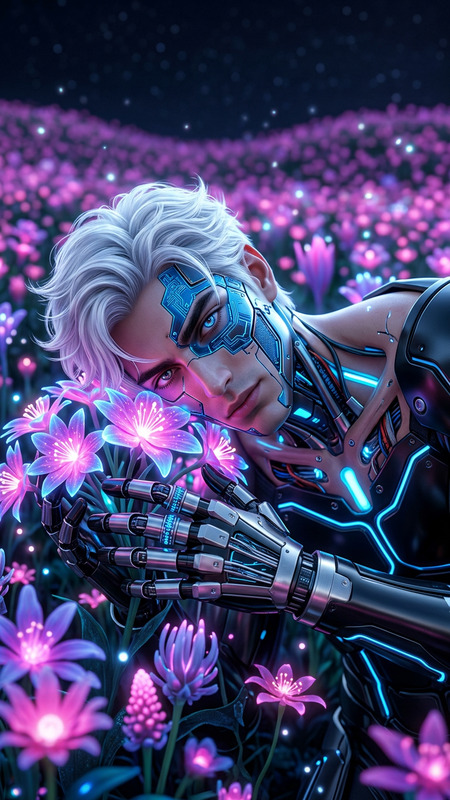
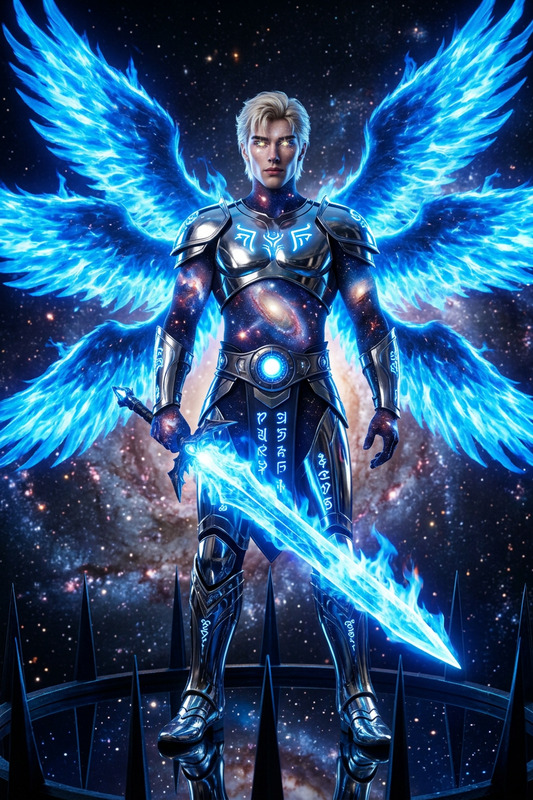
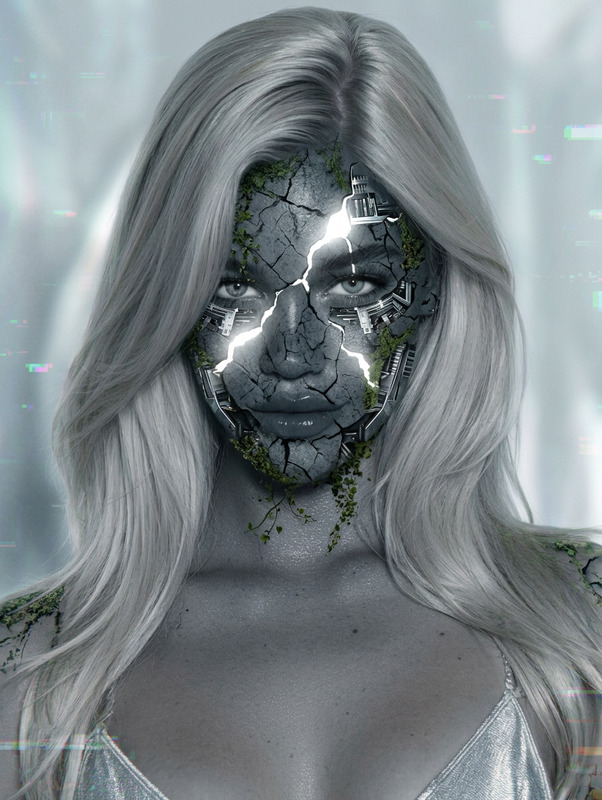
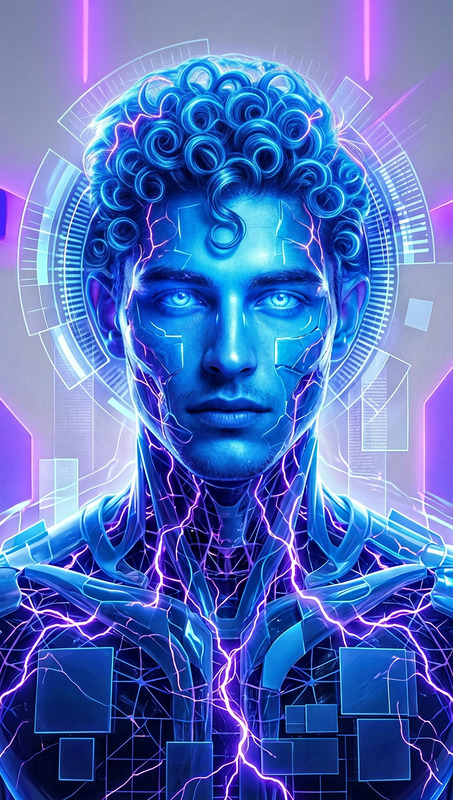
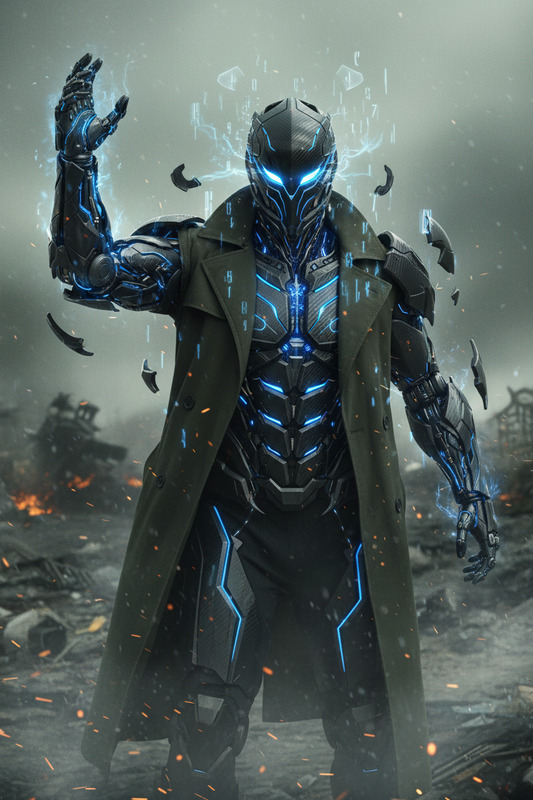
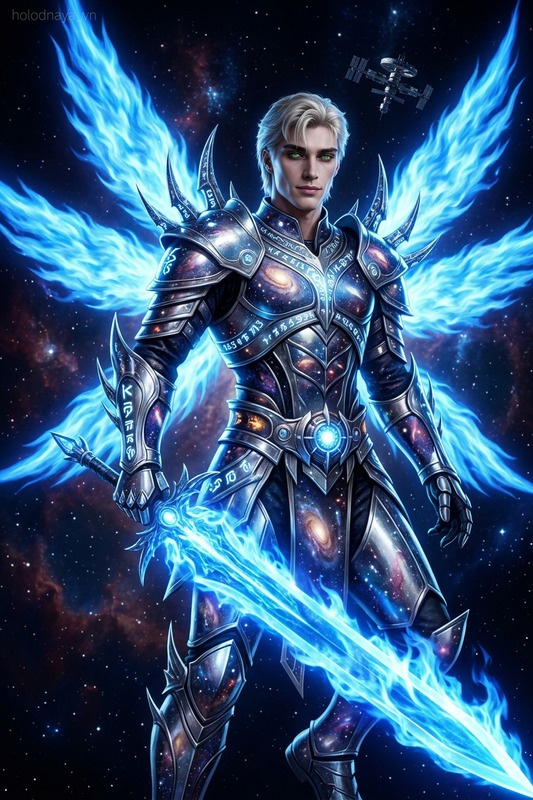
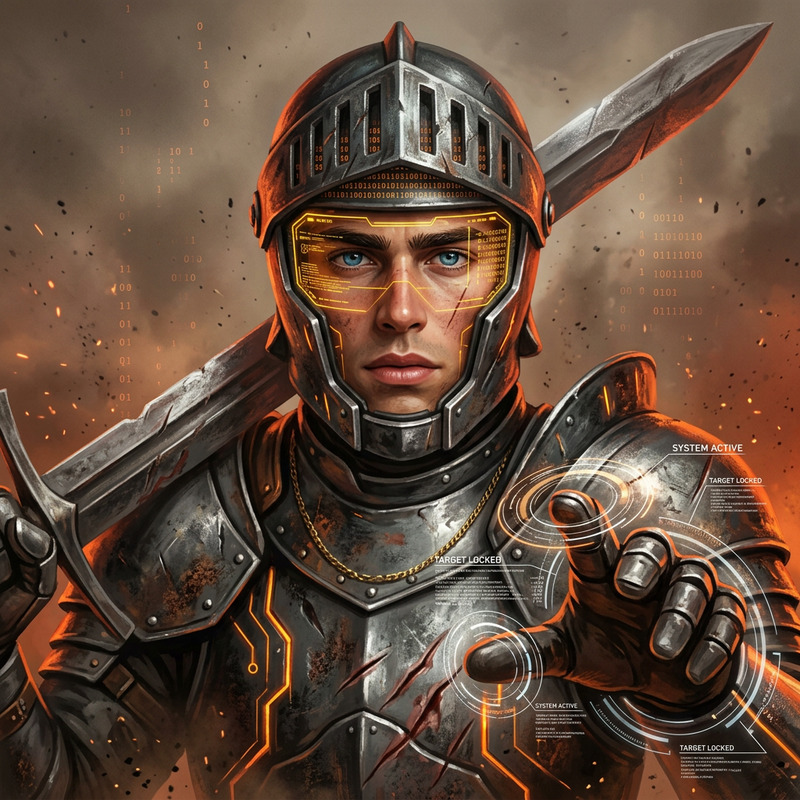
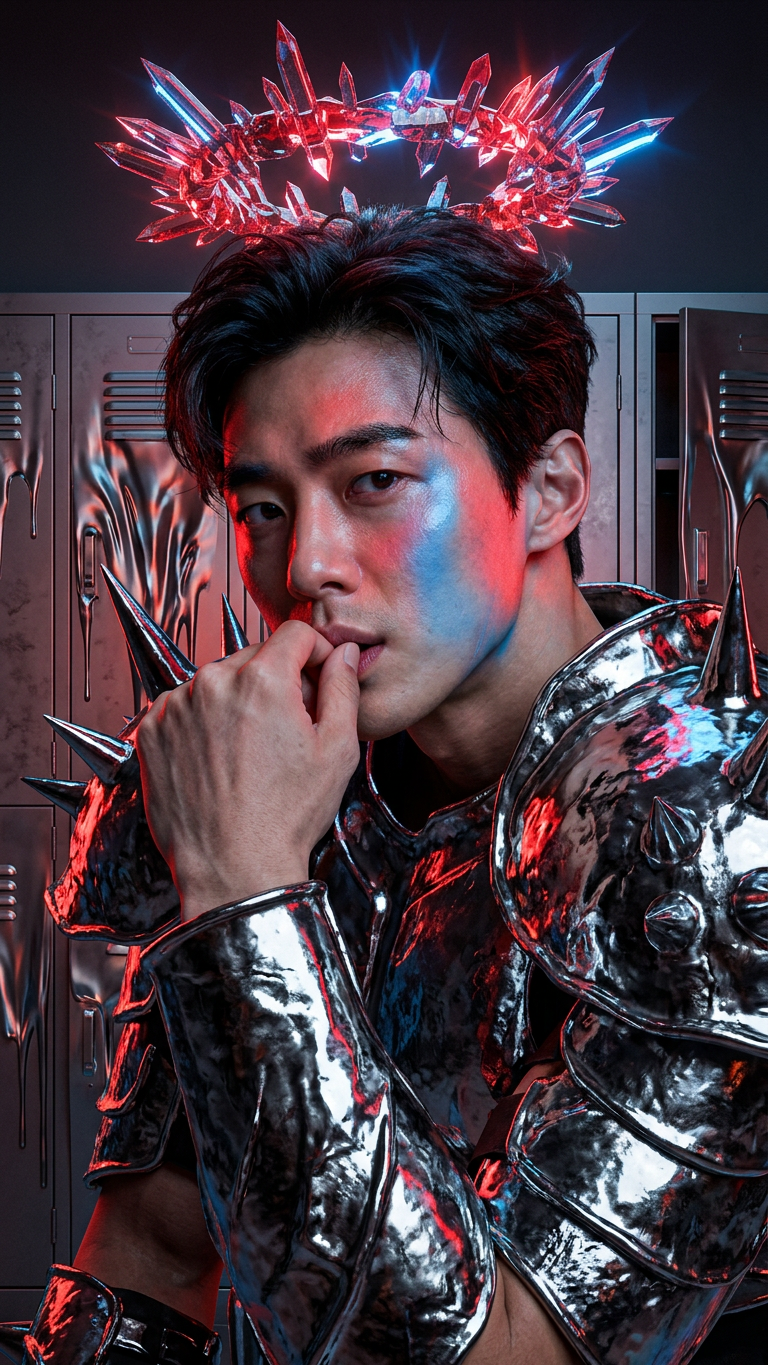
A brutalist glam warrior in asymmetrical molten chrome armor with oversized spiked shoulders stands in a locker room as a chaotic red and blue crystal halo levitates above his head, radiating energy; surrounding lockers melt and warp from the intense heat, cinematic lighting, ultra-detailed, dark futuristic atmosphere, 8K.
AI Image Editor Template: Clean Background Product Shot
Turn rough product photos into polished, studio-quality images in minutes. This template is built with the AI Image Editor and is designed for founders, marketers, and creators who need clean, on-brand visuals fast—without a full design team or complex tools.
What this template does
This template helps you:
- Remove messy or distracting backgrounds from product photos
- Replace backgrounds with clean, minimal, or on-brand scenes
- Fix lighting, colors, and minor imperfections
- Generate multiple variations for A/B testing (ads, thumbnails, PDPs)
- Maintain consistent style across your catalog or campaign
It’s ideal for:
- E‑commerce product shots
- SaaS / app mockups placed in device frames
- Social ads and landing page hero images
- Amazon, Etsy, Shopify, and marketplace listings
- Pitch decks and investor updates needing cleaner visuals
All of this is powered by the AI Image Editor, so you can work directly on top of your existing photos instead of starting from scratch.
How to remix this template in Magic Hour
You can create your own version of this template in a few minutes:
Open AI Image Editor
Go to the AI Image Editor.Upload your base image
Use a product photo, portrait, mockup, or any image you want to enhance or clean up.Describe your desired result in natural language
Examples:- “Remove the background, keep the shadows, and place the product on a soft white studio background.”
- “Put this coffee cup on a minimal wooden table with soft morning light.”
- “Make this product photo look like a premium Apple-style marketing shot.”
Use edit and mask tools for precision
- Erase objects or clutter (e.g., unwanted logos, cords, props).
- Highlight only the subject you want to keep and regenerate the background.
Tools like the AI Remover and Remove Object from Photo are especially helpful here.
Generate and iterate
- Compare multiple AI-generated variations.
- Save the best ones for use in ads, social, and landing pages.
- Quickly remix for different channels (e.g., cleaner version for PDP, bolder version for social ads).
Optional: extend to motion
If you want to take your edited image into video:- Use Image to Video to animate your final product shot.
- Use Video-to-Video to stylize existing clips to match your new visual style.
Once you’ve done this once, you effectively have your own reusable “template”: just upload a new product image, reuse your preferred prompt, and you’ll get consistent, on-brand results.
Example remix ideas
Use this template as a base and adjust it to your brand or use case:
DTC brands / e‑commerce
- “Make all photos look like they were shot on a white infinity background with soft shadows.”
- Extend with AI Image Upscaler to get crisp, zoomable images for product detail pages.
SaaS & apps
- “Place this screenshot inside a modern laptop on a clean gradient background.”
- Combine with the AI Image Generator to create on-brand abstract backgrounds behind device frames.
UGC & paid social
- Clean up creator photos, remove messy rooms, and drop the subject into brand-consistent scenes.
- Add movement using Image to Video or turn moments into short loops with the AI GIF Generator.
Marketplaces (Amazon, Etsy, Shopify)
- Standardize backgrounds to meet marketplace guidelines (e.g., pure white or light neutral).
- Use Unblur Image to recover slightly soft or noisy product photos.
Pair this template with other Magic Hour tools
For more advanced or specialized workflows, this template plays well with:
Portraits, founders, and team photos
- Use AI Headshot Generator for consistent, professional headshots.
- Refine facial details or style with AI Face Editor and AI Face Generator.
Brand storytelling & creative campaigns
- Generate custom backgrounds or worlds around your product with the AI Art Generator or AI Background Generator.
- Turn static visuals into story panels with the Comic Book Generator or AI Illustration Generator.
Social content & ads
- Create scroll-stopping thumbnails with the Thumbnail Maker.
- Turn cleaned-up product shots into meme-style creatives with the AI Meme Generator.
- Add auto-generated captions to video ads using the Auto Subtitle Generator.
Logos, icons, and brand assets
- Design simple on-brand icons or UI elements to pair with your product shots using the AI Icon Generator or AI Logo Generator.
- Create cohesive avatars or brand characters with the Avatar Generator or Animated Characters Generator.
Why use AI Image Editor for this instead of manual tools?
For time-constrained creators and operators, this template helps you:
Reduce reliance on manual retouching
Traditional tools require layer management, masking, and manual color correction. With the AI Image Editor, natural-language edits and smart selection dramatically accelerate the workflow.Maintain visual consistency at scale
Use the same prompt and editing pattern across dozens or hundreds of images to keep your catalog visually coherent.Ship assets faster
Whether you’re updating a pitch deck, launching a new product line, or testing ad creatives, you can go from raw photo to publish-ready image in minutes.Iterate creatively without re-shoots
Need a different background, mood, or angle emphasis? Generate new variations based on the same core shot instead of re-booking a studio.
Advanced remix workflows for builders
If you’re a developer, marketer, or founder building repeatable content systems, you can:
Standardize a process
- Define a prompt such as: “Clean ecommerce product shot on pure white background with soft shadow, no reflections, centered composition.”
- Use this same prompt across all new product photos to maintain brand consistency.
Create content pipelines
- Generate AI-native product visuals using AI Photo Generator or AI Art Generator.
- Clean and normalize them with this AI Image Editor template.
- Upscale final outputs using AI Image Upscaler for print or high-res web.
Extend into video and animation
- Take your final edited image into Image to Video to create short product animations.
- If you already have footage, use Video-to-Video to harmonize the video’s style and color with your new images.
Related templates and tools worth exploring
If you like this AI Image Editor template, you may also want to explore:
- Face Swap Video – for creator/influencer-style ads or UGC concepts.
- Lip Sync – turn static visuals into talking content to explain product benefits.
- Animation – bring edited characters or product mascots to life.
- AI Talking Photo – animate founders or testimonial photos for landing pages.
- AI QR Code Generator – create scannable, visually branded QR codes that match your new visual style.
Use this template as a reliable starting point whenever you need fast, clean, professional product visuals. Upload, describe what you want, iterate a couple of times, and you’ll have consistent, high-quality images ready for your storefront, pitch deck, or next campaign.