Cosmic Chrome Superbeing

Cosmic Chrome Superbeing

ai-image-editor

1 clip
3 uses

Any aspect ratio

Prompt

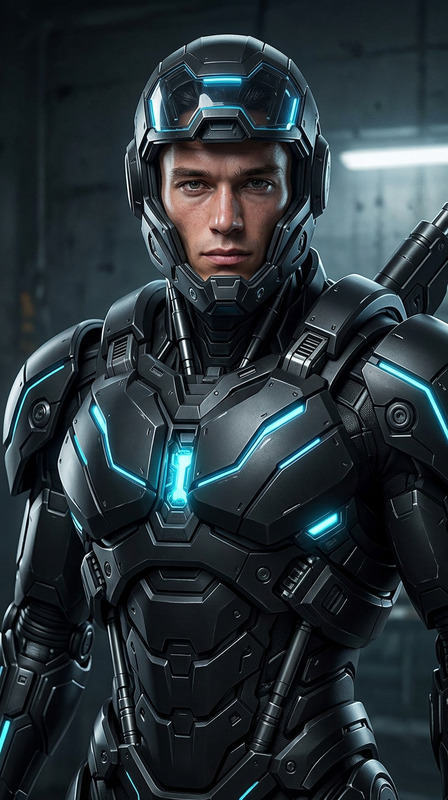
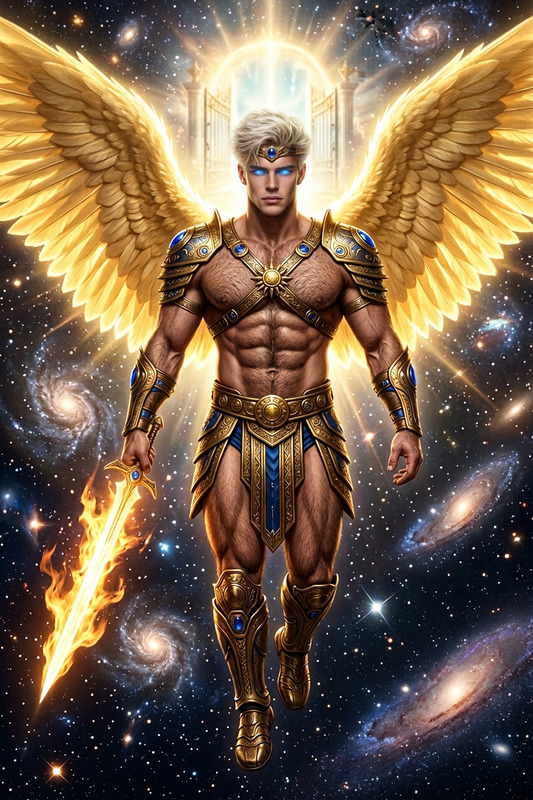
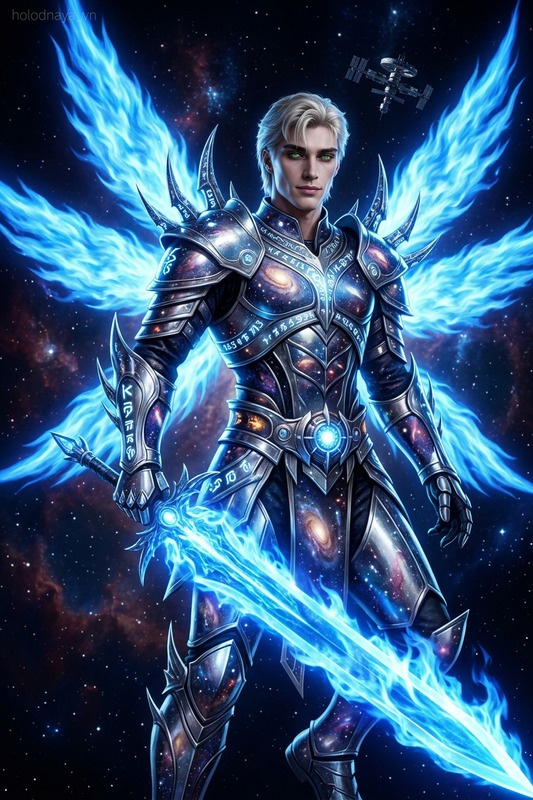
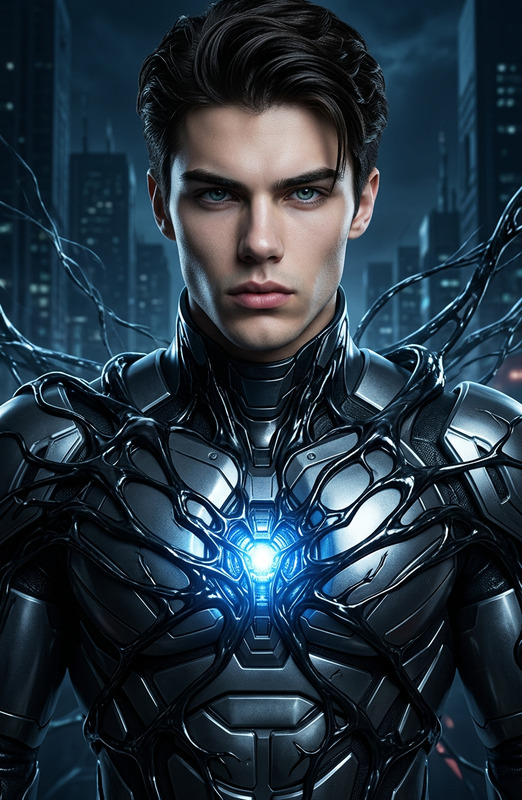
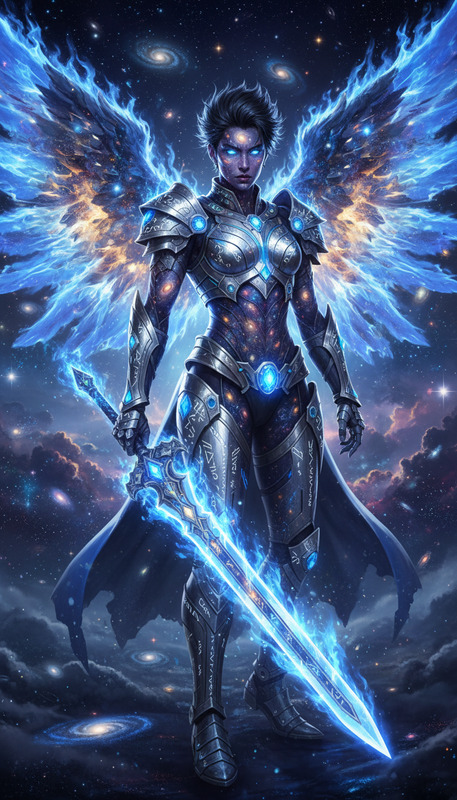
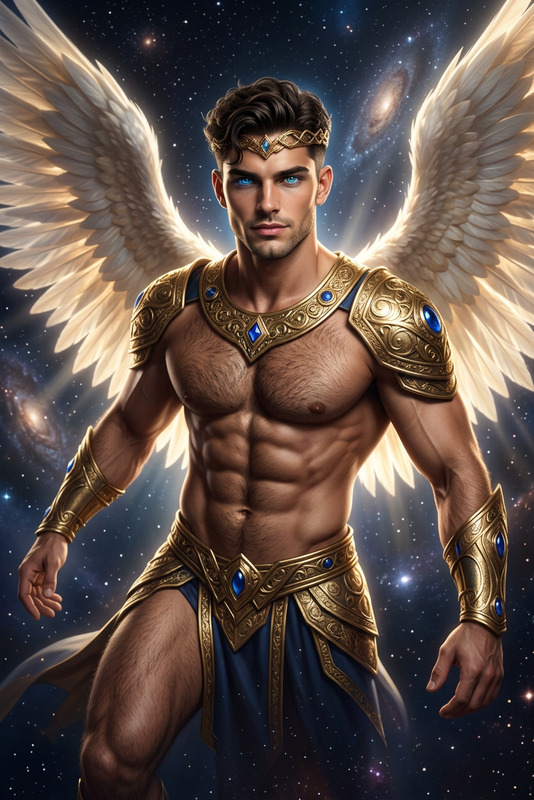
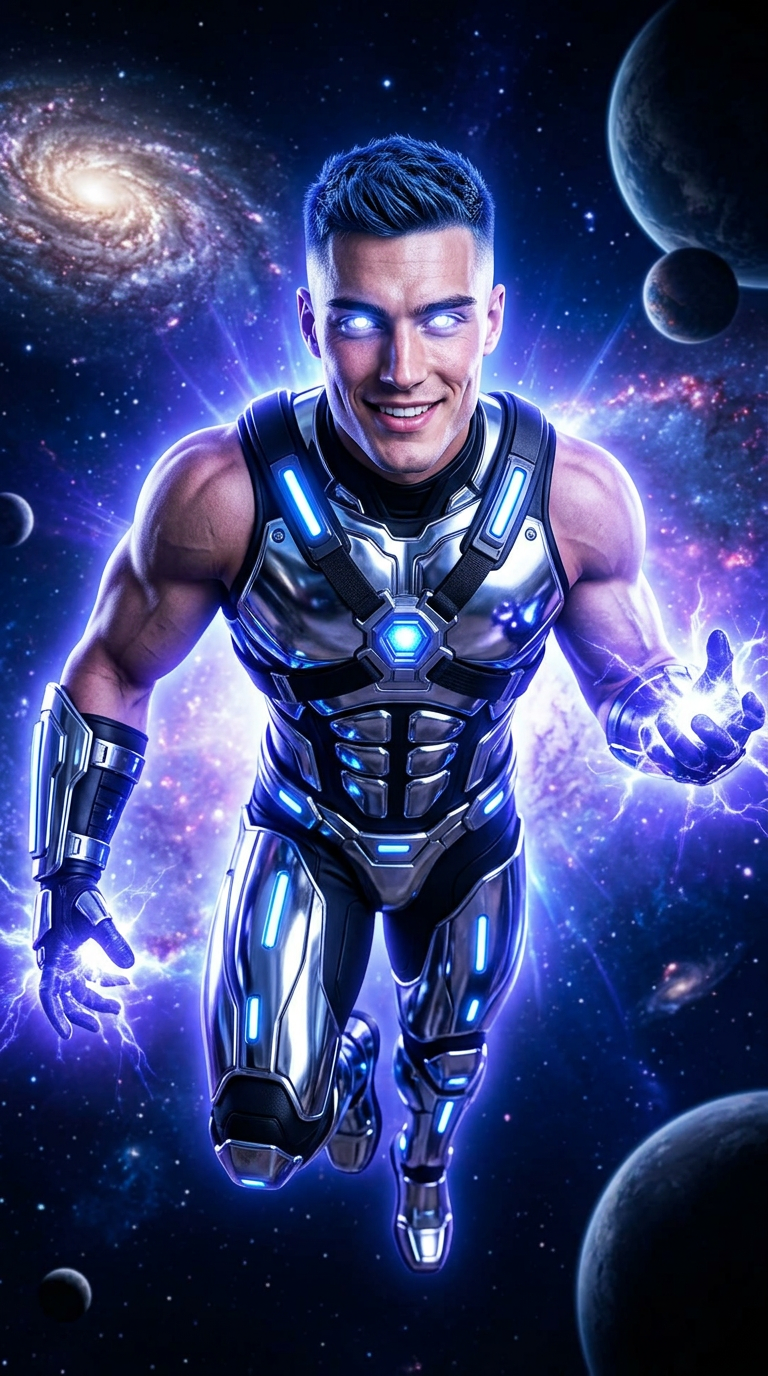
A cinematic ultra-detailed image of a subject depicted as an ultra-futuristic cosmic superhero, a space warrior radiating blue-violet energy like a star, with glowing white star-like eyes and the ability to control energy at a molecular level, flying through the vacuum of space. The subject features a tall, muscular bodybuilder physique with broad chest and back, defined abs, strong limbs, short blue-black hair in a high fade with textured spikes, and a rugged, clean-shaven face. The subject wears minimal chrome tech armor including a chest harness, belt, gauntlets, arm bands, pauldrons, thigh guards, and knee-high boots, all accented with blue-violet lights, emitting a radiant aura while flying in a dynamic full-body pose through a cosmic environment, rendered in a high-detail cinematic style.

AI Image Editor Template: Clean Background Product Photo

Turn any rough product snapshot into a clean, studio-style product image in seconds. This template uses the AI Image Editor to remove distractions, refine lighting, and create a polished background that’s ready for e‑commerce, ads, or pitch decks.


What This Template Does

This template is designed for fast, reliable product clean‑ups:

  • Remove cluttered or messy backgrounds
  • Replace with a clean, minimal backdrop (e.g., white, light gray, brand color)
  • Sharpen product details and improve visual clarity
  • Preserve your original product shape, colors, and proportions
  • Export ready‑to‑use images for marketplaces, social, and landing pages

It’s especially useful for:

  • E‑commerce founders and marketers standardizing product shots
  • Designers creating consistent visuals across web and mobile
  • Creators preparing sponsor posts or affiliate content
  • Teams updating decks, one‑pagers, and investor materials

Under the hood, this workflow uses image segmentation and generative in‑painting to separate your subject from the background, then rebuilds a clean backdrop around it.


How to Use This Template in Magic Hour

  1. Upload your product photo
    Use any clear image: smartphone shots, early prototypes, screenshots of mockups, or existing catalog photos.

  2. Apply the AI Image Editor
    The template automatically:

    • Detects the main subject (your product)
    • Cleans or replaces the background
    • Smooths noise and artifacts while keeping key details
  3. Adjust and regenerate as needed
    If you want a different aesthetic (dark background, colored backdrop, subtle gradient, etc.), simply remix the result by describing the style you want, then regenerate.

  4. Export and reuse everywhere
    Download the final image and use it on:

    • Shopify, Amazon, Etsy, or other marketplaces
    • Marketing sites and landing pages
    • Paid ads, email campaigns, and social posts

How to Remix and Create Your Own Version

You can turn this template into your own custom workflow inside Magic Hour:

  • Change the background style
    Remix with variations such as:

    • Full white / #FFFFFF for Amazon‑style product photos
    • Soft gradient backgrounds for SaaS or DTC brands
    • Textured studio looks (concrete, wood, fabric)
    • Brand‑color backdrops aligned with your design system
  • Target specific use cases
    Duplicate the template and tune it for:

  • Build multi‑step pipelines
    Combine the AI Image Editor with other Magic Hour tools to create richer flows, for example:

Once you like your flow, save it as your own template so your team can reuse it consistently.


Best Practices for High‑Quality Product Edits

To get the most out of this template:

  • Start with a reasonably clear photo
    The AI works best when your product is not heavily blurred or blocked by other objects. If the image is soft or low‑res, pre‑enhance it with Unblur Image or AI Image Upscaler.

  • Keep the subject well‑defined
    Centered or clearly separated products (e.g., placed on a table or held in hand) are easier to segment and edit cleanly.

  • Use consistent framing
    For catalog work, try to keep similar distances and angles between product and camera; this makes your final gallery feel unified.

  • Preserve brand realism
    For physical products, avoid heavily stylized or surreal backgrounds unless that’s part of your brand. Clean, neutral environments usually convert best in e‑commerce tests, according to public marketplace guidelines from platforms like Amazon and Etsy.


Example Workflows You Can Build from This Template

Use this template as a starting point and evolve it into more advanced flows:

  • E‑commerce catalog pipeline

    1. Clean background with AI Image Editor
    2. Enhance and upscale with AI Image Upscaler
    3. Generate alternate colorways or mockups with AI Image Generator
  • Social and ad creative pipeline

    1. Clean product photo
    2. Create on‑brand ad concepts with AI Art Generator or AI Illustration Generator
    3. Turn the image into motion assets with Image to Video or Text to Video
  • Founders and product teams

    • Generate investor‑ready slides by cleaning hardware or app mockup shots, then embedding them into decks.
    • Quickly test different visual directions for brand refreshes without a full reshoot.

Related Magic Hour Tools You Might Want to Combine

If you’re building a more sophisticated workflow, consider pairing this template with:

If your products involve faces or people, you can also integrate:


Going Beyond Static Images

Once your product shot looks the way you want, you can turn it into richer content without leaving Magic Hour:


Why Use This Template Instead of Manual Editing?

Traditional background cleanup requires tools like Photoshop and can take 10–20 minutes per image for a skilled editor. With this AI Image Editor template, you can:

  • Standardize entire catalogs in a fraction of the time
  • Iterate quickly on visual direction without extra shoots
  • Let non‑designers on your team produce production‑ready assets
  • Keep everything in a single, AI‑native workflow you can clone, version, and share

For creators and teams who care about brand quality but need to ship fast, this template is a practical default: reliable enough for production, flexible enough to remix for experiments, and composable with the rest of the Magic Hour toolset.

More Like This

Insufficient credits