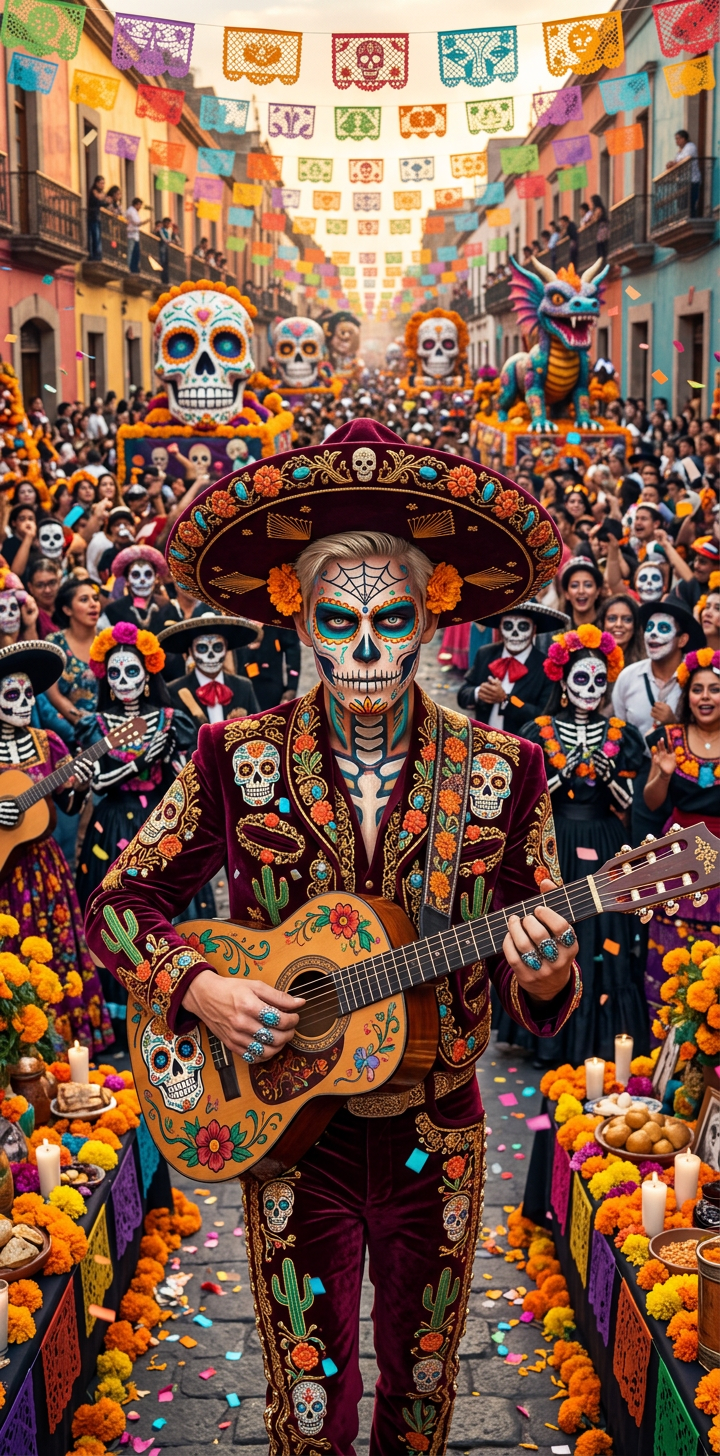
Dia de los Muertos Parade Capture
- Model
- Nano Banana 2
- Image
- 720 × 1456 px
Prompt
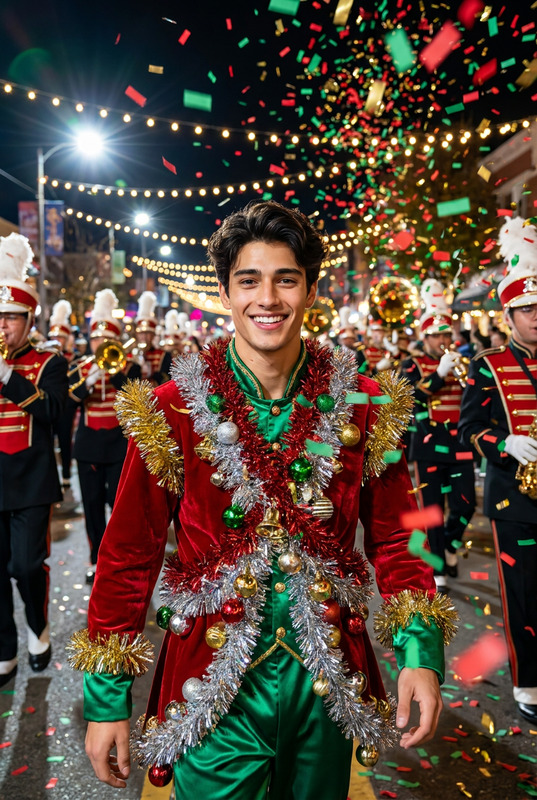
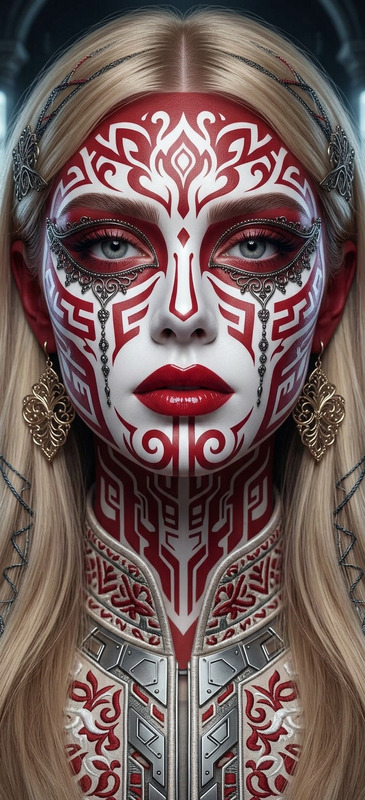
Subject depicts high-resolution photography capturing the vibrant Dia de los Muertos parade in Mexico City, showcasing intricate traditional costumes, colorful face paint, and festive decorations. Scene immerses in a lively atmosphere with ultra-realistic detail and artistic flair. Composition uses aspect ratio 1:2 with rich colors, dynamic energy, and stylized aesthetic.
Any aspect ratio
Overview
The Dia de los Muertos Parade Capture template in the AI Image Editor lets you transform still images into vibrant video content celebrating the cultural richness of Mexico's famous festival. Capture the spirit of the Dia de los Muertos with high-resolution AI-enhanced visuals.
What It Does
This AI Image Editor template captures the dynamic energy of the Dia de los Muertos parade with detailed imagery featuring traditional costumes and colorful face paint. It leverages the AI Image Editor capabilities to enhance your video projects with rich colors and artistic flair, ideal for storytelling and documentation.
Who It’s For
Perfect for content creators, video editors, and cultural enthusiasts, this template brings the Dia de los Muertos festival to life. It's also suitable for agencies involved in tourism or cultural projects and educators aiming to teach about global traditions through interactive photos.
Summary
Utilize this template to create stunning video clips that reflect the essence of traditional Mexican celebrations. With the aid of AI Image Generator technology, visuals are rendered in an ultra-realistic style, making your content both engaging and educational.
How-To
Choose Template

Customize Settings

Generate Video

Use Cases
Cultural Presentations
- Highlight historical significance
- Showcase traditional attire
- Educate through visual storytelling
Social Media Content
- Expand cultural reach
- Attract global audiences
- Boost engagement with colorful visuals
Tourism Promotions
- Entice visitors with immersive previews
- Showcase festival highlights
- Support local cultural initiatives
Best Practices
Select High-Resolution Images
Ensure input images are high-resolution to maintain video quality.Focus on Detail
Highlight particular elements of the parade, such as costumes and face paint, to enhance the cultural narrative.Color Correction
Use the editor's color options to bring out the vibrancy typical of Dia de los Muertos celebrations.