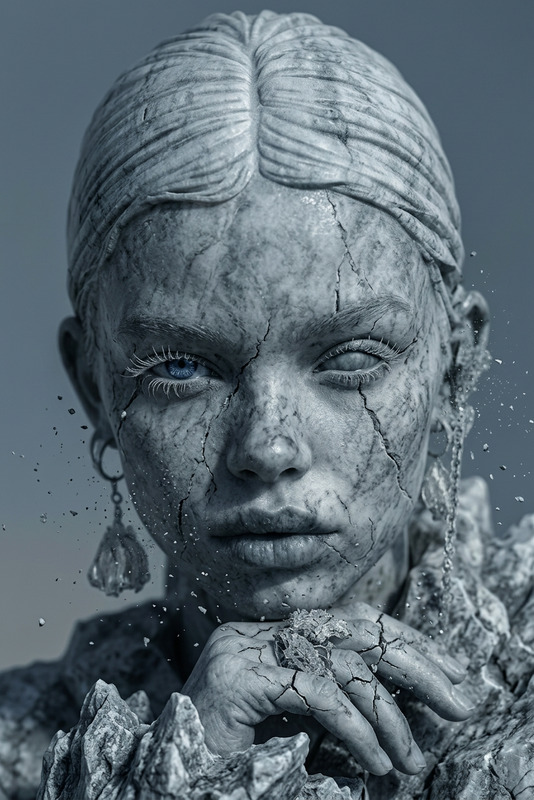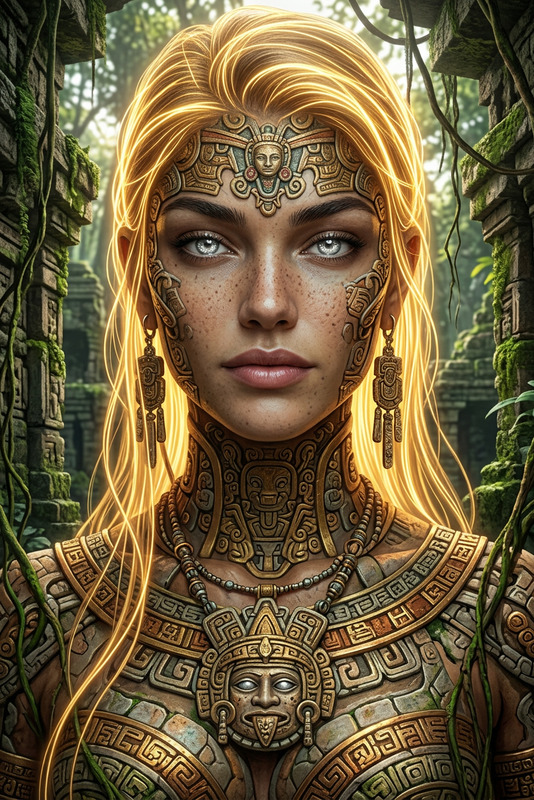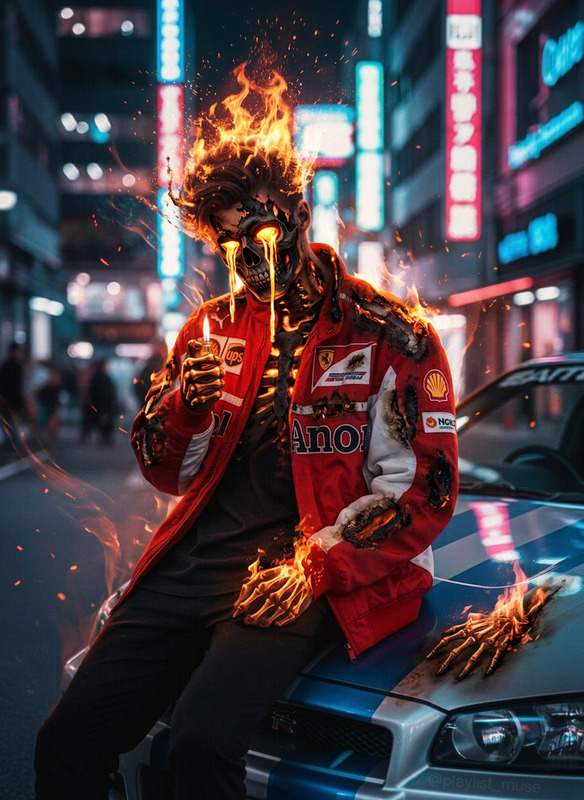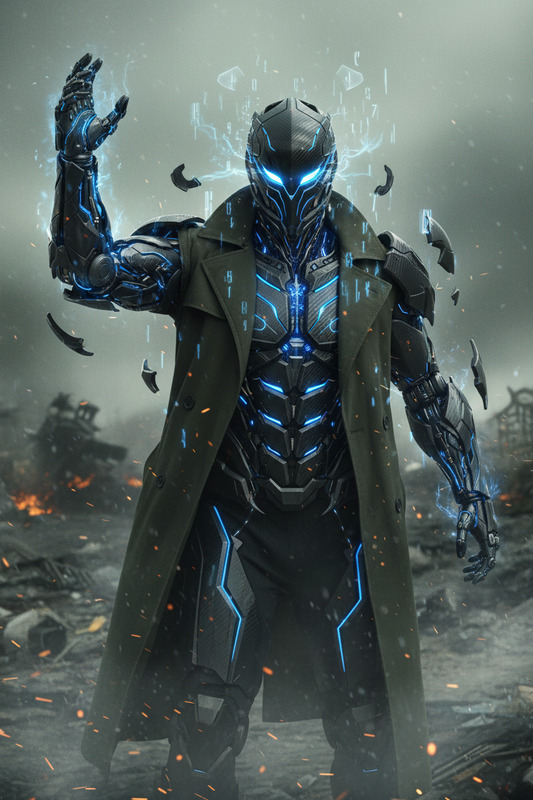
Lich Awakening – Vertical Apocalypse
- Model
- Nano Banana 2
- Image
- 768 × 1370 px
Prompt
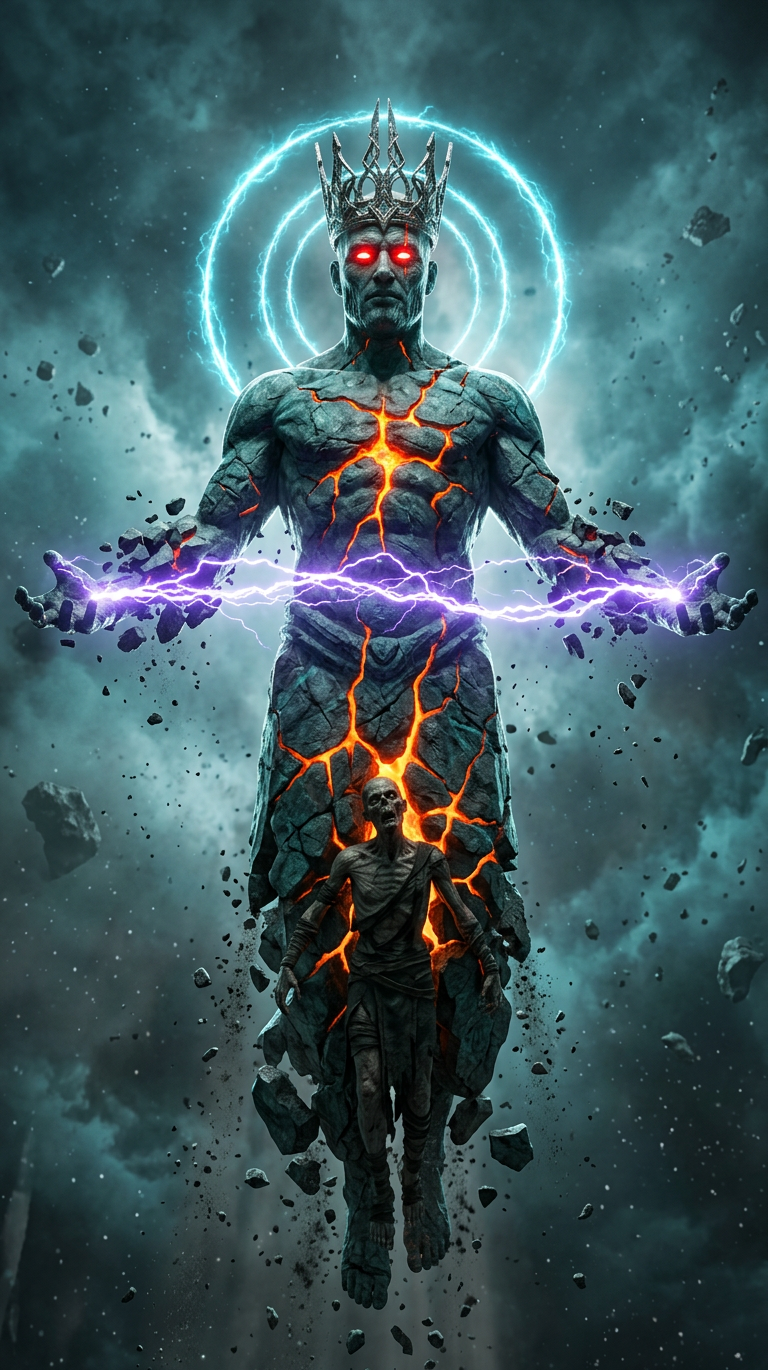
subject transform a monolithic stone deity levitates in a cruciform pose, viewed from an extreme low angle, crowned with jagged metal and surrounded by flickering cyan energy halos. Eyes glow with intense crimson light. The body is cracking apart with molten fissures, revealing a glowing lava core and a gaunt necrotic figure emerging beneath. Stone fragments disintegrate into dust as violet plasma arcs between the hands. Volumetric fog, floating debris, and high-contrast rim lighting fill the scene. Cold slate-grey and teal palette contrasted with molten orange and electric violet energy. Ultra-detailed, photorealistic, high-end VFX, 8K resolution.
Any aspect ratio
Overview
The "Lich Awakening – Vertical Apocalypse" is a specialized AI Image Editor template designed for those who want to create vividly detailed and dramatic apocalyptic scenes. Utilizing the powerful nano-banana-2 model, it transforms your creative vision into ultra-realistic images with dynamic energy and high-end VFX quality.
What It Does
This template employs advanced AI capabilities to render a monolithic stone deity levitating in a cruciform pose, surrounded by intense visuals such as cyan energy halos and crimson glowing eyes. It incorporates high-contrast rim lighting and intricate details like floating debris and volumetric fog for stunning photorealism.
Who It's For
The "Lich Awakening – Vertical Apocalypse" is ideal for visual artists, animators, and content creators looking to enhance their projects with apocalyptic themes. It's also perfect for game designers and filmmakers seeking to incorporate epic storytelling elements into their works. For similar visual transformations, consider exploring our AI Image Generator or AI Video Generator.
Summary
Leveraging the cutting-edge AI Image Editor platform, this template offers a comprehensive toolkit for creating detailed apocalyptic scenes. Its advanced VFX support and photorealistic rendering make it a valuable addition for any creator seeking high-quality output.
How to Use
Choose the Template

Customize Your Image

Generate and Save

Use Cases
Content Creation
- Use in graphic novels for compelling backdrops
- Incorporate into video projects for dynamic scenes
Game Development
- Design levels with immersive atmosphere
- Create game trailers with high-impact visuals
Film and Animation
- Integrate into post-production for enhanced visual appeal
- Craft short films with dramatic apocalyptic settings
Best Practices
Leverage Lighting
Use the template's high-contrast rim lighting to enhance the depth and drama of your scene.Fine-Tune Details
Adjust the subject transformation settings to achieve the desired narrative effect, focusing on intricate details like the glowing lava core.Experiment with Color Palette
Play with cold slate-grey, teal, and molten orange tones to create unique visual contrasts.