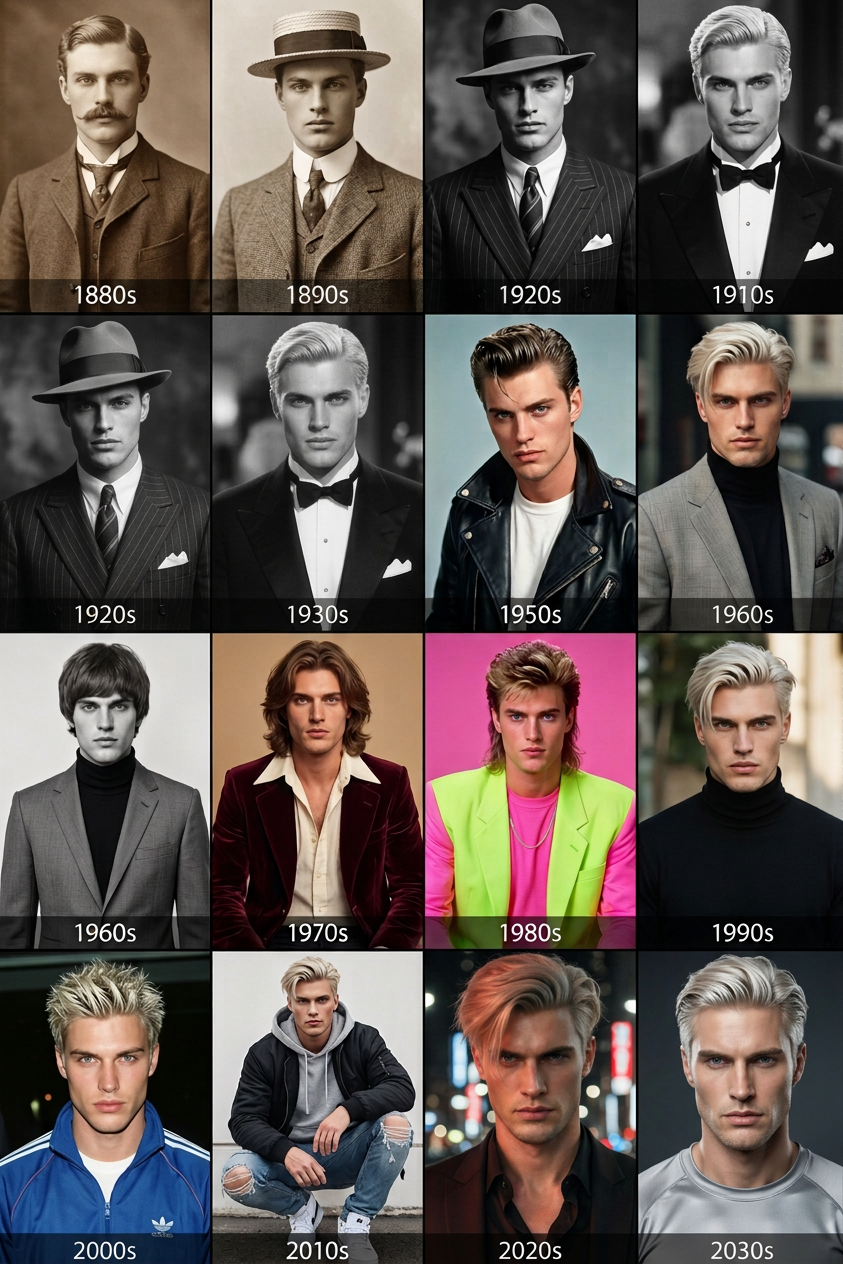
Evolving Through Eras:Fashion Portrait Timeline
ai-image-editor
Any aspect ratio
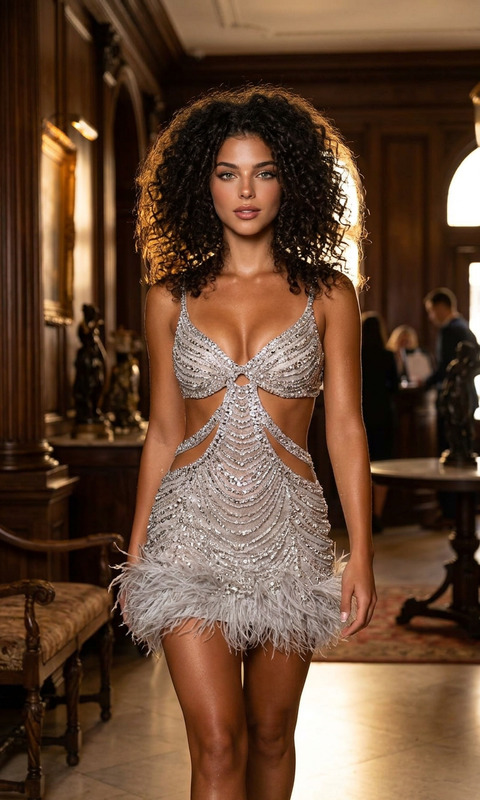
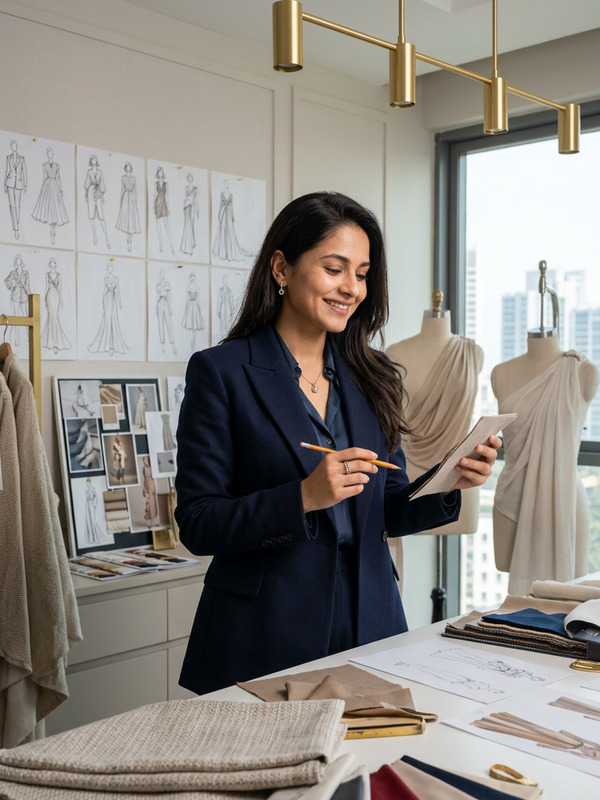
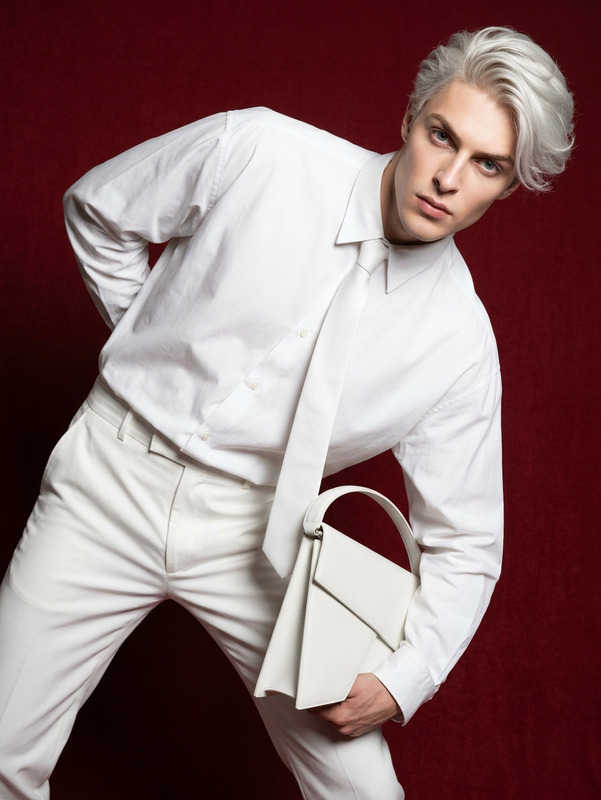
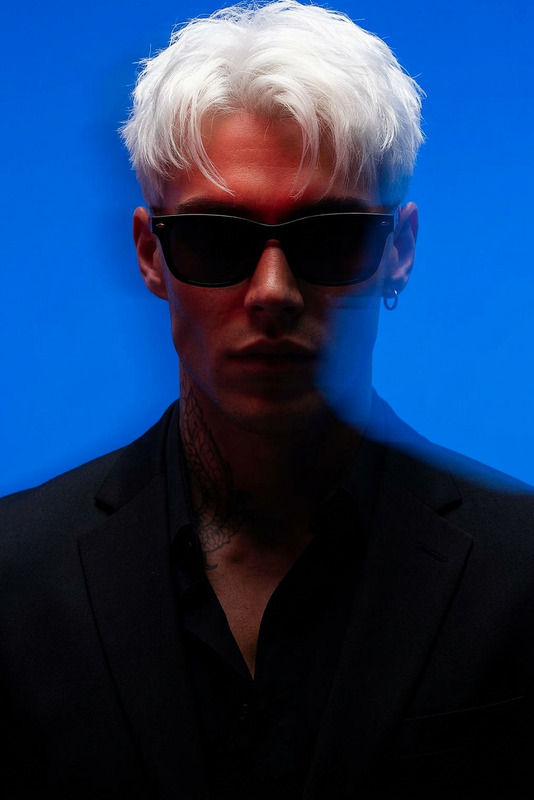
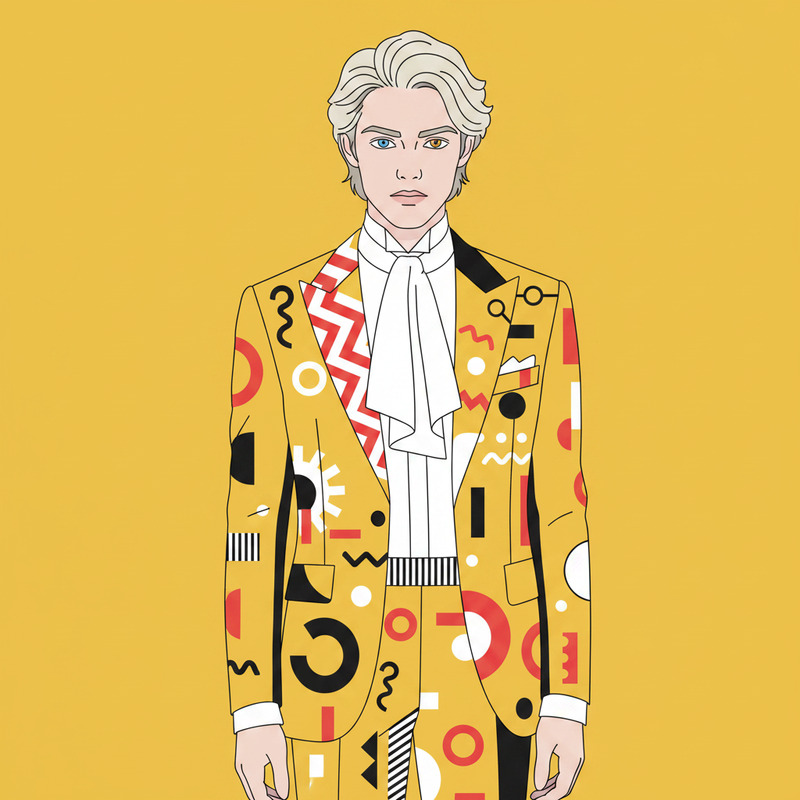
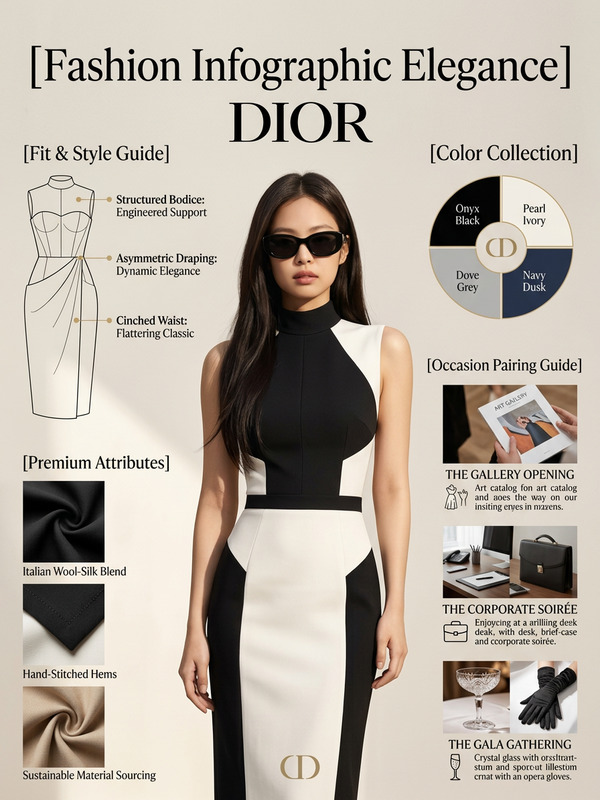
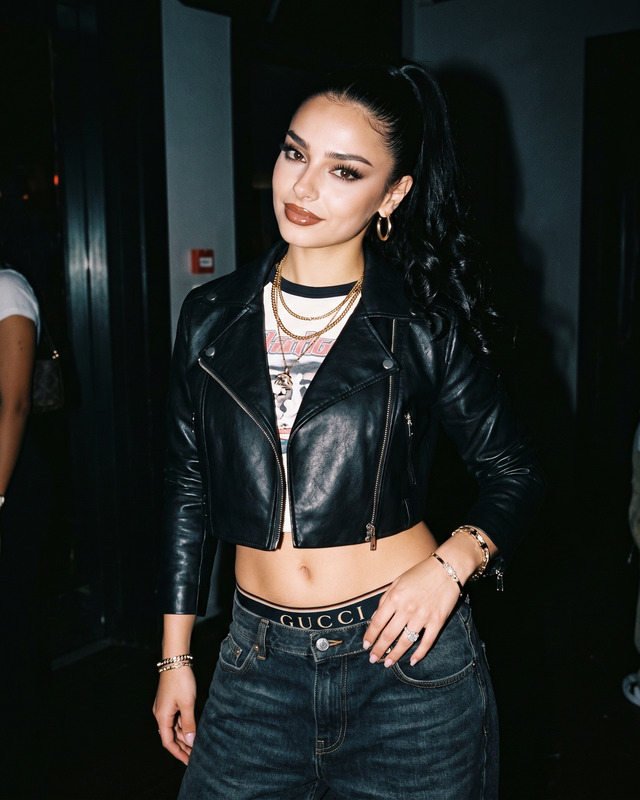
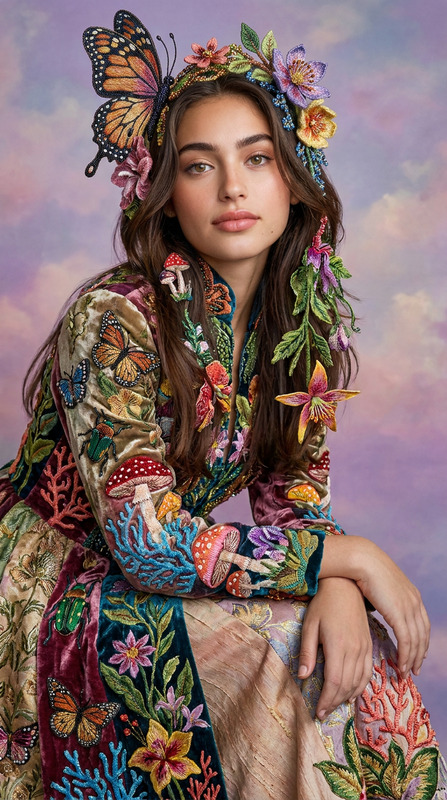
Single subject consistently styled across 16 historical eras from 1880s to 2020s, maintaining the same identity while showcasing evolving fashion, hairstyles, and beauty standards in each era; historical fashion editorial progression from Victorian dress, Edwardian elegance, 1920s flapper, 1930s glam, 1940s wartime style, 1950s classic couture, 1960s mod, 1970s boho, 1980s bold neon fashion, 1990s minimalism, Y2K aesthetic, 2010s streetwear, to modern 2020s contemporary style; each frame reflects its era’s photographic technique and mood, from sepia vintage film to modern high-resolution digital photography; cohesive timeline composition, museum-style fashion evolution, ultra-detailed editorial presentation.
AI Image Editor Template: Turn Any Idea Into a Polished Visual in Minutes
Use this template to rapidly edit, enhance, and transform images with the AI Image Editor. Whether you are a marketer refining campaign assets, a founder preparing pitch visuals, or a creator iterating on design concepts, this template gives you a repeatable, remixable workflow you can adapt for any project.
What This Template Is For
This template is ideal if you want to:
- Clean up or retouch existing photos (social posts, product shots, thumbnails, ads)
- Remove or replace objects, text, or people in an image
- Change backgrounds, lighting, or style while keeping core content intact
- Generate multiple creative variations of a single concept for testing
- Prepare assets for other Magic Hour tools (e.g. face swap, lip sync, image-to-video)
You can use it as a starting point and remix it into your own editing pipeline inside Magic Hour.
How to Remix This Template in Magic Hour
You can recreate and customize a version of this template inside Magic Hour in just a few steps:
Open the AI Image Editor
Start from the AI Image Editor. Upload any image you want to improve, redesign, or repurpose (product photos, portraits, UGC, screenshots, etc.).Define Your Editing Goal Clearly
Before making changes, decide what “success” looks like for this edit. Examples:- “Make this LinkedIn headshot look more professional while still realistic.”
- “Turn this plain product photo into a polished e‑commerce hero image.”
- “Remove the clutter and add a clean, brand‑consistent background.” Use that goal to guide all subsequent edits.
Use Natural Language Prompts for High-Level Changes
Describe the desired outcome directly in plain language. For example:- “Brighten the image, soften skin slightly, and keep natural texture.”
- “Replace the background with a minimal, light gray studio backdrop.”
- “Turn this into a cinematic, moody poster-style image with subtle grain.” The AI Image Editor is optimized for prompt-based editing, making it easy to experiment and iterate rapidly.
Refine, Compare, and Iterate
- Generate multiple variations and compare them side by side.
- If something is close but not perfect, use your previous result as the input and refine your prompt (“same composition, less saturation, slightly warmer skin tones”).
Treat this as a fast A/B testing loop for visuals.
Export and Chain Into Other Magic Hour Tools
Once you have a strong edited image, you can:- Turn it into a talking avatar with AI Talking Photo
- Animate it into video with Image to Video or Text to Video
- Upgrade resolution with AI Image Upscaler for print or large formats
- Convert it to a GIF with the AI GIF Generator for social and messaging
This template is intentionally simple and flexible so you can remix it for different teams and use cases.
Practical Use Cases for Creators, Marketers, and Builders
Below are common workflows this template supports, along with related Magic Hour tools you can chain together for more advanced projects.
1. Social & Creator Workflows
- Polish thumbnails, banners, and cover art with the AI Image Editor
- Turn static thumbnails into motion assets or short loops with:
- Design unique channel art or series branding with:
Template remix idea:
Use the AI Image Editor to create a clean base thumbnail, then generate 3–5 style variants (e.g. minimalist, comic, cinematic) and test them with your audience or ad platform.
2. Marketing & Performance Creative
For growth and performance teams, this template can anchor a repeatable creative pipeline:
- Start with your base product or lifestyle photo.
- Clean and enhance it using the AI Image Editor.
- Generate new creative directions with:
- AI Background Generator for contextually relevant scenes
- AI Fashion Generator or AI Outfit Generator to explore different look-and-feel variations on models
- AI Logo Generator for on-image branding elements
- Prepare variants for A/B tests across channels.
Template remix idea:
Build a “campaign concept lab” version of this template:
- Upload your core product image.
- Use natural language prompts to create 5–10 conceptually distinct looks (seasonal, premium, playful, minimalist, UGC-style).
- Export the best-performing ones and convert them into animated assets with Text to Video or Image to Video.
3. Founders & Startup Builders
If you’re moving fast and don’t have a full design team, this template can act as your visual assistant:
- Generate pitch deck imagery with the AI Art Generator or AI Illustration Generator, then refine those images with the AI Image Editor.
- Create professional founder headshots using:
- AI Headshot Generator
- AI Selfie Generator
- Then retouch or adapt them for different channels via this template.
- Build brand visuals (icons, logos, app screens) via:
- AI Icon Generator
- AI Logo Generator
- Then unify the look with global adjustments using AI Image Editor.
Template remix idea:
Create a “startup brand kit” version of this template:
- A base image editing flow for your logo, product screenshot, and founder photo.
- Standard prompts that apply consistent color grading, background choices, and visual style across all assets.
4. Product, UX, and Technical Teams
Use this template to experiment visually before committing engineering or design resources:
- Generate quick product mockups via AI Image Generator or AI Photo Generator, then refine them with the AI Image Editor.
- Explore interface layouts or conceptual screens with:
- AI Illustration Generator
- Comic Book Generator for narrative flows
- Turn concept art into short explainer visuals with Image to Video.
Advanced Chains: From Edited Image to Full Experience
Once you’ve used this template to produce a clean, on-brand image, you can build more complex experiences using other Magic Hour products.
Turn Images into Video and Animation
- Animate characters or scenes built in AI Image Editor with:
- Transform a drawn or AI-generated character into a fully animated persona with the Animated Characters Generator.
- Enhance video quality and consistency later with the Video Upscaler.
Add Lip Sync, Voice, and Personality
- Make your edited portrait talk using:
- Clone your own voice or create synthetic voices for characters and explainers with:
- Combine with Auto Subtitle Generator for social-ready, captioned clips.
Face Swap, Identity, and Personalization
- Use the AI Face Editor and AI Face Generator to design or refine faces, then integrate them into this template’s editing flow.
- Swap faces in videos using:
- Explore creative gender presentation or style changes with Gender Swap and AI Clothes Changer.
Cleanup, Restoration, and Quality Control
If your starting image is low-quality, cluttered, or old, combine this template with Magic Hour’s specialized tools:
- Remove unwanted elements
- Fix resolution and clarity
- Restore and colorize older assets
You can run these tools first, then return to the AI Image Editor template to finish with stylistic and brand-level adjustments.
Style Exploration and Concept Development
This template works well as the “last mile” editor after you explore stylistic directions:
- Generate core concepts with:
- Add structure or narrative with:
- Then standardize or adapt the final chosen style with the AI Image Editor.
How to Think About Prompts in This Template
For best results, treat your prompts like clear creative briefs:
- Be specific about goals: “Retouch the skin slightly, keep pores and texture, remove blemishes, preserve natural lighting.”
- Describe style and reference genres: “Make this look like a high-end editorial fashion photo with soft studio lighting and muted colors.”
- Specify what must stay consistent: “Keep the person’s face, pose, and clothing the same; only change the background to a modern office.”
You can often start broad (“clean, brighter, more professional”) and tighten your prompts based on what the first round produces.
Example Remix Patterns
Use this template as a building block for your own repeatable workflows:
UGC to Ad Creative Pipeline
- Start with raw UGC photo
- Clean and refine via AI Image Editor
- Remove distractions with Remove Object from Photo
- Standardize backgrounds with AI Background Generator
- Export final variants for A/B tests
Character to Animated Short
- Design character faces with AI Face Generator
- Refine look, lighting, and style using this AI Image Editor template
- Generate full-body views via Full Body Generator
- Animate with Animation Templates or Animated Characters Generator
- Add voice via AI Voice Generator and subtitles with Auto Subtitle Generator
Why Use AI Image Editor as a Template Hub
The AI Image Editor sits at the center of many high-performing Magic Hour workflows because it:
- Works with any starting asset: photos, renders, concept art, UGC
- Translates natural language direction into precise visual changes
- Plays well with domain-specific tools (face, fashion, logos, memes, maps, etc.)
- Helps teams codify a “visual system” they can remix and reuse across campaigns and products
By turning this AI Image Editor template into your own documented flow—prompts, examples, and linked tools—you give your team a fast, consistent way to move from idea to production-ready visuals.