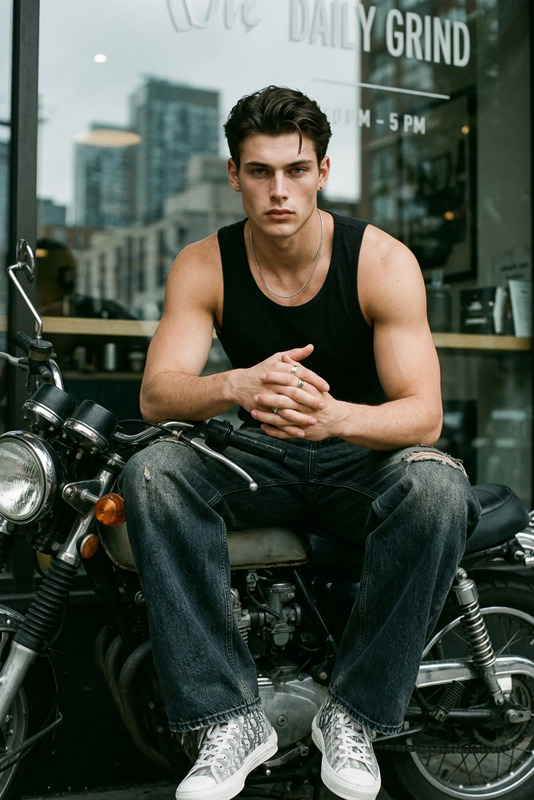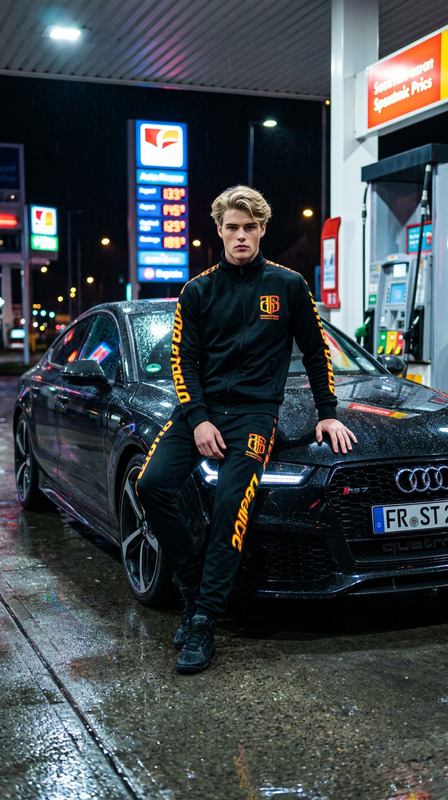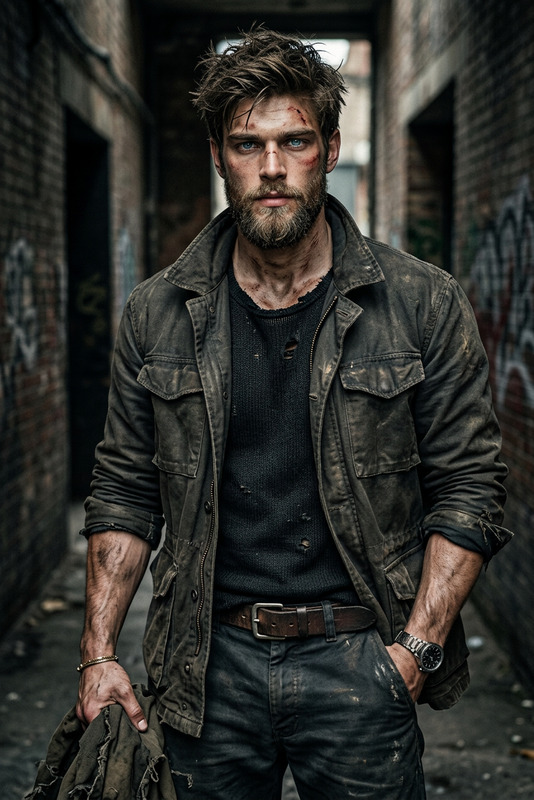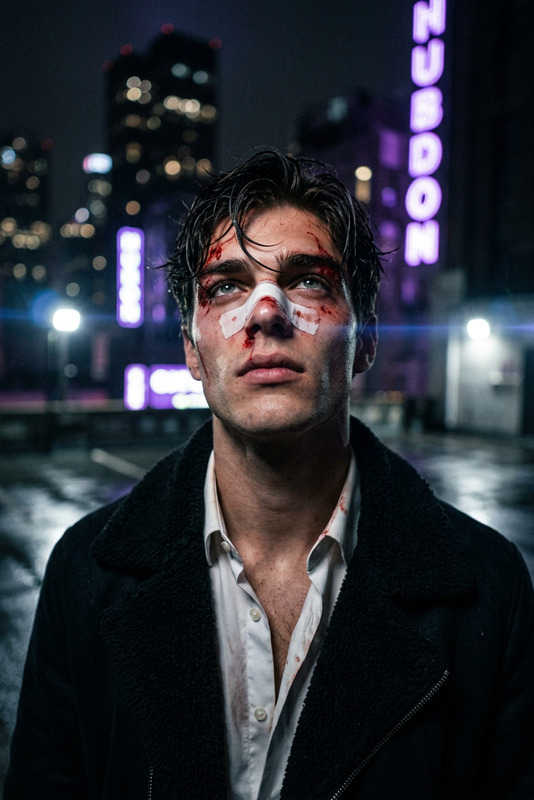
Rust Hood Intensity
- Model
- Nano Banana 2
- Image
- 768 × 1365 px
Prompt
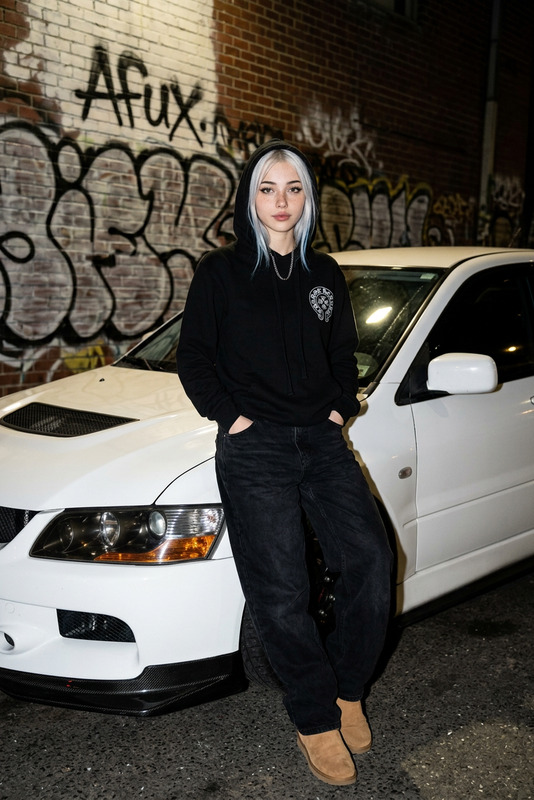
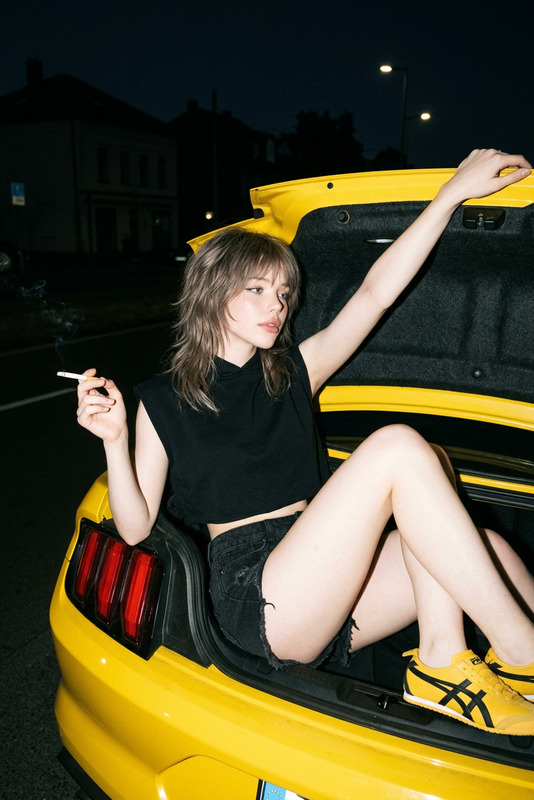
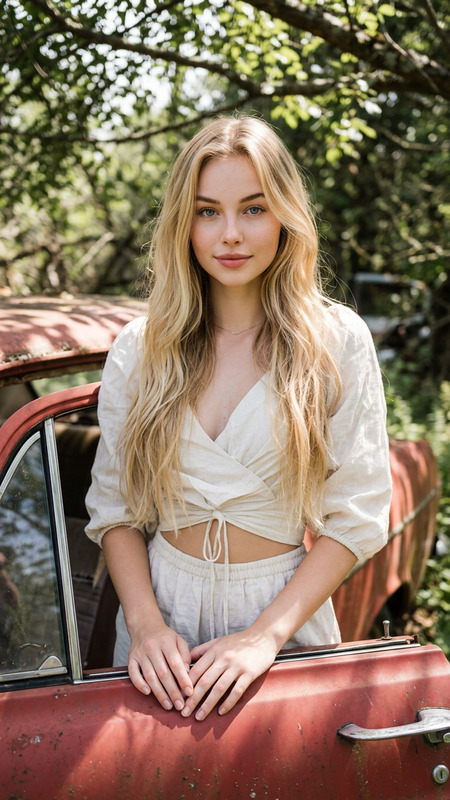
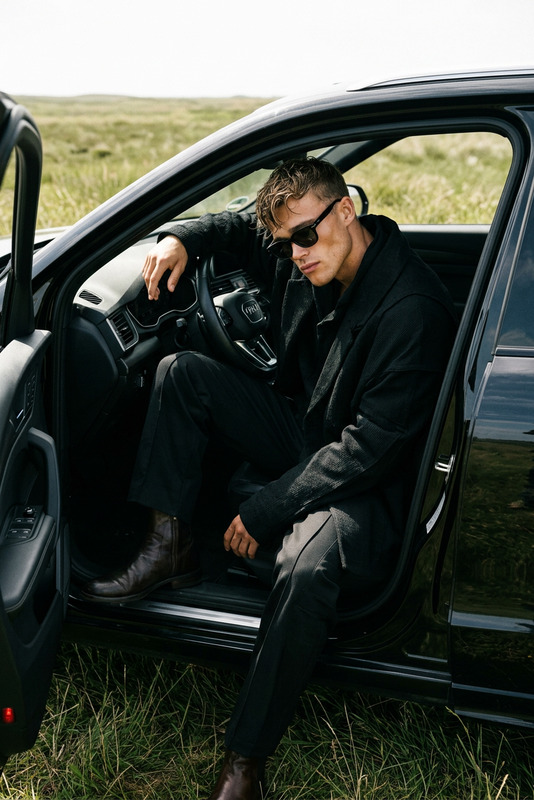
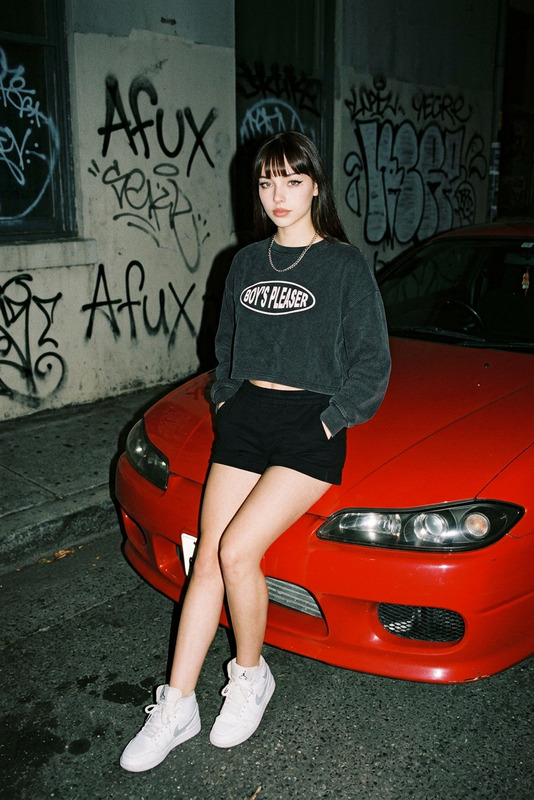
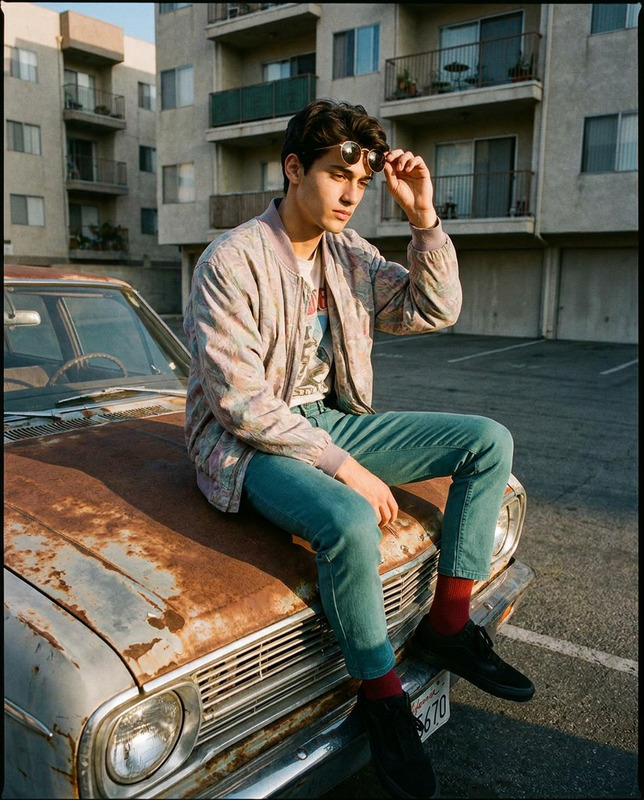
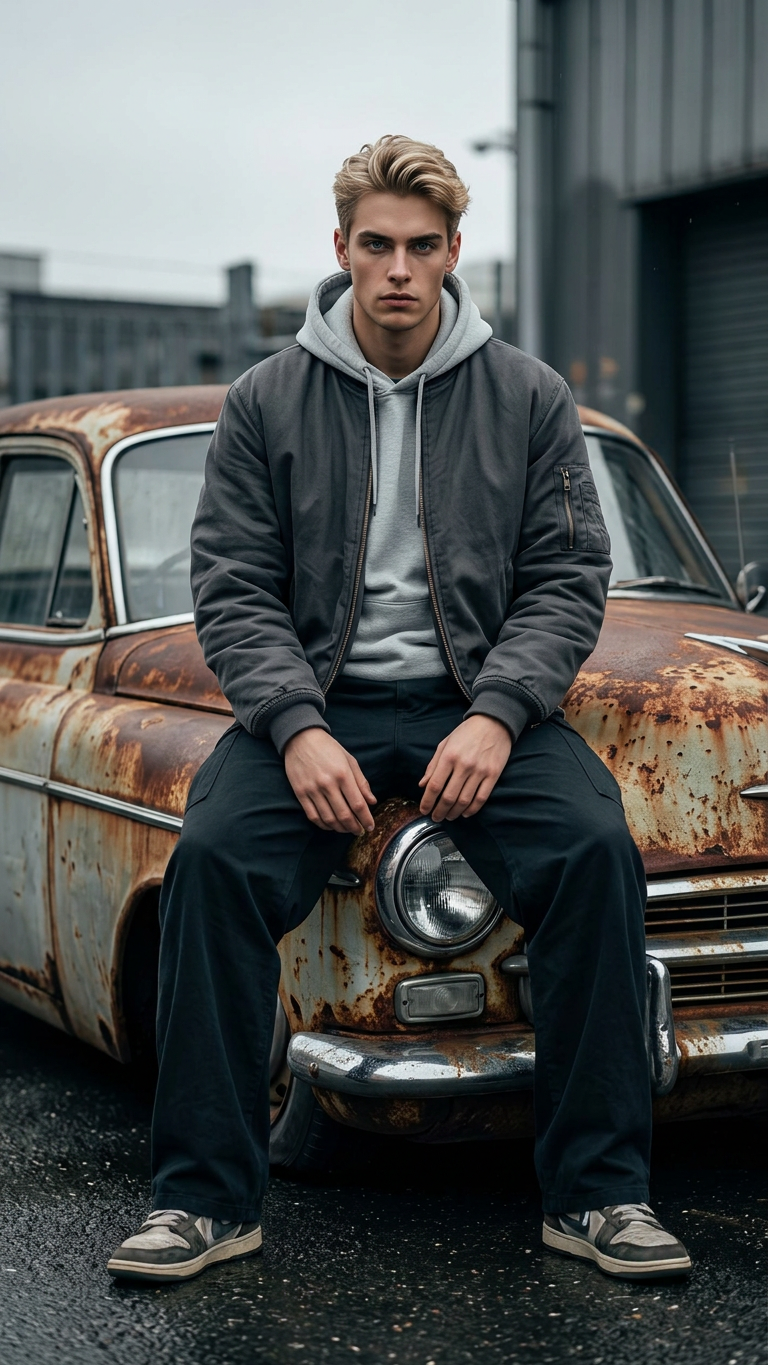
A low-angle, full-body cinematic portrait of a subject with the exact same face as the reference photo (100% face match), sitting directly on the hood of an old, rusty car with a heavily oxidized surface. The subject faces forward, gazing directly into the camera with a serious, intense expression. Their posture is grounded and relaxed, hands resting on the knees or loosely clasped in the lap, legs slightly apart with feet planted on damp ground. The outfit consists of a black or charcoal zip-up bomber jacket layered over a light gray hoodie, paired with loose-fitting dark gray trousers and dark sneakers. The shot is captured from a low perspective, emphasizing presence and attitude. The environment is moody and cinematic, with subtle reflections on the wet ground and soft, diffused lighting that enhances texture and depth. The overall aesthetic is raw, urban, and introspective, with realistic tones and high-detail rendering.
Any aspect ratio
Overview
Welcome to the Rust Hood Intensity template, a powerful tool within the AI Image Editor suite. This template allows creators to produce a dramatic, cinematic portrait with ease, utilizing the capabilities of the nano-banana-2 model for top-grade realism and detail. Ideal for crafting visually compelling and atmospheric imagery, this template captures the raw, urban aesthetic.
What It Does
The Rust Hood Intensity template uses advanced AI to blend subject and environment seamlessly, resulting in a high-detail, cinematic image. By maintaining a 100% face match with the reference photo, it ensures identity consistency while placing the subject in a defined urban setting. The template highlights texture and depth through subtle lighting and perspective, perfect for creating images rich in mood and intensity.
Who It's For
This template is designed for creators who want to add intense, cinematic flair to their images. Ideal for photographers, digital artists, and content creators seeking a unique angle on urban portraits, the Rust Hood Intensity template is a great asset. It can also be used by brands and agencies to produce striking visual content for marketing and promotional materials.
Summary
The Rust Hood Intensity template is a versatile tool designed to help you create stunning, high-detail visual content. It utilizes cutting-edge AI technology to produce images with depth and authenticity. Whether you're creating content for personal projects or professional campaigns, this template, part of the broader AI Image Editor family, will elevate your creative portfolio.
How-To
Choose Your Template

Customize Your Image

Generate and Download

Use Cases
Photography Enhancement
- Add a dramatic flair to standard portraits
- Capture realistic urban environments
Digital Art Projects
- Blend urban clothing and environments
- High-detail rendering for fine art projects
Marketing Campaigns
- Striking ad visuals
- Authentic brand representation
Best Practices
Select High-Quality Reference Photos
Ensure the reference photo is high resolution for the best face match results.Experiment with Lighting
Adjust lighting prompts to enhance the cinematic feel, emphasizing shadows and highlights.Review and Revise Prompts
Fine-tune clothing and environmental elements to align with your artistic vision.