Luxury Red
- Model
- Nano Banana
- Image
- 960 × 1088 px
Prompt
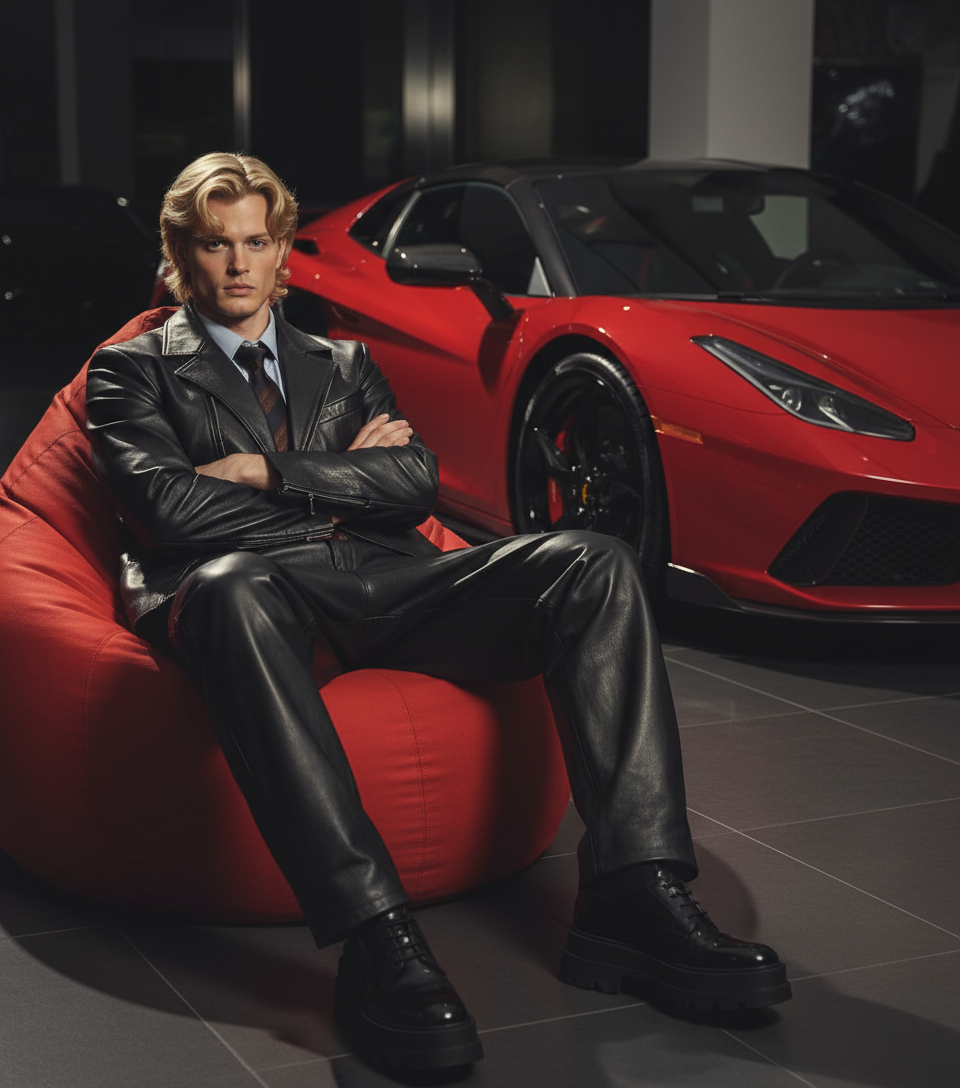
Subject seated slightly off-center on a bright red beanbag chair, maintaining exact reference facial accuracy. Wearing a matte black leather jacket with structured seams and folded cuffs, oversized black leather trousers pooling at the ankles, and chunky high-shine black platform shoes. Arms crossed in a relaxed, confident pose, with subtle reflections emphasizing leather textures. Set in a sleek, dimly lit luxury showroom with a vivid red supercar featuring angular bodywork, sharp air intakes, and glossy black detailing. Sculpted lighting across surfaces shifting from deep shadows to bright reflections. Natural, authentic HD smartphone-photography look, cinematic realism, ultra-detailed, high contrast.
Any aspect ratio
Overview
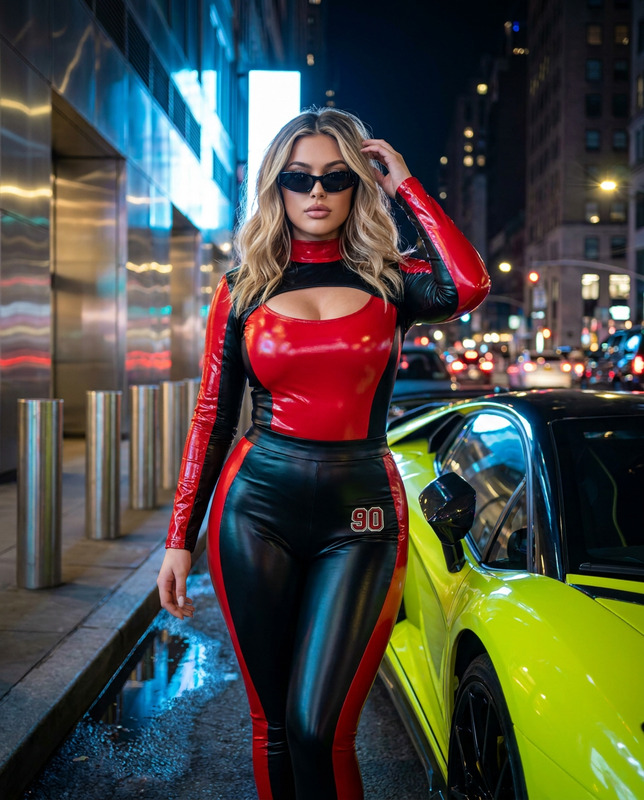
"Luxury Red" leverages the powerful nano-banana model to redefine sophistication with its vibrant, high-contrast imagery. This premium AI Image Editor template is tailored for projects seeking a luxurious aesthetic, offering exceptional facial accuracy and rich, textured detail in ultra-realistic settings.
What It Does
At the core of "Luxury Red" is a detailed image editing prompt that places your subject in an opulent environment. With the subject poised in a confident stance on a bright red beanbag, surrounded by luxury elements like a vivid red supercar, this template utilizes HD smartphone-photography to capture pictorial brilliance. The result is a cinematic realism that's perfect for marketing luxury brands or creating striking social media visuals.
Who It's For
This template is ideal for designers and marketers in the luxury sector, automotive advertisers, and photographers aiming for high-end fashion shoots. It's especially suited for those producing materials for ecommerce ads and promotional content that demands high definition, precision detail, and an ultramodern appeal.
Summary
"Luxury Red" transforms visuals with precise facial rendering and a luxurious backdrop. Whether enhancing commercials or crafting content for influencer campaigns, this template supports various formats and meets the high standards needed for distinguished presentations. It's an excellent choice for those looking to elevate their imagery with AI video generator capabilities, providing both versatility and stunning results.
How To

Customize

Generate

Use Cases
Luxury Brand Campaigns
- Launch campaigns for premium product lines.
- Fashion editorials needing striking visual narratives.
Automotive Advertising
- Highlight new model launches with impactful visuals.
- Automotive magazines seeking high-end layout images.
Social Media Influencers
- Fashion influencers curating a lavish online presence.
- Lifestyle bloggers crafting sophisticated content.
Best Practices
Maintain Reference Accuracy
Ensure the uploaded subject image is clear and taken in good lighting for best facial accuracy.Optimize Lighting
Use the sculpted lighting features to accentuate details and create dynamic shifts from shadows to highlights.Experiment with Angles
Try different camera angles for subject photos to see how they interact with the template's supercar visuals.