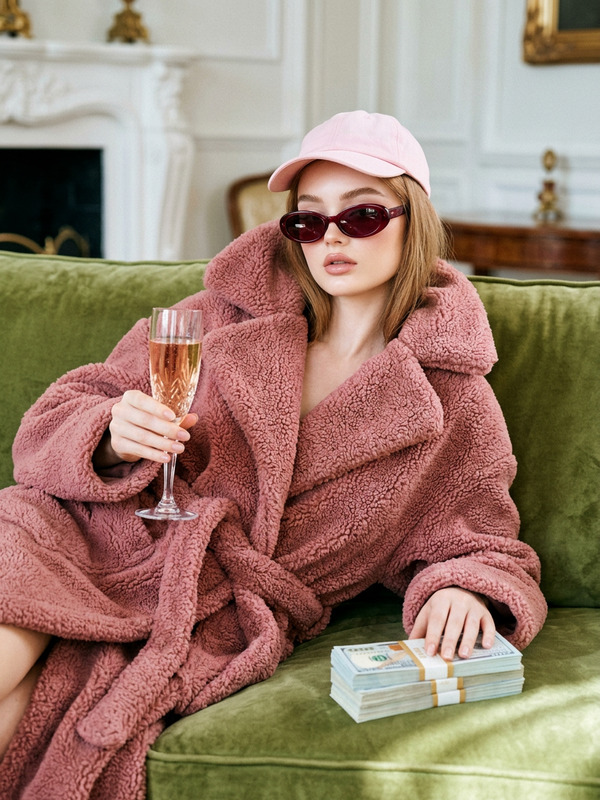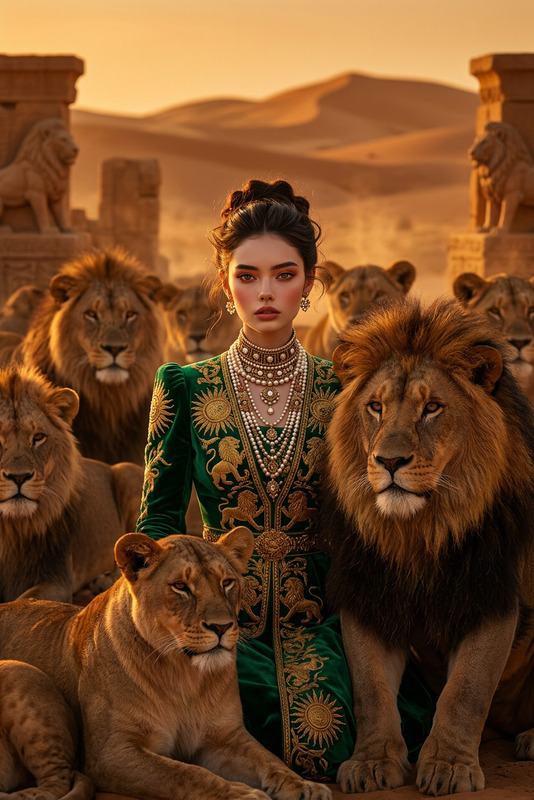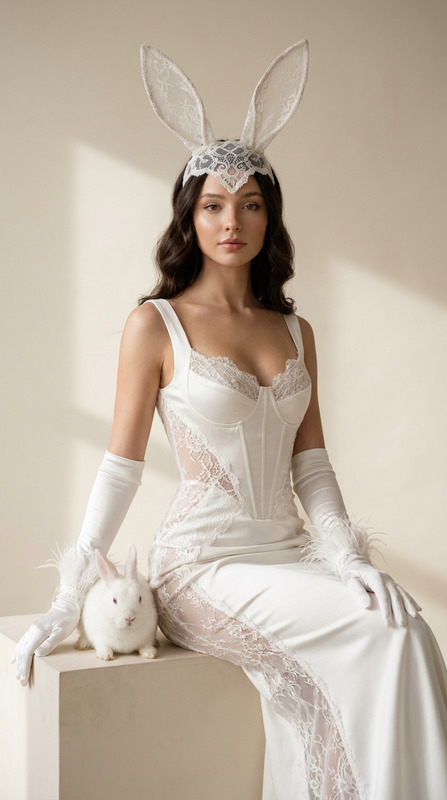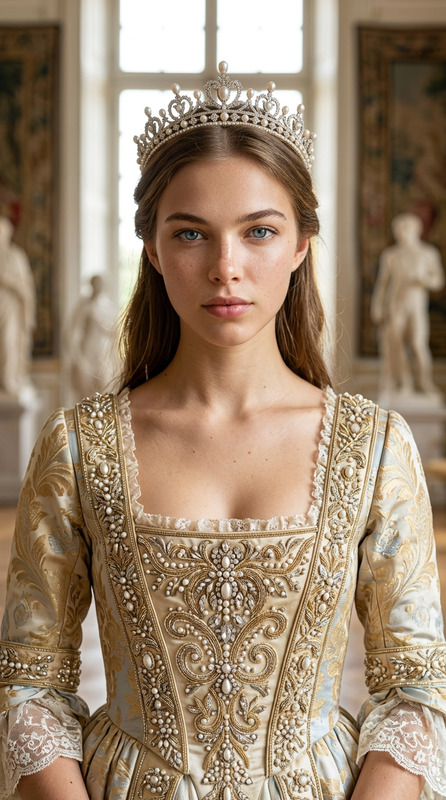
Street Throne Cow Editorial
- Model
- Nano Banana 2
- Image
- 928 × 1152 px
Prompt
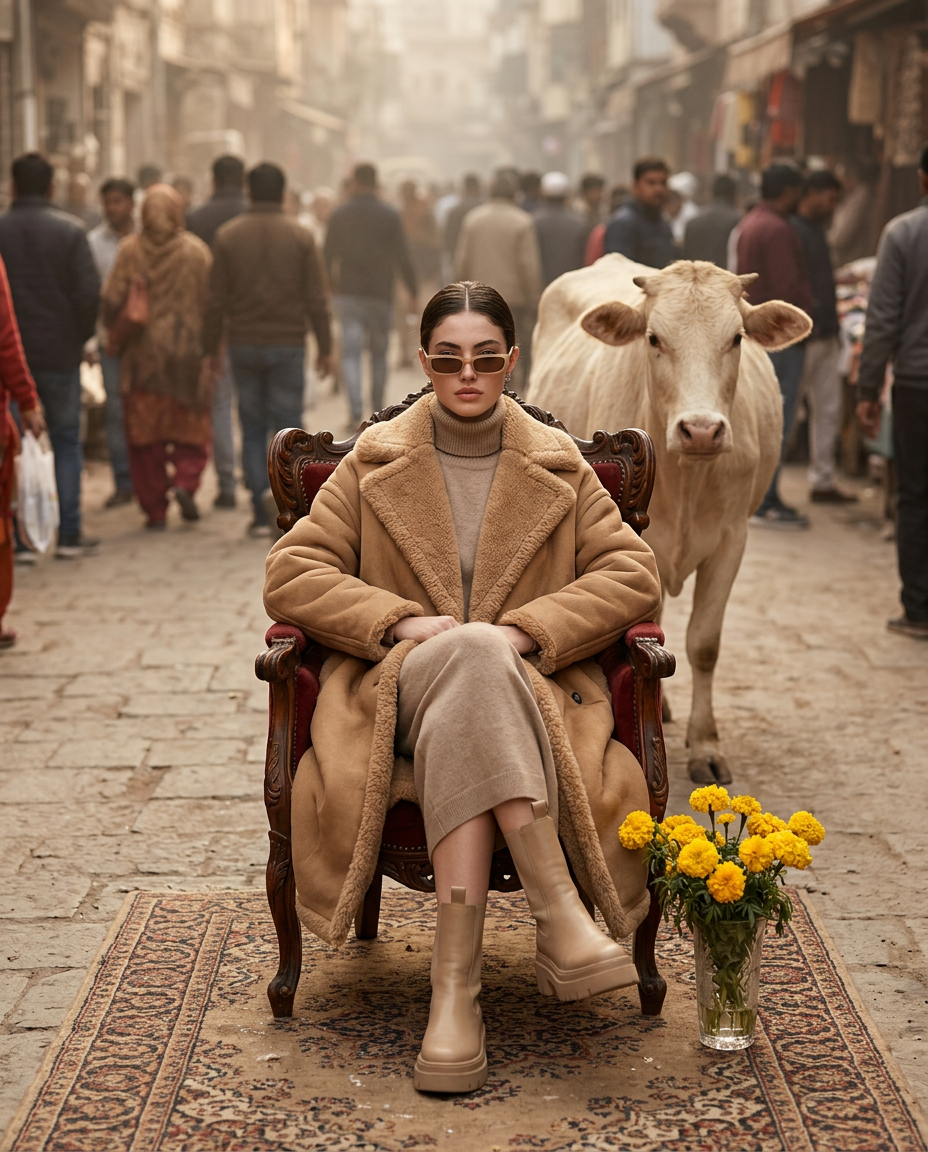
Realistic luxury fashion portrait of a subject seated on an ornate vintage armchair in the middle of a dusty urban street, with a calm cream-colored cow behind her shoulder and a dense crowd in the background. Wearing oversized camel shearling coat, neutral knit turtleneck, chunky beige platform boots, and narrow rectangular sunglasses, hair pulled back center-part. Foreground includes a vase of yellow marigolds on a patterned Persian rug beneath the chair. Shot at 50mm, vertical 4:5, centered composition. Soft diffused daylight through dust, muted beige tones, atmospheric depth, hyper-realistic textures, cinematic editorial, sharp focus.
Any aspect ratio
Overview
Welcome to the Street Throne Cow Editorial template, an AI-driven artistic tool under the AI Image Editor category. Engineered using the powerful nano-banana-2 model, this template creates hyper-realistic fashion portraits. Capture the essence of luxury amidst urban grit, with nuanced textures and cinematic depth.
What it Does
This AI Image Editor template provides the tools to craft stunning fashion portraits that blend the serene with the urban. The model generates images of a subject in a luxury outfit, seated on a vintage armchair with a calm cream-colored cow set against a bustling urban street. Elements like the patterned Persian rug and vase add visual richness, while the soft diffused daylight enhances atmospheric depth.
Who it's For
Ideal for fashion photographers, editorial designers, and visual artists looking to push creative boundaries. Whether you're crafting content for urban magazines, high-fashion blogs, or social media, this template allows you to harness advanced editing capabilities to create mesmerizing visuals. It's an essential tool for those engaged in product photography and storytelling within urban settings.
Summary
Incorporating rich textures and cinematic qualities, the Street Throne Cow Editorial is more than an image template—it's an invitation to explore storytelling through fashion and urban landscapes. By leveraging the power of the AI Image Upscaler, you can elevate image quality further, ensuring every detail is crystal-clear. From online portfolios to print editorials, this tool complements any artistic endeavor.
How-To
Choose Your Template

Customize Your Inputs

Generate and Download

Use Cases
Fashion Editorials
- High-resolution imagery
- Editorial richness
- Distinctive style
Urban Lifestyle Blogs
- Cinematic quality
- Engaging visuals
- Storytelling potential
Social Media Campaigns
- High engagement
- Unique visuals
- Cohesive theme
Best Practices
Focus on Composition
Ensure that the 50mm, vertical 4:5 ratio complements your subject's positioning for a balanced composition.Enhance Textures
Utilize the image editor functionalities to highlight the hyper-realistic textures and atmospheric depth.Experiment with Lighting
Adjust light settings within the editor to refine the soft diffused daylight effect, enhancing the cinematic feel of your image.