Hogwarts Broom Flight
- Model
- Nano Banana 2
- Image
- 832 × 1254 px
Prompt
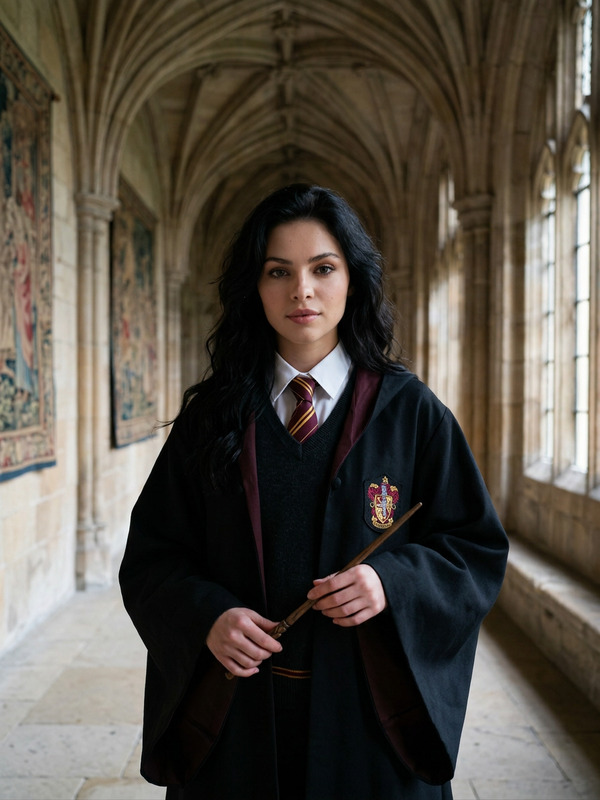
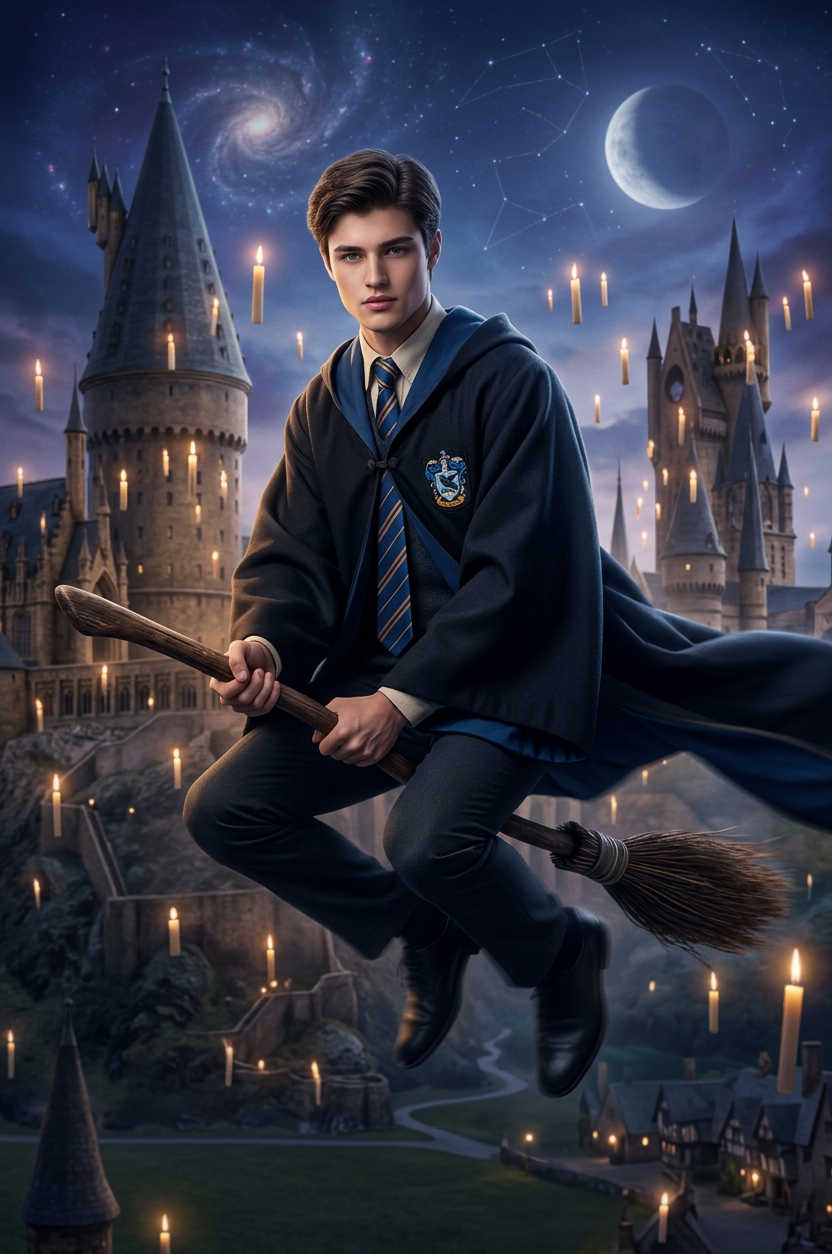
Replace the background with a magical Hogwarts scene, featuring castle towers, floating candles, and a mystical sky. Transform the person to be sitting on a flying broom, holding it naturally with a dynamic mid-air pose. Dress them in a Hogwarts-style school uniform (robe, tie, crest), with fabric flowing slightly as if in motion. Use cinematic lighting, soft magical glow, and subtle motion blur to enhance realism. Keep the subject’s identity while adapting them into a fantasy wizarding world, high detail, immersive and enchanting atmosphere.
Any aspect ratio
Overview
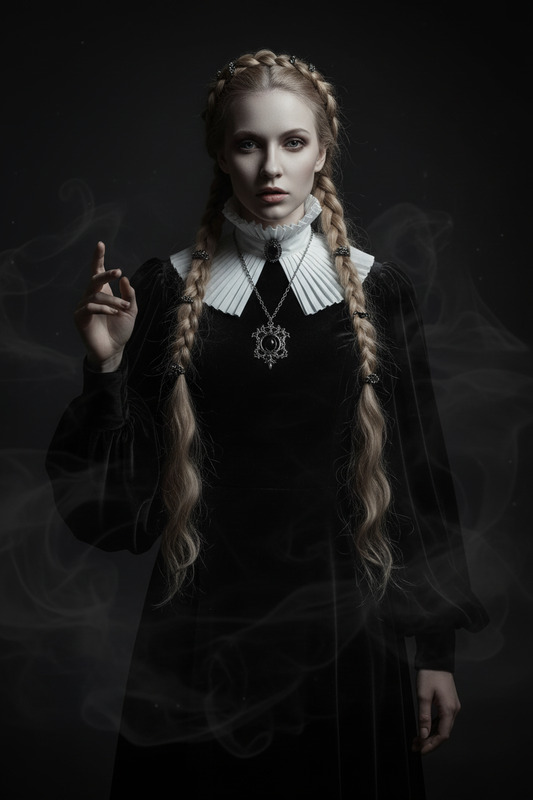
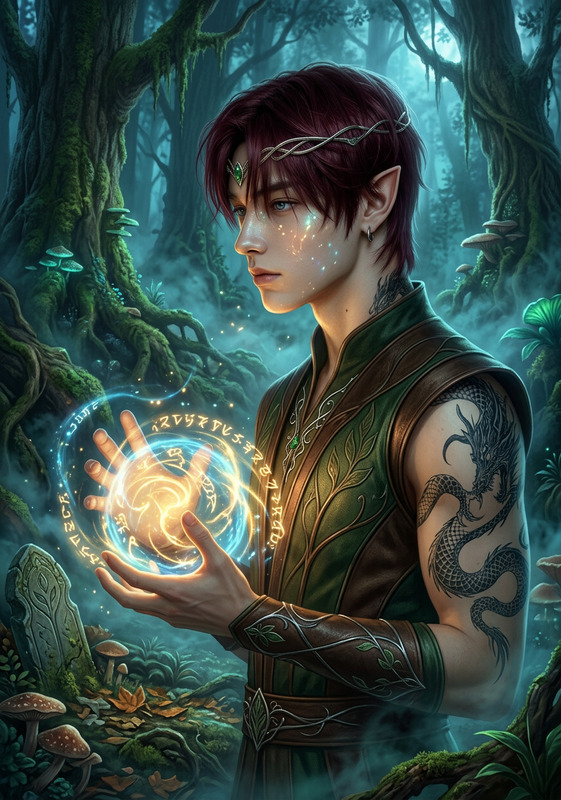
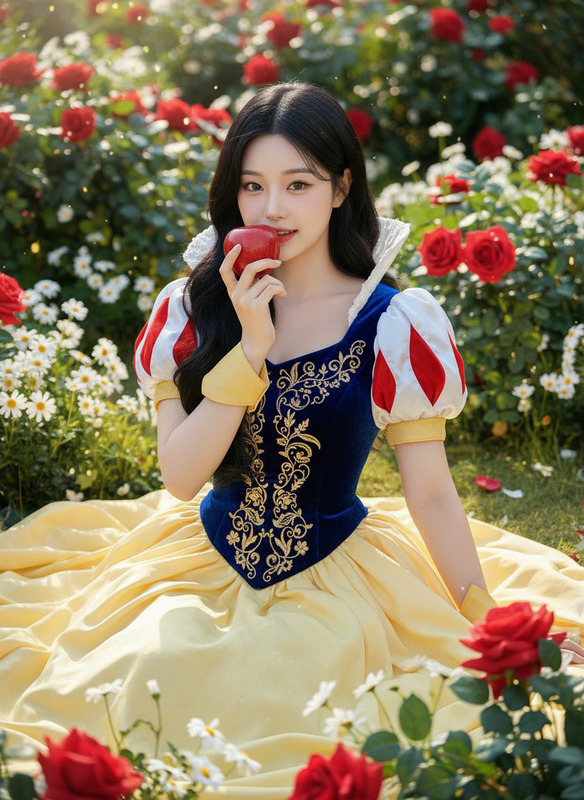
Experience the magical wonder of Hogwarts with our AI Image Editor template, "Hogwarts Broom Flight." This template utilizes the nano-banana-2 model to convert any photo into an enchanting scene straight out of the wizarding world. Whether you're a fan of wizardry or just love photo manipulation, this tool lets you craft images that are both immersive and fantastical.
What It Does
"Hogwarts Broom Flight" transforms your image's background into a magical scene filled with the iconic aesthetics of Hogwarts. It magically places your subject on a flying broom with a dynamic mid-air pose, dressed in a Hogwarts-style uniform. This template enhances realism with cinematic lighting, a soft magical glow, and subtle motion blur. The result: a fantasy wizarding world image that retains the subject's identity in high detail.
For other exciting transformations, you might explore our Face Swap or AI Clothes Changer tools.
Who It's For
This template is perfect for creators looking to inject a bit of magic into their images. Whether you're an avid fan of the wizarding universe, an artist seeking to explore new realms of imagination, or a content creator aiming to offer something unique to your audience, this tool suits your needs. It's also ideal for social media enthusiasts and storytellers who want to share enchanting narratives through visual content.
Summary
The "Hogwarts Broom Flight" template offers a sophisticated yet user-friendly approach to fantasy image generation. Equipped with our advanced AI Image Editor, it transcends typical photo editing by bringing a detailed fantasy world to life in your images. This tool is designed to keep the process engaging while producing stunning results that captivate viewers.
How To
Choose Your Template

Customize Your Image

Generate the Enchanted Image

Use Cases
Fan Art Creation
- Designs for personal enjoyment or sharing in fan communities.
- Enhance digital scrapbooks or fan websites with themed images.
Social Media Content
- Enrich your Instagram feed with magical visuals.
- Generate buzz with immersive Facebook photo stories.
Marketing Campaigns
- Engage audiences with enchanting promotional banners.
- Create memorable event invites themed around a magical school.
Best Practices
Choose the Right Image
Select a clear, high-resolution image where the subject is easily distinguishable from the background for optimal results.Consider Lighting
To achieve a natural look, choose photos with lighting conditions that match the template's cinematic and magical glow.Contextual Relevance
Ensure the subject's attire and expression are suitable for a whimsical, mid-air broom flight to maintain thematic cohesion.