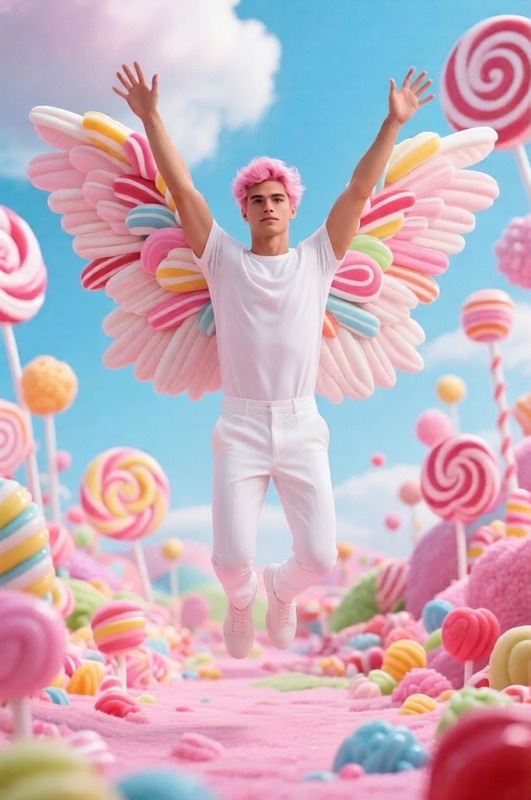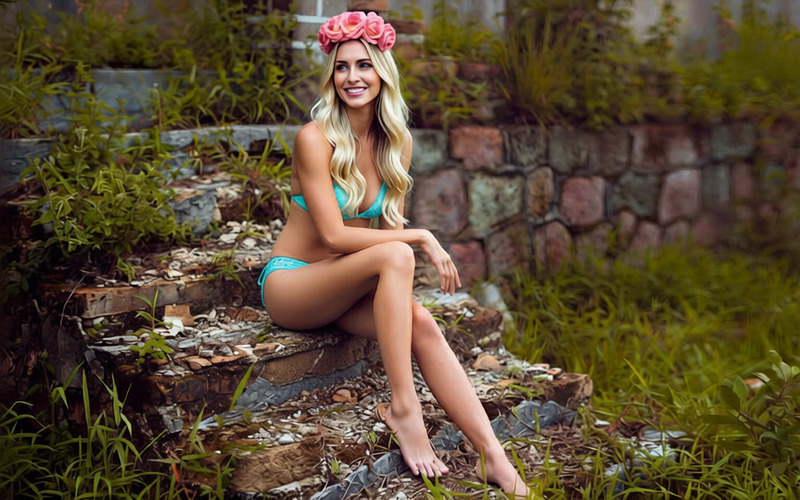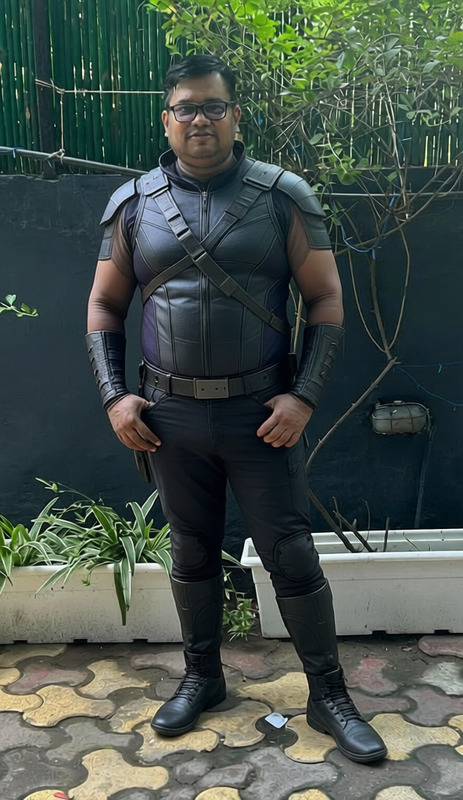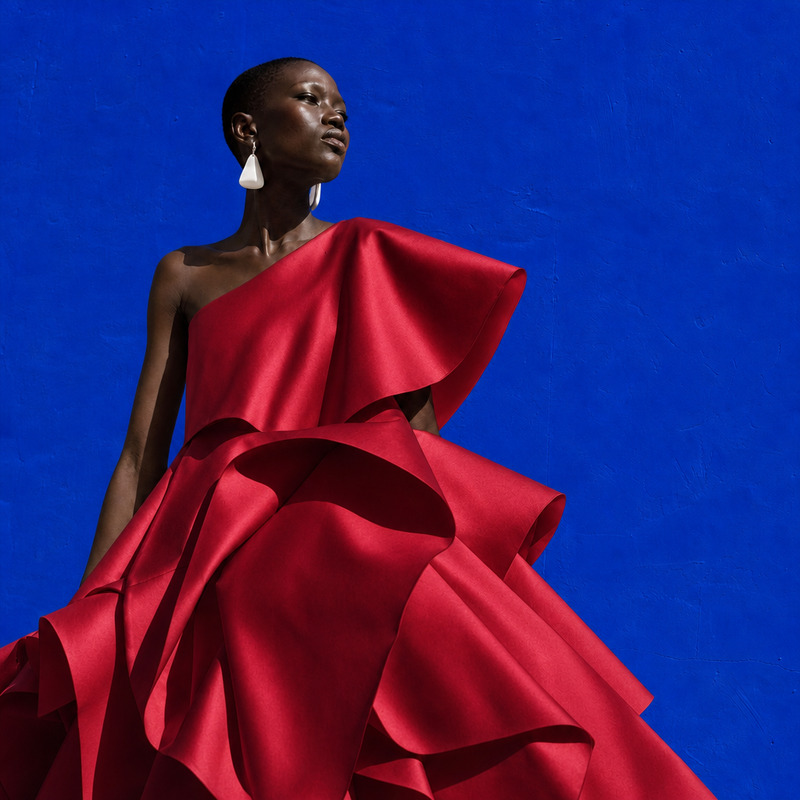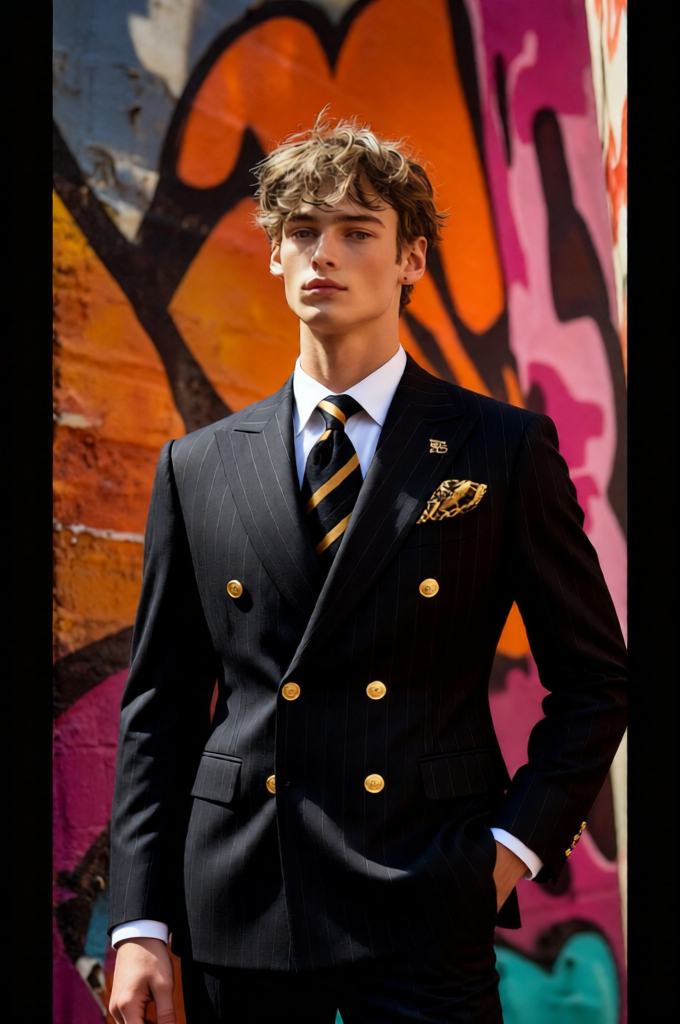
Seamless Outfit Swap
- Model
- Qwen Edit
- Image
- 680 × 1024 px
Prompt
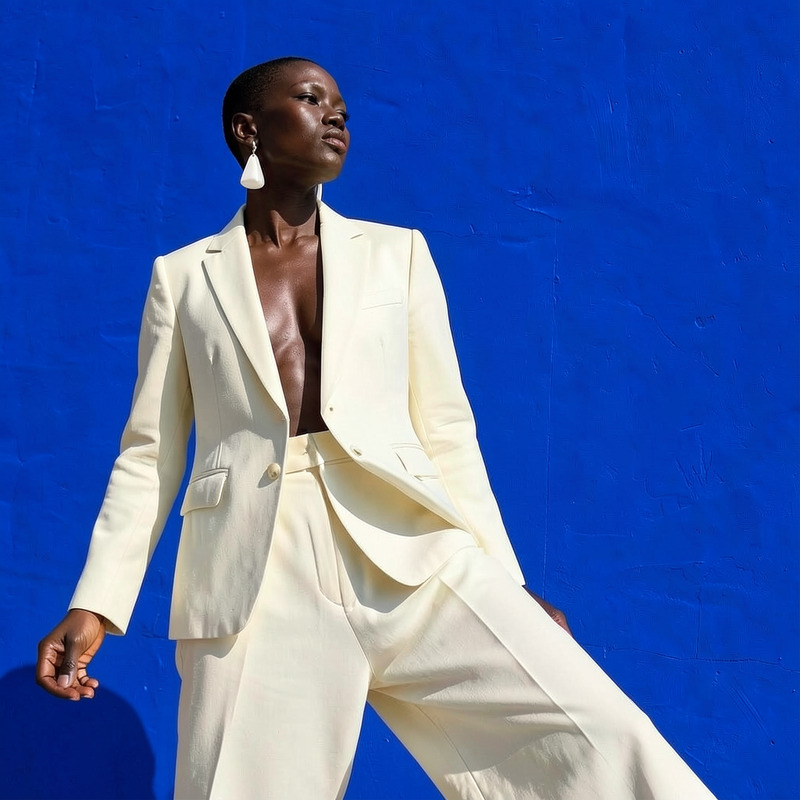
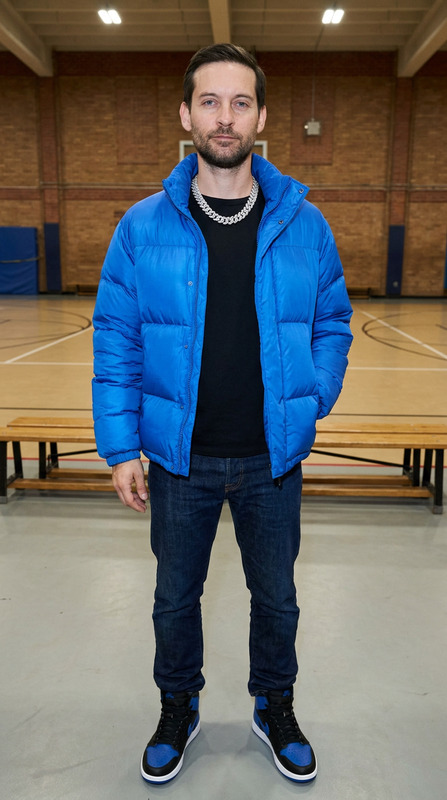
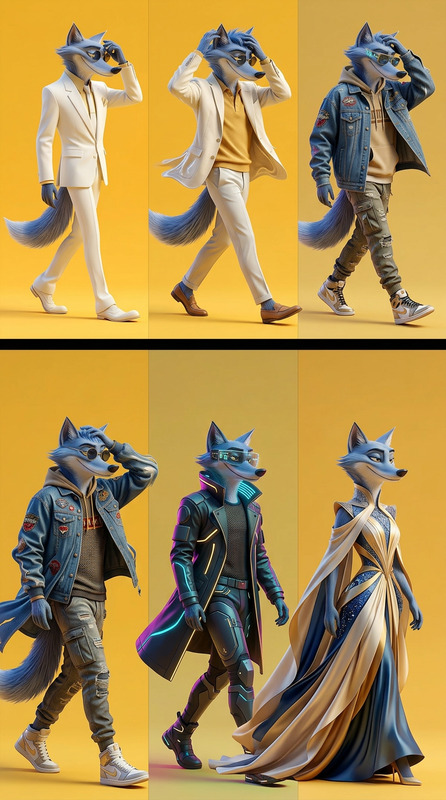
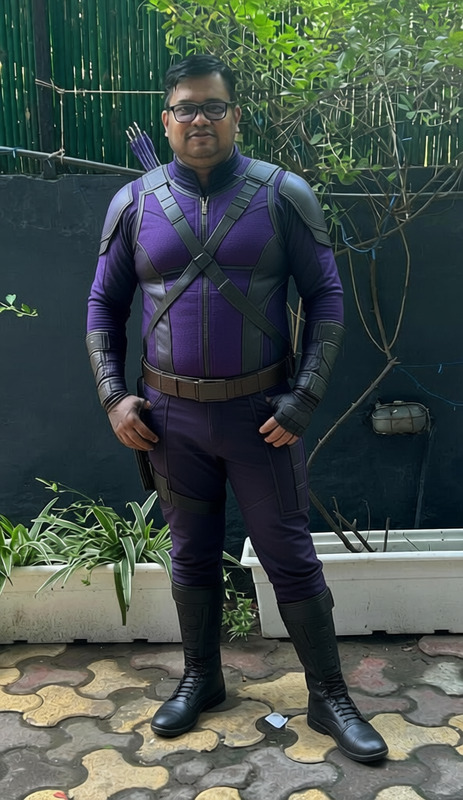
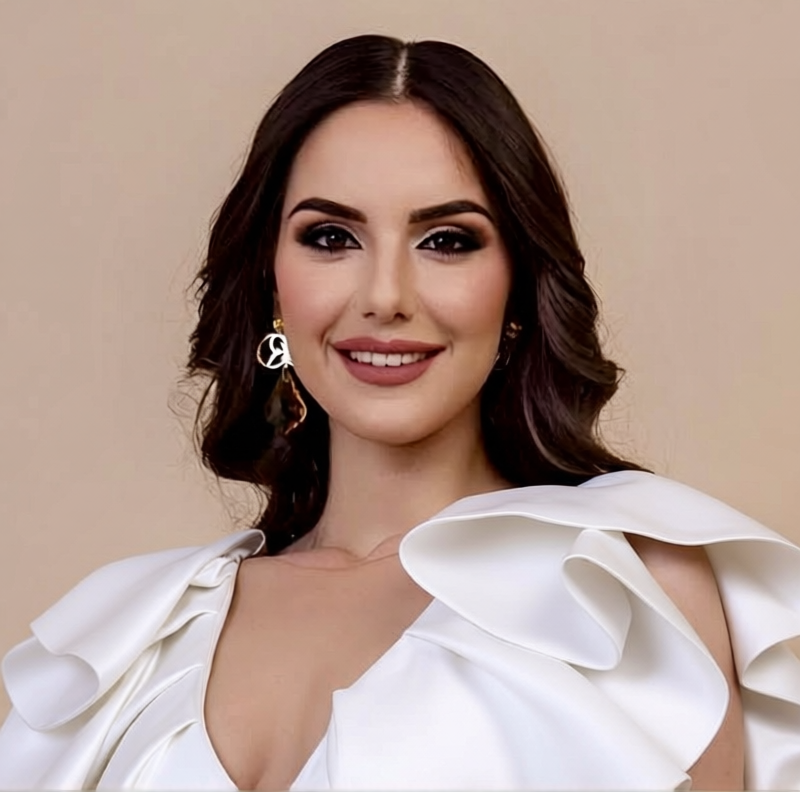
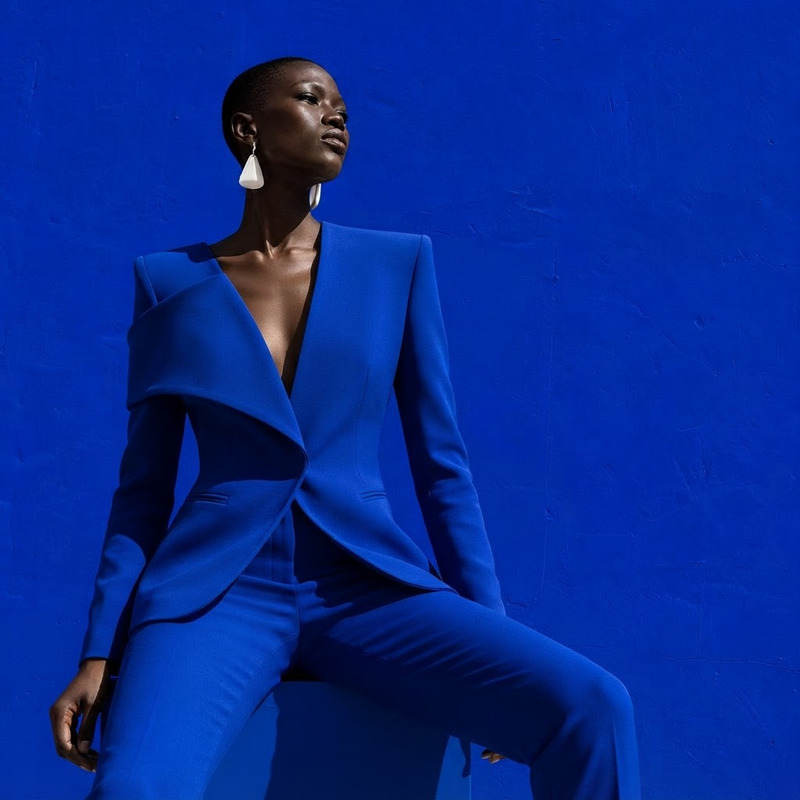
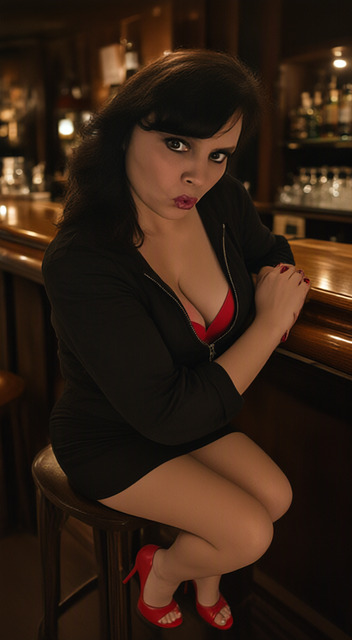
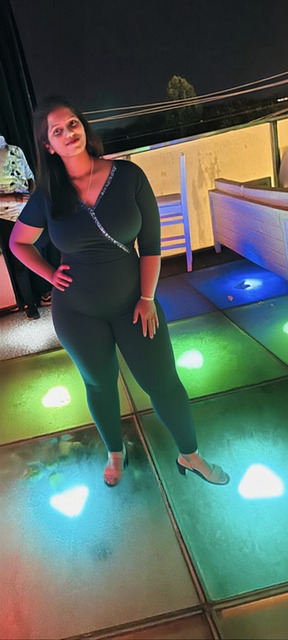
Replace the person’s clothing in the input image with the outfit from the reference image. Keep the person’s pose, facial expression, identity, and background exactly unchanged. Ensure the new clothing fits naturally to the body with realistic folds, fabric behavior, and proportions. Match lighting, shadows, and color tones so the outfit blends seamlessly into the scene. Maintain full realism—only the clothing should change, nothing else.
Any aspect ratio
Overview
The Seamless Outfit Swap template utilizes the powerful qwen-edit model to replace clothing in images while preserving other elements like pose and background. This AI image editor ensures the new clothing fits with natural proportions and realistic fabric behavior, perfectly matched lighting, shadows, and color tones.
What It Does
This template allows creators to seamlessly swap outfits in images, retaining the individual's pose, expression, and the original background. The AI analyzes and adapts the new clothing to fit the subject naturally, so it blends perfectly into the scene. It provides highly realistic results, ensuring only the outfit changes.
Who It's For
This tool is ideal for fashion designers, marketers, and social media influencers looking to showcase different clothing options without multiple photoshoots. It also suits creative professionals in e-commerce who need to present products in diverse styles, making it a valuable addition to your AI Product Photography toolkit.
Summary
With the Seamless Outfit Swap template, you gain the flexibility to alter the appearance of clothing in photos without hassle. This intuitive tool, powered by qwen-edit, is part of the AI Image Editor family, offering a consistent and efficient way to update garment visuals and enhance your content strategy.
How To
Choose

Customize

Generate

Use Cases
Fashion Design Mockups
- Visualize clothing designs without sewing samples
- Experiment with fabric styles on different models
E-commerce Listings
- Display multiple colorways or prints without extra photoshoot costs
- Quickly update product imagery based on seasonal trends
Social Media Content
- Create before-and-after style transformations
- Customize influencer collaborations with diverse looks
Best Practices
Use High-Quality Images
Ensure both the original and outfit images are high resolution for clear and detailed results.Match Lighting Conditions
Choose reference images with similar lighting to harmonize the new clothing with the subject.Optimize Clothing Fit
Select outfits that naturally conform to the model’s pose to maintain realism.